
AI tools are becoming essential companions in learning, work, content creation and software development. From chatbots, search tools and content writing to image and video generation, data analysis and programming, AI applications are growing more diverse and more accessible than ever. In this article, TOT rounds up the TOP 50+ popular, standout AI tools that offer free versions worth using in 2026.
>>> Read more articles:
- TOP 15 best AI coding tools
- TOP 20+ AI design tools supporting today’s leading Designers
- 9+ of the most free and easy-to-use mobile app design tools
Quick summary
- AI tools are software that uses artificial intelligence models such as Machine Learning, Generative AI, LLM and AI Agent to create content, analyze data or perform tasks.
- Standout tools include ChatGPT, Gemini, Claude, Perplexity, Midjourney, Runway, GitHub Copilot, OpenAI Codex, Cursor and many other platforms.
- When choosing a free AI tool, you should assess your intended use, free features, limits, accuracy, integration capability, data security, cost and scalability.
- AI trends in 2026 are shifting from chatbots to AI Agents, from handling a single data type to multimodal AI, and from assisting users to directly carrying out work within software and enterprise workflows.
What is an AI tool?
An AI tool is software or an application that uses artificial intelligence (AI) technology to support, automate and handle tasks in place of humans. These tools can be used for many different purposes, such as writing text, generating images, editing video, programming or analyzing data.
Under the hood, an AI tool typically has an AI model at its core that takes in data, processes it and produces output aligned with the goal. Machine Learning is a branch of AI in which the system learns patterns from data to make inferences or predictions on new data. Generative AI can create new content such as text, images, audio, video or source code based on the data it has learned and the user’s request.
Within this, an LLM (Large Language Model) is a type of AI model that understands and generates natural-language text. When an LLM is combined with planning, memory and external tools, it can become an AI Agent capable of breaking down goals on its own and carrying out tasks more autonomously.
>>> Read more:
- How to build an app with AI — free, detailed and simple
- Top 9 LLM monitoring tools to boost brand visibility

TOP 50+ most popular, latest AI tools today
Below is a list of standout AI tools to help you choose the right one for learning, work and content creation.
AI chat and all-purpose assistant tools
1. ChatGPT
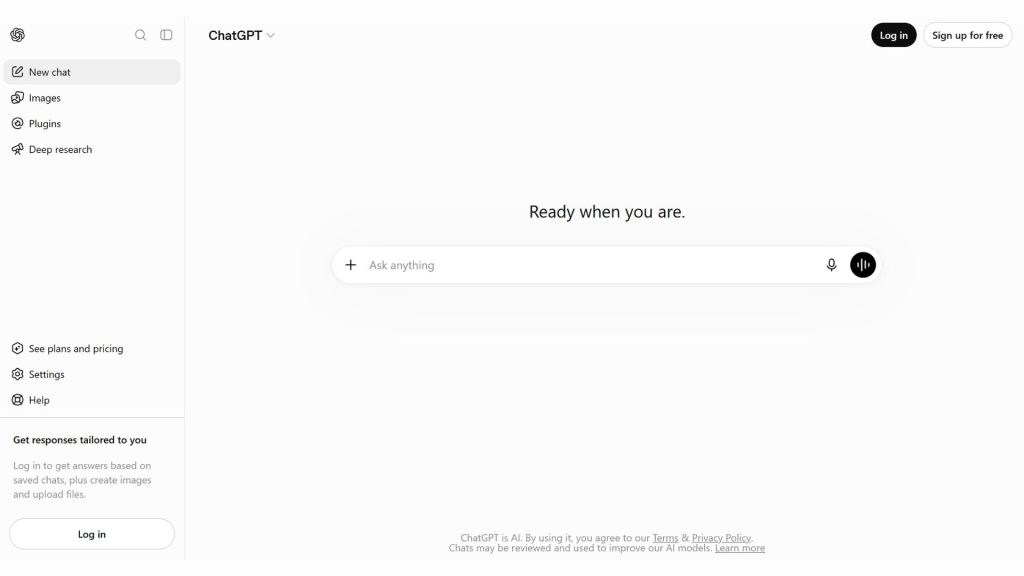
ChatGPT is an all-purpose AI assistant developed by OpenAI that helps users chat, search for information, write and edit content, analyze data, process files, generate images and support programming. The tool has a free version and paid plans with higher limits, more models and advanced features. ChatGPT is currently available on the web, iOS, Android and desktop apps.
- Key features:
- Supports chatting, answering questions and handling requests in natural language.
- Allows searching for information on the web and synthesizing content from multiple sources.
- Supports uploading and analyzing files, data and images along with many other content formats.
- Can generate images, interact via voice and support creative tasks.
- Supports programming, code editing and many tasks related to software development.
- Provides Deep Research and advanced AI features depending on your plan.
- Supported platforms: Web, iOS, Android and desktop apps.
- Best for: Individuals, students, office workers, content creators, marketers, researchers and developers.
- Pricing:
- Free: 0 USD/month, providing access to ChatGPT with usage limits on certain models and advanced features.
- Plus: 20 USD/month, providing higher limits and expanded access to features such as data analysis, image generation, Deep Research and reasoning models.
- Pro: 200 USD/month, aimed at users who need high usage limits and broader access to advanced features.
- Business: Has its own pricing for companies and team workspaces; the price may vary by billing option.
- Website: ChatGPT
>>> See more:
- ChatGPT-5’s vision capabilities: How to prompt accurately
- Free computer vision software: Easy-to-use platforms
- Top 5 best, free, high-quality home design apps
2. Gemini
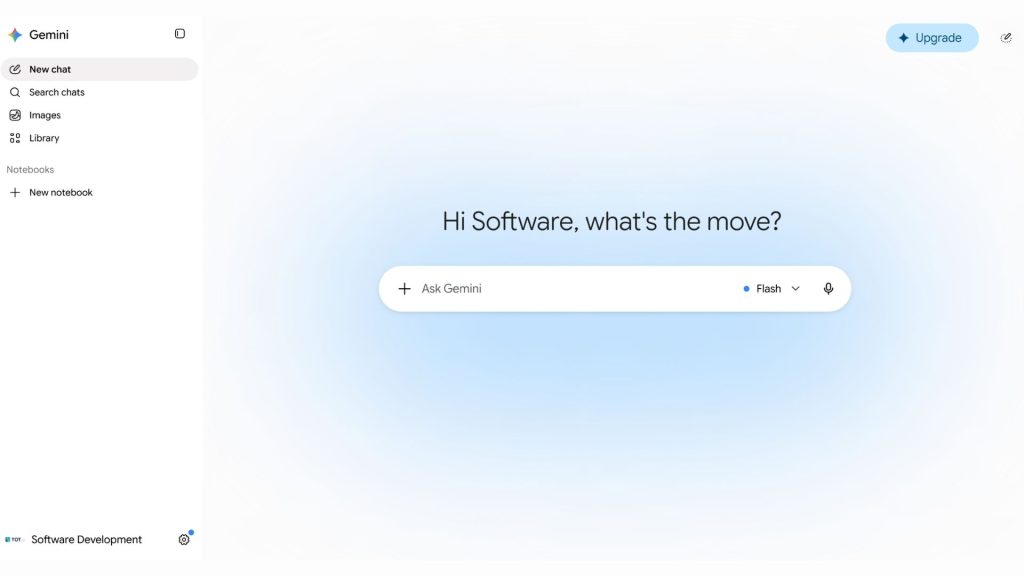
Gemini is Google’s AI assistant, built to handle many types of content and integrate with the Google ecosystem. Beyond chatting and creative support, Gemini now offers features such as Deep Research, learning support, content creation and working alongside Gmail, Docs and other Google products. Paid Google AI plans expand limits and access to advanced AI models and features.
- Key features:
- Supports chatting, answering questions and handling many types of requests in natural language.
- Supports in-depth research with Deep Research and features for learning and information synthesis.
- Can support content creation and use AI models to generate images, audio and video depending on the feature and service plan.
- Integrates with Google apps such as Gmail, Docs and many other products to support your work.
- Gemini Notebook adds dedicated capabilities for research and working with documents.
- Google is developing Gemini toward agentic AI, with some agent features available depending on the market and service plan.
- Supported platforms: Web and the Gemini mobile app; some features are integrated directly into the Google ecosystem.
- Best for: Google ecosystem users, students, office workers, researchers, content creators and anyone who needs AI to support learning and work.
- Pricing:
- Free: You can use Gemini without subscribing to a Google AI plan, with certain usage limits.
- Google AI Plus: 9.99 USD/month at the listed Google One price; provides higher Gemini limits and expanded access to some AI features.
- Google AI Pro: 19.99 USD/month; provides higher Gemini limits, access to Pro models, Deep Research and many integrated Google features.
- Google AI Ultra: A premium plan with significantly higher usage limits and access to many advanced AI features; the price and availability depend on the market.
- Website: Google Gemini
>>> See more:
- Gemini 3.5: Outstanding performance for AI Agent and Coding
- Google I/O 2026: Everything about the agentic Gemini era
- Google Antigravity 2.0: From IDE to an Agent-First platform
3. Claude
Claude is an AI assistant developed by Anthropic, designed to support information processing, content writing, programming, data analysis and solving complex tasks. Claude can work with large volumes of information, search the web, create and process files, execute code, and connect to external tools through connectors. The current version has also been expanded toward AI Agent capabilities with Claude Code and Claude Cowork.
- Standout features:
- Supports conversation, brainstorming, writing, editing and the creation of many types of content.
- Can search for information on the web and synthesize content from online sources.
- Lets you upload, create and process files, and can execute code for analytical and programming tasks.
- Supports data visualization and the processing of large volumes of information within a single workflow.
- Claude Code supports software development tasks directly within your coding environment.
- Claude Cowork lets you hand off multi-step tasks to AI on your computer so it can handle them on your behalf.
- Supports connecting to Slack, Google Workspace and other tools through connectors, including remote MCP.
- Supported platforms: Web, iOS, Android and desktop apps.
- Best for: Content creators, office workers, researchers, students, developers and businesses that need AI to support in-depth analysis or task processing.
- Pricing:
- Free: USD 0/month, letting you use Claude within set usage limits.
- Pro: USD 20/month billed monthly, or USD 200/year billed annually; the Pro plan offers higher usage limits and includes Claude Code, Claude Cowork and many advanced features.
- Max 5x: USD 100/month, providing roughly 5 times the usage limit of Pro.
- Max 20x: USD 200/month, providing roughly 20 times the usage limit of Pro.
- Team and Enterprise: Dedicated plans are available for organizations, with collaboration, administration and enterprise-grade security features.
- Website: Claude
>>> Learn more:
- What is Claude Sonnet 4.6? How to use it effectively
- Claude Opus 4.7 – Anthropic’s newest AI version
- Claude 4.5 Sonnet: A breakthrough in AI for cybersecurity defense

4. Microsoft Copilot
Microsoft Copilot is Microsoft’s AI assistant, helping users search for information, write content, summarize, research and generate images. The free version of Copilot can be used directly on the web, Windows, macOS and mobile devices. When paired with Microsoft 365, Copilot extends its capabilities to work with Word, Excel, PowerPoint, Outlook and your work data.
- Standout features:
- Supports chatting, writing, brainstorming, summarizing and answering questions based on web information.
- Can search and provide real-time answers based on web search.
- Supports Deep Research to produce structured, in-depth research reports.
- Smart mode can automatically choose the response approach that best fits your request, including the ability to use GPT-5 for tasks that require deep reasoning.
- Supports image generation and delivers visual answers that combine images, video or information from the web.
- Lets you upload PDFs, Word documents or spreadsheets to analyze and explain their content.
- Includes Copilot Pages to organize, develop and refine content.
- When used within Microsoft 365, Copilot can support tasks in Word, Excel, PowerPoint, Outlook and OneNote, depending on your subscription plan.
- Supported platforms: Web, Windows, macOS, iOS, Android and Microsoft Edge; Copilot is also integrated into many Microsoft 365 apps depending on your plan.
- Best for: Microsoft 365 users, office workers, students, content creators, people who need to research information and businesses already using the Microsoft ecosystem.
- Pricing:
- Microsoft Copilot Free: USD 0/month, supporting AI chat, writing, brainstorming, summarizing and web search; some features have usage limits or require signing in with a Microsoft account.
- Microsoft 365 Personal: VND 2,099,000/year in Vietnam, including the AI features within the Microsoft 365 ecosystem according to the plan’s limits.
- Microsoft 365 Family: VND 2,599,000/year in Vietnam, supporting up to 6 users and including AI features per Microsoft’s policy.
- Microsoft 365 Premium: VND 510,000/month or VND 5,099,000/year in Vietnam, providing higher AI usage limits along with advanced features and agents.
- Microsoft 365 Copilot for business: Has separate licensing and pricing depending on business needs.
- Website: Microsoft Copilot

5. Grok
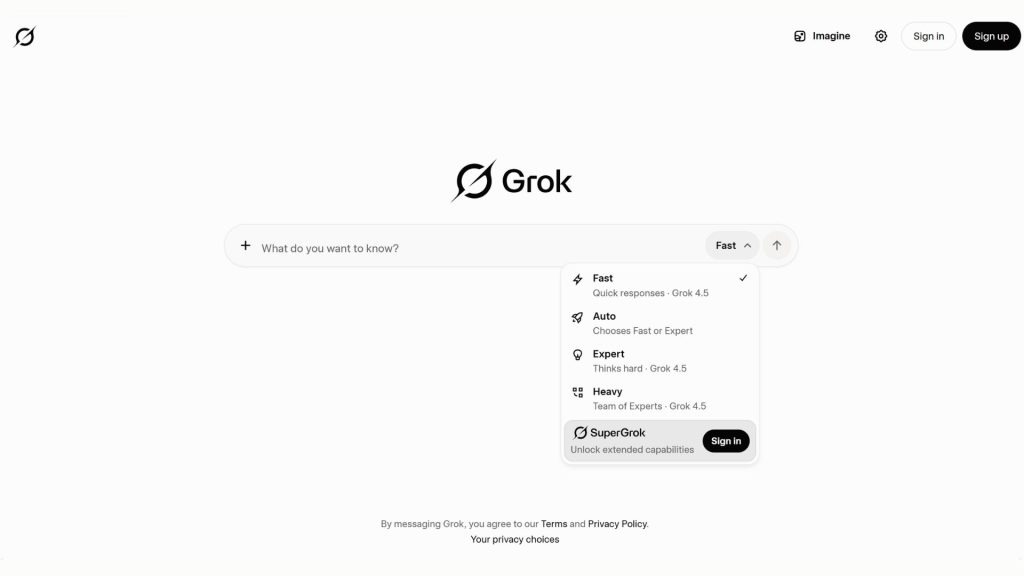
Grok is an AI assistant developed by xAI, currently built around the Grok 4.5 model and focused on conversation, real-time information search, programming, agentic tasks and multimodal content processing. Grok can generate images and video, chat by voice and analyze many types of files. The tool is currently available on the web, iOS and Android.
- Standout features:
- Supports conversation, answering questions, brainstorming and solving complex problems.
- Provides real-time web search and search on X to keep information up to date.
- Supports image and video generation through Grok Imagine.
- Lets you interact with Grok by voice.
- Can upload and analyze PDFs, images, spreadsheets, code, audio and many other types of files.
- Grok 4.5 is positioned by xAI for coding, agentic tasks and knowledge work.
- Grok Build lets you build and handle tasks related to coding, workflows and some office work.
- Supports connectors so Grok can interact with your email, files and calendar from within the conversation.
- Supported platforms: Web, iOS and Android; Grok is also integrated with X and offers products for developers through the xAI API.
- Best for: People who need AI for real-time information search, content creators, X users, programmers, researchers and anyone who wants to try multimodal AI features.
- Pricing:
- Free: USD 0/month, letting you get started with Grok within set usage limits, including web search, X search, voice mode and connectors.
- SuperGrok: USD 30/month, providing higher usage limits, access to Grok 4.5 and image and video generation features.
- SuperGrok Lite and SuperGrok Heavy: Other options are available with corresponding usage limits; pricing may vary by market and over time.
- API: Developers use the xAI API on a pricing model based on token usage; Grok 4.5 currently has API pricing of USD 2 per 1 million input tokens and USD 6 per 1 million output tokens.
- Website: Grok
>>> See also:
- Comparing AI plans vs. AI API tokens: Choosing the right one when integrating AI into software
- AI token pricing for GEO/SEO content writing — estimate tokens & cost
AI search and research tools
6. Perplexity
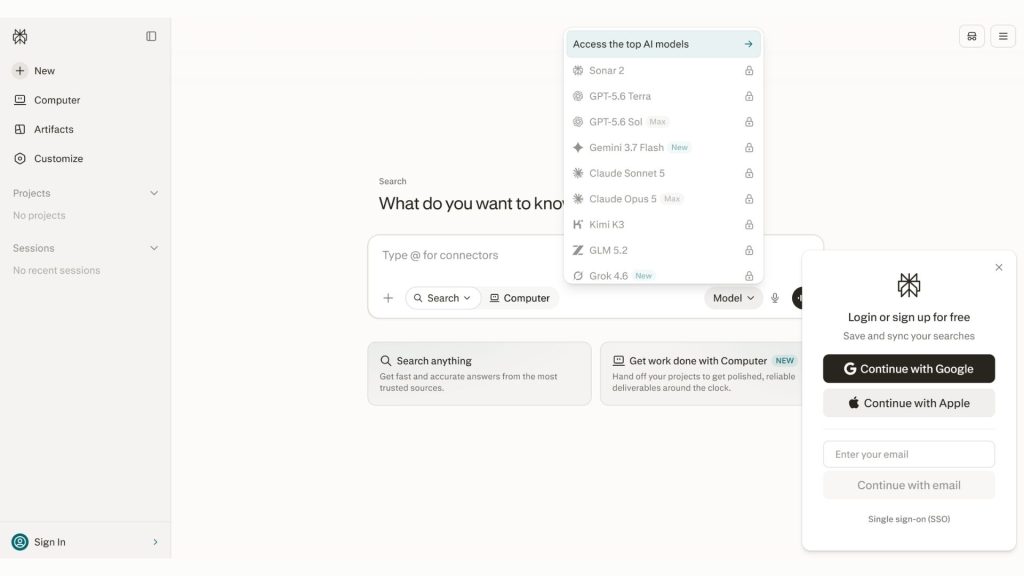
Perplexity is an AI-powered search and research tool focused on delivering direct answers based on information from the web, rather than simply showing a list of links. It supports search, in-depth research, file analysis and access to many advanced AI models depending on your plan. In 2026, Perplexity continues to expand toward AI Agents with the ability to carry out complex research and content-generation tasks.
- Standout features:
- Delivers answers based on web search and synthesizes information from multiple sources.
- Pro Search handles complex queries with deeper analysis and synthesis of information.
- Research lets you carry out multi-step research and produce in-depth results for complex topics.
- Supports uploading and analyzing files to combine your own data with the research process.
- Provides access to many advanced AI models from different developers on the paid plans.
- Supports image generation and file- and app-creation tasks, depending on your plan.
- Perplexity Computer takes an agentic approach, breaking down and orchestrating multiple tasks such as research, report writing, data analysis and project building.
- Supported platforms: Web and mobile apps; Perplexity also offers products for businesses and an API for developers.
- Best for: Students, researchers, content creators, marketers, office workers, analysts and anyone who needs to find information quickly along with source references.
- Pricing:
- Free (Standard): USD 0/month, providing search history, almost unlimited basic search, a limited amount of Pro Search and basic file uploading.
- Education Pro: USD 10/month for students and faculty who qualify for verification, with expanded research and learning benefits.
- Pro: Provides expanded access to Pro Search, Research, advanced AI models, image generation and file analysis.
- Max: USD 200/month or USD 2,000/year, aimed at power users who need high usage limits and early access to new features.
- Enterprise Pro: USD 40/month or USD 400/year per user.
- Enterprise Max: USD 325/month or USD 3,250/year per user.
- Website: Perplexity
7. Gemini Notebook
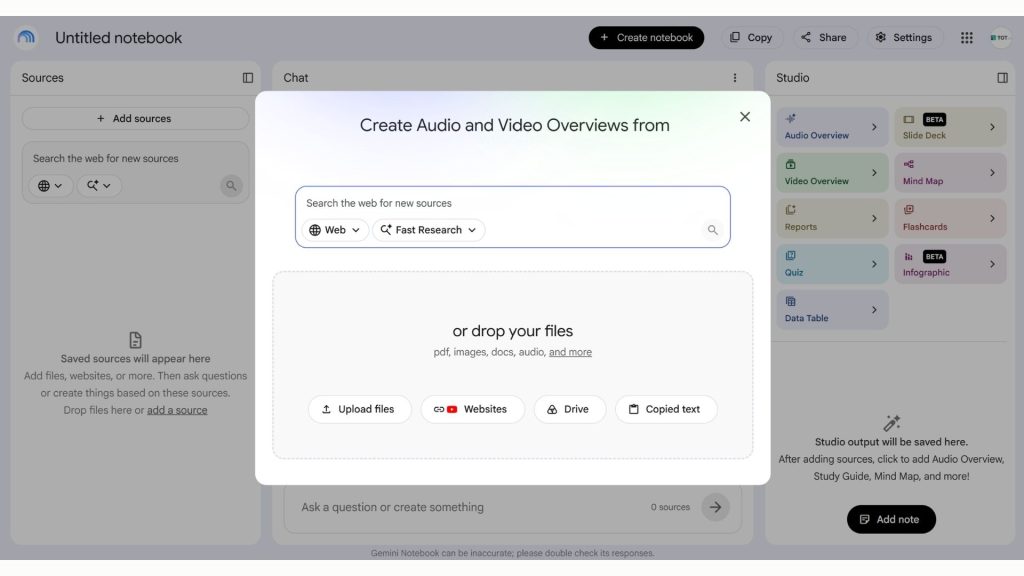
Gemini Notebook, now offered by Google under the name NotebookLM, is an AI assistant built for research and for working with source documents that users provide. Rather than answering primarily from general knowledge, NotebookLM focuses on the sources in your notebook to support Q&A, synthesis, analysis and content creation. The tool is well suited to studying, research and in-depth document work.
- Key features:
- Lets you add documents and information sources to a notebook so the AI can use them as the basis for its analysis and answers.
- Supports Q&A grounded in your source documents and provides citations so you can verify the information.
- Can generate Audio Overviews, turning document content into a spoken-audio summary.
- Supports the creation of Video Overviews, reports, flashcards, quizzes and mind maps from your source content.
- Deep Research helps you search for, gather and organize information for complex research projects.
- Can create infographics, data tables and slide decks from your research content.
- In 2026, Google continues to add reasoning and agentic capabilities, allowing NotebookLM to do more to help find sources, organize research and produce a variety of output formats.
- Supported platforms: Web, plus mobile apps on iOS and Android in supported markets.
- Best for: Students, teachers, researchers, content creators, office workers and anyone who needs to read, synthesize or draw insights from large volumes of documents.
- Pricing:
- NotebookLM Standard: Free when you sign up with an eligible Gmail account. The standard plan currently supports up to 100 notebooks, 50 sources per notebook, 50 chats per day and 3 Audio Overviews per day.
- NotebookLM Plus: Included in the Google AI Plus plan, offering higher limits than Standard, including up to 100 sources per notebook and 200 chats per day.
- NotebookLM Pro: Included in the Google AI Pro plan, raising the limits to up to 300 sources per notebook, 500 chats per day and 20 Deep Research runs per day.
- NotebookLM Ultra: Included in the Google AI Ultra plan, offering the highest limits plus access to a number of advanced features.
- Website: Gemini Notebook/NotebookLM
>>> See also:
- What is Google Web Guide? How AI organizes search results
- What is the Google Knowledge Graph? How it affects SEO and AI Search
8. Elicit
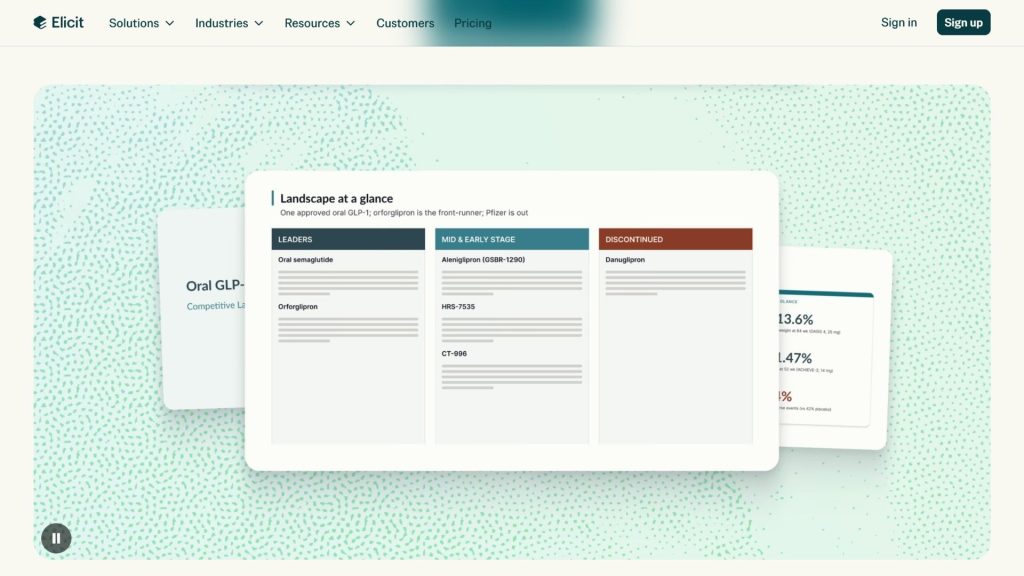
Elicit is one of the leading scientific research AI tools, helping users search, read, synthesize and analyze academic literature. It currently searches more than 138 million research papers and supports Research Agent, Research Reports and a Systematic Review workflow. Because it focuses on academic sources, Elicit is well suited to students, PhD candidates and professionals who need to work through large volumes of literature faster.
- Key features:
- Searches more than 138 million research papers and uses semantic search to find relevant literature by meaning rather than keywords alone.
- Searches for and synthesizes information to answer complex research questions.
- Synthesizes multiple works into a structured report, helping users quickly grasp the existing evidence.
- Systematic Review supports screening, extracting and synthesizing literature through a process built for systematic research.
- Supports extracting data from multiple research papers and organizing the results into tables for comparison.
- The Elicit API and MCP let you integrate research-search capabilities into an AI Agent, ChatGPT, Claude or your own workflow.
- Supported platforms: Web; Elicit also provides an API and MCP for developers.
- Best for: Students, PhD candidates, lecturers, researchers, medical professionals and teams that need to conduct scientific literature reviews or analysis.
- Pricing:
- Basic: Free, with unlimited search across more than 138 million research papers, summaries and chat with a paper; Research Agent and Research Reports have usage limits.
- Plus: 11 USD per user per month billed annually, or 132 USD per year; adds data export, Research Agent, Research Reports and Systematic Literature Reviews at standard limits.
- Pro: 39 USD per user per month billed annually, or 480 USD per year; provides higher limits and an in-depth Systematic Review workflow.
- Scale: 89 USD per user per month billed annually, or 1,068 USD per year; adds collaboration and team administration features.
- Enterprise: Custom pricing for businesses, schools and organizations with large-scale research needs.
- Website: Elicit
9. Consensus
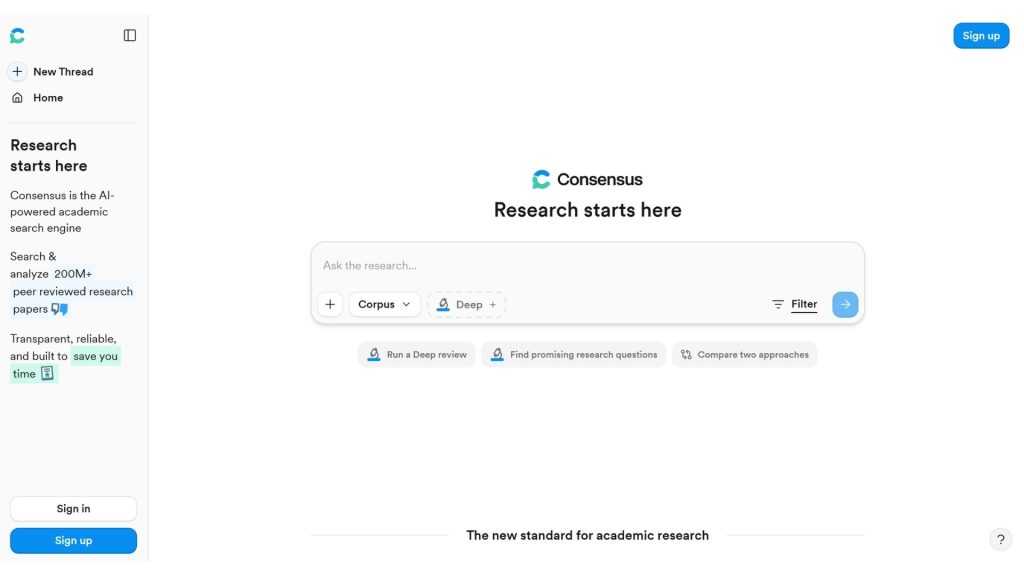
Consensus is an AI search engine focused on scientific research, helping users find, read and synthesize evidence from peer-reviewed papers. Rather than working like an ordinary AI chatbot, Consensus searches a library of more than 220 million research papers, then uses AI to synthesize the results and link directly to the sources. It is one of the most notable AI tools for study and research available today.
- Key features:
- Searches more than 220 million research papers and provides answers grounded in verifiable academic sources.
- Full-text search lets Consensus analyze content more deeply than a paper’s title or abstract when the full text is available.
- Pro Search synthesizes and analyzes related studies to answer complex academic questions.
- Research Agent can plan a multi-step search, apply academic filters and return answers with citations.
- The Consensus Meter visualizes the degree of agreement or disagreement across studies, grouped into Yes, No, Possibly and Mixed.
- The Citation Graph helps you explore how papers relate to one another, find foundational works and discover related research directions.
- My Library lets you save, organize, search and analyze your own research documents; the tool also supports importing a Zotero library.
- You can connect Consensus to ChatGPT, Claude and other workflows through MCP to build a research process with citations.
- Medical Mode narrows results to roughly 8 million documents and medical guidelines from curated health sources, ideal for specialized research and reference.
- Supported platforms: Web; Consensus also supports connecting to ChatGPT, Claude and MCP, and provides an API for research workflows.
- Best for: Students, lecturers, researchers, medical professionals, academic content writers and anyone who needs to verify information against scientific evidence.
- Pricing:
- Free: 0 USD per month, including unlimited paper search, 15 Pro messages per month, 3 Deep reviews per month and 10 Study Snapshots per month.
- Pro: 20 USD per month or 144 USD per year when billed annually, providing unlimited Pro Search, 15 Deep reviews per month and unlimited Study Snapshots.
- Deep: 65 USD per month or 540 USD per year when billed annually, adding 200 Deep reviews per month along with all Pro benefits.
- Teams: Custom pricing based on team size, suited to research departments, labs or academic faculties.
- Enterprise: Custom pricing for organizations, universities and institutions with more than 200 users.
- Website: Consensus
AI tools for content writing and SEO
10. Jasper
Jasper is a marketing-focused AI platform that helps teams create content that stays true to their brand identity and automate marketing workflows. More than just AI content-writing software, Jasper is now developing a system of AI Agents, Content Pipelines and GEO & AI Optimization features to support SEO, build campaigns and optimize visibility in AI search engines.
- Standout features:
- Creates and edits marketing content aligned with your Brand Voice, Style Guide and company-specific knowledge.
- Provides more than 100 specialized AI Agents to run marketing workflows from research through content execution.
- Canvas lets you build content directly within a single, unified workspace.
- Content Pipelines standardize and automate content production at scale.
- GEO & AI Optimization tracks how often your brand is cited and recommended by AI tools.
- Jasper IQ manages Brand Voice, Knowledge, Audiences and the guidance information that steers the AI.
- Supports SEO, AEO, content personalization, marketing campaigns and an API for integration needs.
- Supported platforms: Web platform; Jasper also offers an API and MCP for integrating into other systems, workflows and applications.
- Best for: Marketers, SEO specialists, content teams, agencies, businesses and any team that needs to build AI tools to support marketing work at scale.
- Pricing:
- Free Trial: A 7-day free trial is available to test the Pro plan.
- Pro: 69 USD/month billed monthly, or 59 USD/month billed annually; includes 1 seat and advanced AI marketing features.
- Business: Custom pricing, adding AI Agents for complex workflows, Custom AI Agents, Jasper Grid, an API and enterprise administration features.
- Website: Jasper

11. Copy.ai
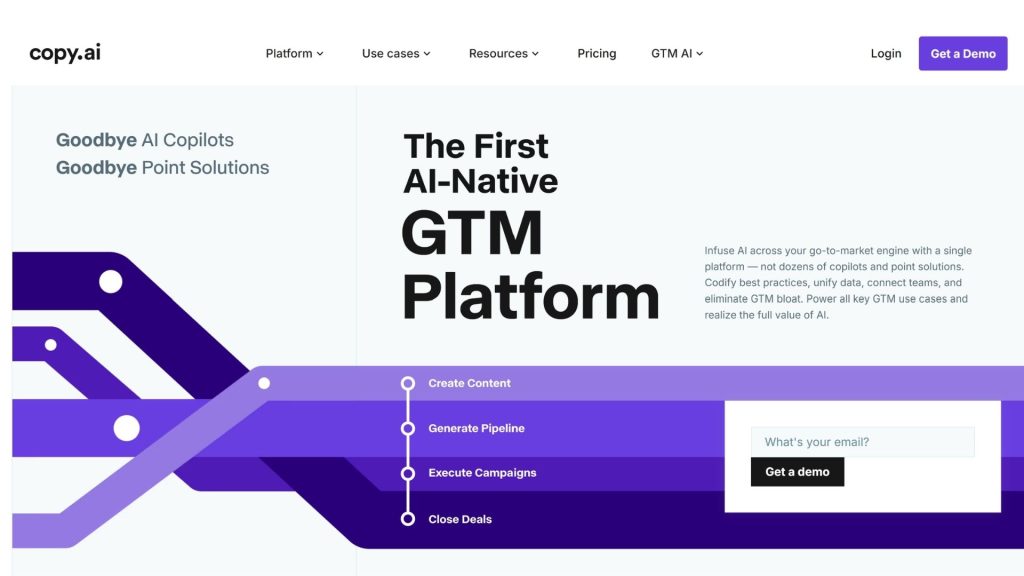
Copy.ai is an AI platform built around Go-To-Market (GTM) activities, combining content creation, research, automation and workflows for marketing, sales and operations. Beyond helping you write SEO content, Copy.ai lets businesses build AI workflows that can weave together research, content generation and tool integrations to standardize how teams work.
- Standout features:
- Generates content for SEO, thought leadership, social media, sales and other marketing activities.
- Workflows let you chain multiple AI steps into customizable, reusable processes.
- Supports account and prospect research to build personalized outreach content.
- Can process and nurture inbound leads by automatically researching, enriching data and engaging.
- Supports Account-Based Marketing with the ability to research companies, industries and personas to create fitting marketing assets.
- Can connect workflows to other systems through an API and more than 20 technology integrations on enterprise plans.
- Supported platforms: Web, API and third-party integrations offered depending on your plan.
- Best for: Marketing teams, sales teams, content marketers, B2B businesses, GTM teams and anyone who needs to apply AI to automate content-creation and growth processes.
- Pricing:
- Chat: 29 USD/month billed monthly, or 24 USD/month billed annually; includes 5 seats, unlimited chat and access to OpenAI, Anthropic and Gemini models.
- Growth: 1,000 USD/month, with 75 seats and 20,000 Workflow Credits/month.
- Expansion: 2,000 USD/month, with 150 seats and 45,000 Workflow Credits/month.
- Scale: 3,000 USD/month, with 200 seats and 75,000 Workflow Credits/month.
- Enterprise: Custom pricing, adding an API, unlimited custom workflows, more than 20 integrations and enterprise-grade security features.
- Website: Copy.ai
12. Writesonic
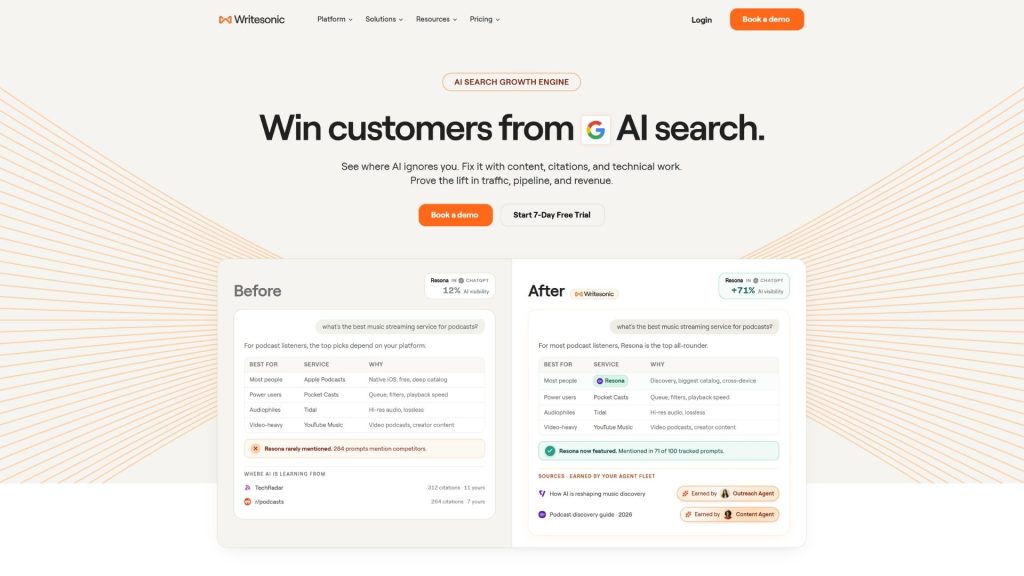
Writesonic is an AI platform focused on SEO, content creation and AI Search Visibility, suited to marketers, SEO specialists and businesses that want to optimize their presence across both Google and AI search platforms. The tool provides an AI Article Writer, Content Optimization, an SEO & Content AI Agent, plus the ability to monitor your brand across ChatGPT, Gemini and Google AI Overviews.
- Standout features:
- AI Article Writer helps research, generate articles and optimize content to meet SEO requirements.
- Content Optimization assesses and improves content to make it more competitive in search.
- The SEO & Content AI Agent can support workflows related to researching, producing and optimizing content.
- AI Search Visibility tracks how your brand appears across ChatGPT, Gemini, Google AI Overviews and other AI platforms.
- Supports tracking of prompts, citations, sentiment and opportunities to improve brand visibility in AI Search.
- Site Audit helps surface content and website issues that could affect SEO and AI visibility.
- Includes an AI Search Engine, Keyword Research, Brand Voice, Bulk Content Generation and many features that serve the SEO workflow.
- Supported platforms: Web; Writesonic also offers an API, MCP and integration features for marketing workflows.
- Best for: SEO specialists, content marketers, agencies, freelancers, businesses and teams that want to combine AI content-writing software with SEO and GEO.
- Pricing:
- Free Trial: You can start for free with no credit card required; the free usage available depends on the program and features in effect at the time you sign up.
- Starter: 99 USD/month, or 79 USD/month billed annually; includes AI Search tracking, 15 AI articles/month, 10 site audits and some agentic workflows.
- Basic: 249 USD/month, or 199 USD/month billed annually; provides more SEO features, AI Search Visibility and AI Article Writer capacity.
- Growth: 499 USD/month, or 399 USD/month billed annually, for teams scaling up their SEO and AI Search efforts.
- Enterprise: Custom pricing for businesses and agencies with heavy usage needs.
- Website: Writesonic
13. Rytr
Rytr is an AI content-writing tool that helps create, edit and improve text for a wide range of needs such as articles, emails, ads, social media and SEO. The platform offers more than 40 use cases, multiple tones of voice and a Chrome extension, letting users generate content directly as they work. Rytr also includes features for tailoring content to a personal tone of voice and for checking for duplicate content.
- Standout features:
- Generates content for more than 40 different needs, including articles, emails, ads and social media content.
- Provides tools for creating SEO titles and meta descriptions.
- Supports continuing, expanding, shortening and rewriting content.
- Includes tools for checking grammar and improving phrasing.
- Lets you adjust content across multiple tones of voice and create your own custom tone.
- Supports duplicate-content checking on paid plans.
- Includes a Chrome extension for creating and editing content directly across many platforms.
- Supported platforms: Website and Chrome extension.
- Best for: Content writers, SEO specialists, marketers, bloggers, small businesses and anyone who needs AI tools to help produce content faster.
- Pricing:
- Free: 0 USD/month, free to use indefinitely with no payment card required; limited to 10,000 characters/month and more than 40 use cases.
- Unlimited: From 7.50 USD/month billed annually, offering unlimited content generations and 1 custom tone of voice.
- Premium: From 24.16 USD/month billed annually, supporting multiple custom tones of voice, higher input limits, more than 35 languages and 100 duplicate-content checks per month.
- Website: Rytr
14. Grammarly
Grammarly is an AI-powered writing and communication assistant focused on checking grammar, spelling, clarity, and tone, as well as improving content. Beyond fixing errors, Grammarly now offers AI features for generating and rewriting content, adjusting tone, supporting brainstorming, and running AI agents. The tool works across many apps and websites, making it a good fit for both individuals and teams.
- Standout features:
- Checks and helps correct spelling, grammar, punctuation, and phrasing within your content.
- Analyzes the tone of your text and suggests adjustments so the message resonates better with readers.
- AI helps rewrite entire sentences to make content clearer, more concise, and more natural.
- Lets you generate content with AI from prompts, supporting brainstorming and idea development.
- Helps build content around a Brand Voice and maintain a consistent communication style for teams.
- Works across more than 1 million apps and websites, including Google Docs, Microsoft Word, Gmail, Outlook, Slack, LinkedIn, and Microsoft Teams.
- Grammarly is also expanding toward AI agents, helping users handle a range of communication- and work-related tasks.
- Supported platforms: Web, Windows, Mac, iOS, Android, and a browser extension; it can integrate with many popular workplace apps.
- Best for: Students, office workers, content writers, marketers, content creators, and businesses that need AI apps to support writing, editing, and communication.
- Pricing:
- Free: 0 USD/month, offering basic writing assistance, tone analysis, and 100 AI prompts/month.
- Pro: 12 USD/member/month billed annually, or 30 USD/member/month billed monthly; includes everything in Free, plus sentence rewriting, tone adjustment, Brand Voice, and 2,000 AI prompts/month.
- Enterprise: Custom pricing, aimed at large organizations with unlimited members, dedicated support, Confidential Mode, role-based access, and Data Loss Prevention.
- Website: Grammarly
>>> See also:
- Top 10 most professional and reputable website design companies in Vietnam
- Professional, SEO-ready, and results-optimized website design services
- Professional website design that is reputable and offers the most dedicated support in Vietnam
15. Surfer AI
Surfer AI is Surfer’s AI-powered SEO toolkit that supports researching, creating, and optimizing content to improve visibility on Google and AI search platforms. Unlike pure AI content writers, Surfer combines AI writing with SEO data, a Content Editor, AI Visibility, and optimization features to build a search-oriented content production workflow.
- Standout features:
- Helps create and optimize content based on SEO criteria and search data.
- The Content Editor evaluates content and provides optimization guidance before or after publishing.
- Surfy acts as an AI SEO Assistant, supporting users throughout content research and optimization.
- AI Visibility helps track how well a brand and its content appear across AI search platforms.
- Humanizer helps refine AI-generated content to make it read more naturally.
- Supports tracking and optimizing multiple pages within an SEO strategy, subject to each plan’s limits.
- Surfer’s newer plans combine AI SEO Optimization Guidelines with the ability to create or optimize documents at varying scales.
- Supported platforms: Web; Surfer also provides integrations and workflows built for SEO processes.
- Best for: SEO specialists, content marketers, agencies, freelancers, businesses, and teams that need AI tools to support writing, SEO optimization, and improved search engine visibility.
- Pricing:
- Free Trial: New accounts get a 7-day trial of the Pro plan with full access to AI Visibility, Content Audit, Keyword Research, AI Writing, and 1-click automations.
- Discovery: 49 USD/month billed annually, supporting the creation or optimization of 120 documents, tracking of 10 pages, AI SEO Optimization Guidelines, Surfy, and Humanizer.
- Standard: For individuals, small businesses, and agencies that need to combine content creation, SEO optimization, and AI Visibility; pricing depends on the billing method and usage limits you choose.
- Pro: For agencies and businesses managing multiple brands, with advanced semantic SEO and AI tracking tools.
- Peace of Mind: Aimed at large enterprises and agencies with high resource needs, API access, and advanced support.
- Enterprise: Custom pricing for organizations that need dedicated scale, security, and usage limits.
- Website: Surfer
AI tools for translation and document processing
16. DeepL
DeepL is an AI translation and language-processing platform, known for its ability to translate text, documents, and images, and for helping improve content with DeepL Write. The tool now offers a Language AI ecosystem comprising Translator, Write, Voice, Documents, and an API, making it a good fit for individuals, businesses, and teams that need to handle multilingual content.
- Standout features:
- Translates text between many languages while automatically detecting the source language.
- Translates PDF, Word, PowerPoint, and Excel files while preserving the document formatting.
- Supports image translation, ideal for handling text found in photos, screenshots, or visual documents.
- Provides a Glossary so users can manage specialized terminology and maintain consistency across translations.
- DeepL Write helps improve wording, word choice, style, and the tone of content.
- DeepL Voice supports real-time speech translation in conversations and meetings.
- The DeepL API lets developers integrate translation and language-processing capabilities into websites, software, or workflows.
- Supported platforms: Web, Windows, macOS, iOS, Android, a browser extension, and integrations such as Microsoft Word, Microsoft 365, and Google Workspace.
- Best for: Students, translators, content writers, marketers, multinational businesses, office workers, and developers who need an AI tool for handling multilingual content.
- Pricing:
- Free Translator: Available free of charge for translating text and some document content, within certain limits.
- DeepL Pro: Offers paid plans for individuals and teams, providing higher translation limits, more document features, and better data control.
- DeepL API Free: Allows free API use of up to 500,000 characters/month.
- DeepL API Pro: Billed on a monthly subscription model combined with character usage; a good fit for apps and workflows that need high-volume translation.
- Enterprise: Custom pricing for businesses that need to deploy Language AI at large scale.
- Website: DeepL
17. QuillBot
QuillBot is an AI app for writing, rephrasing, and processing text, widely used in academics, content writing, and professional communication. The tool stands out with its Paraphraser, Grammar Checker, Summarizer, AI Humanizer, and AI Detector, helping users improve their wording or produce alternative phrasings while keeping the original meaning.
- Standout features:
- Paraphraser rephrases text in a variety of styles while preserving the core meaning.
- Grammar Checker helps detect and fix grammar, spelling, and phrasing errors.
- Summarizer condenses articles, documents, or passages so you can quickly grasp the main points.
- AI Humanizer helps make AI text read more naturally and provides insights into tone and readability.
- AI Detector helps analyze content to identify signs of AI-generated text.
- Citation Generator helps create citations for many academic document formats.
- QuillBot offers apps, browser extensions, and integrations so you can use the tool directly as you write.
- Supported platforms: Web, browser extension, apps, and integrations for the writing process.
- Best for: Students, teachers, content writers, marketers, and office workers who need free AI software to support writing, editing, and summarizing.
- Pricing:
- Free: 0 USD/month, allowing paraphrasing of up to 125 words per pass, use of 2 paraphrase modes, basic summarizing, and Humanizer up to 6 times/day with a 125-word-per-pass limit.
- Premium: From 8.33 USD/month billed annually; unlocks unlimited paraphrasing, more rewriting modes, unlimited Humanizer, and unlimited AI Detector.
- Monthly billing: The Premium price may be higher when billed month to month; the displayed price depends on the signup page and the time of purchase.
- Team: A team plan is available with dedicated management and collaboration features.
- Website: QuillBot
>>> See also:
- TOP 15+ effective, super easy AI app-building tools
- 7 ways to use AI to optimize customer experience
18. ChatPDF AI
ChatPDF is an AI tool that lets users chat directly with documents, especially PDFs, instead of having to read through the entire content manually. Users can upload a document, ask questions, request summaries, translate it, or find specific information. ChatPDF also supports several other formats such as Word, PowerPoint, Markdown, and TXT, making it a great fit for studying, research, and handling work documents.
- Key features:
- Lets you ask questions directly of a document and get answers based on the uploaded content.
- Summarizes research papers, reports, study materials, and long PDFs.
- Supports translating document content into other languages so users can more easily access international materials.
- Provides citations within answers so users can verify where information appears in the document.
- Supports multiple formats beyond PDF, including Word, PowerPoint, Markdown, and Text.
- AI Writer helps write academic content based on source documents and can find additional research sources to suggest citations.
- Supported platforms: Web; accessible directly in the browser without necessarily creating an account to get started.
- Best for: Students, teachers, researchers, office workers, content creators, and anyone who needs a free AI tool to read, summarize, or mine documents faster.
- Pricing:
- Free: Free of charge, allowing analysis of up to 2 documents/day with usage limits on some features.
- Plus: For users who analyze documents regularly, offering unlimited document analysis along with advanced features.
- AI Writer: Available to try on the free plan with a daily limit; the Plus plan extends draft length, collaboration, and usage limits.
- Plus pricing: Pricing may change over time and by region; you should check the official signup page directly before purchasing.
- Website: ChatPDF
19. Notion AI
Notion AI is the set of AI features built into Notion, turning your document, project, and task management space into an AI-powered environment. It can write, summarize, translate, and search for information across your workspace and connected apps, while also offering Notion Agent and AI Meeting Notes for more complex tasks.
- Key features:
- Helps write, edit, summarize, and translate content directly within the Notion workspace.
- Notion Agent can carry out multi-step tasks using data in Notion, connected apps, and the web.
- AI Meeting Notes automatically records and summarizes meetings while helping identify next steps.
- Enterprise Search helps find information across your workspace and connected apps such as Slack, GitHub, and other services.
- Research Mode can use workspace data, connected tools, and information from the Internet to help produce reports.
- Custom Agents can run on a schedule or trigger to automate repetitive tasks across your workspace and connected tools.
- Supported platforms: Web, plus Notion’s desktop and mobile apps.
- Best for: Office workers, project managers, marketers, content teams, businesses, and anyone who wants to combine AI work tools with document, project, and workflow management.
- Pricing:
- Free: 0 USD/member/month; includes limited trial access to Notion AI features such as document creation and database autofill.
- Plus: 10 USD/member/month; includes the Free features plus limited trial access to Notion AI.
- Business: 20 USD/member/month; Notion AI is integrated with features such as Notion Agent, AI Meeting Notes, and Enterprise Search.
- Enterprise: Custom pricing, for organizations that need advanced governance, security, and deployment capabilities.
- Custom Agents: After the trial period, custom agents use the Notion Credits system; businesses can buy additional credits as their automation needs require.
- Website: Notion
AI tools for image generation and design
20. Midjourney
Midjourney is one of the best-known AI image-generation tools, focused on turning natural-language descriptions into highly aesthetic images. It’s well suited to concept design, advertising, illustration, and visual creativity. Midjourney has now expanded into video generation as well, helping users build visual content from an idea right on the same platform.
- Key features:
- Generates images from a prompt using AI, suiting a wide range of styles and creative needs.
- Supports creating and editing images through a creative workflow directly on the Midjourney platform.
- Can generate video from images, extending Midjourney from an image tool into motion content.
- Relax Mode allows unlimited image generation on the Standard, Pro, and Mega plans.
- Pro and Mega offer Stealth Mode to keep images and videos private.
- Users can access Midjourney via the website and Discord.
- Supported platforms: Web and Discord.
- Best for: Designers, illustrators, marketers, content creators, agencies, photographers, and anyone who needs today’s popular AI tools to create high-quality images.
- Pricing:
- Basic: 10 USD/month or 96 USD/year, providing 3.3 hours of Fast GPU/month.
- Standard: 30 USD/month or 288 USD/year, providing 15 hours of Fast GPU/month and unlimited image generation in Relax Mode.
- Pro: 60 USD/month or 576 USD/year, providing 30 hours of Fast GPU/month, unlimited image and video generation in Relax Mode, plus Stealth Mode.
- Mega: 120 USD/month or 1,152 USD/year, providing 60 hours of Fast GPU/month along with the highest Relax and Stealth Mode limits.
- Midjourney currently has no permanent free plan; all official plans are subscriptions.
- Website: Midjourney
>>> Further reading:
- The 10 best AI website design tools with a detailed comparison
- What is Edge AI? Advantages, how it works & real-world applications

21. Adobe Firefly
Adobe Firefly is Adobe’s generative AI ecosystem, supporting the creation and editing of images, video, audio, and much more creative content. Firefly stands out for combining AI with the Adobe ecosystem while also letting you use a variety of different AI models. It’s AI software well suited to designers, marketers, and businesses that need to create visual content at scale.
- Key features:
- Generates images from text and edits images using generative AI tools.
- Supports generating video and audio with AI directly within Firefly.
- Generative Fill helps add, remove, or replace elements in an image based on a prompt.
- Supports content creation with multiple Adobe AI models and some partners such as Google, depending on the feature and plan.
- Includes Firefly Boards for exploring ideas and building visual moodboards.
- Integrates with Photoshop on the web and mobile, Adobe Express Premium, and Adobe resources on some paid plans.
- Firefly offers an API and integration capabilities so businesses can bring generative AI into their creative workflows.
- Supported platforms: Web and mobile; some features are integrated into Adobe products such as Photoshop and Adobe Express.
- Best for: Designers, marketers, agencies, content creators, businesses, and teams that need a free AI tool to experiment with generating images, video, and audio.
- Pricing:
- Firefly Free: Free of charge, providing a limited number of daily generations for images, video, and audio.
- Firefly Standard: 9.99 USD/month, including 2,000 generative credits/month.
- Firefly Pro: 19.99 USD/month, including 4,000 generative credits/month plus added access to Photoshop on web/mobile and Adobe Express Premium.
- Firefly Pro Plus: Regularly 49.99 USD/month, including 10,000 generative credits/month; Adobe currently has a promotional price for a limited time.
- Firefly Premium: 199.99 USD/month, including 50,000 generative credits/month and higher access to the Firefly Video Model.
- Website: Adobe Firefly
>>> Learn more:
- 29 standout AI website templates for SaaS, E-commerce and multiple industries
- What is AI image recognition? Algorithms & applications
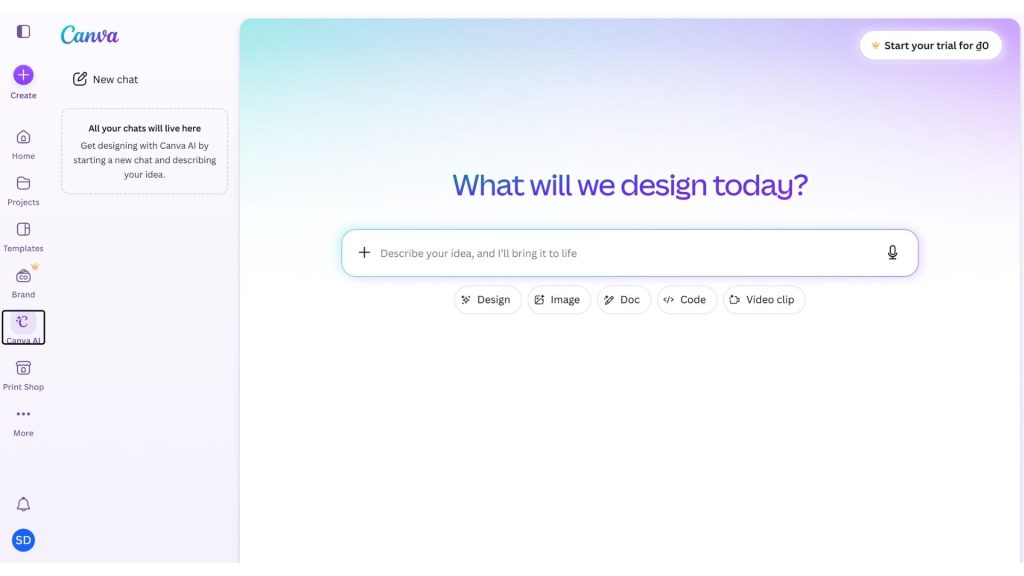
22. Canva AI
Canva AI is a suite of AI tools built directly into the Canva design platform, helping users turn ideas into images, designs, videos, content and many other visual assets. With Canva AI 2.0, the platform is shifting from standalone AI features toward a conversational, agentic design experience in which AI can generate editable layouts and coordinate multiple tasks within a single workflow.
- Key features:
- Canva AI 2.0 lets you start a design from an idea, a goal, a text prompt or voice instead of having to begin with a ready-made template.
- You can generate images, designs, videos, content and visual elements directly inside the Canva editor.
- Magic Edit and Generative Fill make it possible to add, remove or replace elements within an image using a prompt.
- Magic Grab isolates and edits objects in an image so users can easily move, resize or rearrange their design.
- Canva AI can create multi-layered designs in which each element remains editable, rather than producing a single flat image.
- Canva AI 2.0 supports connections to tools such as Google Drive, Slack, Gmail, Notion, Zoom and Microsoft to draw on additional context during content creation.
- Canva is developing its AI along agentic lines, with the ability to orchestrate multiple tools to accomplish a creative goal from start to finish.
- Supported platforms: Web, Windows, macOS, iOS and Android.
- Best for: Design beginners, marketers, social media managers, content creators, teachers, students, businesses and teams that need popular AI tools to create visual content without deep design skills.
- Pricing:
- Canva Free: You can start using Canva AI for free, but the limits and access to AI features depend on each individual tool.
- Canva Pro: A paid plan for individuals that expands access to AI features and premium design tools.
- Canva Business: For teams and businesses, with advanced collaboration, brand and AI features.
- AI Pass: A paid add-on for Canva Pro or Business users that provides a larger AI allowance; Canva says AI Pass can deliver significantly more AI than the default Pro and Business limits.
- Some eligible educational and non-profit organizations can use premium features for free under Canva’s policies.
- Website: Canva
23. Ideogram
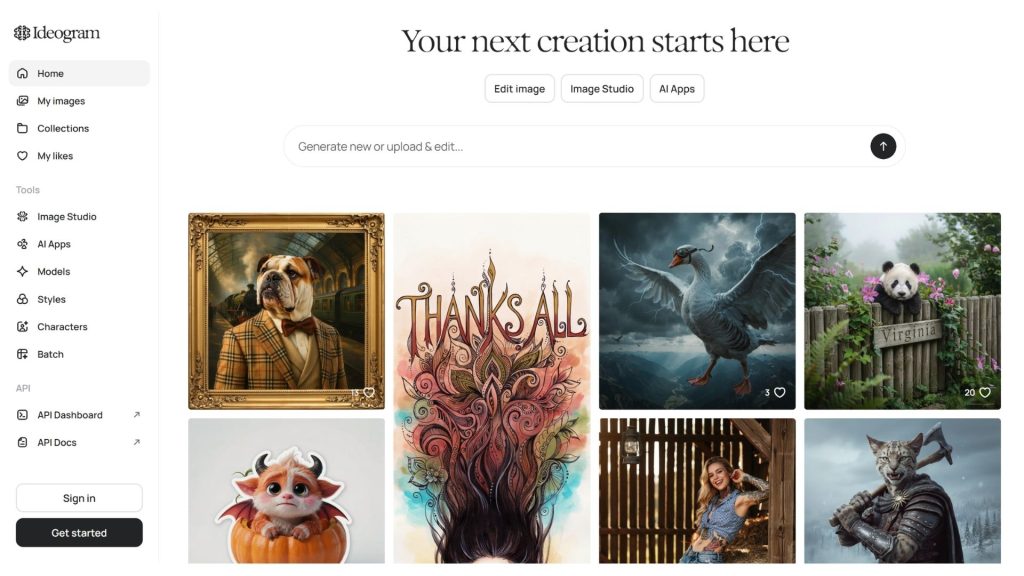
Ideogram is one of the standout AI image generation tools, particularly strong at rendering text within images, graphic design and prompt adherence. Ideogram 4.0 is now being developed along visual intelligence lines, with capabilities for image generation, editing, layering and API-based deployment. The tool is a good fit for advertising design, branding, typography, social media and visual creative projects.
- Key features:
- Generates images from text with strong prompt adherence and typography handling, ideal for posters, logos, ads and text-heavy designs.
- Ideogram Canvas provides an infinite canvas creative space for generating, arranging, combining and editing images.
- Magic Fill lets you edit or replace individual areas of an image with AI without regenerating the entire design.
- Extend expands the frame and adds new content beyond the original image area.
- Character Consistency keeps character traits stable across multiple different images.
- Style Reference and Image Reference let you use reference images to guide the style and the output.
- Ideogram 4.0 has open weights and also offers an API so developers can integrate image generation and editing into their products.
- Supported platforms: Web; Ideogram also offers an API for developers.
- Best for: Designers, marketers, illustrators, social media managers, agencies, content creators and businesses that need today’s popular AI tools to create images, typography and brand design.
- Pricing:
- Free: USD 0/month, providing 10 slow credits/week and limits on some advanced features.
- Plus: USD 15/month billed annually, including 1,000 priority credits/month, unlimited slow credits and the ability to create private images.
- Pro: USD 42/month billed annually, including 3,500 priority credits/month, unlimited slow credits and batch generation.
- Team: USD 20/user/month billed annually, including 1,500 priority credits/user/month along with administration and collaboration features.
- Enterprise: Custom pricing, with support for custom models, volume API and enterprise deployment needs.
- Website: Ideogram
>>> See also:
- AI image analysis: How it works & real-world applications
- 15 ways to apply AI to online sales and boost revenue
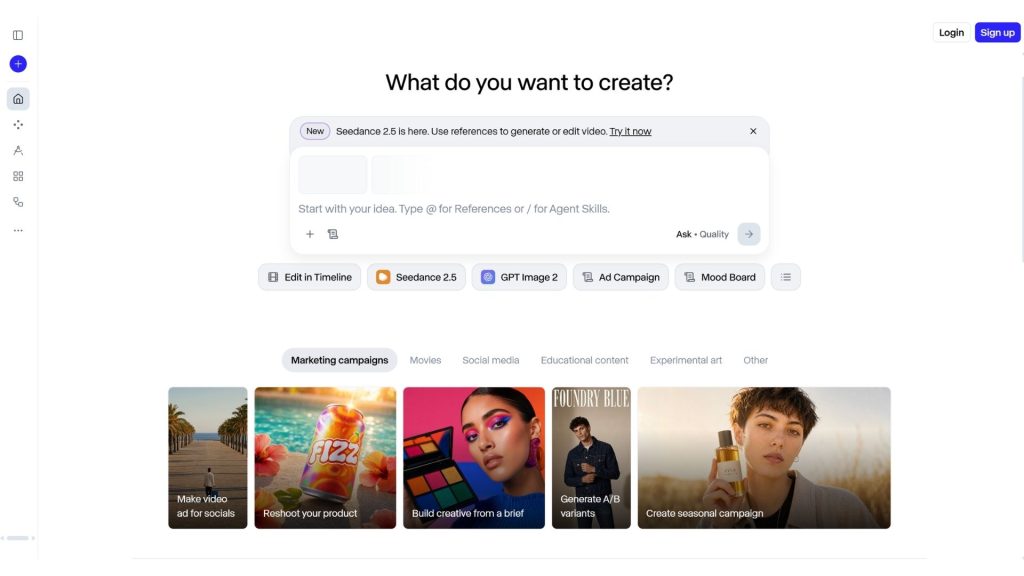
24. Leonardo AI
Leonardo AI is a generative AI platform for images and video, offering content generation models, editing tools, a real-time canvas and the ability to train custom AI models. It is one of today’s AI tools suited to both content creators and businesses that need to control visual style, build brand assets and produce visual content at scale.
- Key features:
- Generates images with AI from prompts, using a range of models and quality settings.
- Supports AI video generation with models and generation modes suited to different creative needs.
- Realtime Canvas lets users create and edit visual content as they work.
- Supports creating and using Personal AI Models to maintain a consistent visual style or set of characteristics.
- An API supports integrating image and video generation into your own products, workflows or applications.
- Leonardo AI also offers options for businesses, including private generation and the ability to train AI models on your team’s data.
- Supported platforms: Web; API for developers and businesses.
- Best for: Designers, illustrators, game developers, marketers, content creators, agencies and businesses that need AI applications to create images and video or to build AI models in their own style.
- Pricing:
- Free: You can start using Leonardo AI for free with a set token allowance, ideal for trying out the content generation features.
- Individual plans: Leonardo AI currently offers several subscription tiers with different allowances for Fast Tokens, Token Bank, the number of personal models and image/video generation.
- Ultimate: USD 60/month, including 60,000 Fast Tokens/month, 180,000 Token Bank and unlimited image/video generation in Relaxed Mode with certain supported models.
- Team Starter: USD 72/month for up to 3 seats, equivalent to USD 24/seat/month; provides 75,000 Shared Tokens and unlimited Relaxed image/video generation on selected models.
- Team Growth: USD 144/month for up to 3 seats, equivalent to USD 48/seat/month; provides 180,000 Shared Tokens and higher limits.
- API: Leonardo AI is moving its API to a Pay-As-You-Go model, letting you top up credits and pay only for what you use; new users can receive free credits to try the API.
- Website: Leonardo AI

AI tools for creating and editing video
25. Runway
Runway is an AI platform for generating and editing video, built for individuals, creative teams and businesses. Runway Creative provides a workspace that combines video, image and audio generation and editing, while Runway Dev lets developers build their own AI workflows and pipelines. Gen-4.5 is currently positioned by Runway as a video model that delivers strong motion generation, close prompt adherence and high visual quality.
- Key features:
- Generates video with AI from text and images, turning ideas into motion content without a traditional video production pipeline.
- Gen-4.5 focuses on motion quality, prompt adherence and visual fidelity in video.
- Supports AI image generation, including text-to-image and the use of reference images to develop visual ideas.
- Provides audio generation and processing tools such as Text-to-Speech and Audio Apps within the same ecosystem.
- Runway Creative brings video, image and audio generation and editing tools together in a single cloud-based workspace.
- Runway Agent helps users carry out creative tasks through AI, rather than producing each piece of content individually.
- Runway Dev provides APIs and workflows so developers can combine multiple models, modalities and tasks into their own pipeline.
- Supported platforms: Web, iOS and Android; Runway Dev provides an API for developers.
- Best for: Video creators, filmmakers, designers, marketers, agencies, content creators and developers who want to use today’s AI tools to create video or build AI media workflows.
- Pricing:
- Free: 0 USD/month, providing 125 one-time credits to try out Runway’s AI tools, along with access to Gen-4 Turbo Image-to-Video, Gen-4 Text-to-Image, and select image and audio tools.
- Standard: 15 USD/month billed monthly or 12 USD/month billed annually, including 625 credits/month and access to the AI image and video models plus 4K Upscaling.
- Pro: 35 USD/month or 28 USD/month billed annually, including 2,250 credits/month, Custom Voices, 500 GB of storage and access to premium models.
- Max: 95 USD/month or 76 USD/month billed annually, including 9,500 credits/month, the ability to roll unused credits over to the next month and early access to new models.
- Enterprise: Custom pricing, for businesses that need dedicated credits, SSO, an admin workspace, analytics and priority support.
- Website: Runway
26. HeyGen
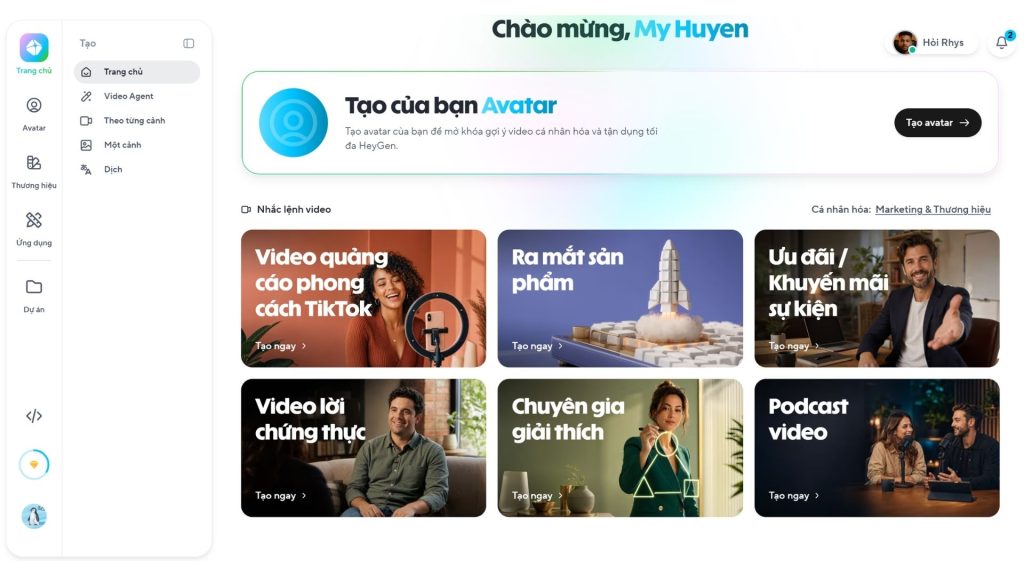
HeyGen is an AI application dedicated to creating videos with avatars, voices and prompt-generated content. The platform lets users produce videos without a camera or a professional production team, while also supporting video translation and localization. HeyGen is currently developing Avatar V and Video Agent, which let AI generate a complete video from an idea while still allowing edits after generation.
- Key features:
- Avatar V creates AI characters that maintain a consistent face, expressions, movement and identity across multiple videos.
- Video Agent can turn an idea or prompt into a complete video with a presenter, motion graphics, B-roll and visual elements.
- Supports creating avatar videos from text without a camera, actors or advanced editing skills.
- AI Voice supports voice generation and voice cloning to build content with a consistent narration.
- Supports highly accurate lip-sync across more than 175 languages and dialects.
- Allows video translation and localization into many languages, well suited to businesses with content aimed at international markets.
- Video Agent produces content whose text, colors, duration and layout can still be edited after AI finishes the generation process.
- HeyGen offers a Pay-As-You-Go API so developers can integrate avatar video generation and video translation into their own applications or workflows.
- Supported platforms: Web; HeyGen also provides an API for developers and integration solutions for businesses.
- Best for: Marketers, content creators, businesses, training teams, teachers, sales teams and anyone who needs a free AI tool to experiment with creating avatar videos, training videos or marketing content.
- Pricing:
- Free: 0 USD/month, allowing up to 3 videos/month, each up to 1 minute long; includes limited access to Avatar IV and Video Agent, along with more than 500 ready-made avatars.
- Creator: 29 USD/month or 24 USD/month billed annually, including 600 credits/month, videos up to 30 minutes long, 1080p export, voice cloning and more than 175 languages.
- Pro: 49 USD/month, including 1,000 credits/month, 4K video export and advanced video generation features.
- Business: 149 USD/month plus 20 USD/month for each additional seat, including 1,500 credits/month, 4K export, team collaboration, SAML/SSO, LMS integration and platforms such as n8n, Make, HubSpot and Zapier.
- Enterprise: Custom pricing, for businesses that need large-scale video generation, access management, advanced security and dedicated support.
- HeyGen API: Uses a separate Pay-As-You-Go model that does not require users to subscribe to the Creator, Pro or Business plan before buying API credits.
- Website: HeyGen
>>> See also:
- A guide to using Google AI Studio effectively and quickly
- How to build AI apps with vibe coding on Google AI Studio, made simple
27. Synthesia
Synthesia is an AI video platform focused on corporate video, training, marketing, sales and internal communications. Users can turn text, documents, websites or presentations into videos with AI avatars, voices and AI-generated visuals. The platform supports more than 160 languages, helping businesses produce and localize videos without a camera or studio.
- Key features:
- AI Video Assistant can turn a prompt, document, website link or existing content into a complete video draft.
- Offers more than 240 ready-made AI avatars and allows you to create a Personal Avatar or Custom Avatar for branding needs.
- Supports creating video from text with AI-generated visuals, B-roll and motion graphics.
- Supports AI voice generation with more than 1,000 voices and multilingual capabilities.
- 1-click Translation lets you localize video into more than 160 languages and language variants.
- AI Dubbing helps preserve the speaker’s voice and sync lip movements when translating video into another language.
- Brand Kit helps apply consistent colors, fonts and logos across a company’s videos.
- Supports exporting video in the SCORM standard for integration with learning management systems (LMS).
- Supported platforms: Web and desktop; Synthesia focuses on the online working environment and provides integration features and an API for business needs.
- Best for: Businesses, training and L&D teams, marketing, sales, HR, customer support, teachers and anyone who needs AI tools to support their work by creating professional video without recording or editing equipment.
- Pricing:
- Basic: 0 USD/month, no payment card required and allowing up to 10 minutes of video/month, along with access to AI avatars, AI voices and some AI content creation features.
- Starter: 29 USD/month billed monthly.
- Creator: 89 USD/month billed monthly.
- Enterprise: Custom pricing, for businesses that need large-scale usage, administration, security and dedicated support.
- Dubbing: Synthesia also offers video translation and dubbing with a certain free allowance; promotional offers and limits may change over time.
- Website: Synthesia
28. Pika
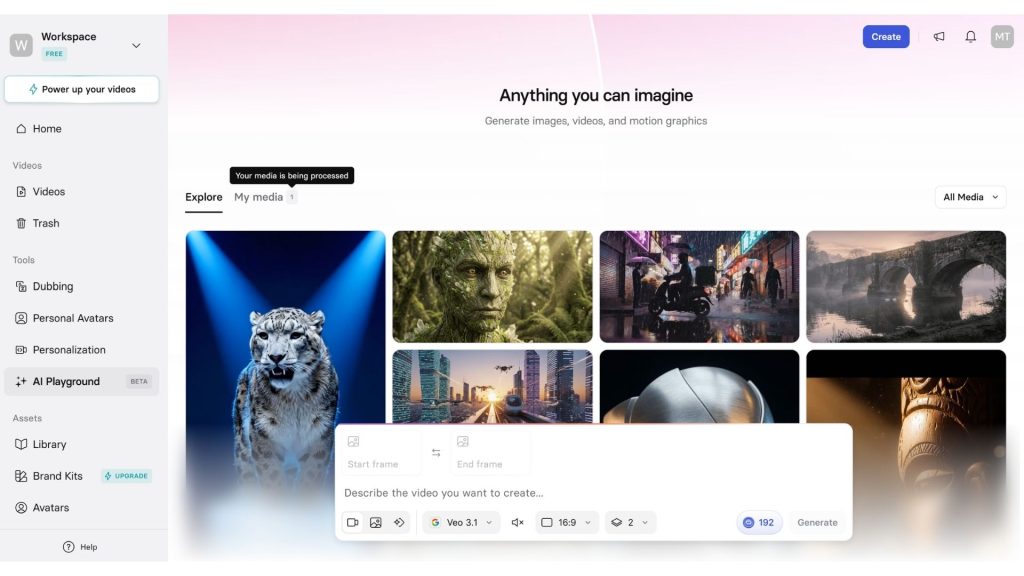
Pika is an AI video platform and application focused on creative, social-first content and visual effects. Users can create video from text or images and edit video with features such as Pikascenes, Pikadditions, Pikaswaps, Pikatwists and Pikaffects. Pika is also expanding into AI Agents and automation workflows, becoming one of today’s popular AI tools for creating short-form video.
- Key features:
- Text-to-Video and Image-to-Video turn a prompt or a still image into a short AI-generated video.
- Pikaframes lets you use a first and last image as reference frames to generate motion between two states.
- Pikascenes helps combine visual elements into a complete video scene.
- Pikadditions lets you add new people, objects, or elements to an existing video while preserving the original content.
- Pikaswaps lets you replace specific objects in a video with other images or content.
- Pikatwists lets you change the actions or storyline of characters and objects in a video using a prompt.
- Pikaffects provides AI effects such as transforming, melting, inflating, or altering images in creative styles.
- Pika Agent and Pika MCP extend the platform toward AI Agents, letting you combine content generation with workflows and automation tasks.
- Supported platforms: Web and mobile apps; Pika also offers an API for select partners and developers.
- Best for: Content creators, social media managers, marketers, designers, video creators, and anyone who wants to try a free AI tool to create short videos, visual effects, and social content.
- Pricing:
- Basic/Free: USD 0/month, offering 80 video credits/month according to the current pricing page, plus limited access to Pika 2.5, Pikascenes, Pikadditions, Pikaswaps, Pikatwists, and some Pikaffects.
- Standard: USD 10/month billed monthly, or USD 8/month billed annually; offering 700 video credits/month and fuller access to the video features.
- Pro: USD 35/month, or USD 28/month billed annually; offering 2,300 video credits/month and faster generation.
- Fancy: USD 95/month, or USD 76/month billed annually; offering 6,000 video credits/month and the fastest generation speed among the individual plans.
- Additional credits: Users on paid plans can buy extra credits; purchased credits can be carried over and used later.
- Website: Pika
AI tools for voice, audio, and music generation
29. ElevenLabs
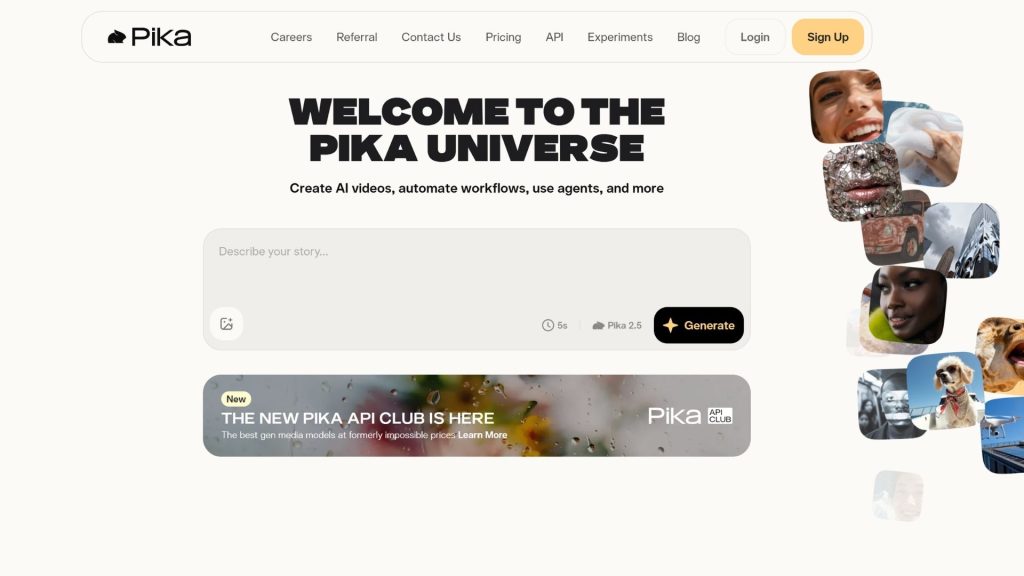
ElevenLabs is one of the leading AI tools for audio generation and processing, focusing on text-to-speech, voice cloning, voice conversion, sound effects, music generation, and dubbing. The platform is a fit for content creators, developers, and businesses that need to produce high-quality audio or integrate voice AI into their products.
- Key features:
- Text-to-Speech converts text into AI voices across many styles and languages.
- Speech to Text converts audio into text, ideal for transcription and processing spoken content.
- Instant Voice Cloning and Professional Voice Cloning create AI voices based on a provided voice sample.
- Voice Design lets you create new voices based on a description of their characteristics and style.
- Sound Effects generates audio effects from a prompt for video, games, and digital content.
- Eleven Music supports AI music generation for a wide range of creative needs.
- Dubbing supports translating and dubbing content into other languages.
- ElevenLabs offers an API so developers can integrate Text to Speech, Speech to Text, voice agents, and other audio features into their applications.
- Supported platforms: Web, apps, and an API for developers.
- Best for: Content creators, YouTubers, podcasters, marketers, game developers, software developers, and businesses that need AI applications for voice, audio, or music processing.
- Pricing:
- Free: USD 0/month, including 10,000 credits/month and access to Text to Speech, Speech to Text, Sound Effects, Voice Design, Music, Productions, and Image; however, some commercial usage rights are limited.
- Starter: USD 6/month, adding a Commercial License, Instant Voice Cloning, Dubbing Studio, and 30,000 credits/month.
- Creator: USD 22/month at the current price; this plan includes Professional Voice Cloning and 121,000 credits/month.
- Pro: USD 99/month, offering 600,000 credits/month and higher audio quality for certain use cases.
- Scale: USD 299/month, offering 1.8 million credits/month and 3 seats.
- Business: USD 990/month, offering 6 million credits/month and 10 seats.
- Enterprise: Custom pricing for organizations with large-scale needs, supporting more seats, voices, and higher concurrency.
- Website: ElevenLabs
30. Murf AI
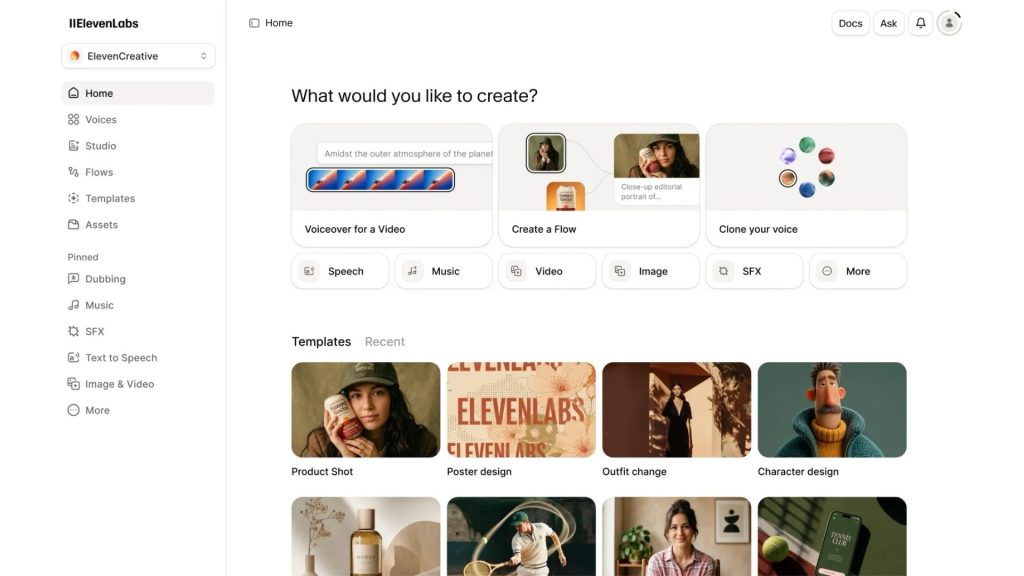
Murf AI is AI software dedicated to voice and voiceover generation, offering more than 200 AI voices across many styles, tones, and languages. The platform supports text-to-speech, voiceover editing, dubbing, translation, and API integration. Murf is a fit for video marketing, e-learning, advertising, presentations, and any workflow that needs to produce audio at scale.
- Key features:
- Text to Speech converts text into natural-sounding speech with more than 200 AI voices and over 30 languages and accents.
- Lets you adjust speed, pitch, pronunciation, emphasis, and reading style to fit the context.
- Supports multiple voice styles and tonalities to create voiceovers with a nuance that matches the content.
- AI Dubbing translates and dubs video or audio into multiple languages while preserving the speaker’s voice and delivery.
- AI Translation supports converting content into multiple languages and generating matching voiceovers.
- Voice Cloning can create custom voice replicas for supported projects.
- The Murf API lets developers integrate Text to Speech, Voice Changer, Translation, and Dubbing into applications or workflows.
- Supported platforms: Web; Murf also offers an API and integration solutions for businesses.
- Best for: Marketers, YouTubers, podcasters, teachers, businesses, e-learning teams, content creators, and developers who need AI tools to support voice-based work.
- Pricing:
- Free: USD 0/month, no payment card required; supports 2 projects, 10 minutes of voice generation, and 1 editor. The free plan does not include commercial usage rights and does not allow audio downloads.
- Creator: From USD 19/month billed annually, supporting 100 projects, 24 hours of voice generation/year, more than 200 voices, unlimited downloads, and commercial rights.
- Business: From USD 66/month billed annually, supporting 500 projects, 96 hours of voice generation/year, plus advanced features such as Business License, Audio to Text, and PowerPoint Integration.
- Enterprise: Custom pricing, offering unlimited usage rights, enterprise-grade security, SSO, AI Translation, and advanced administration features.
- Website: Murf AI
>>> Learn more:
- AI customer recognition at the showroom solution
- A simple guide to deploying AI in mobile apps
31. Speechify
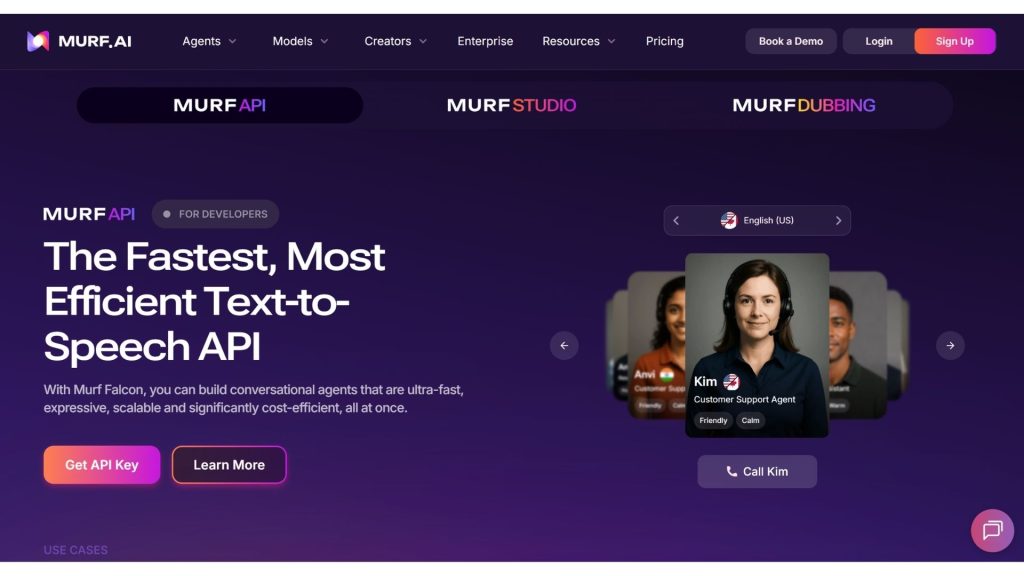
Speechify is an AI application focused on text-to-speech and a voice-based AI assistant, letting users listen to documents, websites, and books instead of reading them directly. The platform has also developed Speechify Studio for creating voiceovers, dubbing videos, and generating AI audio. It is a strong choice for learning, content consumption, and audio production.
- Key features:
- Text-to-Speech converts text, documents, and web content into AI narration.
- Supports adjustable reading speed so users can take in content faster.
- Premium offers more than 1,000 natural-sounding voices and support for over 60 languages.
- Scan & Listen lets you scan content and convert it directly into speech.
- AI Summaries & Chats help you summarize and interact with the content being read.
- Voice Typing lets you enter text using your voice.
- Speechify Studio provides Voiceover Studio, Dubbing Studio, and Voice Changer for creating and editing audio with AI.
- Speechify Studio also supports AI podcast creation and audio production workflows for creators.
- Supported platforms: Web, iOS, Android, Chrome, and other platforms/apps supported by Speechify.
- Best for: Students, teachers, researchers, anyone who needs to read long documents, content creators, podcasters, and businesses that need free AI applications for reading or creating audio content.
- Pricing:
- Speechify Free: USD 0/month, supporting basic Text to Speech, up to 1.5x speed, and 10 machine voices.
- Speechify Premium: USD 29/month, offering more than 1,000 voices, over 60 languages, reading speed up to 5x, AI Summaries & Chats, Voice Typing, and AI Podcasts.
- Speechify Studio Free: USD 0/month, including 600 Studio credits, more than 1,000 voices, Voiceover Studio, Dubbing Studio, and Voice Changer; no voice cloning or commercial usage rights.
- Studio Starter: USD 19/month, offering 7,200 Studio credits, voice cloning, a library of music/video/images/sound effects, and commercial rights.
- Studio Creator: USD 49/month, offering 28,800 Studio credits plus all the features of Studio Starter.
- Website: Speechify
32. Suno
Suno is an AI music-generation platform that lets users turn ideas, descriptions, or lyrics into complete tracks. The tool supports creating songs, editing, remixing, using your own voice, and separating stems for import into music-production software. Suno is a good fit for content creators, musicians, and users who want to experiment with a free AI tool to make music.
- Key features:
- Create complete songs by entering a prompt describing the genre, theme, mood, or musical style.
- Generate music from lyrics you provide, or let the AI help develop the lyrics.
- Suno Studio provides a music-production workspace with tools for editing and arranging songs.
- Upload or record your own audio and develop it into new musical content.
- Add vocals or instrumentals to an existing song and edit individual parts.
- Stem separation lets you split vocals and instruments to continue working in a DAW.
- Pro and Premier let users use newly created songs for commercial purposes under Suno’s terms.
- Supported platforms: Web, iOS, and Android.
- Best for: Musicians, producers, content creators, YouTubers, podcasters, marketers, and users who want to explore today’s popular AI tools in the field of music creation.
- Pricing:
- Free: USD 0/month, providing 50 credits per day and access to v4.5-all; songs created on this plan do not include commercial-use rights.
- Pro: USD 8/month billed annually, providing 2,500 credits/month, commercial-use rights for newly created songs, advanced editing features, and access to the v5.5 model.
- Premier: USD 24/month billed annually, providing 10,000 credits/month, Suno Studio, and all Pro features.
- Users on paid plans can purchase additional credits and receive priority in the music-generation queue.
- Website: Suno

AI tools for creating presentations and slides
33. Gamma
Gamma is one of the AI tools that help create presentations, documents, websites, and visual content from a prompt. Users can start from an idea or paste in existing content, then let the AI build the structure and design. Gamma supports export to PPTX, PDF, PNG, and Google Slides, making it a good fit for anyone who needs to create slides quickly without much design skill.
- Key features:
- The AI can create a presentation from a prompt and build the slide structure based on the content you provide.
- Supports creating documents, websites, social media posts, and images alongside presentations.
- Lets you import content from PDF and PPTX to continue editing or develop it into new content.
- Supports exporting presentations to PDF, PowerPoint, PNG, and Google Slides.
- An AI Agent can assist with editing and perform certain tasks directly within Gamma.
- Paid plans support advanced AI image models, custom branding, custom fonts, analytics, and API access.
- Supported platforms: Web; Gamma also currently offers iOS and Android apps in early access.
- Best for: Students, teachers, marketers, office workers, startups, businesses, and anyone who needs AI tools that support their work to create slides quickly.
- Pricing:
- Free: USD 0/month, with 400 credits on sign-up, up to 10 slides per prompt, PDF/PPTX import, and export to PDF, PPTX, PNG, and Google Slides. Free credits do not renew automatically.
- Plus: A paid plan with unlimited AI creation, support for up to 20 slides per prompt, and removal of Gamma branding.
- Pro: Adds premium AI models, up to 60 slides per prompt, custom branding, analytics, custom domains, and API access.
- Ultra: Provides higher AI usage levels along with access to advanced text, image, and video models.
- Gamma publishes detailed pricing by billing method and region on its official pricing page.
- Website: Gamma
>>> See also:
- 18 highly effective ways to apply AI to ecommerce
- Applying AI in online sales: The TOP 10 AI tools & how to deploy them effectively
- The TOP 20 best free AI tools for supporting online sales
34. Tome AI
Tome AI is an AI app that creates PowerPoint decks from a prompt, an outline, or existing content. The platform supports creating slides, improving PowerPoint designs, converting PDF, Word, HTML, Markdown, or YouTube into a presentation, and generating speaker notes. Tome AI currently uses AI models such as Claude to help create content and design, targeting users who need to produce slides quickly for work, education, and business.
- Key features:
- The AI PPT Generator can turn a topic, outline, or brief into a complete PowerPoint deck.
- The AI can build the outline, allocate content, and choose a suitable layout for each slide.
- AI Beautify PPT helps improve the design and layout of an existing presentation.
- Supports converting PDF, Word, HTML, Markdown, and YouTube into presentation content.
- Can create charts, images, and visual elements to complement your slides.
- Speaker Notes Generation helps create talking points and notes for each slide.
- Lets you preview, edit directly in the browser, and export the presentation to PPTX.
- Supported platforms: Web; presentations can be exported to PPTX to continue editing in PowerPoint or compatible tools.
- Best for: Office workers, teachers, students, marketers, businesses, and content creators who need AI software to create or convert slides quickly.
- Pricing:
- Starter: USD 9.5/month billed annually, including 12,000 credits/year and the ability to create up to 10 PPTs/month.
- Standard: USD 23.9/month billed annually, including 36,000 credits/year and up to 60 PPTs/month.
- Premium: USD 47.9/month billed annually, including 90,000 credits/year, up to 150 PPTs/month, and more than 100 professional templates.
- The pricing page does not currently show a fixed free plan; users should check the trial policy or any offers at the time of sign-up.
- Website: Tome AI
35. Beautiful.ai
Beautiful.ai is an AI presentation platform focused on automating slide design. The tool uses Smart Slides to automatically adjust the layout as users add or change content, while also providing AI writing, AI image generation, charts, and a template library. Beautiful.ai is a good fit for businesses, marketers, and users who want to create professional presentations without manually aligning every element.
- Key features:
- The AI can create presentation content and structure based on user requests.
- Smart Slides automatically adjust the layout when content, images, or data on a slide change.
- The AI Writing Assistant helps write and refine content directly within the presentation.
- AI Image Generation helps create images that match the slide’s theme.
- Provides more than 300 Smart Slide layouts and a library of images and icons for building presentations.
- Supports dynamic data charts, video, audio, animation, and custom branding.
- Allows importing and exporting PowerPoint, and supports tracking engagement with presentations on the appropriate plans.
- Supported platforms: Web; supports working online and exporting presentations to PowerPoint or PDF.
- Best for: Businesses, sales teams, marketers, consultants, teachers, startups, and anyone who wants to use today’s popular AI tools to create slides with consistent design.
- Pricing:
- Free: Beautiful.ai does not currently offer a long-term free plan; users can try it free for 14 days.
- Pro: USD 12/month billed annually; provides unlimited AI content generation, AI image generation, Smart Slides, custom branding, and many design features.
- Team: USD 40/user/month billed annually or USD 50/user/month billed monthly; adds real-time collaboration, template management, and analytics.
- Enterprise: Custom quote for organizations that need security, SSO, permissions, and deployment support.
- Single Presentation: There is an option to buy a single presentation for USD 45 for occasional projects.
- Website: Beautiful.ai
36. Slidesgo AI
Slidesgo AI is an AI presentation tool that pairs generative AI with Slidesgo’s library of ready-made templates. Instead of building layouts entirely from scratch, the AI applies your content to existing design styles to produce consistent, easy-to-edit slides. It is one of the AI tools well suited to teachers, students, marketers, and anyone who needs to create a PowerPoint quickly.
- Key features:
- The AI Presentation Maker generates a full slide deck from a topic or a natural-language prompt.
- The AI uses Slidesgo’s professionally designed templates to build the style and layout of your presentation.
- AI-generated presentations can be downloaded as PPTX for further editing.
- PPTX files can be imported into Google Slides, Canva, Figma, or any tool that supports the PowerPoint format.
- It offers a library of more than 30,000 templates for Premium users.
- Slidesgo also provides AI tools for education, such as generating quizzes, lessons, and learning resources.
- Supported platforms: Web; AI presentations can be exported as PPTX for use in PowerPoint and compatible platforms.
- Best for: Teachers, students, marketers, office workers, content creators, and anyone who needs AI tools to support learning or presentation work.
- Pricing:
- Free: USD 0/month, no payment card required; you can create up to 3 AI presentations/month and download up to 3 templates/month. Free presentations require keeping the Slidesgo attribution.
- Premium: USD 5.99/month billed monthly, or USD 3/month billed annually, equivalent to USD 35.99/year; it provides AI-generated presentations without limits under its usage policy, the full template library, and no required attribution.
- Premium currently has a safety limit of 150 AI generations/month and 150 template downloads/month, even though the pricing page describes access as unlimited.
- Slidesgo has separate pricing for schools, universities, and educational institutions.
- Website: Slidesgo
>>> See also:
- AI in UI/UX design: A tool or a rival to designers?
- 18 ways to apply AI in ecommerce for strong results
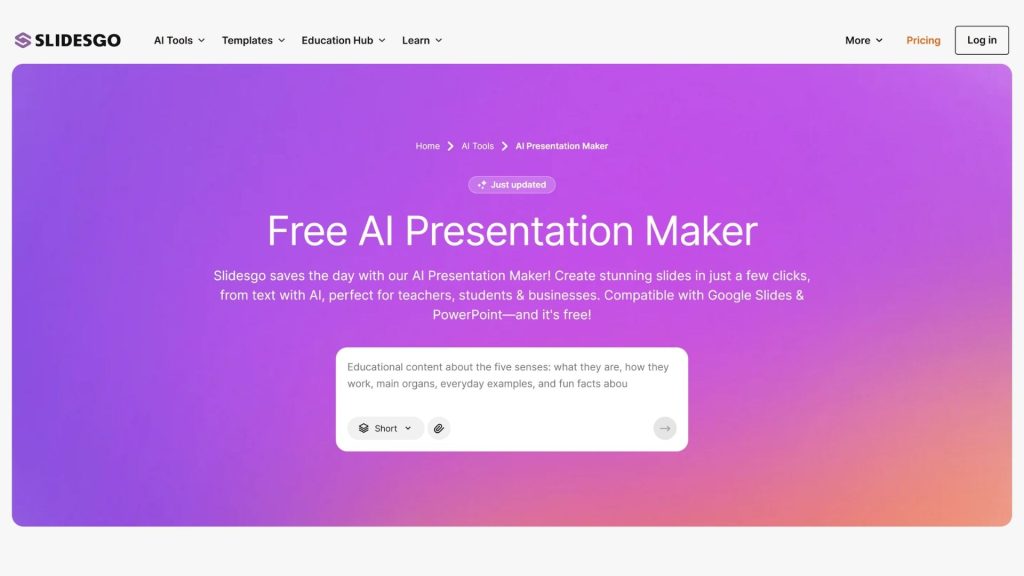
AI tools for work and productivity
37. Fireflies.ai
Fireflies.ai is an AI app that supports meeting management, email, Slack, and other work processes. It can automatically record audio, transcribe speech to text, generate summaries, and extract action items from meetings. Fireflies is now evolving toward an AI Assistant for the entire workflow, connecting to more than 100 apps and supporting translation in more than 100 languages.
- Key features:
- Automatically records and transcribes meeting content, with support for Zoom, Google Meet, Microsoft Teams, and many other platforms.
- Generates AI summaries and identifies key points, decisions, and tasks to follow up on after the meeting.
- AskFred lets you ask natural-language questions across your meeting archive and retrieve relevant information.
- Supports searching content within conversations and connects to email, Slack, and CRM to surface work context.
- AI Skills help create custom notes based on templates for sales, recruiting, project management, and many other processes.
- The Personal Assistant offers Meeting Prep, Daily Digest, and Task Manager to help you manage work after meetings.
- Voice Agents let the AI handle certain calls and communication tasks on your behalf on eligible plans.
- Supported platforms: Web, desktop, Android, iOS, Chrome extension, and integrations with Zoom, Google Meet, Microsoft Teams, and many other work apps.
- Best for: Office workers, project managers, sales, customer success, founders, HR, and teams that need AI tools for work to cut down time spent on note-taking and meeting follow-up.
- Pricing:
- Free: USD 0/month, with unlimited transcription, unlimited AI summaries, 400 minutes of storage per team, and 20 AI credits.
- Pro: USD 10/user/month billed annually, or USD 18/user/month billed monthly; adds video recording, Personal Assistant, AI Skills, Voice Agents, and unlimited integrations.
- Business: USD 19/user/month billed annually, or USD 29/user/month billed monthly; adds unlimited storage, conversation intelligence, team analytics, and multi-language mode.
- Enterprise: USD 39/user/month, billed annually; adds SSO, SCIM, audit logs, HIPAA compliance, private storage, and advanced administrative features.
- Website: Fireflies.ai
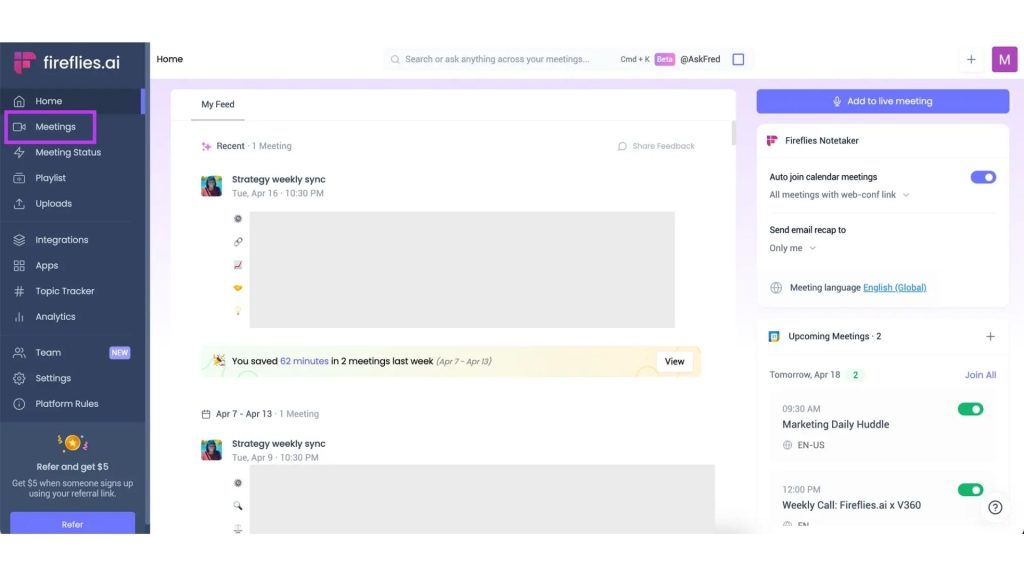
38. Motion
Motion is an AI-powered work management platform that brings project management, tasks, calendars, documents, meetings, and workflows together in one system. Motion’s AI can automatically prioritize and organize tasks, build project plans, adjust the calendar when things change, and help with meeting notes. It is one of today’s AI tools with a strong focus on automating personal and team productivity.
- Key features:
- The AI Task Planner automatically prioritizes and organizes tasks based on deadlines, priority level, duration, and availability.
- The AI Calendar automatically plans your workday, time-blocks, and adjusts the schedule when tasks or priorities change.
- The AI Project Manager can build a project structure, tasks, deadlines, and owners from a natural-language description.
- The AI Meeting Notetaker automatically takes meeting notes and identifies action items to follow up on.
- The AI Docs Assistant helps write, edit, and organize documents right within the workspace.
- The AI Workflow Builder helps build automated workflows from repeatable processes or SOPs.
- The AI Search Assistant helps find information across documents, tasks, projects, and communications.
- Motion integrates with Gmail, Outlook, Google Meet, HubSpot, Salesforce, and many other apps through its integration system and API.
- Supported platforms: Web and the apps/workflows that Motion supports; the platform also offers an API to connect external systems.
- Best for: Founders, freelancers, project managers, agencies, marketing and sales teams, service businesses, and anyone who wants to use AI software to automate their schedule, project management, and tasks.
- Pricing:
- Free: Motion does not currently offer a permanent free plan; you can start with a free trial before subscribing to a paid plan.
- Individual: USD 19/month billed annually, or USD 34/month billed monthly.
- Team: USD 12/user/month billed annually, or USD 20/user/month billed monthly.
- Motion currently promotes a free trial and lets you cancel your subscription directly while using the product.
- Website: Motion
>>> See also:
- Top 10 best ad insertion plugins for WordPress today
- What is SQL injection? 4 effective ways to prevent SQL injection
- Top 14 free time management apps for phone and computer
39. Shortwave
Shortwave is an AI-powered email app designed to turn your inbox into a workspace where you can search, write, organize, and process email intelligently. The AI Executive Assistant can help summarize, find information, and draft emails, while paid plans expand AI Search and the ability to personalize your writing. It is an AI app well suited to anyone handling a large volume of email.
- Key features:
- The AI Executive Assistant helps you search, summarize, and process information within your email.
- AI Search lets you find email content with natural questions instead of having to remember exact keywords.
- AI Write helps compose and edit emails based on your request or existing context.
- AI Writing Personalization tailors email content to your communication style.
- Supports organizing email into conversation threads, reducing scattered information in the inbox.
- Lets you use multiple email accounts on the same device without paying separately for each account on eligible plans.
- Shortwave is expanding its workflow automation and integration features to make email part of your work process.
- Supported platforms: Web and apps for the platforms Shortwave supports; the tool focuses on connecting and managing email accounts within a single workspace.
- Best for: Founders, office workers, managers, sales, customer support, freelancers, and anyone who needs AI tools for work to handle email faster.
- Pricing:
- Free: You can start for free and access most productivity features, including the AI Executive Assistant.
- Pro: A paid plan for individuals and businesses that expands AI Search and AI Write and allows up to 3 email accounts on the same device.
- Business: For more complex business needs, supporting up to 10 email accounts and AI search across up to 5 years of email history.
- Shortwave publishes specific prices on its pricing page, and these may change over time, by region, or by payment method.
- Website: Shortwave
>>> See also:
- Top 15 best WordPress website speed plugins
- A guide to integrating Zalo into WordPress: quick, easy, and effective
- How to build an AI sales chatbot for effective multichannel selling, explained in detail
40. Asana AI
Asana AI is a suite of artificial intelligence features built into the Asana work management platform, helping teams plan, manage projects, automate workflows, and make the most of their data. In 2026, Asana expanded its AI ecosystem with AI Teammates: AI agents that can join and carry out work directly within workflows alongside people. Asana Dash, meanwhile, is positioned as an AI Chief of Staff that helps prioritize, coordinate, and support the management of day-to-day work.
- Key features:
- Smart Projects helps create project structures, descriptions, sections, and custom fields based on the project’s goals.
- Smart Status helps surface issues, open questions, and bottlenecks in progress.
- Smart Goals helps refine goals by suggesting success criteria, impact summaries, and related objectives.
- AI Studio lets you build no-code AI workflows to automatically handle repetitive tasks.
- AI Teammates are AI agents that can be assigned tasks, read context within Asana, create subtasks, update work, and perform configured actions.
- Asana Dash acts as an AI Chief of Staff, helping consolidate priorities, surface important information, and support users in acting on work that needs attention.
- AI Requests are used to measure and allocate capacity for using advanced AI features across an organization, starting in August 2026.
- Supported platforms: The Asana web app and mobile apps on supported platforms; the AI can connect to many tools and work data within the Asana ecosystem.
- Best for: Project managers, team leaders, marketers, product teams, operations, HR, and businesses and teams that want to use AI tools to help manage projects and automate workflows.
- Pricing:
- Personal: USD 0, suited to individuals or small teams with basic work management features.
- Starter: USD 10.99/user/month billed annually, or USD 13.49/user/month billed monthly; includes AI Studio Basic with 50,000 credits/month per billing account.
- Advanced: USD 24.99/user/month billed annually; includes AI Studio Basic with 75,000 credits/month plus advanced portfolio and goal management features.
- Enterprise: Custom pricing; AI Studio Basic provides 200,000 credits/month per billing account along with enterprise security and administration features.
- Enterprise+: Custom pricing, aimed at organizations with demanding requirements for security, compliance, data residency, and governance.
- Website: Asana
>>> See also:
- Top 20 most reputable, high-quality app design companies in Vietnam
- What is DNS over HTTPS? Understanding how DoH works
- 12 task management apps for effective planning and schedule management
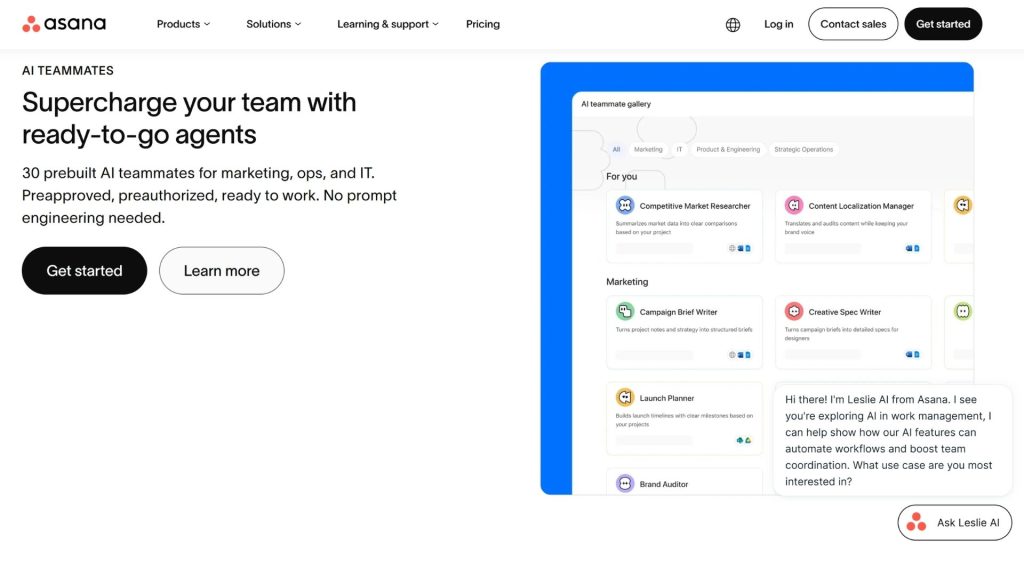
AI tools for programming and software development
41. GitHub Copilot
GitHub Copilot is one of the most popular AI tools for developers, helping you write code, explain code, fix bugs, and perform software development tasks right inside your programming environment. Copilot has evolved from an AI pair programmer into a coding agent platform that can research a repository, plan, make code changes, create pull requests, and assist with code review.
- Key features:
- Real-time code suggestions and inline code completion directly in the IDE.
- Copilot Chat lets developers ask questions about code, request explanations, or get implementation suggestions.
- Agent mode can determine which files need to change, suggest terminal commands, and iterate on edits until the task is complete.
- The Copilot cloud agent can research a repository, plan, edit code on a branch, and create a pull request for the developer to review.
- Copilot code review can analyze pull requests, detect issues, and suggest changes you can apply directly.
- Supports many popular IDEs such as VS Code, Visual Studio, JetBrains IDEs, Xcode, and Eclipse.
- GitHub Copilot supports multiple AI models and lets you use MCP, agent skills, and custom instructions to give the repository more context.
- Supported platforms: GitHub.com, VS Code, Visual Studio, JetBrains IDEs, Xcode, Eclipse, GitHub CLI, and other environments supported by GitHub.
- Best for: Programmers, software engineers, developer teams, IT students, startups, and businesses that want to use free AI tools or an AI coding agent to boost software development productivity.
- Pricing:
- Copilot Free: Free, limited to 2,000 code completions and 50 chat requests per month.
- Copilot Student: Free for verified students, with unlimited code completions and a separate AI Credits allowance.
- Copilot Pro: USD 10/month, offering unlimited completions, access to multiple models, and a monthly AI Credits allowance.
- Copilot Pro+: USD 39/month, offering a higher AI Credits allowance and access to premium models.
- Copilot Max: USD 100/month, for users with high-intensity coding agent needs.
- Copilot Business: USD 19/user/month for organizations.
- Copilot Enterprise: USD 39/user/month for businesses using GitHub Enterprise Cloud.
- Website: GitHub Copilot
>>> See also:
- How to build an app for Android/iOS easily, without knowing how to code
- A guide to building an iOS app for people who don’t know how to code
- Standout GitHub repos of 2026: AI agents dominate every field
42. OpenAI Codex
OpenAI Codex is OpenAI’s coding agent, designed to carry out software engineering tasks end to end rather than just offering code suggestions. Codex can build features and handle refactoring, migration, testing, and pull requests in the cloud or through the CLI, IDE, and ChatGPT. It is one of the leading AI tools for developers, embodying the shift from AI coding assistant to AI agent.
- Key features:
- Can take engineering tasks described in natural language and carry out multiple steps to complete the request.
- Supports building features, fixing bugs, refactoring code, and migration on real-world codebases.
- Can run testing and verify changes before the developer receives the results.
- Supports working with pull requests and end-to-end software development tasks.
- Codex in ChatGPT provides cloud environments and worktrees so that multiple agents can work in parallel across projects.
- Skills let teams provide their own standards, workflows, and ways of working so Codex applies them consistently.
- Can run scheduled background tasks, such as issue triage, monitoring, or certain CI/CD workflows.
- Supported platforms: The web in ChatGPT, the ChatGPT desktop app, the Codex CLI, and an IDE extension.
- Best for: Software engineers, developers, DevOps, technical teams, startups, and businesses that want to bring free AI or a coding agent into their software development process.
- Pricing:
- ChatGPT Free: Codex is included with certain usage limits.
- ChatGPT Plus: Includes Codex with higher limits; Codex usage is measured in credits and tokens.
- ChatGPT Pro: Includes a higher Codex allowance for power users.
- Business, Enterprise, Edu, and other organization plans: Have their own limits and credit mechanisms.
- Codex credits: OpenAI now measures Codex usage by token rather than a fixed price per message; consumption depends on the model, the number of agent sessions, automation, and Fast Mode usage. OpenAI estimates that Codex costs average around USD 100–200/developer/month, though this can vary significantly depending on your needs.
- Website: OpenAI Codex
>>> See also:
- How is AI in software development applied?
- Will AI replace web development? How to Adapt Effectively
- How does AI-assisted programming affect coding skills?
43. Cursor
Cursor is an AI-integrated code editor built on the editor foundation developers already know, but with added abilities to understand a codebase and write and edit code using natural language. Cursor now focuses heavily on Agent, Composer, Cloud Agents, MCP, and Bugbot, allowing AI to participate more deeply in the development process rather than merely offering code completion.
- Key features:
- The Agent can understand a request, find the relevant files, and make multiple changes across the codebase.
- Composer helps build and edit code based on the project’s context.
- Supports frontier models from multiple providers, so developers can choose the model best suited to each task.
- MCP, skills, and hooks let you extend the AI’s capabilities with external tools and workflows.
- Cloud Agents can perform coding tasks in a cloud environment.
- Bugbot helps detect issues in code and perform agentic code review.
- Privacy Mode lets you control how your code data is used; Cursor states that when this mode is enabled, code data is not used by them or by the model providers for training.
- Supported platforms: Desktop on the operating systems Cursor supports; Cursor also provides Cloud Agents and features designed for teams.
- Best for: Programmers, software engineers, startups, freelancers, AI developers, and teams that need AI tools for developers to accelerate coding, debugging, and refactoring.
- Pricing:
- Hobby: Free, no payment card required, with limits on Agent requests and Tab completions.
- Pro: 20 USD/month, expands Agent limits and adds access to frontier models, MCP, skills, hooks, and Cloud Agents.
- Pro+: Higher Agent limits than Pro plus access to the same features.
- Ultra: Provides significantly higher Agent limits, aimed at power users.
- Teams: 40 USD/user/month, adds centralized administration, shared context, agentic code review, SSO, and analytics.
- Enterprise: Custom pricing, with support for pooled usage, SCIM, access controls, audit logs, and advanced administration.
- Website: Cursor
>>> See also:
- Custom software development services
- 15+ free, easy-to-use Android app design tools
- 10 free 3D home design software options for phone and computer
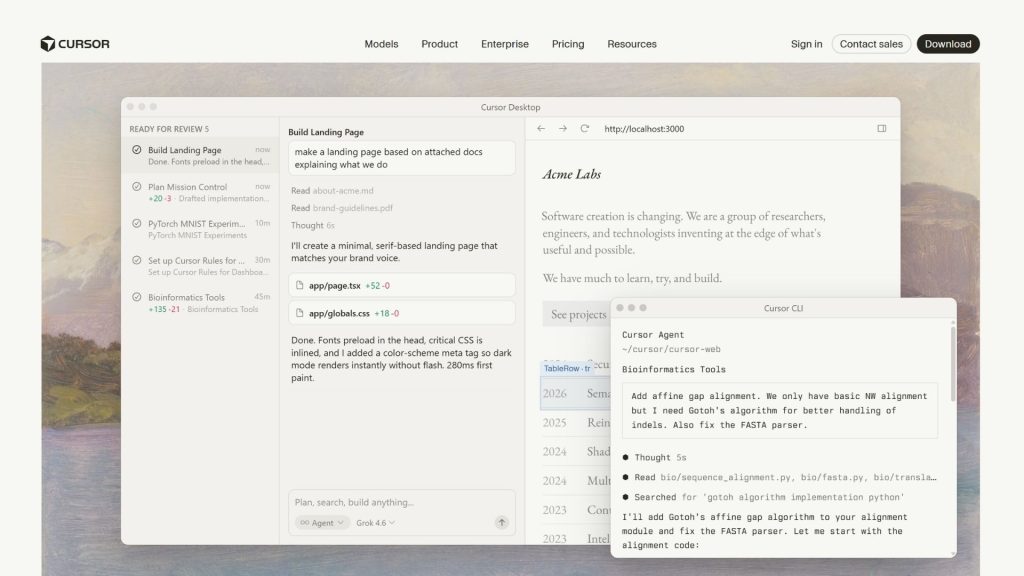
44. Claude Code
Claude Code is Anthropic’s coding agent, letting developers assign tasks directly from the terminal and have the AI read the codebase, edit files, run commands, check results, and continue working as requested. Claude Code also supports complex agentic workflows, including running multiple subagents in parallel and routines that can be triggered on a schedule or by events.
- Key features:
- Understands the repository and helps carry out coding tasks directly from the terminal.
- Can edit multiple files, run commands, and iterate on the process to complete a request.
- Supports tasks such as debugging, refactoring, testing, and deploying changes across the codebase.
- Can work with many development tools and workflows through Claude Code’s extensibility.
- Dynamic workflows let Claude Code orchestrate dozens of subagents in parallel for complex tasks.
- Agent view provides an interface for managing multiple Claude Code sessions.
- Routines allow you to configure tasks that run on a schedule, via API call, or on an event trigger.
- Supported platforms: Terminal/CLI, IDE, and the development environments Claude Code supports.
- Best for: Developers, software engineers, DevOps, technical leads, and teams that need AI software capable of handling multi-step coding tasks.
- Pricing:
- Claude Pro: 20 USD/month or 200 USD/year; Claude Code is included in the plan.
- Claude Max 5x: 100 USD/month, providing roughly 5 times the Pro capacity for Claude Code.
- Claude Max 20x: 200 USD/month, providing roughly 20 times the Pro capacity.
- Team and Enterprise: Dedicated plans for organizations with advanced administration and security features.
- Website: Claude Code
>>> Further reading:
- How to use Claude Opus 4.7 with Claude Code most effectively
- Integrating Claude Code with Figma: Turning source code into design
- How to create a WordPress plugin with Claude Code and WordPress Studio
45. Replit
Replit is an online software development platform that combines an IDE, hosting, a database, and an AI Agent in a single environment. Replit Agent lets users describe an application in natural language so the AI can help build, test, and deploy the product. Thanks to its browser-based development model, Replit suits both professional developers and newcomers who want to try AI tools for building applications.
- Key features:
- Replit Agent helps turn an idea or a natural-language request into a working application.
- Provides an online coding environment, letting users develop and test products without having to set up a full local environment themselves.
- Integrates a database for building full-stack applications.
- Supports creating and deploying a website or application directly from the Replit workspace.
- AI Agents can work in parallel on paid plans, ideal for projects that need to handle many tasks at once.
- Supports creating slides, videos, and animations alongside application development workflows.
- Replit offers AI integration features to connect AI models and services into applications.
- Supported platforms: Web; Replit focuses on a browser-based development environment and provides cloud services for building, hosting, and deploying applications.
- Best for: Developers, startups, freelancers, IT students, product teams, and newcomers who want to build applications with free AI tools for developers.
- Pricing:
- Starter: Free, with daily Agent credits, a built-in database, the ability to create slides/videos/animations, and the ability to publish 1 project.
- Replit Core: 25 USD/month or 20 USD/month billed annually, including 25 USD monthly credits, up to 5 collaborators, and up to 2 agents running in parallel.
- Replit Pro: 100 USD/month or 95 USD/month billed annually, including 100 USD monthly credits, up to 15 collaborators, and up to 10 agents running in parallel.
- Higher-tier plans are aimed at commercial needs, professional builds, and large-scale AI Agent usage.
- Website: Replit
AI Data Analysis Tools
46. Microsoft Power BI Copilot
Microsoft Power BI Copilot is a set of AI features integrated into Power BI and Microsoft Fabric, helping users explore data using natural language instead of running the entire analysis process manually. Copilot can help create reports, summarize data, build visualizations, and answer questions about data. It is one of today’s AI tools that fits enterprises already using the Microsoft ecosystem.
- Key features:
- Lets you ask questions in natural language to explore your data and surface insights within Power BI reports.
- Helps generate and summarize report content so users can quickly grasp the key points.
- Can help create visuals, suggest ways to analyze data, and build calculations from natural-language requests.
- Copilot can use Fabric data agents to answer questions based on the data sources a user is authorized to access.
- Supports AI workflows across Microsoft Fabric, including Data Factory, Data Engineering, Data Science, Data Warehouse, and Real-Time Intelligence.
- Available in both Power BI Service and Power BI Desktop when the environment meets the capacity and governance requirements.
- Supported platforms: Power BI Service, Power BI Desktop, and Microsoft Fabric.
- Best for: Data analysts, business analysts, managers, marketers, finance teams, sales teams, and businesses that need an AI tool to support data analysis, reporting, and decision-making.
- Pricing:
- Power BI Free: A free version exists for certain personal content creation and viewing needs, but it does not qualify for using Copilot in Power BI.
- Power BI Pro: The common Power BI license for business users; however, Copilot specifically requires an additional paid Fabric capacity or Power BI Premium capacity.
- Copilot: Microsoft requires an environment with a paid Fabric capacity of F2 or higher, or a Power BI Premium capacity of P1 or higher; trial capacity and free SKUs are not supported.
- Fabric/Power BI costs depend on capacity, number of users, and deployment model, so businesses should check Microsoft’s pricing at the time of signup.
- Website: Microsoft Power BI
>>> See also:
- What is an offshore development center? An optimal solution for businesses
- What is HSTS? How the HSTS security mechanism works
- 16 best free graphic design apps – Download now
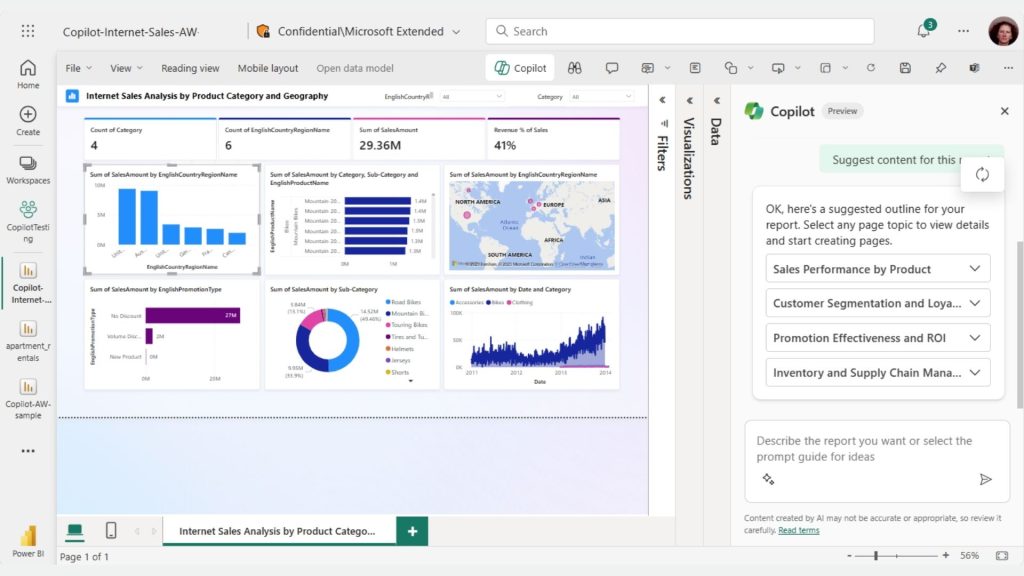
47. Julius AI
Julius AI is a data analysis AI tool that lets users upload data and ask questions in natural language to analyze, clean, visualize, and build data models. The tool supports many formats, including CSV, Excel, PDF, images, and online data sources. Julius also offers AI-powered Data Agents and Notebooks that automate more complex analytical processes.
- Key features:
- Lets you query your data directly in natural language and receive answers along with analysis.
- Automatically cleans, organizes, transforms, and prepares data through prompts.
- Creates charts, graphs, and other data visualizations on request.
- Supports statistical analysis, predictive forecasting, and in-depth data models.
- Can generate reports and analysis summaries to share with others.
- Supports exporting processed data to CSV or Excel.
- Julius Notebooks let you build step-by-step analysis processes for the AI Agent to execute according to a defined workflow.
- Supports data connections from Google Drive, OneDrive, SharePoint, Snowflake, BigQuery, and PostgreSQL on the appropriate plans.
- Supported platforms: Web; supports connecting multiple data sources and collaborative workspaces on higher-tier plans.
- Best for: Data analysts, marketers, researchers, business analysts, students, and non-technical users who want to use an AI application for data analysis.
- Pricing:
- Free: USD 0/month, for small projects and basic analysis; includes access to Notebooks, the Google Drive connector, and limited RAM.
- Plus: USD 20/month, or USD 16/month billed annually; includes 2,000 credits/month and access to frontier AI models.
- Pro: USD 45/month, or USD 37/month billed annually; includes 5,000 credits/month, 32 GB RAM, and advanced features.
- Max: USD 200/month, or USD 166/month billed annually; for users with intensive AI analysis needs.
- Ultra: USD 500/month, or USD 416/month billed annually, for users with the highest usage needs.
- Business: USD 450/month, or USD 375/month billed annually, supporting teams, multiple data connectors, Custom Agents, and scheduled reports.
- Enterprise: Custom pricing for organizations that need security, SSO, audit logs, and private data integrations.
- Website: Julius AI
>>> See also:
- App design costs and maintaining an app on Google Play and the App Store
- What is SSL? Common website security certificates
- What is RSA? How RSA encryption works and its use in digital signatures
48. Tableau AI
Tableau AI is an ecosystem of AI features built into Tableau that helps users prepare data, build visualizations, explore insights, and ask questions in natural language. Tableau Agent acts as an AI assistant for data analysis, while Tableau Pulse delivers personalized insights and alerts about trends, metrics, or anomalies.
- Key features:
- Tableau Agent lets users ask questions in natural language to explore data and create visualizations.
- Supports creating and explaining calculated fields, helping users reduce the time spent building formulas manually.
- Tableau Agent in Prep can help prepare data using natural language and build multi-step processing plans.
- Tableau Pulse automatically detects trends, drivers, and outliers, then presents insights in natural language.
- Tableau Agent in Pulse enables analysis across multiple metric groups and delivers insights with visualizations, citations, and follow-up questions.
- Tableau Agent can run in Web Authoring, Tableau Desktop, and certain Tableau Server environments.
- Tableau MCP allows Tableau’s analytics capabilities to connect with AI agents such as Claude, ChatGPT, and Codex.
- Supported platforms: Tableau Cloud, Tableau Desktop, Tableau Server, and Tableau Next, depending on the feature.
- Best for: Data analysts, BI teams, businesses, managers, and teams that need today’s popular AI tools to visualize, analyze, and extract insights from data.
- Pricing:
- Tableau Cloud Standard: From USD 15/user/month billed annually, including Tableau Desktop, Prep Builder, and Tableau Pulse.
- Tableau Cloud Enterprise: From USD 35/user/month billed annually, adding advanced governance, security, and data management features.
- Tableau Next: From USD 40/user/month billed annually, including Tableau Agent, Tableau Semantics, and Slack integration.
- Tableau Pulse is included in Tableau Cloud and Embedded Analytics editions; some advanced AI features, such as Tableau Agent in Pulse, are only available in Tableau+ or the corresponding editions.
- Tableau also offers a free trial option for certain products and AI features before you commit to a paid subscription.
- Website: Tableau
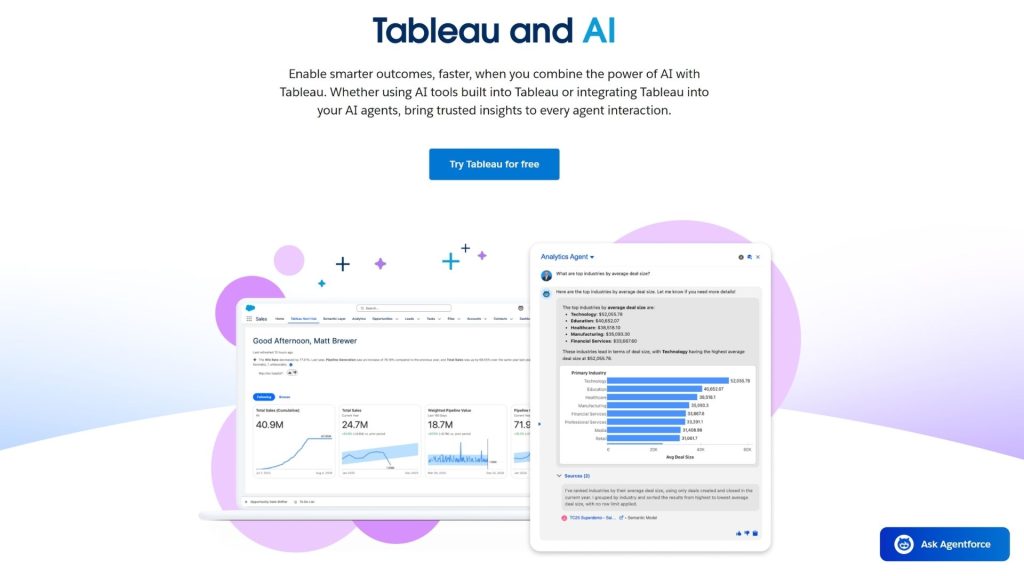
AI automation tools and AI Agents
49. Zapier AI
Zapier AI is an ecosystem of AI tools that combines workflow automation with AI, helping you connect apps, process data, and build AI Agents to perform tasks on your behalf. Alongside Zapier Agents, the platform also offers AI by Zapier and components such as Tables, Forms, and MCP, enabling businesses to build automation processes from simple to complex without deep programming.
- Key features:
- Zapier Agents let you build AI teammates capable of performing tasks based on the goals and instructions you provide.
- AI Agents can use live data, browse the web, and interact with users through a Chrome Extension.
- AI by Zapier lets you bring AI into each step of a workflow to classify, extract, generate, or process data.
- Zapier MCP lets an AI assistant or AI agent connect with the tools and workflows in the Zapier ecosystem.
- Supports Tables and Forms to collect, store, and process data right within your automation processes.
- AI by Zapier currently uses a pricing model based on model tier, where Standard, Advanced, and Premium each consume tasks at different rates.
- Supported platforms: Web, Chrome Extension, Zapier MCP, and the ecosystem of apps supported by Zapier.
- Best for: Marketers, sales teams, office workers, startups, agencies, and businesses that want to use AI tools to automate workflows without building a system from scratch.
- Pricing:
- Zapier Free: USD 0/month, supporting Zapier automation, Tables, and Forms with 100 tasks/month.
- Agents Free: USD 0/month, supporting up to 400 activities/month, live data sources, web browsing, and interacting with the agent via the Chrome Extension.
- Agents Pro: USD 33.33/month billed annually, equivalent to USD 400/year; supports 1,500 activities/month.
- Enterprise: Custom pricing, aimed at organizations that need to manage agents at scale, along with audit logs and advanced control policies.
- Website: Zapier
>>> See also:
- Top 20 most trusted number-one app design companies in Vietnam
- Top 35 most reputable and professional website design companies
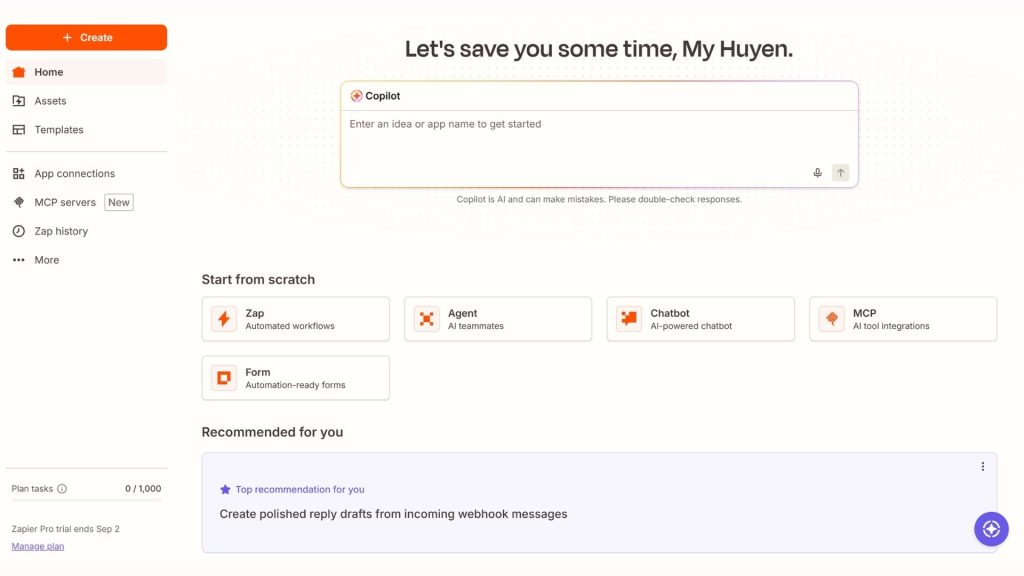
50. Make AI
Make AI is a visual AI automation platform that connects apps, data, and AI models to build automation workflows and AI Agents. Make AI Agents can make context-based decisions, choose the right tools, and adapt to changing conditions rather than simply following a fixed set of rules. The platform currently supports more than 3,000 apps and is geared toward agentic automation for businesses.
- Key features:
- Make AI Agents let you build AI Agents directly on the visual canvas alongside workflow automation.
- Agents can use modules, scenarios, and MCP tools to perform tasks across multiple systems.
- AI Web Search brings web data directly into workflows and generates structured outputs.
- AI Content Extractor pulls structured text and metadata from files.
- The Make AI Toolkit provides built-in AI tools to process, classify, summarize, and transform data.
- Supports connections to more than 3,000 apps, allowing AI Agents to carry out tasks across multiple systems.
- The visual canvas lets you track an agent’s decisions and actions step by step, making it easy for businesses to inspect and control their workflows.
- Supported platforms: Web and visual automation platform; supports API, MCP, and more than 3,000 app integrations.
- Best for: Marketers, operations teams, developers, automation specialists, startups, and businesses that need today’s AI tools to build automation workflows or complex AI Agents.
- Pricing:
- Free: USD 0/month, with 1,000 credits/month, the visual workflow builder, more than 3,000 apps, routers, and filters; workflows have a minimum run interval of 15 minutes.
- Core: From USD 12/month for 10,000 credits/month, adding unlimited active scenarios, scheduling down to the minute, and the Make API.
- Pro: From USD 21/month for 10,000 credits/month, adding priority execution, custom variables, and full-text execution log search.
- Teams: From USD 38/month for 10,000 credits/month, adding team roles and the ability to share scenario templates.
- Enterprise: Custom pricing for businesses that need advanced integration, security, and scalability.
- Make AI Agents: A new AI Agent capability offered within the Make ecosystem; costs may depend on credits and the AI provider used.
- Website: Make
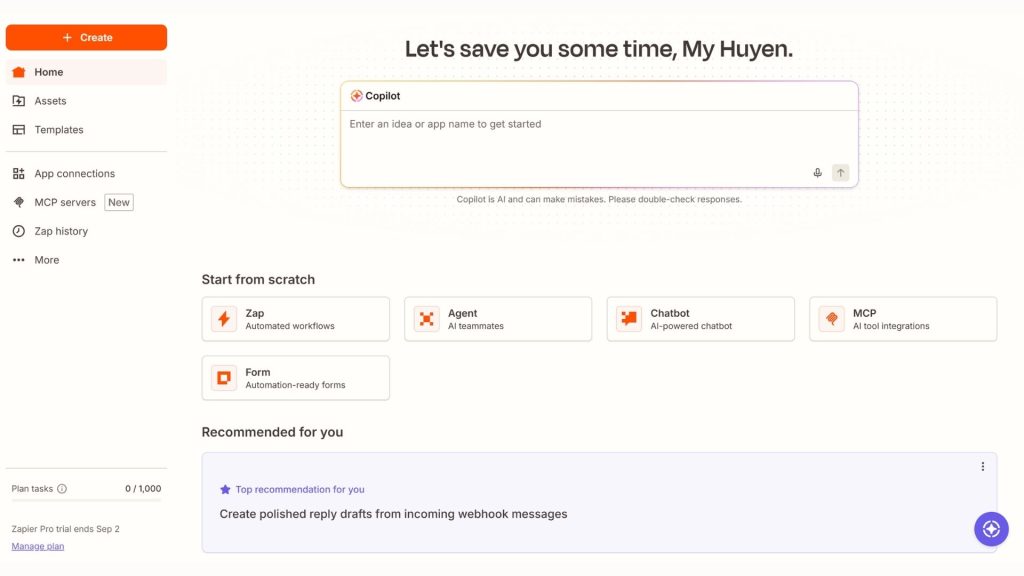
51. Relevance AI
Relevance AI is a no-code/low-code AI Agent and AI Workforce platform that lets businesses build agents capable of using tools, accessing data, and carrying out tasks on their own. The platform’s standout feature is the Workforce, where multiple specialized agents can collaborate to handle multi-step processes such as research, sales, customer support, and report generation.
- Key features:
- Lets you build AI Agents with no code, so users can create agents from a job description without deep programming skills.
- Agents can use tools to search the web, send emails, update the CRM, call APIs, and perform other tasks.
- Knowledge lets you connect data from files, Google Drive, SharePoint, Notion, or websites to give agents context.
- Workforce lets multiple specialized AI Agents collaborate within a single multi-step process.
- Includes a Marketplace of prebuilt agents, tools, and workforces that users can clone and customize.
- Supports more than 2,000 apps and integrations, along with the ability to build custom app/API integrations.
- Agents can choose their own tools and approach to a task based on the goal, rather than just following a fixed workflow.
- Workforce supports dividing work among multiple agents—for example, one agent to research, one to write content, and one to check quality before finishing.
- Supported platforms: Web; supports app integrations, APIs, and external data systems.
- Best for: Businesses, sales teams, marketing, operations, customer support, automation specialists, and anyone who wants to build AI Agents or use today’s popular AI platforms without developing an entire system from scratch.
- Pricing:
- Free: USD 0/month, including 200 Actions/month, 1 Workforce, 1 user, 1 project, the Marketplace, and unlimited Agents & Tools. The free plan requires no payment card.
- Pro: From USD 19/month billed annually or USD 29/month billed monthly; includes 2,500 Actions/month, unlimited Workforces, scheduled tasks, premium app triggers, and Bring Your Own LLM.
- Team: From USD 234/month billed annually; aimed at teams building and running AI Workforces at scale.
- Enterprise: Custom pricing for businesses that need organization-grade AI Workforce, security, and advanced governance.
- Website: Relevance AI
>>> See also:
- What is OWASP ZAP? The OWASP ZAP security testing tool
- What is WCAG? Principles for website content accessibility
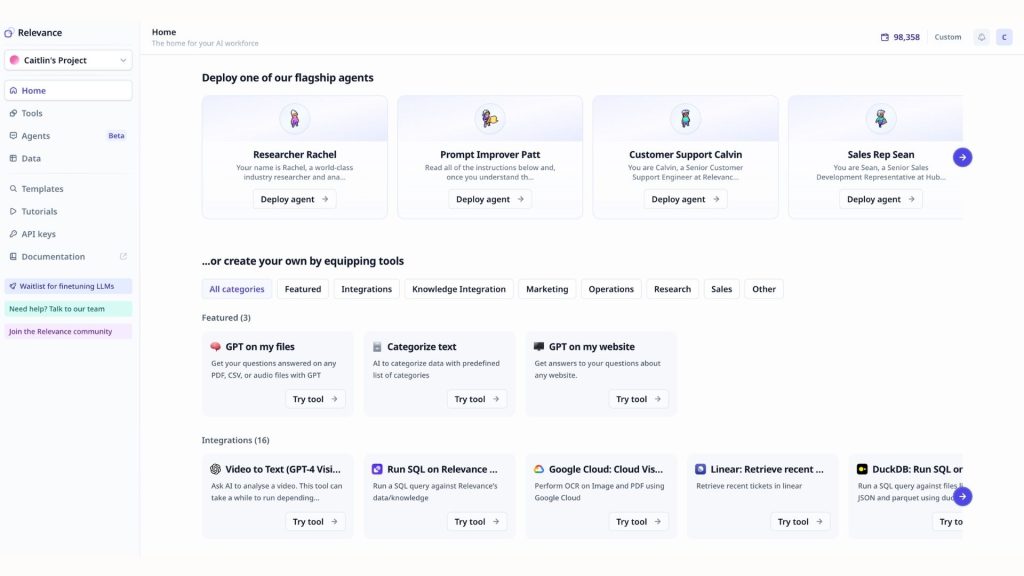
52. n8n
n8n is an open-source workflow automation platform that combines app connectivity with AI Agents to build multi-step automation processes. Unlike AI tools that only generate content or answer questions, n8n lets AI connect to APIs, databases, CRM, email, and other services to take action. The platform supports more than 500 integrations and can be self-hosted so businesses gain greater control over their data.
- Key features:
- AI Agent lets you build agents that can take a goal, use tools, remember context, and carry out multiple steps to complete a task.
- The AI Workflow Builder lets you describe a workflow in natural language, after which n8n generates a workflow you can continue to edit and optimize.
- Supports building Multi-Agent Systems, in which multiple specialized agents can collaborate across many tasks.
- Supports RAG Agents to connect AI with documents, wikis, or internal data to produce answers grounded in specific data sources.
- Can connect AI Agents to more than 500 integrations, APIs, databases, web services, and MCP Servers.
- Lets you combine AI with conditional logic, JavaScript/Python code, human-in-the-loop, and approval mechanisms to control an agent’s actions.
- Supported platforms: n8n Cloud and self-hosted; supports deploying workflows via web, API, webhook, MCP, and many external services.
- Best for: Developers, automation specialists, marketers, operations teams, startups, and businesses that want to build AI automation tools, AI Agents, internal workflows, or systems integrating multiple apps.
- Pricing:
- Community Edition: A free self-hosted version, ideal for users who want to deploy and manage n8n on their own infrastructure.
- Starter: EUR 20/month billed annually, including 2,500 workflow executions/month, unlimited users, and 2,300 AI credits/month.
- Pro: From EUR 50/month billed annually, including 10,000 executions/month and up to 13,700 AI credits/month depending on the Pro tier.
- Business: EUR 667/month billed annually, for businesses using self-hosting, with 40,000 executions/month, SSO/SAML/LDAP, version control, and advanced administration features.
- Enterprise: Custom pricing, supporting a dedicated number of executions, more than 200 concurrent executions, log streaming, an external secret store, and SLA support.
- n8n bills Cloud usage mainly by the number of complete workflow runs, rather than charging for each individual step in a workflow. This is especially well suited to AI workflows with many processing steps.
- Website: n8n
>>> See also:
- Causes and fixes for the security error when accessing a website
- What is open source? The TOP 15 best open-source platforms
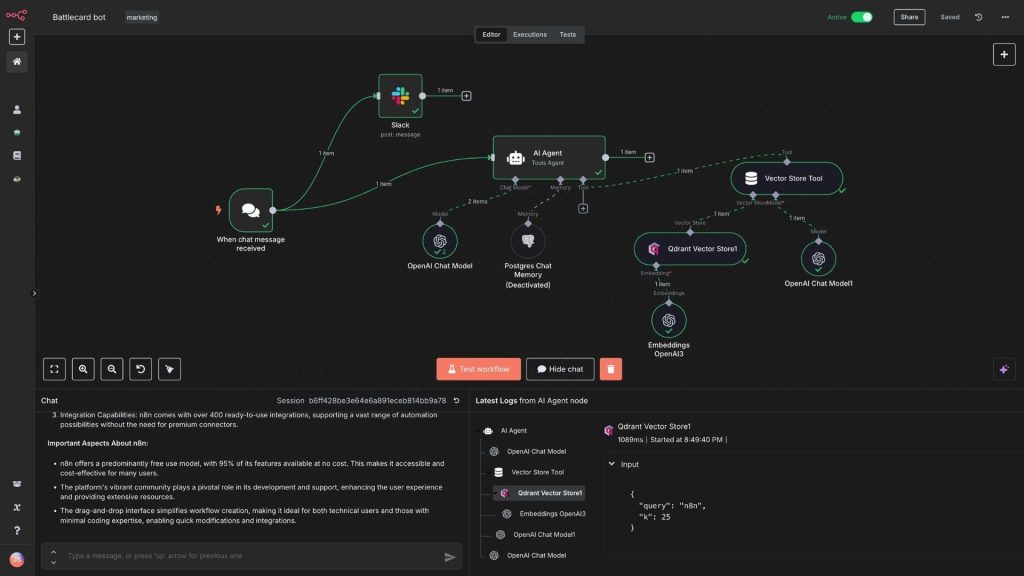
Comparison table of today’s most popular AI tools
The table below brings together 50+ standout AI tools by feature set, target user and pricing, making it easy to pick the right tool for your needs.
| Tool | Key features | Best for | Pricing |
| ChatGPT | Chat, content creation, data analysis, coding, image generation and AI-assisted tasks | Individuals, businesses, developers | Free version available; paid plans |
| Gemini | Chat, search, and analysis of text, images and documents | Individuals, learning, businesses | Free version available; paid plans |
| Claude | Content writing, document analysis, handling complex requests and coding | Content writers, businesses, developers | Free version available; paid plans |
| Microsoft Copilot | AI assistant, search, content creation and support across Microsoft apps | Office workers, businesses | Free version available; paid plans |
| Grok | Chat, information lookup, analysis and content creation | Individuals, content creators | Free version available; paid plans |
| Perplexity | AI-powered search, information synthesis and cited sources | Learning, research, SEO | Free version available; paid plan |
| Gemini Notebook | Summarizing, Q&A and document analysis based on provided sources | Students, researchers, businesses | Free version available; advanced plan |
| Elicit | Searching, analyzing and synthesizing scientific research | Students, researchers | Free version available; paid plan |
| Consensus | Searching and synthesizing evidence from research papers | Academia, research | Free version available; paid plan |
| Jasper | Creating marketing content, managing brand voice and automating content | Marketing, SEO, businesses | Free trial; paid plans |
| Copy.ai | Content creation, sales support and marketing workflow automation | Marketing, sales, businesses | Limited free version available; paid plans |
| Writesonic | Content writing, SEO optimization and content support for AI search | SEO, content writers, businesses | Limited free version available; paid plans |
| Rytr | Generating, rewriting, expanding and editing content; support for SEO titles and descriptions | Content writers, SEO specialists, marketers, small businesses | Limited free version available; paid plans |
| Grammarly | Grammar and spelling checks, rewriting and improving your writing | Students, office workers, content writers | Free version available; paid Pro plan |
| Surfer AI | Creating and optimizing content against SEO criteria | SEO specialists, content writers | Free trial; paid plans |
| DeepL | Translating text and documents, and improving phrasing | Translation, learning, businesses | Free version available; paid Pro plan |
| QuillBot | Rewriting sentences, checking grammar, summarizing and generating citations | Students, content writers, SEO | Free version available; paid Premium plan |
| ChatPDF AI | Q&A, summarizing and analyzing PDF documents | Students, researchers, office workers | Free version available; paid plans |
| Notion AI | Writing, summarizing, information lookup and task management support | Office workers, project teams, businesses | Trial version available; paid plans |
| Midjourney | AI image generation in a wide range of creative styles | Designers, content creators, marketing | Paid plans |
| Adobe Firefly | Creating and editing images, video and audio with AI | Designers, marketing, businesses | Free version available; paid plans |
| Canva AI | Creating designs, images, video and content from prompts | Marketing, education, content creators | Free version available; paid Canva Pro |
| Ideogram | Creating images, typography designs and posters with AI | Designers, advertising, branding | Free version available; paid plans |
| Leonardo AI | Creating and editing images, video and visual content | Designers, gaming, content creators | Free version available; paid plans |
| Runway | Creating and editing video and images with AI | Filmmakers, content creators, marketing | Free version available; paid plans |
| HeyGen | Creating virtual presenter videos, AI avatars and video translation | Marketing, training, businesses | Free version available; paid plans |
| Synthesia | Creating training and presentation videos with AI avatars | Businesses, training, HR | Free version available; paid plans |
| Pika | Creating short videos, turning images into video and adding effects | Content creators, social media | Free version available; paid plans |
| ElevenLabs | Voice generation, voice cloning, dubbing and audio | Content creators, developers, media | Free version available; paid plans |
| Murf AI | Creating voiceovers, dubbing and AI-generated voices | Marketing, online training, content creators | Free version available; paid plans |
| Speechify | Converting text to speech, reading documents aloud and creating voiceovers | Learning, research, content creators | Free version available; paid Premium plan |
| Suno | Creating songs, lyrics and music with AI | Musicians, content creators | Free version available; paid plans |
| Gamma | Creating presentations, documents and websites with AI | Office workers, marketing, education | Free version available; paid plans |
| Tome AI | Creating presentations from prompts and existing content | Office workers, teachers, students | Paid plans |
| Beautiful.ai | Automatically designing presentation layouts | Businesses, sales, marketing | Trial available; paid plans |
| Slidesgo AI | Creating presentations and offering design templates | Teachers, students, marketing | Free version available; paid Premium plan |
| Fireflies.ai | Recording audio, transcribing speech to text and summarizing meetings | Office workers, sales, HR | Free version available; paid plans |
| Motion | Scheduling, organizing tasks and managing projects with AI | Founders, project managers, teams | Trial available; paid plans |
| Shortwave | Managing email, searching, summarizing and drafting emails with AI | Office workers, managers, sales | Free version available; paid plans |
| Asana AI | Project management, workflow automation and an AI assistant | Businesses, project managers, teams | Free version available; paid plans |
| GitHub Copilot | Code suggestions, code explanations, bug fixing and coding support | Developers, software teams | Limited free version available; paid plans |
| OpenAI Codex | Building features, fixing code, testing and handling multi-step coding tasks | Developers, engineering teams | Based on your ChatGPT plan and usage limits |
| Cursor | AI-integrated code editor that helps write and fix code | Developers, software engineers | Free version available; paid plans |
| Claude Code | Reading source code, fixing code, testing and handling coding tasks | Developers, DevOps | Based on your Claude plan |
| Replit | Building, testing and deploying apps with AI | Developers, startups, coding beginners | Free version available; paid plans |
| Microsoft Power BI Copilot | Analyzing data, generating reports and finding insights in natural language | Data specialists, businesses | Requires the appropriate license and capacity |
| Julius AI | Analyzing data, creating charts and forecasting | Data specialists, researchers, marketing | Free version available; paid plans |
| Tableau AI | Analyzing data, visualization and spotting trends | Data specialists, businesses | Trial available; paid plans |
| Zapier AI | Automating workflows, connecting apps and building AI agents | Marketing, sales, operations | Free version available; paid plans |
| Make AI | Visual automation and building AI agents | Marketing, software development, operations | Free version available; paid plans |
| Relevance AI | Building AI agents and teams of AI agents | Sales, marketing, operations | Free version available; paid plans |
| n8n | Automating workflows, building AI agents and connecting APIs | Developers, automation, businesses | Free community edition available; paid Cloud |
>>> See also:
- Top 10+ best free mobile sales management apps
- 40 effective website security and malware scanning tools
- 6 rules for designing beautiful mobile app interfaces with the best UI/UX standards
How to choose the best free AI tools today
Not every free AI tool suits every need. A platform packed with features but with tight usage limits may not work for a business, while a simple tool can meet personal needs perfectly well. To choose the right AI tools, consider the following 6 criteria.
Define your usage goal
First, pinpoint exactly what work you need the AI tool to help with. Each category of tools is usually optimized for a different purpose, so you should not choose based on popularity alone.
- Content writing: Consider ChatGPT, Claude, Gemini or Jasper.
- Search and research: Perplexity, Elicit, Consensus and Gemini Notebook are a better fit.
- Image generation: Midjourney, Adobe Firefly, Canva AI or Ideogram.
- Coding: GitHub Copilot, Cursor, OpenAI Codex or Claude Code.
- Data analysis: Power BI Copilot, Julius AI or Tableau AI.
- Automation: Zapier AI, Make AI, Relevance AI or n8n.
Check integration capabilities
Integration capabilities determine how easily an AI tool fits into your existing workflow. Before making a choice, it is worth checking:
- Does the tool support an API?
- Can it connect to email, a CRM, a database, or the software you already use?
- Does it support automation platforms such as Zapier, Make, or n8n?
- Can it export data to the formats you need?
- Does it support the tools your team uses every day?
For a business, strong integration reduces manual work and makes it easier to build long-term automated workflows.
Evaluate accuracy
You should not choose today’s popular AI tools based solely on user numbers or how well known they are. Test a tool on real tasks before relying on it regularly.
- Check the accuracy of the information
- Cross-check figures and reference sources
- Assess how well it understands context
- Check the logic of the results
- Compare results across several tools when a task has high accuracy requirements
In particular, for specialized content, business data, programming, or research, AI-generated results still need to be reviewed by a human before use.
Check data security
Before feeding documents or data into an AI tool, users should review the platform’s privacy policy and terms of use. Do not assume that a free tool protects your data the same way its enterprise plans do.
Be especially careful when handling:
- Personal information about customers or employees.
- Financial data and internal business information.
- Confidential documents, contracts, or unpublished data.
- Source code and system credentials.
- Data owned by customers or partners.
Businesses should prioritize platforms with clear access controls, encryption, data governance, and privacy policies.
Compare costs
“Free” does not mean a tool can be used without limits. Many free AI tools cap the number of uses, file size, or processing speed, or offer only part of their features.
When comparing, consider:
- The cost of the free plan versus the paid plan.
- The number of uses or the monthly quota.
- The number of users supported.
- Which features are available only on the paid plan.
- The extra cost incurred when you exceed the quota.
- Monthly cost versus an annual subscription.
If you only use it for simple tasks, the free version may be enough. Otherwise, a business should calculate the total cost of use rather than looking only at the listed price.
Scalability for businesses
If you are choosing one of today’s popular AI platforms for your business, scalability needs to be considered from the outset. A suitable tool not only meets your current needs but must also keep up as the number of users and the volume of work grow.
Factors worth checking include:
- Number of users: Can it scale from an individual to a team or the entire company?
- Access control: Does it support role-based access management?
- Integration: Can it connect to internal systems and enterprise software?
- Automation: Can you build automated workflows and AI Agents?
- Security: Does it support SSO, activity logs, or other enterprise governance mechanisms?
- Technical support: Is there a support team and a service policy suited to businesses?
>>> See also:
- What is OWASP? The top 10 security vulnerabilities and risks according to OWASP
- A detailed, professional, all-inclusive website design quote
- Professional custom software development in Hanoi at a great price

How to use free AI tools
To use free AI tools effectively, you can follow 6 steps in order, from identifying your needs and choosing a tool to entering your request and then checking and integrating the results into your work.
Step 1: Identify the task you need AI to help with
First, clearly define which task you need AI to solve. This helps you choose the right tool instead of trying out many platforms unnecessarily. Some common needs include:
- Writing content: ChatGPT, Claude, Gemini.
- Creating images: Canva AI, Adobe Firefly, Midjourney.
- Summarizing documents: NotebookLM, ChatPDF AI, Claude.
- Analyzing data: Julius AI, Power BI Copilot.
- Programming: GitHub Copilot, Cursor, OpenAI Codex.
- Creating videos: Runway, HeyGen, Synthesia.
Example: If you need to summarize a long PDF report, prioritize a tool built for document processing rather than using AI image-generation software.
Step 2: Choose the right AI tool
Once you have identified your needs, check the tool’s terms before signing up. In particular, distinguish between a genuinely free version and a time-limited trial.
- Does the tool have a free version?
- How many uses, how much storage, or how many credits are granted each month?
- Does it require you to enter a payment card when signing up?
- Which features can be used for free?
- Are the generated results limited in quality, format, or usage rights?
If you only need to perform basic tasks, a free AI tool may already meet your needs without an upgrade.
Step 3: Register an account and access the tool
Once you have chosen a tool, visit the official website to avoid logging in to fake sites by mistake. The sign-up process for most AI tools is fairly simple:
Visit the website → Sign up/Log in → Choose the free version → Open the interface.
Some platforms allow quick sign-in with a Google, Microsoft, or Apple account. After logging in, review the plan you are on, the free quota, and the features granted before you begin.
Step 4: Enter a prompt and provide data to the AI
Output quality depends significantly on how you frame your request to the AI. Instead of typing a very short question, provide enough information in a structured way:
State the role → Provide context → Describe the task → Give the requirements → Define the output format.
For example, instead of simply writing “Write an introduction about AI tools,” you can use a more specific request:
- Role: You are an SEO specialist and Content Writer.
- Context: The audience is office workers who are new to using AI.
- Task: Write a 150-word introduction for an article about AI tools.
- Requirements: A professional, easy-to-understand tone that provides practical information.
- Output: Split into 2 paragraphs, no bullet points.
For complex tasks, you do not have to pack the entire request into a single prompt. You can keep working with the AI to edit, add to, or change the result. For instance, after receiving the first draft, you can ask the AI to shorten it, change the tone, add examples, or adjust it for the target audience. This approach is usually more effective than trying to write one very long prompt from the start.
Step 5: Check and refine the AI results
You should not use the output of an AI app right away, especially for specialized content or important information. Apply this process:
AI generates a result → Check → Give feedback → Request edits → Final check.
During the review, pay attention to:
- Information: Cross-check key facts against reliable sources.
- Logic: Check the reasoning, the formulas, and the relationships between pieces of information.
- Spelling: Check for spelling and grammar errors and terminology usage.
- Figures: Verify numbers, ratios, dates, and calculation results.
- Copyright: Check the usage rights for any images, content, audio, or data that were generated or referenced.
AI can produce inaccurate information or content that lacks context. For this reason, you should not use AI output verbatim for important content without having a human review and edit it first.
Step 6: Save the results or integrate them into your work
Once you have reviewed and refined the output, bring the AI results into your actual workflow rather than leaving them isolated on the platform. Depending on your needs, you can:
- Copy the content into Google Docs or a content management system.
- Export documents to PDF, Word or another suitable format.
- Download images, video or audio to keep editing them.
- Bring source code into an IDE for testing before deployment.
- Load processed data into Excel or Power BI for analysis.
- Connect AI to automation workflows through Zapier, Make or n8n.
By combining AI tools with an existing workflow, you can turn AI from a standalone assistant into part of a more automated and efficient process.
>>> See also:
- AI data labeling: Trends, Tools and Workflows
- What is Zero Trust? How Zero Trust works and its core principles
- What is a security vulnerability? Understanding website vulnerabilities and how to prevent them effectively
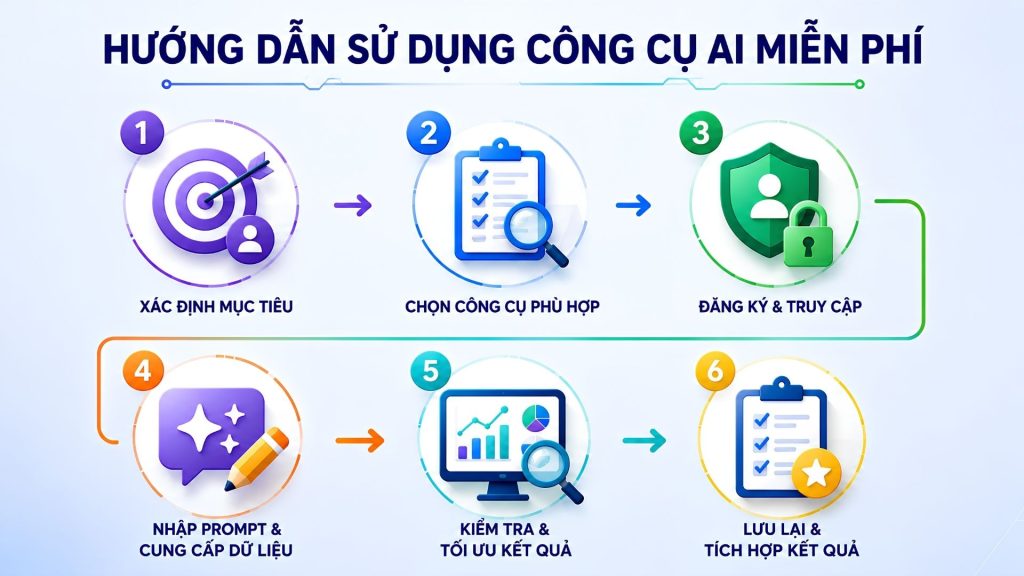
Things to keep in mind when using AI tools
AI tools can boost productivity, but they should not be treated as your source of truth or your final decision-maker. To use AI safely, effectively and responsibly, you need to pay attention to accuracy, security, copyright and the role of human oversight.
Don’t rely on AI entirely
AI can help handle many tasks, but it can still generate incorrect information, miss context or reach inappropriate conclusions. That is why you should not hand over all important decisions to AI. For content involving finance, law, medicine, business or other high-impact decisions, AI should play a supporting role while humans remain responsible for evaluating and making the final call.
Verify the information
Output from AI tools needs to be checked before use, especially when it contains figures, quotations or specialized information. You should:
- Cross-check the information against official, trustworthy sources.
- Check the date the data was last updated.
- Verify figures, names of people, organizations and events.
- Check the references if the AI provides citations.
- Never assume that an answer that sounds plausible is actually accurate.
Don’t feed sensitive data into public AI
You should not upload sensitive data directly to public AI applications unless you fully understand the platform’s data processing and storage policies. In particular, avoid feeding AI information such as:
- Passwords, authentication codes and API keys.
- Personal information or customer data.
- Contracts and internal documents.
- Financial data or confidential business information.
- Private source code and system configuration details.
When you need to process enterprise data, use a solution that offers appropriate security policies and data control.
Check content copyright
Content generated by AI does not automatically mean you always have full rights to use it. Before publishing or using it for commercial purposes, you need to check the terms of each AI product, especially for images, video, audio, text and data generated from existing content. At the same time, you should avoid asking AI to reproduce copyrighted content verbatim, and you need to verify usage rights for third-party resources.
Build a human-in-the-loop process
Human-in-the-loop can be understood as a process in which people still take part in reviewing and approving the important results that AI generates. Instead of letting AI complete the entire process automatically, a business can set up steps such as:
AI processes → Human reviews → Approve or request edits → AI continues processing.
This approach is especially useful for specialized content, data analysis, programming, customer service and other high-risk processes.
Manage access and data permissions
When rolling out AI within a business, you need to clearly manage who can use which tools, what data they can access and what actions the AI is allowed to perform. A business should assign permissions by role, use separate accounts, control data access and regularly review connections to external applications. For AI tools capable of carrying out tasks automatically, you need to limit the AI’s permissions and set up approval mechanisms for important actions.
>>> Further reading:
- How businesses build AI Agents
- Top 15+ major, reputable software companies in Vietnam
- Get custom software development in Ho Chi Minh City at a great value, done professionally
AI tool trends in 2026
2026 marks the shift from AI that helps answer questions to AI capable of understanding many types of data, carrying out multi-step tasks and taking a direct part in the workflow. A Google Cloud report based on a survey of more than 3,466 business leaders shows that AI Agents are becoming a major direction of development, while businesses are increasingly putting AI into real processes rather than merely experimenting with it.
AI Agents are gradually replacing traditional chatbots
Traditional chatbots mainly respond to questions within each interaction, whereas an AI Agent can take a goal, make a plan, use tools and carry out a sequence of actions to complete a task. This is one of the most notable changes in AI tools today.
OpenAI has observed users shifting from short requests to handing Codex tasks that run for hours; by May 2026, more than 70% of surveyed users had asked Codex to perform at least one task estimated to require more than an hour of human work.
As a result, the trend in AI use may evolve along these lines:
Chatbot → AI assistant → AI Agent → Systems of multiple AI Agents working together.
AI Agents will not only answer “what should be done” but will also be able to take actions such as finding data, updating a CRM, writing reports, handling source code or sending information once the conditions set for them are met.
Multimodal AI becomes the standard
AI tools are moving from processing mainly text to understanding and combining many forms of data, such as text, images, audio, video and source code. Google Cloud defines multimodal AI as the ability to take in many types of input and produce many different types of output, so that users are no longer limited to a single format.
In 2026, this capability is increasingly built directly into AI applications. You can feed an image, a video clip or an audio file into the AI and then ask it to analyze, summarize, convert or create new content. Google has also introduced models capable of combining text, audio, images and video within a single workflow.
AI moves from assisting to doing the work
Another important trend is that AI is no longer just producing drafts for humans to continue working on. AI is increasingly able to fully complete a portion of the work toward an assigned goal.
Microsoft describes this progression across four levels: humans do the work directly and call on AI when needed; AI creates drafts for humans to edit; humans hand an entire task over to AI to carry out; and finally, multiple AI Agents work together within a single process.
In practice, an AI Agent can:
- Search for and synthesize information.
- Analyze data and generate reports.
- Handle customer requests.
- Write and test source code.
- Update data in enterprise software.
- Perform repetitive tasks on a schedule.
Google Cloud also notes that businesses are moving from single commands to multi-step processes orchestrated by AI Agents.
AI is becoming increasingly specialized by task and industry
Instead of a single all-purpose AI serving every need, today’s popular AI tools are increasingly designed for specific jobs. You can choose tools dedicated to programming, SEO, design, data analysis, sales, customer service or project management.
This trend helps AI gain a deeper understanding of the data, terminology and processes of each field. For example, a coding AI can work directly with source code and testing systems, while a data-analysis AI can connect to enterprise data sources and generate reports in context.
AI deeply integrated into business software and workflows
AI is gradually becoming a functional layer built directly into the business software people already use every day, rather than existing as a standalone tool. Platforms for work management, office productivity, programming, data analytics, and customer support are all integrating AI and AI Agents directly into their workflows.
This trend is especially important for businesses because the value of AI lies not only in its ability to generate content, but also in its ability to connect data, software, and processes. OpenAI notes that businesses are looking for ways to bring AI Agents into their internal systems, corporate data, and the tools they already use, while establishing appropriate permissions and control mechanisms.
As a result, in 2026, choosing AI software will no longer rest solely on the question “What can the AI create?” but will also have to consider “What systems can the AI connect to, what work can it carry out, and how does the business control the AI?” This will be a key factor in determining how effectively AI can be deployed over the long term.
>>> See also:
- A roundup of the best and fastest DNS servers that are easy to use
- The WCAG 2.2 web content accessibility guidelines
- AI token pricing for 3D model generation — Meshy, Tripo, Rodin…
Conclusion
AI tools are increasingly effective at supporting study, work, and business operations, from writing content, design, and programming to data analysis and automation. That said, users should choose tools based on their goals, accuracy, cost, integration capabilities, and security. Using AI the right way, combined with human review and evaluation, helps save time and improve productivity.
Frequently asked questions about AI tools
What is an AI tool?
An AI tool is a piece of software or a platform that uses artificial intelligence models to perform or assist with tasks that would normally require human processing. Depending on the purpose, a tool can generate content, search for information, analyze data, create images, video, or audio, or support programming. Today’s AI tools are increasingly evolving from chatbots that answer questions into AI assistants and AI Agents capable of carrying out multiple tasks toward an assigned goal.
What are the most popular AI tools today?
Today’s AI tools can be grouped by common functions as follows:
- Conversational & all-purpose assistants: ChatGPT, Gemini, Claude, Microsoft Copilot
- Search & research: Perplexity, Elicit
- Design & image generation: Canva AI, Midjourney, Adobe Firefly
- Programming assistance: GitHub Copilot, Cursor, OpenAI Codex
- Video, audio, data & automation: Runway, ElevenLabs, Power BI Copilot, Zapier AI, n8n
What are the best free AI tools available today?
Some free AI tools worth considering include ChatGPT, Gemini, Claude, Microsoft Copilot, Perplexity, Canva AI, Adobe Firefly, QuillBot, GitHub Copilot, and n8n. However, each tool comes with different limits on the number of uses, features, capacity, or output quality. As a result, users should make their choice based on a specific purpose, such as writing content, studying, design, programming, or automation.
What AI tools are available to support studying?
Popular AI tools for studying include ChatGPT, Gemini, Claude, NotebookLM, ChatPDF AI, Perplexity, and Consensus. These tools can help explain concepts, summarize documents, search for information, and support research. In addition, Grammarly and QuillBot are well suited for checking grammar and improving your writing and phrasing.
Which AI tools are a good fit for developers?
Standout AI tools for developers include GitHub Copilot, OpenAI Codex, Cursor, Claude Code, and Replit. GitHub Copilot is well suited for suggesting and completing code directly within the development environment. Cursor helps you write, edit, and understand source code in an AI-integrated editor. Codex and Claude Code are a good fit for multi-step programming tasks such as building features, fixing bugs, and testing. Replit is ideal for people who want to build and deploy applications online with AI.
References:
- 10+ Free AI tools for 2026 | Google Cloud
- The best AI productivity tools in 2026 | Zapier
- The 12 Best AI Tools for 2026 (That People Actually Use)
- The 40 Best Free AI Tools in 2026: A Complete Guide