A time management app is a valuable tool that helps you organize your work, keep track of your schedule and build more productive habits even when life gets busy. From timetable planners to reminder apps and screen-time managers, each option comes with its own strengths. In this article, TOT introduces the standout apps on Android and iOS to help you easily pick the right tool for your needs.
>>> See also:
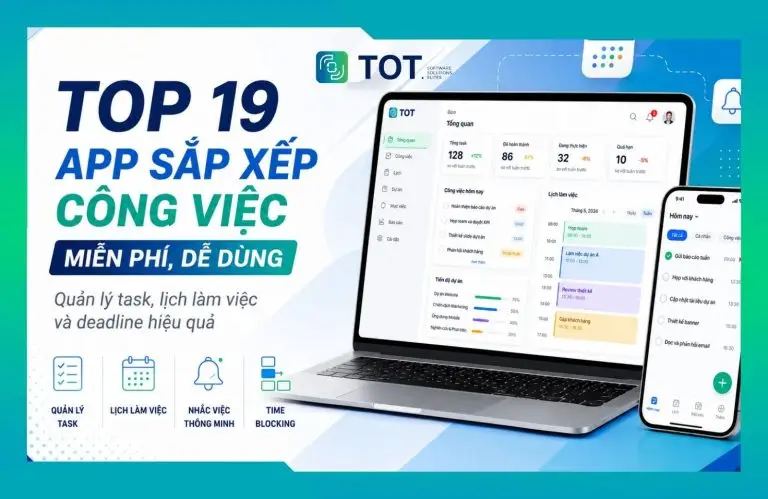
- 19 task organizer apps for planning and managing your schedule effectively
- 9+ of the easiest, free mobile app design tools
- TOP 15+ effective, super-easy AI app builders
Quick overview of all 35 time management apps
The table below lets you quickly compare all 35 time management apps by their core features, supported platforms and the users they suit best.
| No. | App | Key features | Platforms | Best for |
| 1 | Todoist | Task, project and deadline management | Web, Windows, macOS, Linux, Android, iOS | Individuals, freelancers, working professionals |
| 2 | TickTick | To-do list, calendar, Pomodoro and habit tracking | Web, Windows, macOS, Android, iOS | Individuals, students, working professionals |
| 3 | Microsoft To Do | Task lists and reminders | Web, Windows, macOS, Android, iOS | Users of the Microsoft ecosystem |
| 4 | Trello | Task management with Kanban boards | Web, Windows, macOS, Android, iOS | Individuals and teams |
| 5 | Forest | Focus through gamification | Android, iOS, browser | Students and working professionals |
| 6 | Google Tasks | Task management within the Google ecosystem | Web, Android, iOS | Google users |
| 7 | Google Calendar | Scheduling, creating events and managing your timetable | Web, Android, iOS | Individuals, families, teams |
| 8 | Google Keep | Notes, checklists and reminders | Web, Android, iOS | Anyone who needs quick notes |
| 9 | Apple Calendar | Calendar and event management | iOS, iPadOS, macOS, watchOS | Apple users |
| 10 | Notion | Notes, databases and planning | Web, Windows, macOS, Android, iOS | Individuals and teams |
| 11 | Any.do | To-do list, calendar and reminders | Web, Android, iOS | Individuals and families |
| 12 | Asana | Task and project management | Web, Android, iOS | Teams and businesses |
| 13 | ClickUp | Task, project and document management | Web, Windows, macOS, Linux, Android, iOS | Individuals and teams |
| 14 | Monday.com | Board-based workflow and task management | Web, Windows, macOS, Android, iOS | Teams and businesses |
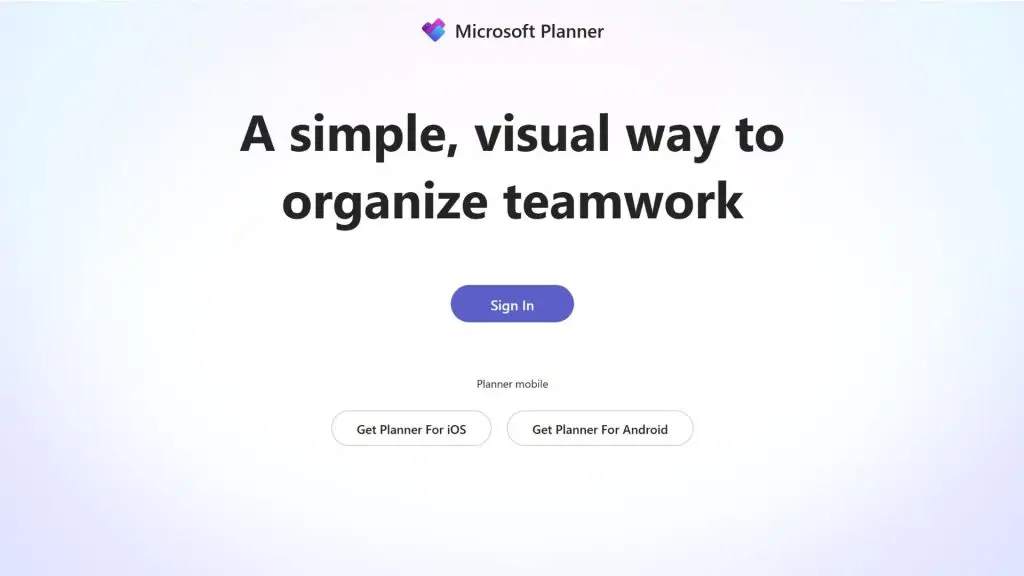
| 15 | Microsoft Planner | Planning and task management | Web, Windows, Android, iOS | Microsoft 365 users |
| 16 | Digital Wellbeing | Tracking and limiting phone screen time | Android | Anyone who wants to cut down phone use |
| 17 | OmniFocus | Advanced task management | macOS, iOS, iPadOS, Web | Apple users |
| 18 | BreakFree | Helps limit distracting apps | iOS, iPadOS | Anyone who wants to control phone use |
| 19 | Jira | Project and development workflow management | Web, Android, iOS | Software and engineering teams |
| 20 | Sunsama | Daily work planning | Web, Windows, macOS, Android, iOS | Freelancers, managers, professionals |
| 21 | Motion | AI-assisted task scheduling | Web, Windows, macOS, Android, iOS | People with complex schedules |
| 22 | Reclaim.ai | Automatic scheduling and protecting focus time | Web | Online calendar users |
| 23 | MyLifeOrganized | Hierarchical task management | Windows, Android, iOS | People juggling many complex tasks |
| 24 | RescueTime | Tracking and analyzing work time | Web, Windows, macOS, Android | Freelancers and working professionals |
| 25 | Toggl Track | Tracking work time by project | Web, Windows, macOS, Linux, Android, iOS | Freelancers, agencies, teams |
| 26 | Clockify | Timesheets and time tracking | Web, Windows, macOS, Linux, Android, iOS | Individuals and businesses |
| 27 | Focus To-Do | Pomodoro combined with task management | Web, Windows, macOS, Android, iOS | Students and working professionals |
| 28 | Pomofocus | Pomodoro and focus session management | Web | Learners and solo workers |
| 29 | AppBlock | Blocking distracting apps and websites | Android, iOS | Anyone who needs to improve focus |
| 30 | MyStudyLife | Timetable and study management | Web, Android, iOS | Students |
| 31 | Structured | Planning along a timeline | iOS, iPadOS, macOS, watchOS | Apple users |
| 32 | Evernote | Notes, information and task management | Web, Windows, macOS, Android, iOS | Individuals and professionals |
| 33 | TimeTree | Managing and sharing a common calendar | Web, Android, iOS | Families, couples and groups |
| 34 | Flipd | Tracking focus sessions and reducing distractions | Android, iOS | Students |
| 35 | Habitica | Habit and task management through gamification | Web, Android, iOS | Anyone who needs motivation to keep up habits |
>>> Learn more:
- How much does mobile app design and ongoing maintenance cost?
- Top 20 most reputable app design companies in Vietnam
- 15+ free, easy-to-use Android app design tools
Top 35 best and most effective time management apps today
1. Todoist – A flexible app for managing your time and tasks
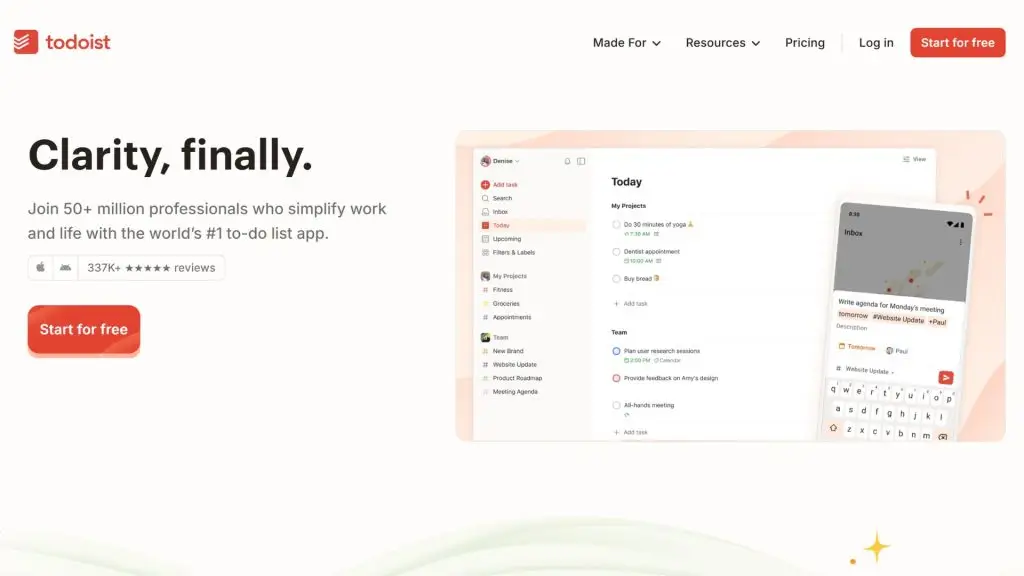
Todoist is a time management app well suited to individuals, working professionals and small teams who want to bring their work, personal plans and daily tasks together in one place. The app lets you create tasks quickly, organize them by project, due date and priority, and offers multiple views so you can follow your schedule more clearly.
| Quick facts | Details |
| Developer | Doist |
| Platforms | Web, Windows, macOS, Linux, Android, iOS and browser extensions |
| Pricing | Free plan available; paid plans from USD 5/user/month billed annually |
| Best for | Individuals, working professionals, freelancers and teams that need to manage tasks |
| Download | Download Todoist |
Key features:
- Todoist lets you add and organize tasks quickly using natural language to enter dates and deadlines.
- You can sort tasks by project, priority, label and custom filters.
- The app supports multiple views such as list, board and calendar to match different ways of working.
- Todoist offers reminders, recurring tasks and due dates to help you avoid forgetting things.
- You can integrate Todoist with email, calendars and many other communication or automation tools.
- Paid plans add features such as more projects, calendar, task durations, custom reminders and full activity history.
2. TickTick – A scheduling app combined with Pomodoro
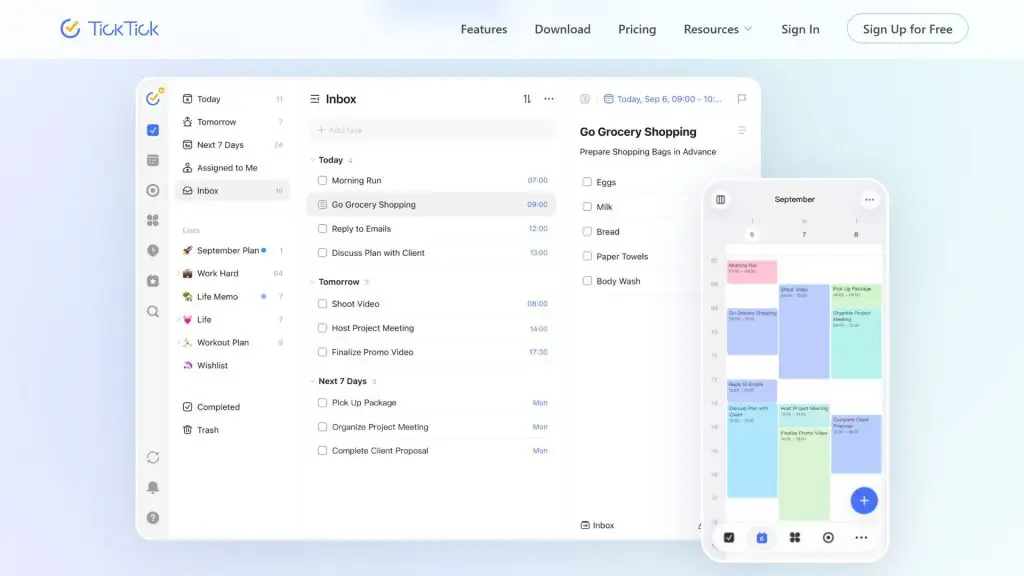
TickTick is a versatile time management app that combines to-do lists, a calendar, Pomodoro, habit tracking and the Eisenhower matrix on a single platform. As a result, it suits anyone who wants to plan their work while also managing their focus time. It’s also worth considering if you’re looking for a scheduling app packed with productivity tools.
| Quick facts | Details |
| Developer | TickTick Team |
| Platforms | Web, Windows, macOS, Android and iOS |
| Pricing | Free version and TickTick Premium available |
| Best for | Individuals, students, working professionals and anyone who wants to combine task management with focus |
| Download | Download TickTick |
Key features:
- TickTick lets you create to-do lists and categorize tasks using lists, tags and filters.
- You can set various types of reminders, including recurring reminders and some context-based options.
- The calendar mode helps you track your plans by day, week, month and other time ranges.
- The app supports list, Kanban and Timeline views to visualize your work in different ways.
- The Pomodoro feature helps split work into focused sessions, which is handy for anyone prone to procrastination.
- The Habit Tracker lets you monitor how consistently you keep up your habits and view related statistics.
- The Eisenhower matrix helps you classify tasks by importance and urgency.
- TickTick supports cross-platform syncing, so you can keep managing your schedule across multiple devices.
>>> See also:
- Top 17 leading professional graphic design apps
- Top 5 best free, high-quality home design apps
3. Microsoft To Do – A simple reminder app for your phone
Microsoft To Do is a time management app built around simplicity, and it’s especially well suited to people already using the Microsoft ecosystem. The app focuses on creating task lists, deciding what needs to get done today and setting due dates or reminders. Thanks to its Outlook integration, it’s a useful choice for anyone who wants to sync personal and work tasks.
| Quick facts | Details |
| Developer | Microsoft |
| Platforms | Web, Windows, macOS, Android and iOS |
| Pricing | Free with an eligible Microsoft account |
| Best for | Microsoft 365 users, office workers, students and anyone who needs a simple reminder app |
| Download | Download Microsoft To Do |
Key features:
- Microsoft To Do brings tasks together in one place so you can easily keep track of both personal tasks and everyday work.
- The My Day feature helps you pick the tasks to prioritize and complete today.
- You can create separate lists for work, study, shopping, travel or any other purpose.
- Each task can have a due date, a reminder and an importance flag.
- The app lets you break a large task into smaller steps to make progress easier to follow.
- You can add notes to store detailed information related to each task.
- Tasks stored on Exchange Online can appear automatically in Outlook Tasks, supporting workflows within the Microsoft ecosystem.
- Microsoft To Do works on Windows, Mac, Android, iOS and the web, keeping your tasks in sync across devices.
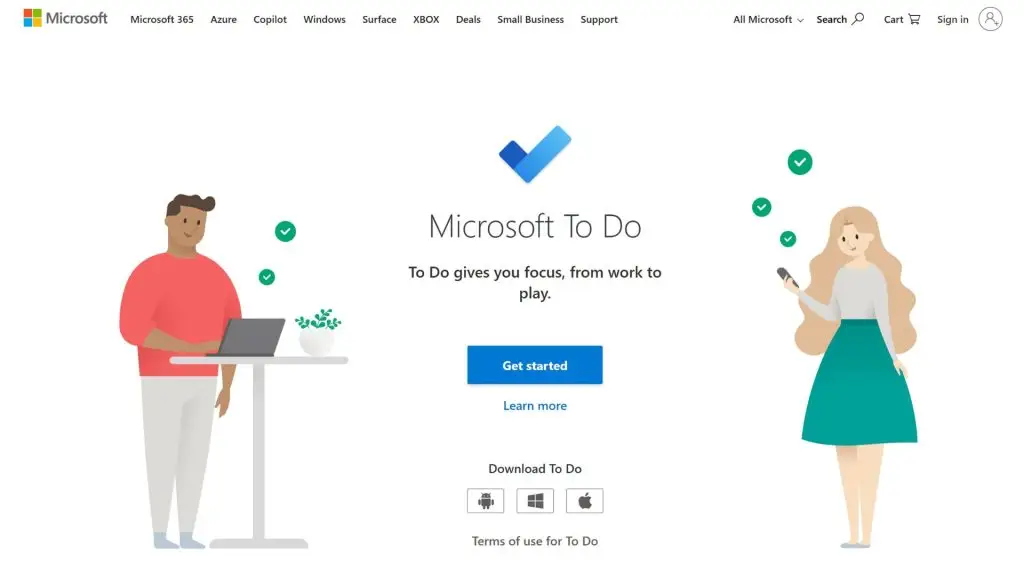
4. Trello – A visual, board-based scheduling app
Trello is a time and task management app built on a visual approach, ideal for individuals and teams who want to follow tasks through each stage. You can organize your work using boards, lists and cards, making it easy to watch progress from start to finish. It’s a great fit for anyone who needs a flexible, easily customizable scheduling app.
| Quick facts | Details |
| Developer | Atlassian |
| Platforms | Web, Windows, macOS, Android and iOS |
| Pricing | Free plan available; paid Standard, Premium and Enterprise plans |
| Best for | Individuals, small teams, project teams and businesses |
| Download | Download Trello |
Key features:
- Trello lets you manage work with a visual system of boards, lists and cards.
- Each card can have an assignee, a due date, attachments and a checklist.
- The Inbox feature helps you quickly capture information and to-dos before organizing them into boards.
- Planner helps sync your calendar and allocate focused time blocks for your work.
- Trello supports automating repetitive tasks and workflows.
- You can extend Trello’s capabilities through Power-Ups, integrations and other connectors.
- The Premium plan adds multiple views such as Calendar, Timeline, Table, Dashboard and Map.
>>> Related:
- Professional, reliable custom mobile app design services
- 10 free 3D home design programs for phone and computer
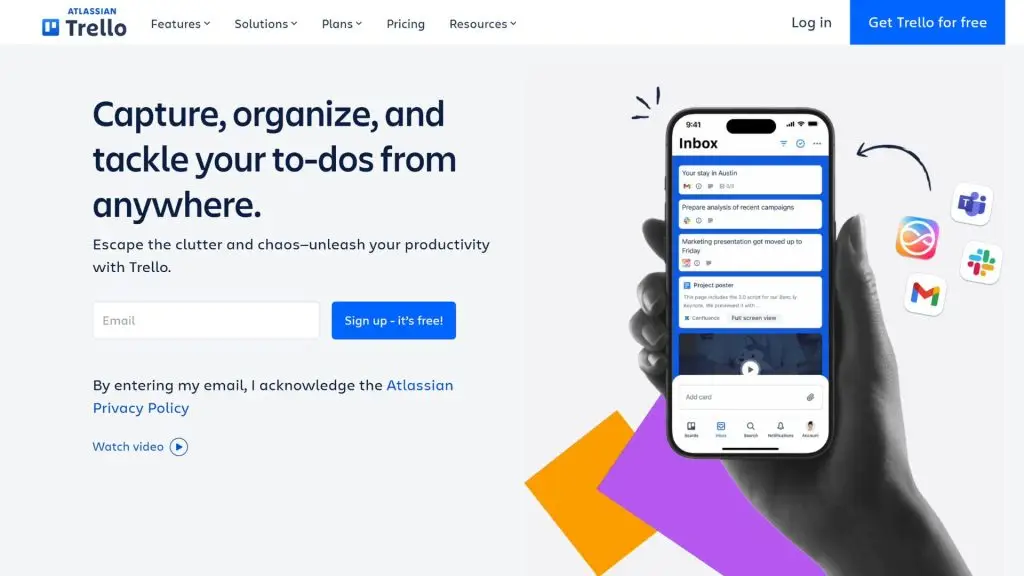
5. Forest – A time management app for focus and fewer distractions
Forest is a gamified time management app that helps you build a habit of focusing through a “plant a tree” mechanic. When you start a work session, a virtual tree grows while you stay focused, but leaving the session to use restricted apps can interrupt its growth. Forest suits anyone who wants to reduce distractions while studying or working.
| Quick facts | Details |
| Developer | Seekrtech |
| Platforms | Android, iOS and browser extension |
| Pricing | Forest Free version available; Forest Plus offers advanced features |
| Best for | Students, working professionals and anyone who needs to improve their focus |
| Download | Apple App Store, Google Play Store |
Key features:
- Forest uses a Focus Timer combined with a tree-planting mechanic to keep you motivated to stay focused.
- Deep Focus Mode can help block distracting apps during a work session.
- Time Guard lets you limit or control your use of apps and websites through supported configurations.
- Plant Together lets you create shared focus rooms so several people can work at the same time.
- The app tracks your focus sessions so you can observe how you spend your time.
- Forest Plus adds Focus Analytics, Custom Tags and many advanced customization options.
- You can use your in-app achievements to help plant real trees through Forest’s partner.
6. Google Tasks – A simple app for timetables and to-dos
Google Tasks is a timetable and to-do list app that suits anyone who regularly uses Gmail, Google Calendar and other Google Workspace tools. It focuses on creating, organizing and tracking tasks within the same ecosystem. Thanks to syncing with your Google account, it’s a convenient choice for managing your work on both phone and computer.
| Quick facts | Details |
| Developer | |
| Platforms | Web, Android and iOS |
| Pricing | Free with a Google account; some collaboration features depend on your Google Workspace plan |
| Best for | Individuals, office workers and users of the Google ecosystem |
| Download | Apple App Store, Google Play Store |
Key features:
- Google Tasks lets you create and manage to-do lists directly inside the Google apps you already know.
- You can add a date and time to tasks to receive reminders on the schedule you set.
- Tasks with a due date appear automatically in Google Calendar.
- The app supports recurring tasks by day, week, month or year.
- You can create separate lists by task, topic or client.
- The starring feature helps you prioritize important tasks.
- Tasks can be broken into smaller steps using subtasks for easier tracking.
- Google Tasks syncs data across computer, phone and tablet when you sign in with the same Google account.
>>> See also:
- A guide to building an iOS app for people who can’t code
- The detailed 8-step mobile app design process from A to Z
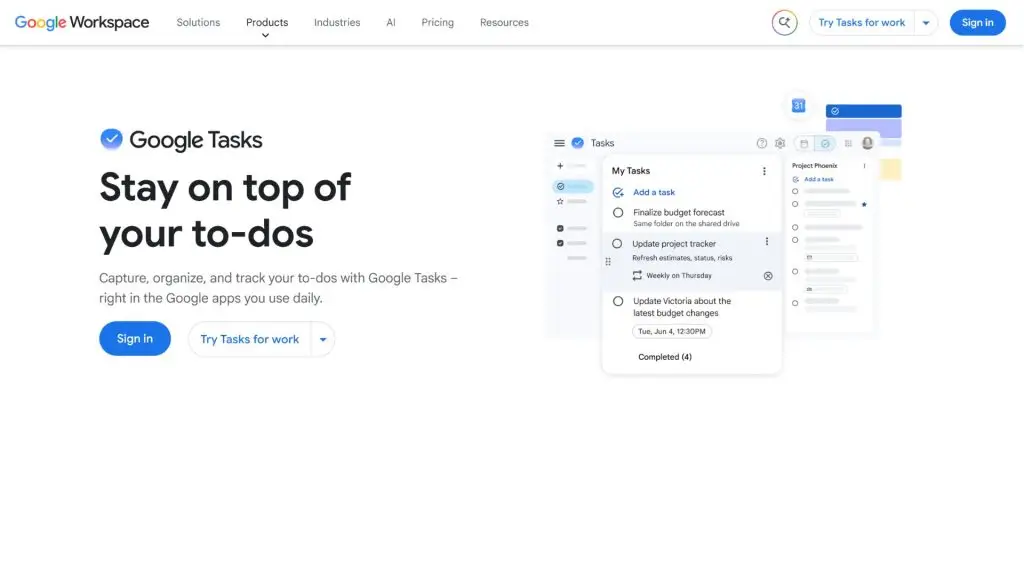
7. Google Calendar – An app for building timetables and organizing your schedule
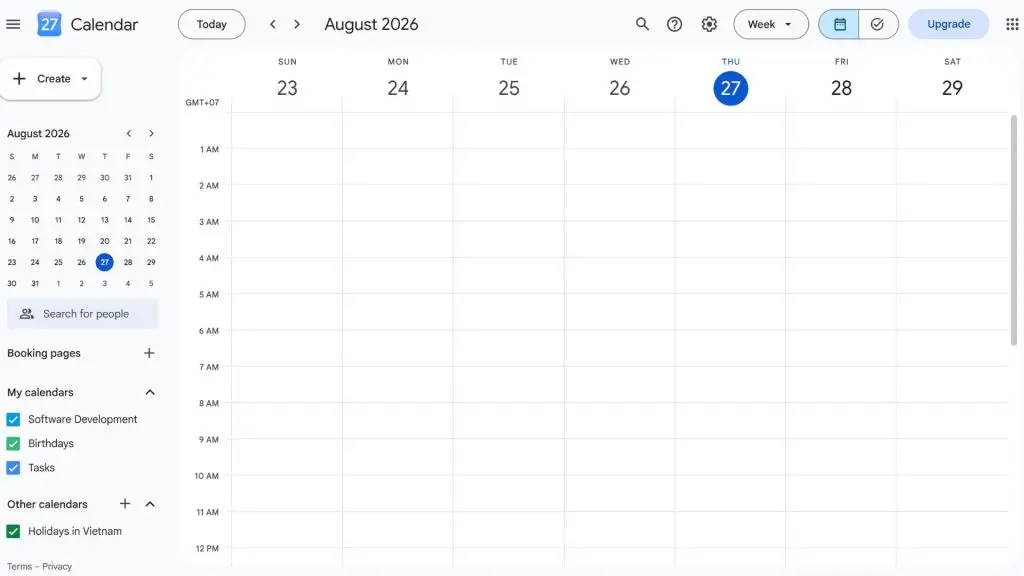
Google Calendar is one of the most popular timetable apps, thanks to its ability to organize events, personal calendars and work schedules by day, week or month. You can create multiple calendars for different purposes and share them with others when needed. It’s a useful tool for anyone who wants to build a timetable on their phone and keep their schedule in sync across devices.
| Quick facts | Details |
| Developer | |
| Platforms | Web, Android and iOS |
| Pricing | Free with a Google account; the business version is included in Google Workspace plans |
| Best for | Individuals, families, students, employees and work teams |
| Download | Apple App Store, Google Play Store |
Key features:
- Google Calendar lets you quickly create events with a date, time and related details.
- You can create multiple separate calendars to track work, study, family or other activities.
- The app supports sharing calendars with individuals or groups and customizing access permissions.
- Calendars can be made public or shared with specific people as needed.
- Google Calendar can display tasks with due dates from Google Tasks.
- You can organize your schedule on the web and sync it to view on the mobile app.
- Keeping separate calendars makes it easy to see different groups of activities within the same view.
8. Google Keep – A note and quick-reminder app
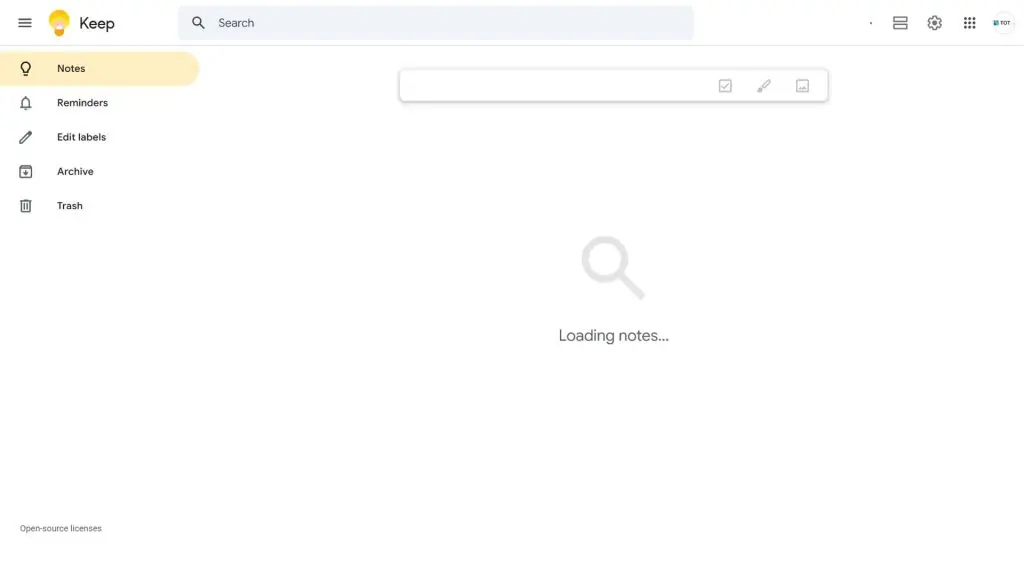
Google Keep is a note-taking app well suited to anyone who needs to quickly jot down ideas, tasks or to-do lists. Rather than managing complex projects, it focuses on a simple, flexible note-taking experience while letting you organize content with lists, labels, colors and pins. Google Keep also lets you set reminders on notes to help you avoid forgetting things.
| Quick facts | Details |
| Developer | |
| Platforms | Web, Android and iOS |
| Pricing | Free with a Google account |
| Best for | Individuals, students and anyone who needs quick notes or reminders |
| Download | Apple App Store, Google Play Store |
Key features:
- Google Keep lets you create, edit and share notes with just a few simple taps.
- You can create checklists to track the things you need to finish.
- Notes can be labeled, color-coded, pinned or archived to help you organize information.
- The app supports saving drawings as notes.
- You can set reminders for notes by date, time and recurrence.
- Reminders set in Keep can be viewed and managed across Google Tasks, Google Calendar and Keep, depending on how Google currently handles reminders.
- Google Keep lets you share notes so several people can edit lists, text and other content together.
- Your note data can be used across computers and mobile devices through your Google account.
>>> Learn more:
- 8 mobile app design principles that improve the user experience
- Top 10+ best free mobile sales management apps
9. Apple Calendar – A convenient work calendar app for iPhone
Apple Calendar is the calendar app built into the Apple ecosystem, well suited to iPhone, iPad and Mac users who want to manage personal calendars, work and daily events. With iCloud syncing, it keeps your schedule up to date across your Apple devices. It’s a simple, intuitive and convenient work calendar app for anyone within this ecosystem.
| Quick facts | Details |
| Developer | Apple |
| Platforms | iOS, iPadOS, macOS and Apple Watch |
| Pricing | Free, built into Apple devices |
| Best for | iPhone, iPad and Mac users, and anyone in the Apple ecosystem |
| Download | Download Apple Calendar |
Key features:
- Apple Calendar lets you create and manage events with a date, time, location and related details.
- You can set up multiple separate calendars for work, personal life, family or other purposes.
- The app syncs your calendar through iCloud to keep data updated across Apple devices.
- Apple Calendar can integrate calendars from many services and accounts supported by the operating system.
- You can set alerts before an event begins to help you avoid missing appointments.
- The app supports inviting others to events and tracking their responses.
- Different views let you follow your schedule by day, week, month or list.
10. Notion – A time management app combining notes and planning
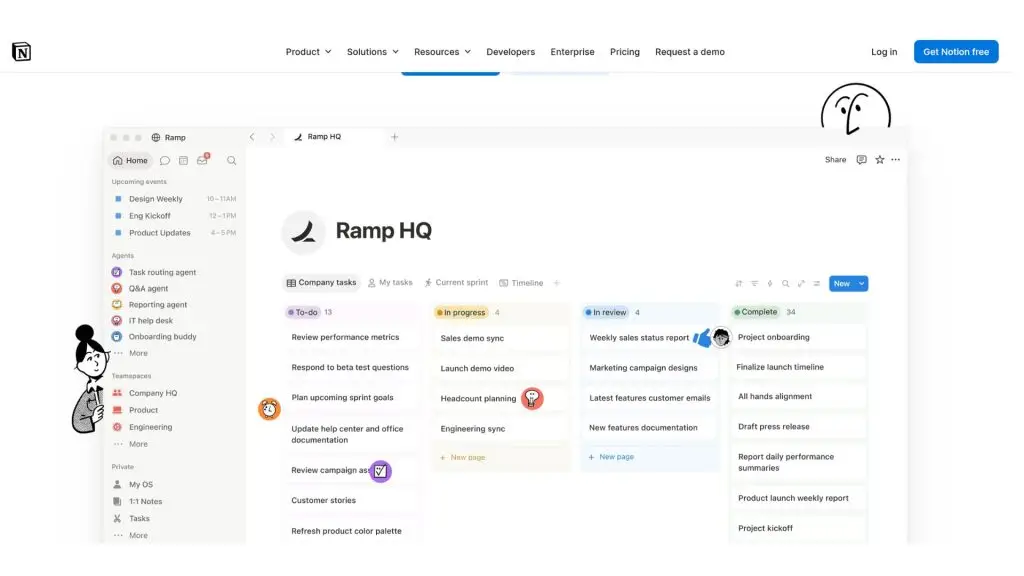
Notion is an all-in-one workspace that lets you combine notes, to-do lists, databases, calendars and project management in a single space. Thanks to its high level of customization, Notion suits anyone who wants to build a time management system tailored to their own needs. You can create a personal calendar, track deadlines, plan your studies or organize workflows for your team.
| Quick facts | Details |
| Developer | Notion Labs, Inc. |
| Platforms | Web, Windows, macOS, Android and iOS |
| Pricing | Free version available; paid plans offered for personal and business needs |
| Best for | Individuals, students, freelancers, teams and businesses |
| Download | Download Notion |
Key features:
- Notion lets you create flexible workspaces to store notes, plans and task lists.
- You can build databases to track work, projects, deadlines or personal goals.
- Databases can be displayed in many formats such as table, calendar, list, Kanban or timeline.
- The app supports creating templates to reuse work management structures and save time.
- You can share pages, set permissions and collaborate with your team members.
- Notion supports linking pages and databases to build a structured information management system.
- AI and automation features are available depending on your plan and supported region.
>>> See also:
- 7 ways to use AI to optimize the customer experience
- Build an app for Android/iOS easily, with no coding required
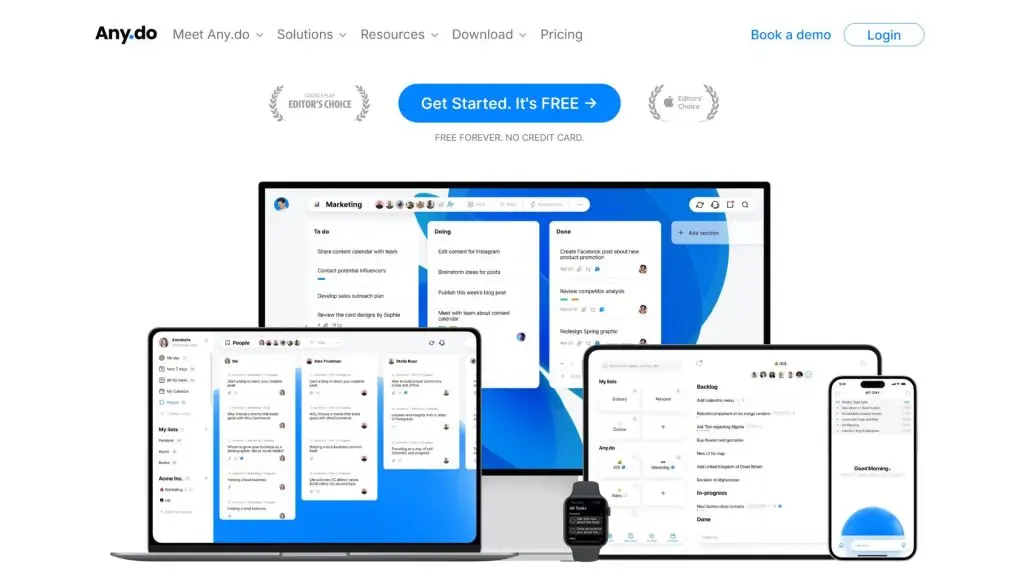
11. Any.do – A task reminder app for iPhone and many devices
Any.do is a task reminder app for iPhone and many other platforms, designed to help you manage your to-dos, calendar and daily plans. It combines task lists with a schedule so you can track your work at specific times. Any.do suits people who want a relatively simple interface for planning and receiving reminders.
| Quick facts | Details |
| Developer | Any.do |
| Platforms | Web, Android, iOS and other supported devices |
| Pricing | Free version and paid plans available |
| Best for | Individuals, families and anyone who needs to manage everyday tasks |
| Download | Apple App Store, Google Play Store |
Key features:
- Any.do lets you create to-do lists and organize tasks by day or category.
- You can set reminders on tasks to get notified at the right moment.
- The app supports recurring tasks for work that happens on a cycle.
- The calendar mode helps you see tasks and events along your planned schedule.
- Any.do supports sharing and collaborating on certain lists or shared spaces.
- You can add notes and related information to tasks to track your work more fully.
- Data syncs across compatible devices when you sign in with the same account.
12. Asana – Time and project management software for teams
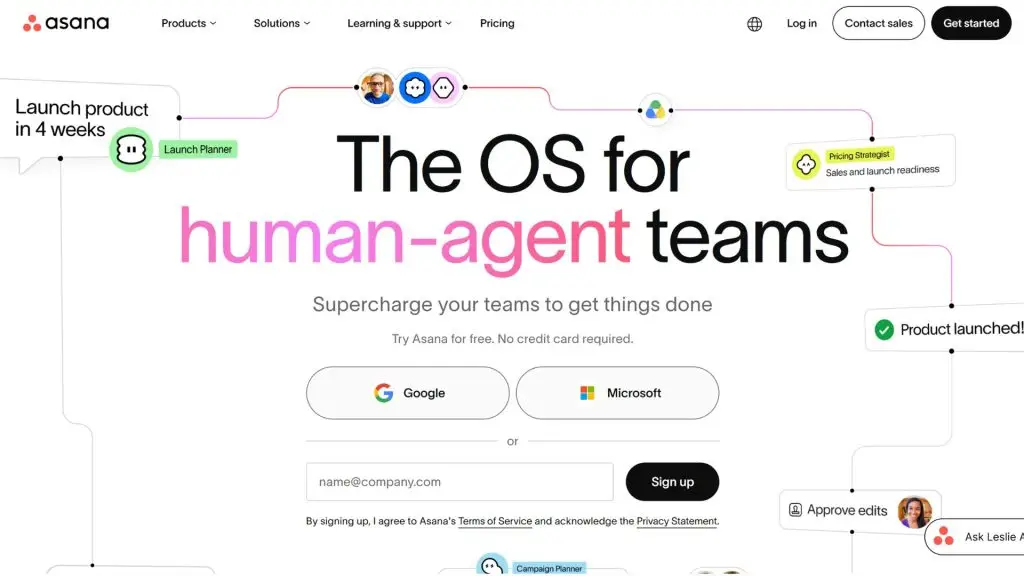
Asana is a time and work management platform built for teams, helping businesses track tasks, projects, deadlines and each member’s responsibilities. Rather than acting as just a to-do list app, Asana provides many tools for planning, assigning and tracking progress. It’s a great fit for teams that need to coordinate work through clear processes.
| Quick facts | Details |
| Developer | Asana |
| Platforms | Web, Windows, macOS, Android and iOS |
| Pricing | Free plan available; advanced features are part of the paid plans |
| Best for | Work teams, project managers, businesses and cross-department teams |
| Download | Download Asana |
Key features:
- Asana lets you create tasks, assign owners and set completion deadlines.
- You can organize work into projects and task groups aligned with specific goals.
- The app offers multiple views to track progress by list, board, timeline or calendar.
- Asana supports defining relationships between tasks to track dependent work.
- You can discuss, comment and share information directly within each task or project.
- Goal and progress tracking tools help teams connect their daily work with shared objectives.
- Asana provides AI and automation features depending on the product, plan and usage configuration.
>>> See also:
- 6 mobile app interface design rules for beautiful, UI/UX-compliant results
- Professional sales app design: real-world process & cost
13. ClickUp – A highly customizable time and task management app
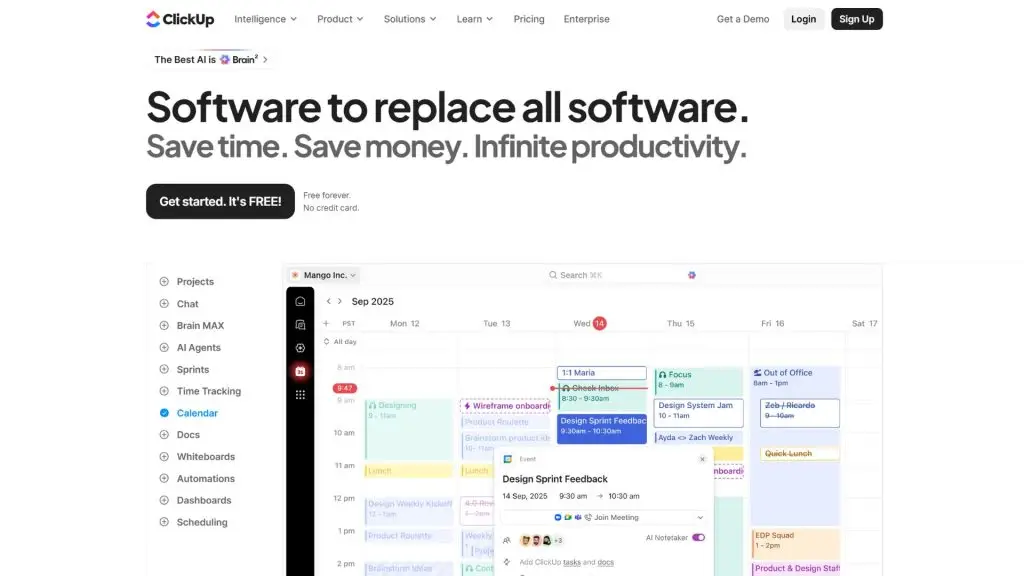
ClickUp is an all-in-one work management platform for individuals and teams who want to bring tasks, projects, documents and schedules together in one system. ClickUp’s strength lies in how flexibly you can organize your work, along with its many views. It’s a mobile time management app well suited to anyone who frequently switches between working on a computer and a mobile device.
| Quick facts | Details |
| Developer | ClickUp |
| Platforms | Web, Windows, macOS, Linux, Android and iOS |
| Pricing | Free plan available; multiple paid plans by scale and usage needs |
| Best for | Individuals, freelancers, startups, teams and businesses |
| Download | Download ClickUp |
Key features:
- ClickUp lets you create tasks, assign owners and track work status.
- You can organize tasks by workspace, folder, list and other levels.
- The platform offers multiple views such as List, Board, Calendar and others depending on your plan or configuration.
- ClickUp supports setting start dates, deadlines and some time-tracking tools for tasks.
- You can use documents and related information spaces within the same work management system.
- Automation features help reduce repetitive steps in some workflows.
- ClickUp offers AI tools depending on the product and plan you choose.
14. Monday.com – Time and work management software for teams
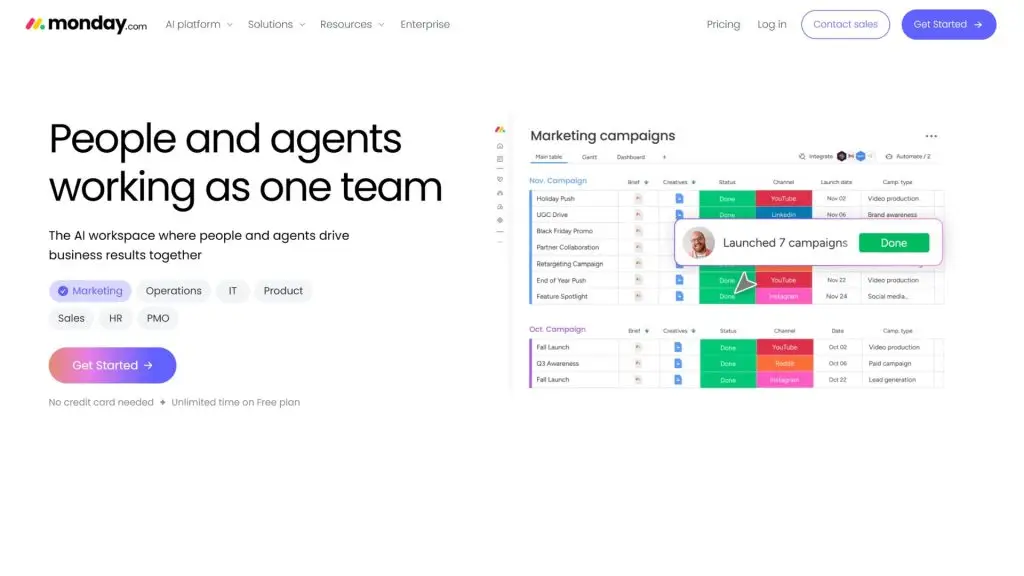
Monday.com is a visual work management platform that helps teams plan, track tasks and collaborate within a single workspace. You can customize work boards to match your own processes, assign responsibilities and track progress. It’s a time management platform well suited to teams that need structured, scalable work organization. monday.com currently offers a Free plan along with several paid plans by product and usage needs.
| Quick facts | Details |
| Developer | monday.com Ltd. |
| Platforms | Web, Windows, macOS, Android and iOS |
| Pricing | Free plan and paid plans available |
| Best for | Teams, project managers, startups and businesses |
| Download | Apple App Store, Google Play Store |
Key features:
- Monday.com lets you create custom work boards to track tasks, progress and owners.
- You can organize and visualize your work data through the views supported by each product and plan.
- The platform supports assigning tasks, setting deadlines and updating work status.
- Members can discuss and collaborate directly on shared work items.
- Monday.com supports automating some repetitive processes to reduce manual work.
- Integrations let you connect monday.com with other work tools, depending on your plan and configuration.
- The platform offers AI features; how they work and how much you can use them depends on your plan or current AI credits.
>>> Related:
- How to build an app with AI for free, in detail and simply
- Top 10 most professional free logo design programs
15. Microsoft Planner – A work planning app within the Microsoft ecosystem
Microsoft Planner is a task and project management tool for individuals and organizations using the Microsoft ecosystem. The app helps you create plans, assign tasks and track progress through multiple views. With its integration across Microsoft tools, it’s a scheduling app well suited to teams that want to manage their work within a unified environment.
| Quick facts | Details |
| Developer | Microsoft |
| Platforms | Web, Microsoft Teams, Windows, Android and iOS |
| Pricing | Basic features in some Microsoft 365 plans and separate paid Planner plans |
| Best for | Teams, businesses and Microsoft 365 users |
| Download | Apple App Store, Google Play Store |
Key features:
- Microsoft Planner lets you create and manage tasks with details, due dates and related information.
- You can track work through views such as My Day, My Tasks and Assigned to Me.
- The app offers Grid, Board, Schedule and Chart views for your planning needs.
- Planner integrates with Microsoft Teams to support communication and coordination.
- Higher-tier plans add task dependency management, reporting and Gantt-style timelines.
- Some plans support managing backlogs, sprints, project goals and resources.
- You can choose the plan that fits your project’s complexity and management needs.
16. Digital Wellbeing – An app for limiting phone screen time
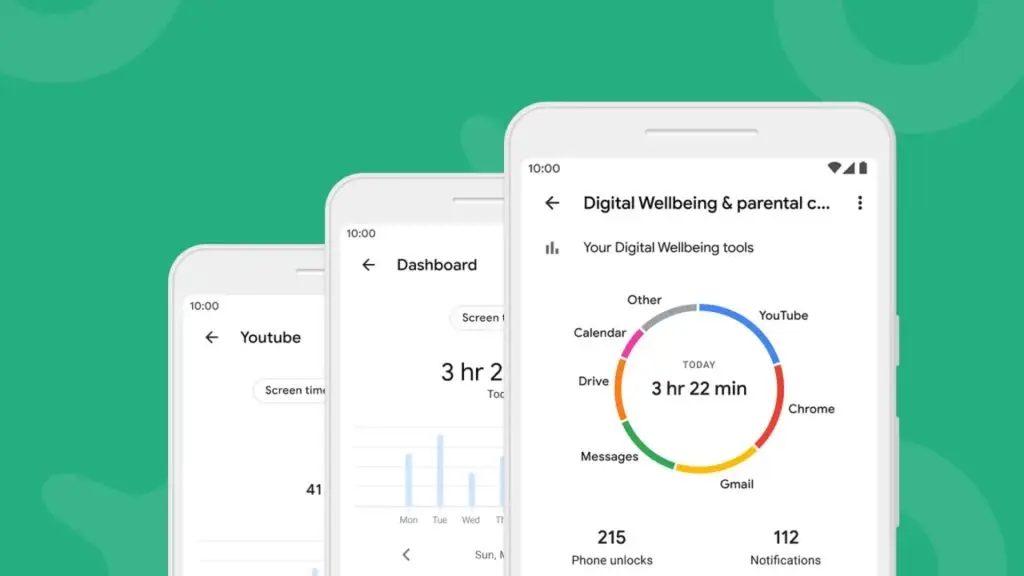
Digital Wellbeing is a Google tool that helps you monitor and adjust your Android device habits. It’s a notable option if you’re looking for an app to limit phone screen time, as it can show how long you spend in each app, how many times you unlock your device and how many notifications you receive. Some features may vary depending on the Android device you’re using.
| Quick facts | Details |
| Developer | Google LLC |
| Platforms | Android |
| Pricing | Free on supported Android devices |
| Best for | Anyone who wants to control phone screen time and reduce distractions |
| Download | Apple App Store, Google Play Store |
Key features:
- Digital Wellbeing shows how long you use each app, how many times you unlock your phone and how many notifications you receive.
- App Timer lets you set daily usage limits for selected apps.
- Focus Mode can pause distracting apps so you can concentrate more on study or work.
- Focus Mode can be turned on manually or scheduled automatically on supported devices.
- Bedtime Mode helps you build a habit of limiting phone use at night.
- You can combine Digital Wellbeing settings with interruption-reducing options such as Do Not Disturb.
- Some phones let you display Digital Wellbeing as a separate app icon in your app list.
>>> See also:
- How to build an AI app with vibe coding easily on Google AI Studio
- AI in UI/UX design: a tool or a rival to designers?
17. OmniFocus – Advanced time management software for Apple users
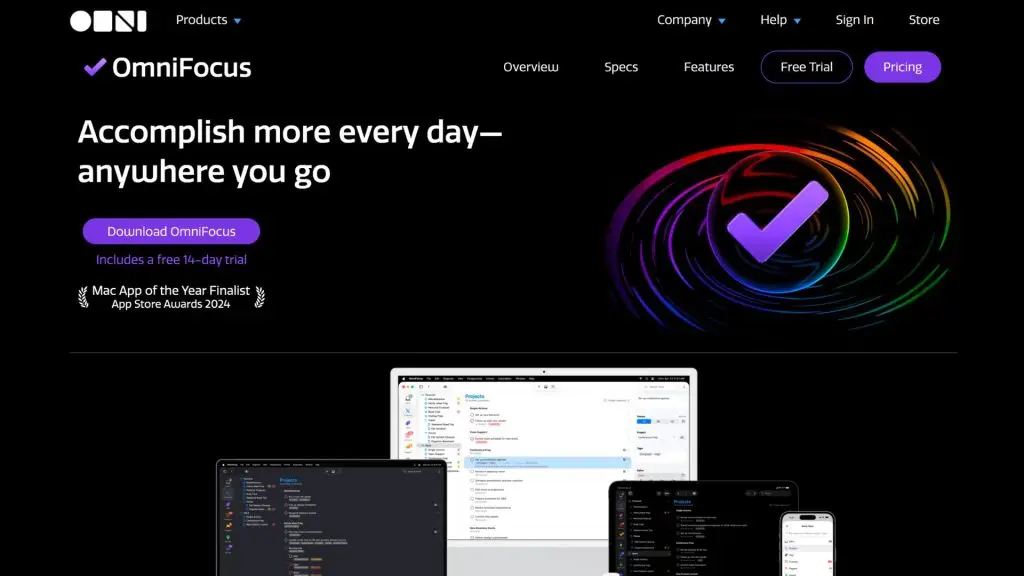
OmniFocus is an advanced task management app from The Omni Group, well suited to anyone who wants to build a detailed work organization system. The app supports quickly capturing tasks, organizing them by project and syncing data across Apple devices. It’s a time management app worth considering for anyone who needs to stay on top of a large workload and complex personal processes.
| Quick facts | Details |
| Developer | The Omni Group |
| Platforms | macOS, iPhone, iPad, Apple Watch, Apple Vision Pro and Web |
| Pricing | Free trial available; one-time purchase licenses and subscription plans offered |
| Best for | Apple users, professionals and anyone managing many tasks |
| Download | Download OmniFocus |
Key features:
- OmniFocus supports Quick Entry so you can add a task the moment a new idea or piece of work comes up.
- You can organize work into projects and a management structure that fits your personal process.
- The app syncs data across devices through Omni’s sync service or a supported private server.
- OmniFocus’s sync service uses end-to-end encryption, according to the developer.
- A single Universal license can support using OmniFocus across multiple compatible Apple devices.
- The OmniFocus subscription can include access to the Pro version on supported devices and OmniFocus for the Web.
- The Web version requires compatible sync conditions and database versions as specified by OmniFocus.
18. BreakFree – A phone screen-time app for fewer distractions
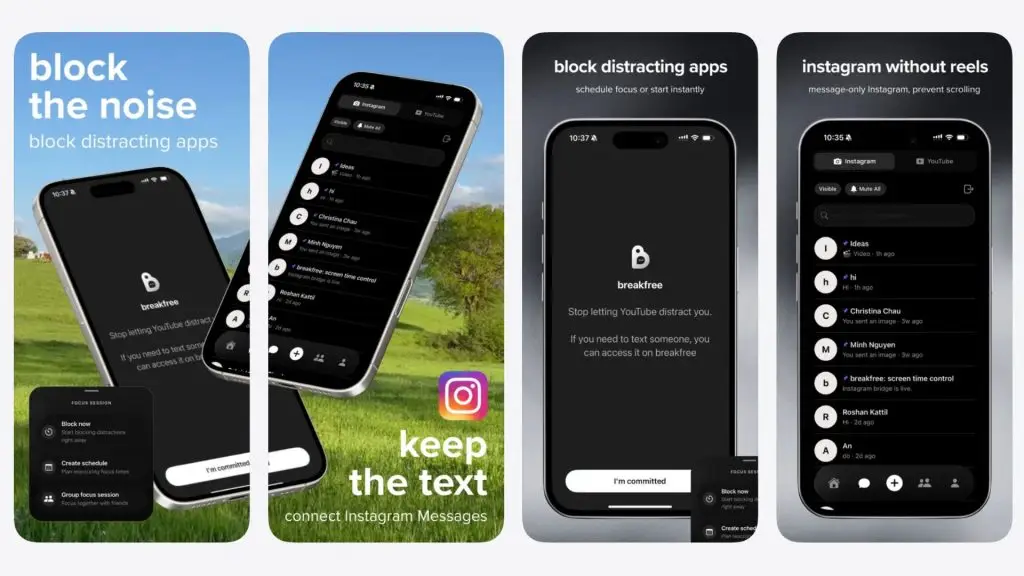
BreakFree is an app that helps you control phone use and reduce the impact of distracting apps. The current version on the Apple App Store focuses on blocking distracting apps or content, while letting you start a focus session right away or schedule one in advance. It’s a phone screen-time app well suited to anyone who wants to cut down on social-media scrolling while studying and working.
| Quick facts | Details |
| Developer | Roshan Kattil |
| Platforms | iPhone and iPad |
| Pricing | Free to download, with in-app purchases |
| Best for | Anyone who wants to reduce distractions from social media and short-form content |
| Download | BreakFree on the Apple App Store |
Key features:
- BreakFree lets you block or limit selected apps and content to reduce distractions.
- You can start a focus session whenever you need one.
- The app supports scheduling focus time in advance to build a more controlled phone-use habit.
- BreakFree aims to reduce the appearance of content sources that tend to keep you scrolling.
- Some features are designed so you can still stay in touch while limiting distracting feeds.
- The app can suit anyone who wants to separate essential connection time from aimless social-media use.
>>> Learn more:
- A simple guide to deploying AI in mobile apps
- 18 ways to apply AI in ecommerce for high impact
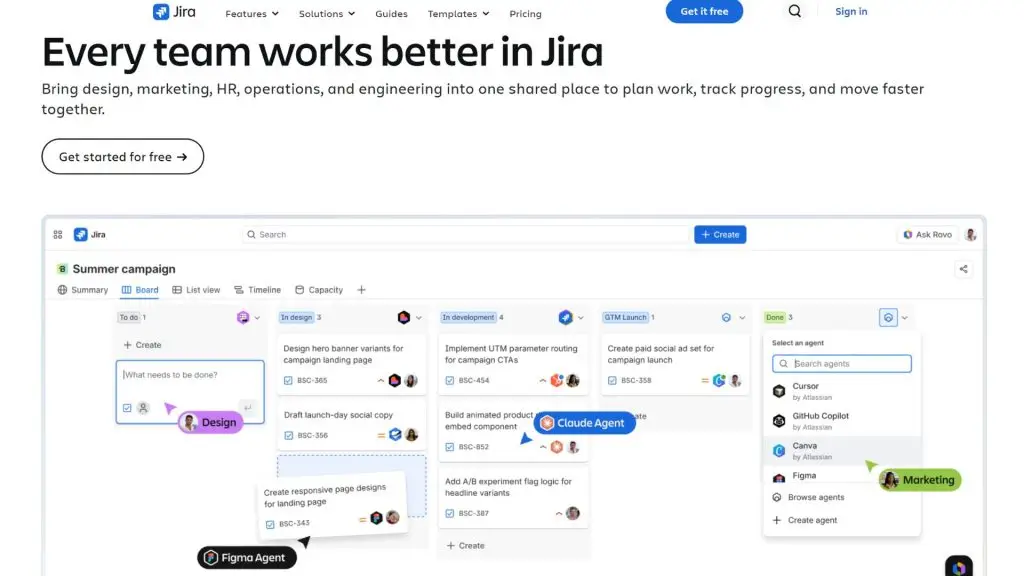
19. Jira – Time and project management software for development teams
Jira is Atlassian’s work and project management platform, especially popular with software, product and engineering teams. The app helps you organize tasks, track progress and manage workflows using a range of methodologies. With support for backlogs, boards and project planning, Jira suits teams that need time management software tied closely to how work actually gets done.
| Quick facts | Details |
| Developer | Atlassian |
| Platforms | Web, Android and iOS |
| Pricing | Free plan available; Standard, Premium and Enterprise plans offered |
| Best for | Software development, product management, IT and project teams |
| Download | Download Jira |
Key features:
- Jira lets you create and track work items, tasks and requests within a project.
- You can manage a backlog to organize and prioritize the work that needs doing.
- The platform supports boards to visualize the progress and status of your work.
- Jira provides planning and tracking tools that suit many project management processes.
- Members can assign responsibilities, update status and discuss information directly within each work item.
- Jira offers reporting and visual insights to help teams track their progress.
- The platform can integrate with other products in the Atlassian ecosystem and many third-party tools.
20. Sunsama – A scheduling app for daily work planning
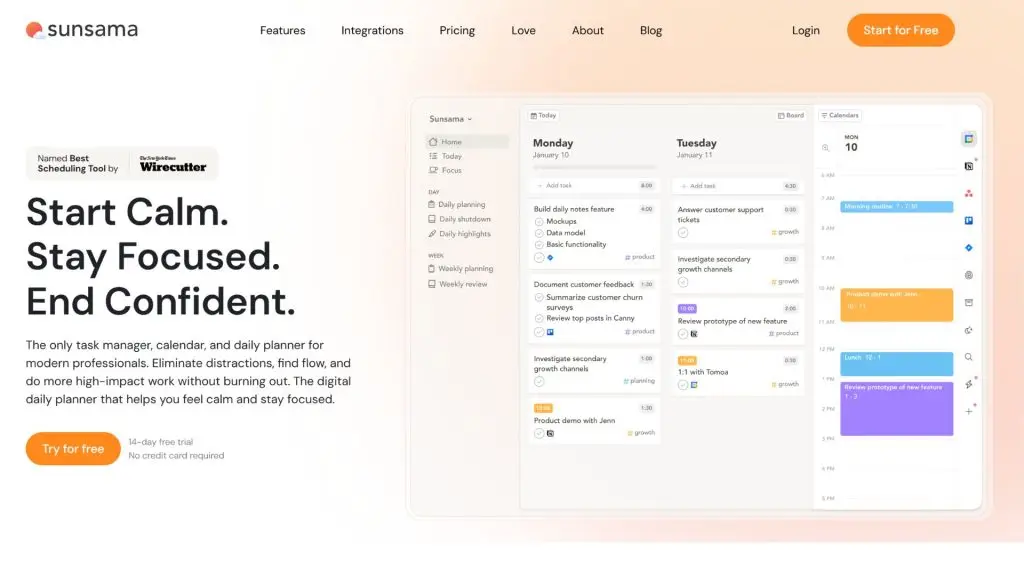
Sunsama is a scheduling app focused on planning your workday with intention. It lets you gather tasks from many different tools, then place them into a plan by day and specific time. Sunsama suits knowledge workers, managers and freelancers who want to stay on top of their workload rather than simply creating a long task list.
| Quick facts | Details |
| Developer | Sunsama |
| Platforms | Web, macOS, Windows, Android and iOS |
| Pricing | Free trial available; paid plans thereafter |
| Best for | Freelancers, managers, professionals and anyone who needs to plan their work daily |
| Download | Apple App Store, Google Play Store |
Key features:
- Sunsama helps you plan your work day by day rather than just managing one big task list.
- You can gather tasks from the work tools and calendars Sunsama supports.
- Drag-and-drop helps you arrange your work into specific time blocks throughout the day.
- The app supports estimating the time each task needs so you can plan more realistically.
- You can track the activities and tasks you’ve completed during the day.
- Sunsama supports an end-of-day planning routine and preparing your work for the next day.
- The app offers calendar and work-tool integrations to reduce switching between platforms.
>>> See also:
- What is website security? Why it matters and how to protect your site effectively
- Causes of and fixes for the security error when accessing a website
- A guide to securing your WordPress website from A to Z
21. Motion – A time management app with automatic scheduling
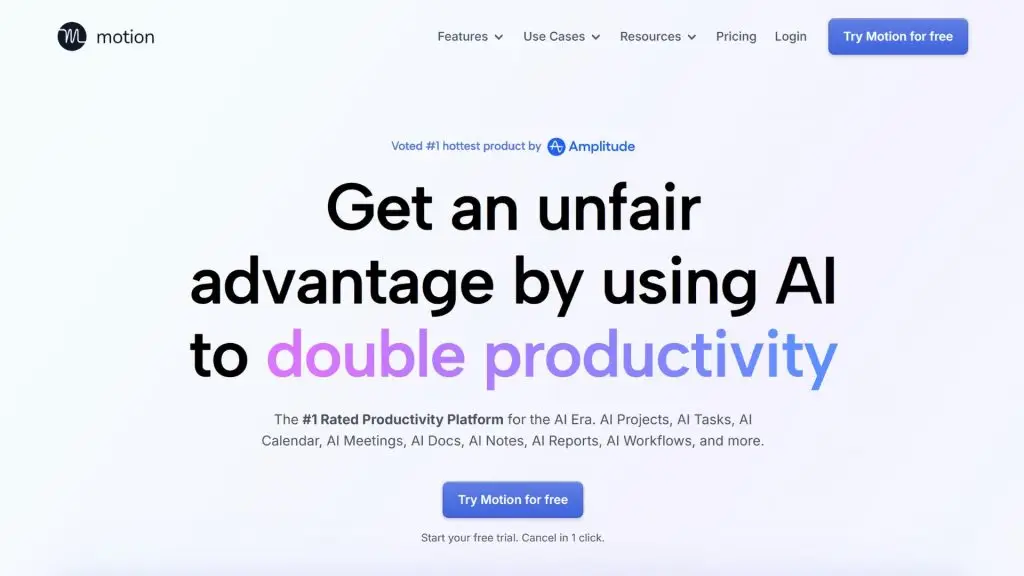
Motion is a work and calendar management platform that uses AI to help organize your working time. Rather than requiring you to slot every task into your calendar yourself, Motion aims to schedule automatically based on your tasks, deadlines, priorities and available time. It’s a time management app well suited to anyone whose work schedule changes frequently.
| Quick facts | Details |
| Developer | Motion |
| Platforms | Web, macOS, Windows, Android and iOS |
| Pricing | Used on paid plans |
| Best for | Professionals, managers, freelancers and teams with complex schedules |
| Download | Download Motion |
Key features:
- Motion helps place tasks and work into your calendar so you can follow your plan in a single view.
- Motion’s AI tools can automatically help arrange tasks based on the information you set.
- When your schedule changes, the system can adjust your work plan according to the rules and priorities you’ve configured.
- You can set deadlines and priorities for important tasks.
- Motion supports managing your personal work calendar and meeting schedule in a unified environment.
- The platform provides project and task management tools for teams.
- Some AI features and capabilities depend on the plan you choose.
22. Reclaim.ai – A time management app that automatically optimizes your work calendar
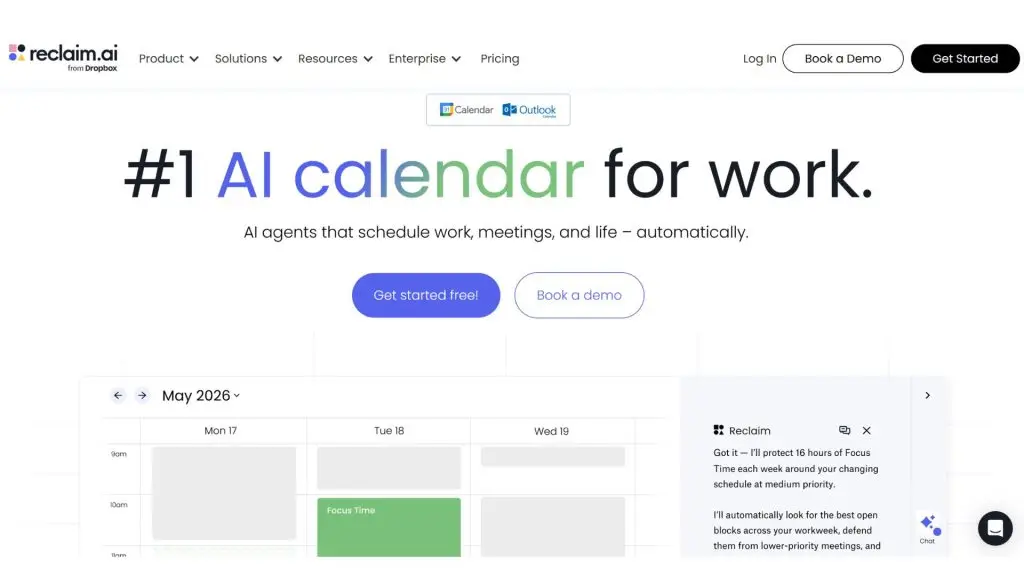
Reclaim.ai is a smart scheduling tool focused on protecting the time you set aside for important work, habits and recurring activities. It can automatically find suitable slots on your calendar to arrange activities by priority and adjust when your schedule changes. It’s a time management app worth considering for anyone who works regularly with Google Calendar and needs to optimize their schedule more flexibly.
| Quick facts | Details |
| Developer | Reclaim.ai |
| Platforms | Web and online calendar integrations |
| Pricing | Free plan and paid plans available |
| Best for | Individuals, professionals, teams and Google Calendar users |
| Download | Download Reclaim.ai |
Key features:
- Reclaim.ai can automatically find suitable time on your calendar to arrange your habits and tasks.
- You can set priorities and time limits for activities that need to be scheduled.
- The system can adjust the timing of flexible activities when a new meeting or event appears on your calendar.
- Reclaim.ai helps protect the time blocks reserved for focused work.
- You can schedule recurring habits without pinning them to a single fixed time slot.
- The tool helps track and allocate your working time according to your set schedule.
- Team features help you see scheduling availability and coordinate work calendars.
>>> See also:
- Custom software development in Ho Chi Minh City: professional design across many platforms
- Professional, great-value custom software development in Hanoi
- Custom software development with great value and a professional process
23. MyLifeOrganized – A timetable app for detailed task management
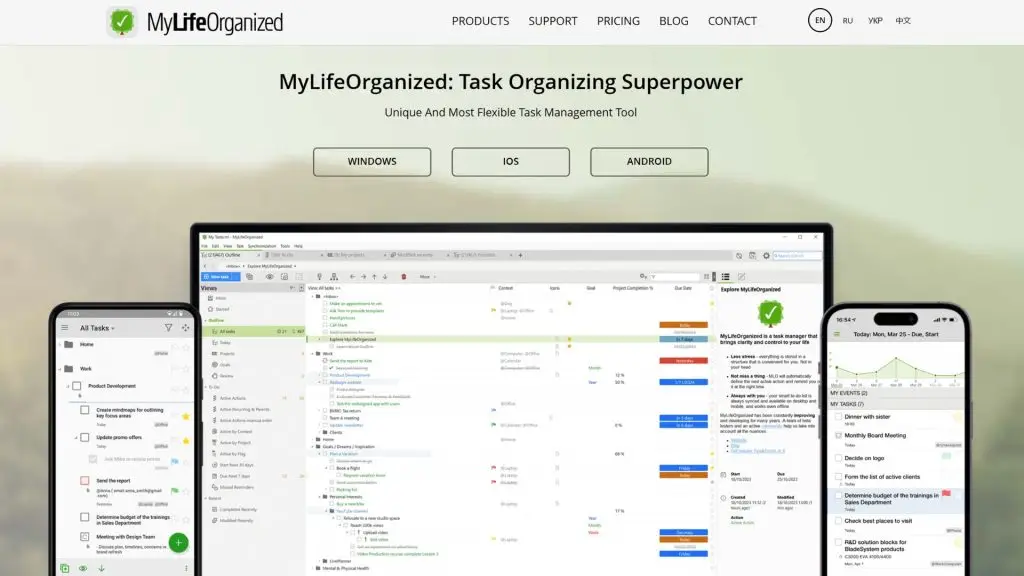
MyLifeOrganized, often called MLO, is a highly customizable timetable and task management app. It lets you break large goals into smaller tasks, organize them in a hierarchical structure and focus on what to do next. MyLifeOrganized suits anyone with many tasks who wants to build a detailed task management system on phone or computer.
| Quick facts | Details |
| Developer | MyLifeOrganized |
| Platforms | Windows, Android and iOS |
| Pricing | Free version and paid options depending on platform or features |
| Best for | Individuals, professionals and anyone who needs to manage many complex tasks |
| Download | Apple App Store, Google Play Store |
Key features:
- MyLifeOrganized lets you break large goals and projects into many smaller tasks in a hierarchical structure.
- You can organize work by category, project, context and priority.
- The app helps you identify next actions so you can focus on the work to do first.
- Tasks can have start dates, deadlines and recurrence rules.
- You can use filters to find tasks that fit a specific time or condition.
- MyLifeOrganized supports syncing data across compatible devices.
- Its high level of customization lets you build a work management process tailored to your personal needs.
24. RescueTime – A time management app that tracks your work habits
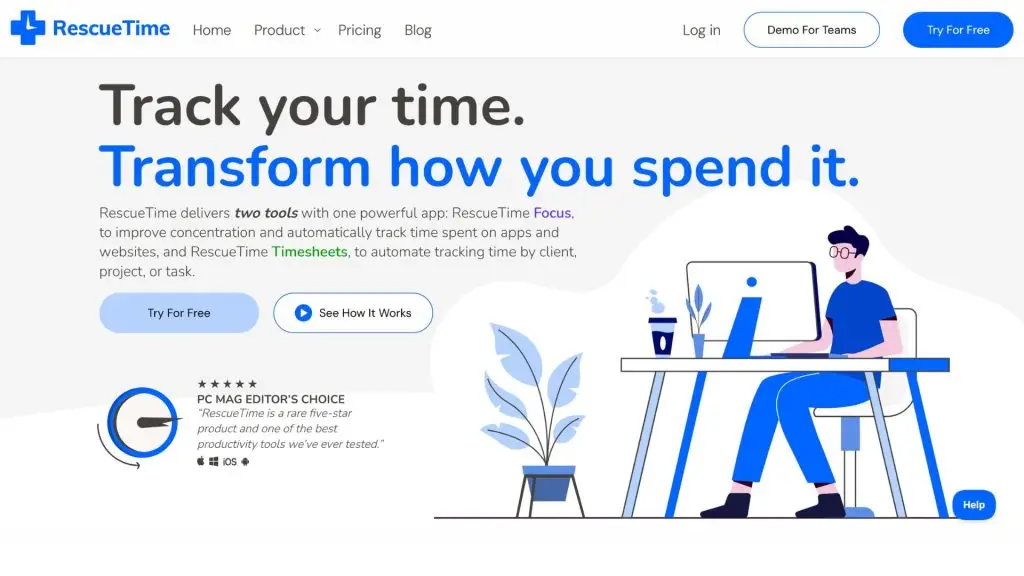
RescueTime is a time management app focused on helping you understand how you spend your time working on your computer and digital devices. Rather than simply creating a task list, this tool aims to track activity, identify sources of distraction and help you build more focused work habits. RescueTime suits anyone who wants to optimize their productivity based on real time-use data.
| Quick facts | Details |
| Developer | RescueTime |
| Platforms | Web, Windows, macOS, Android and other platforms supported by RescueTime |
| Pricing | Plans available depending on product and features |
| Best for | Freelancers, office workers, professionals and anyone who wants to track their work time |
| Download | Download RescueTime |
Key features:
- RescueTime helps track and analyze how you use your time while working.
- The tool provides reports that help identify activities that may affect your focus.
- You can review the data to assess your work habits and adjust how you allocate your time.
- Some RescueTime features help limit distracting websites or sources during focus time.
- The app helps you recognize productivity trends rather than relying on subjective impressions.
- Specific features may vary depending on the version and plan you’re using.
>>> Learn more:
- A guide to building an app with low-code in the simplest, most effective way
- How to use AI in software development
25. Toggl Track – Time management software for accurate work-hour tracking
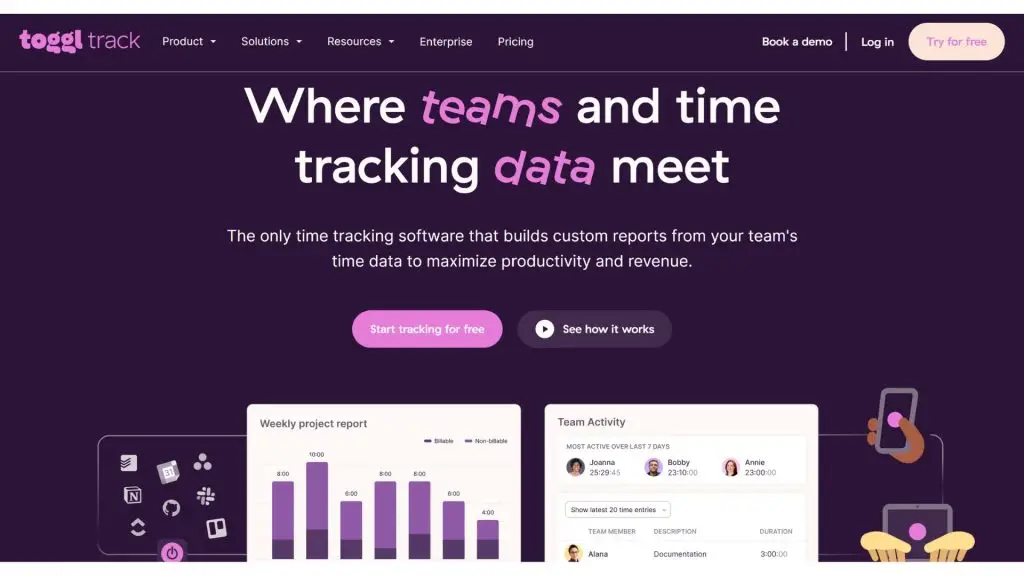
Toggl Track is time management software specialized in tracking work time, well suited to individuals, freelancers and teams. You can record the time spent on each task or project to gauge your actual workload. It’s a useful choice when you need to keep tabs on hours worked, analyze performance, or track time for reporting and calculating project costs.
| Quick facts | Details |
| Developer | Toggl |
| Platforms | Web, Windows, macOS, Linux, Android and iOS |
| Pricing | Free plan and paid plans available |
| Best for | Freelancers, teams, agencies and businesses that need to track time |
| Download | Apple App Store, Google Play Store |
Key features:
- Toggl Track lets you track the time spent on work using a timer or manual entry.
- You can tag recorded time to projects, tasks and other classification details.
- The tool supports creating reports to analyze the time spent on each project or activity.
- Time-tracking data can be used to assess workload and how efficiently resources are allocated.
- Toggl Track supports syncing data across compatible platforms.
- Some plans add features for teams and organization management.
- The platform can connect with other work tools through supported integrations.
26. Clockify – A free work time management app for individuals and teams
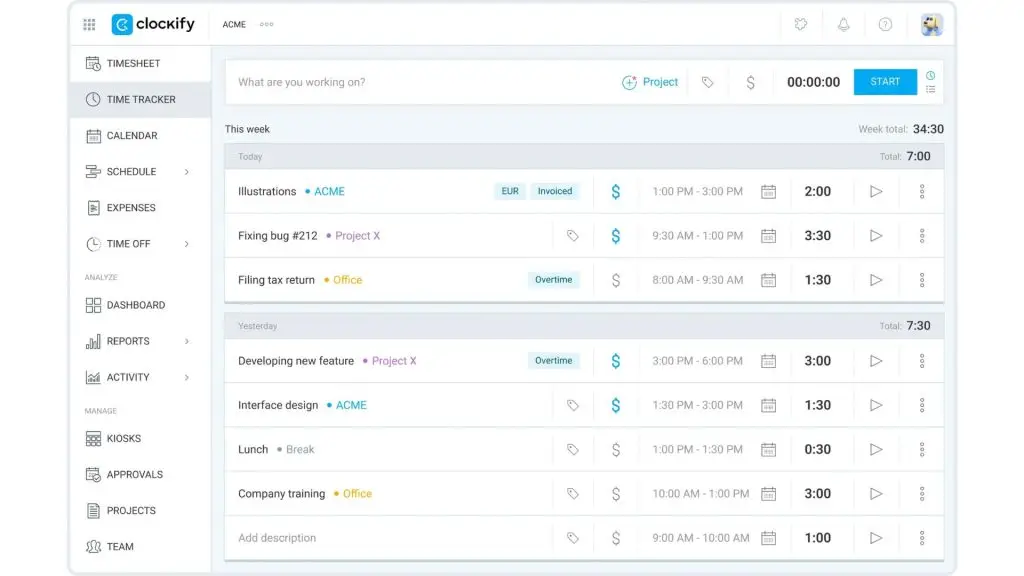
Clockify is a time management app that helps you track the hours spent on work and projects. You can use a timer, add time manually or manage data through timesheets. With a free version that offers many core features, Clockify suits freelancers, small businesses and teams who want to track work time without an overly complex setup process.
| Quick facts | Details |
| Developer | CAKE.com Inc. |
| Platforms | Web, Windows, macOS, Linux, Android and iOS |
| Pricing | Free plan and paid plans available |
| Best for | Freelancers, employees, teams and businesses |
| Download | Download Clockify |
Key features:
- Clockify lets you track work time with a running timer or by entering time manually.
- You can categorize time by project, task, client or other configured details.
- The app supports timesheets to record hours worked by day or week.
- Clockify provides reports to track the total time spent on projects and activities.
- Managers can monitor their team’s time data depending on access permissions and plan.
- The platform supports work scheduling and some schedule management tools within its product ecosystem.
- Clockify offers multiple plans to expand team management and reporting features.
>>> See also:
- A guide to designing a website with AI – free, paid and effective
- How to build an online store on your phone, in detail and easy to follow
27. Focus To-Do – A time management app combining Pomodoro and to-do lists
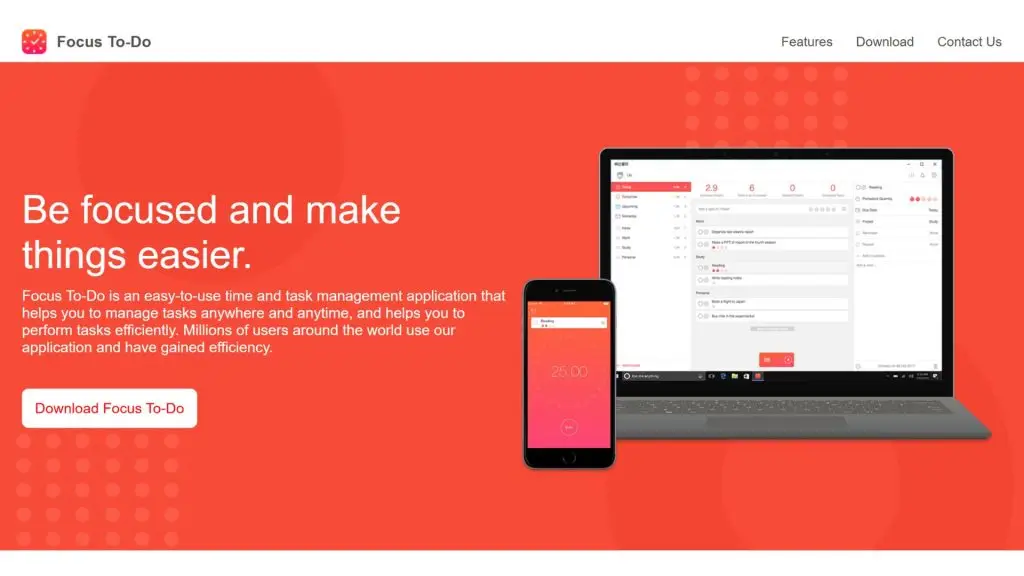
Focus To-Do is a time management app that combines the Pomodoro technique with a task list, helping you both define what needs doing and track your focus sessions. It suits students and working professionals who want to break work into short intervals to reduce procrastination. It’s also a useful choice for anyone who needs to combine task management with a focused way of working.
| Quick facts | Details |
| Developer | SuperElement Soft |
| Platforms | Web, Windows, macOS, Android, iOS and other supported platforms |
| Pricing | Free version and paid options available |
| Best for | Students, working professionals and anyone who uses the Pomodoro method |
| Download | Download Focus To-Do |
Key features:
- Focus To-Do combines a to-do list with a Pomodoro timer in the same app.
- You can create tasks and start a focus session directly for each one.
- The app helps track the number of Pomodoro sessions you’ve completed to gauge your focus time.
- You can set work and break durations to fit your personal needs.
- Tasks can be organized by list or project for easier tracking.
- The app provides statistics on your focus time and work progress.
- Data can sync across devices on supported platforms and versions.
28. Pomofocus – A simple Pomodoro app for managing focus time
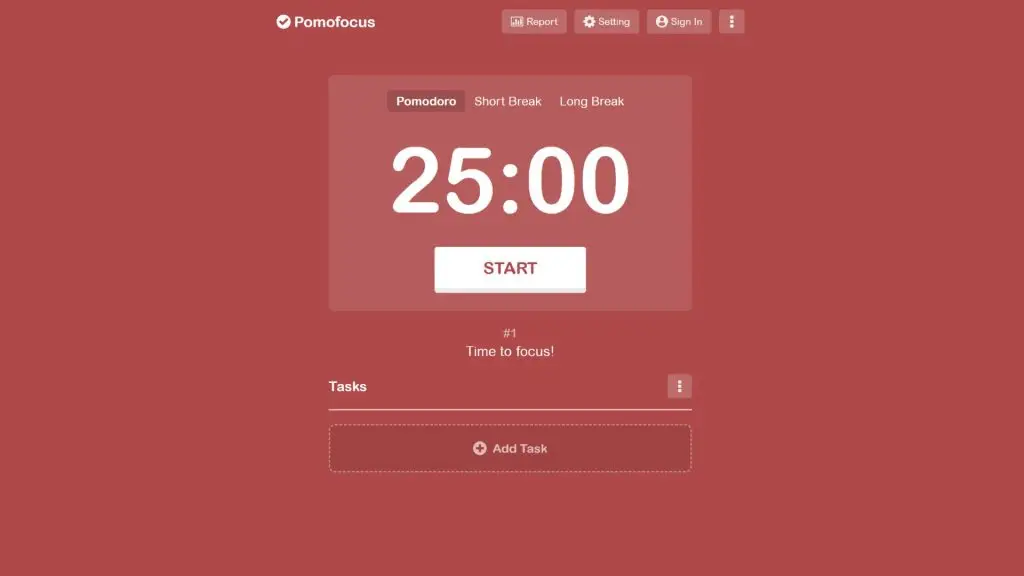
Pomofocus is an online Pomodoro tool for anyone who wants to manage their focus time through a minimalist interface. You can start a work session right away, add tasks and track the number of completed Pomodoro sessions without a complex project management system. It’s a great choice for anyone who needs a simple time management app for studying, writing or handling personal work.
| Quick facts | Details |
| Developer | Pomofocus |
| Platforms | Web |
| Pricing | Free to use the core features on the web platform |
| Best for | Students, freelancers and anyone who needs a simple Pomodoro tool |
| Download | Open Pomofocus |
Key features:
- Pomofocus provides a Pomodoro timer with work and break sessions.
- You can add tasks to work on during each focus session.
- The tool lets you customize the length of work sessions, short breaks and long breaks.
- Pomofocus helps track the number of Pomodoro sessions you complete while working.
- Its minimalist interface lets you start a focus session quickly without setting up much information.
- The tool pairs well with the Time Blocking technique or a daily task list.
- You can use Pomofocus directly in your browser for study and work.
>>> Related:
- TOP 15 best AI coding tools
- TOP 20+ leading AI design tools for designers today
29. AppBlock – An effective app for limiting phone screen time
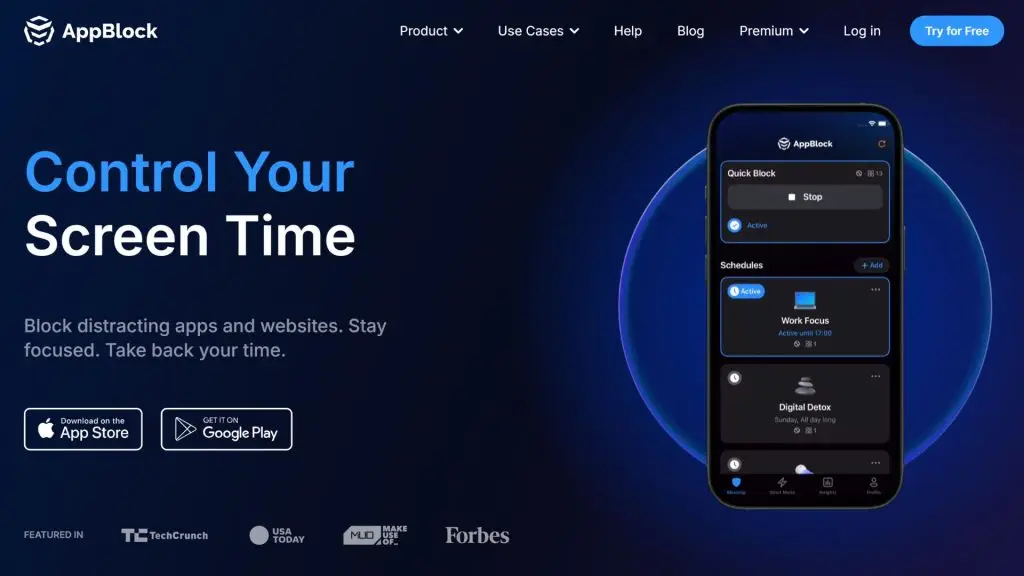
AppBlock is an app for limiting phone screen time, aimed at anyone who wants to reduce distractions from social media, games or other apps. The tool lets you set blocking rules by time, schedule or usage context. As a result, AppBlock suits students and working professionals who need to create a more focused environment while studying or handling work.
| Quick facts | Details |
| Developer | MobileSoft s.r.o. |
| Platforms | Android, iOS and other platforms supported by AppBlock |
| Pricing | Free version and Premium plan available |
| Best for | Anyone who wants to reduce distractions, control phone screen time and improve focus |
| Download | Download AppBlock |
Key features:
- AppBlock lets you block selected apps and websites to reduce distractions.
- You can set automatic blocking schedules by time or usage habits.
- The app supports creating multiple blocking profiles for study, work or rest.
- Strict Mode helps prevent you from easily changing or disabling the rules you’ve set.
- AppBlock provides insights into your device usage habits so you can recognize sources of distraction.
- Some rules can be triggered based on time, schedule or other conditions supported by the app.
- The app helps you build focused time blocks by reducing access to unnecessary content.
30. MyStudyLife – A timetable app for students
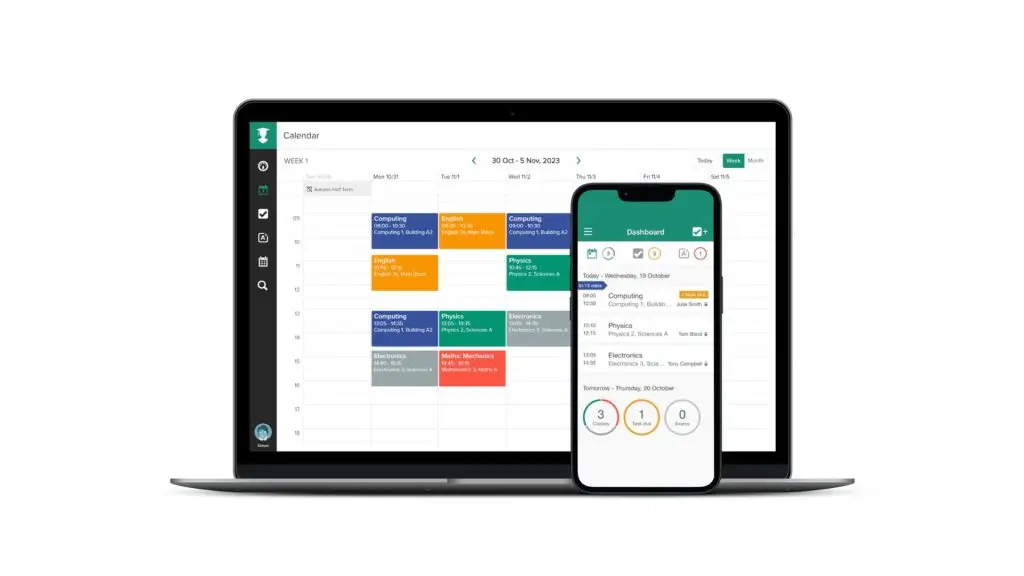
MyStudyLife is a timetable app designed for students and learners who need to manage their class schedule, assignments and exams in one system. The app helps you track your rotating timetable, spot upcoming deadlines and organize your study plan more clearly. It’s a great choice if you’re looking for a timetable app for phone and computer.
| Quick facts | Details |
| Developer | MyStudyLife |
| Platforms | Web, Android and iOS |
| Pricing | Free version and paid options depending on the current service |
| Best for | Students, teachers and anyone who needs to manage a class schedule |
| Download | Apple App Store, Google Play Store |
Key features:
- MyStudyLife lets you create a timetable to track your class schedule by day and week.
- You can add subjects, classes and recurring lessons that follow a cycle.
- The app supports tracking assignments and their deadlines.
- You can record tests, exams and other important academic events.
- Reminder notifications help you avoid missing a class or deadline.
- MyStudyLife supports managing multiple types of class schedules within a single account.
- Data can sync across compatible devices so you can study conveniently anywhere.
>>> Related:
- A guide to using Google AI Studio effectively and quickly
- TOP 18 largest software companies in Vietnam
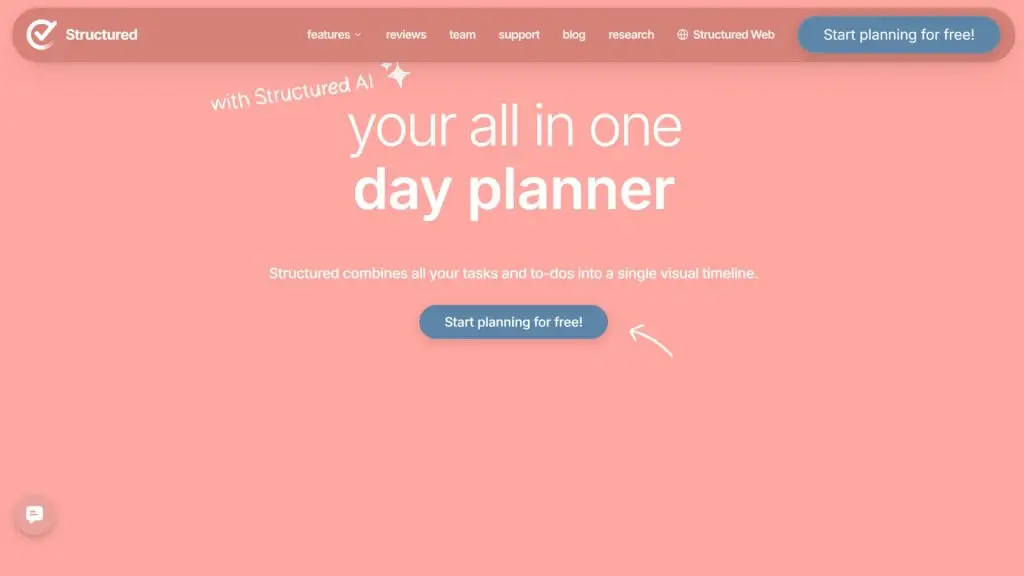
31. Structured – A visual timetable app based on a timeline
Structured is a timetable app focused on displaying your day’s activities along a visual timeline. You can add tasks, appointments and habits to your plan to see your entire schedule in chronological order. With its simple, intuitive interface, Structured suits anyone who wants to know exactly what to do next during their day.
| Quick facts | Details |
| Developer | unorderly GmbH |
| Platforms | iOS, iPadOS, macOS, watchOS and other supported Apple devices |
| Pricing | Free version and Structured Pro with advanced features |
| Best for | Apple users, students and anyone who wants to plan their day visually |
| Download | Apple App Store, Google Play Store |
Key features:
- Structured displays your tasks and activities along a timeline so you can easily see your day’s schedule.
- You can add tasks, events and personal activities into a single unified plan.
- The app supports setting a start and end time for each activity.
- Structured can connect to supported calendar sources to display events in your schedule.
- The reminder feature notifies you when it’s time to do a task.
- You can create recurring activities to manage work that happens regularly.
- Some advanced features, including customization and AI tools, depend on the Structured version you’re using.
32. Evernote – A note app for managing work information
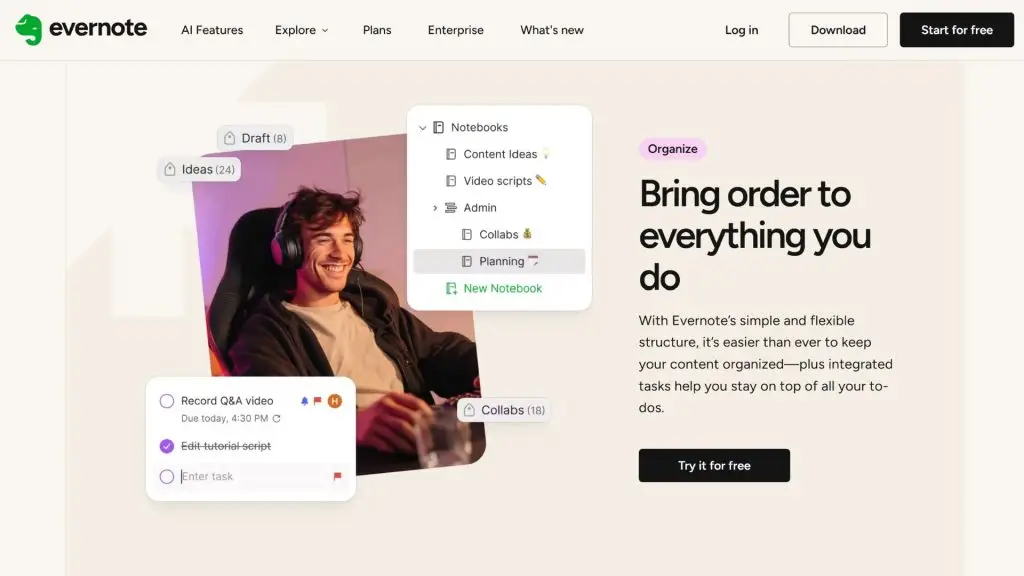
Evernote is a note-taking and information organization app that helps you store ideas, to-do lists, documents and plans in one space. Beyond note-taking, Evernote offers tools to help manage tasks and organize information for your personal work. It’s a note app well suited to anyone who wants to combine notes, lists and tracking of what needs to get done.
| Quick facts | Details |
| Developer | Evernote Corporation |
| Platforms | Web, Windows, macOS, Android and iOS |
| Pricing | Free version and paid plans available |
| Best for | Individuals, students, professionals and anyone who needs to store a lot of work information |
| Download | Download Evernote |
Key features:
- Evernote lets you create and organize notes using notebooks, tags and other information structures.
- You can save text, images, documents and many other types of content in your notes.
- The Tasks feature lets you create to-do lists tied directly to notes or your workspace.
- You can set due dates and reminders for supported tasks.
- The search tool helps you retrieve information stored in your note library.
- Evernote syncs data across compatible devices within the limits of each plan.
- The app offers AI features and advanced tools depending on your version or subscription.
>>> See also:
- Top 35 professional, reputable website design companies in Vietnam
- 40 effective website security and malware scanning tools
33. TimeTree – A shared calendar app for managing group schedules
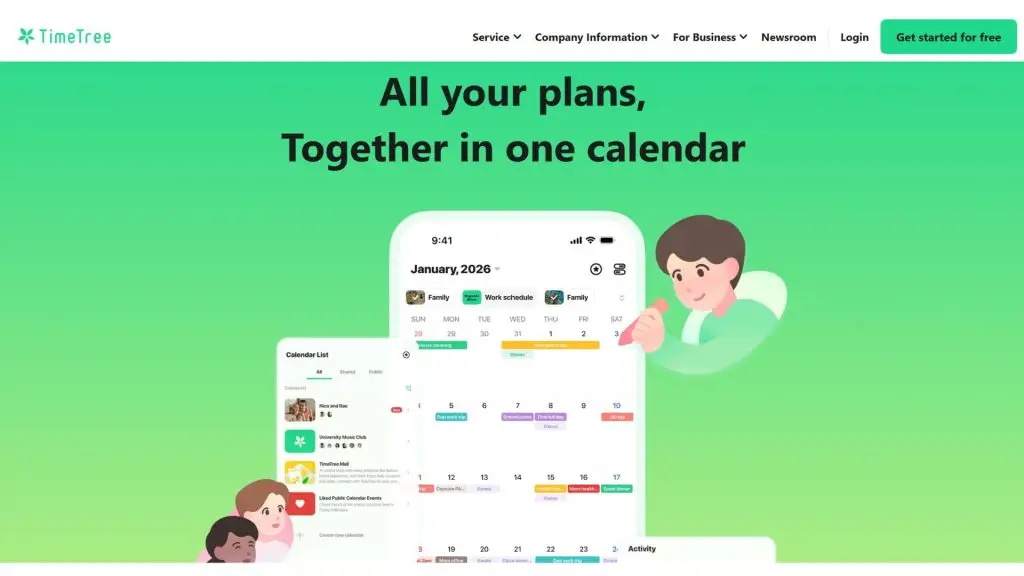
TimeTree is a time management app focused on sharing and coordinating calendars among several people. Rather than just managing a personal calendar, it lets you create shared calendars for family, friends, couples or work teams. You can add events, discuss them and follow shared plans, making it a good fit for schedule management that requires coordination among several members.
| Quick facts | Details |
| Developer | TimeTree, Inc. |
| Platforms | Web, Android and iOS |
| Pricing | Free version and paid plans or features depending on the market |
| Best for | Families, couples, friends, groups and anyone who needs to share a calendar |
| Download | Apple App Store, Google Play Store |
Key features:
- TimeTree lets you create multiple shared calendars for family, friend groups, couples or teams.
- You can invite members to join and follow events together in a shared calendar.
- Each event can contain details such as time, location and related notes.
- Members can discuss and leave comments on events to keep everyone updated.
- The app supports setting notifications to remind you about upcoming events.
- You can manage your personal schedule alongside your shared calendars.
- TimeTree syncs data across compatible devices when you sign in with the same account.
34. Flipd – A time management app for focus and fewer distractions
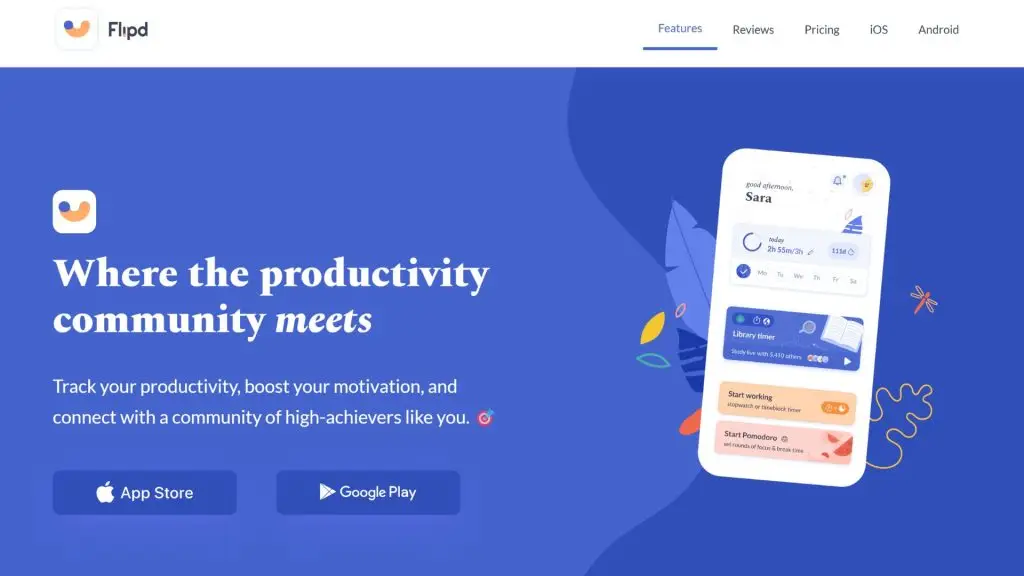
Flipd is a time management app aimed at improving your focus while studying or working. It offers focus sessions and time-tracking tools that help you deliberately dedicate time to important tasks. Flipd suits students and anyone who wants to build deep-work habits while cutting down on aimless phone use.
| Quick facts | Details |
| Developer | Flipd Apps Inc. |
| Platforms | Android and iOS |
| Pricing | Free version and in-app paid options available |
| Best for | Students and anyone who wants to improve their focus |
| Download | Download Flipd |
Key features:
- Flipd lets you create focus sessions so you can deliberately dedicate time to study or work.
- The app supports tracking the duration of your completed focus sessions.
- You can set focus goals and build work habits according to your personal plan.
- Some modes help reduce phone distractions depending on your operating system and app version.
- Flipd provides statistics so you can track how consistently you keep up your focus time.
- The app can be used to break study or work time into sessions with clear goals.
- Specific features may vary depending on the platform and Flipd version you’re using.
>>> Related:
- Top 20+ best free AI image design software
- Build an online store with AI – free, SEO-ready and highly effective
35. Habitica – A time management app that turns work into a game
Habitica is a time management and habit-building app based on gamification. It turns your daily chores, to-dos and personal habits into goals within a role-playing game. When you complete a task, you earn in-app rewards, which creates extra motivation to keep up your work and habits. Habitica suits anyone who feels that a traditional to-do list lacks the drive to keep them going.
| Quick facts | Details |
| Developer | Habitica, Inc. |
| Platforms | Web, Android and iOS |
| Pricing | Free version and options to subscribe or buy in-app content |
| Best for | Individuals, students and anyone who wants to build habits through gamification |
| Download | Apple App Store, Google Play Store |
Key features:
- Habitica lets you manage work through three main groups: Habits, Dailies and To Do’s.
- You earn in-game rewards for completing tasks and keeping up positive habits.
- Your in-app character can grow based on how much of your goals you complete.
- The daily goal system helps you keep up habits you need to do regularly.
- Habitica supports joining groups and communities to stay motivated toward your goals.
- You can take on tasks and challenges together with other people in the app.
- The gamification mechanic makes work management more visual and encouraging.
How to choose an effective time management app
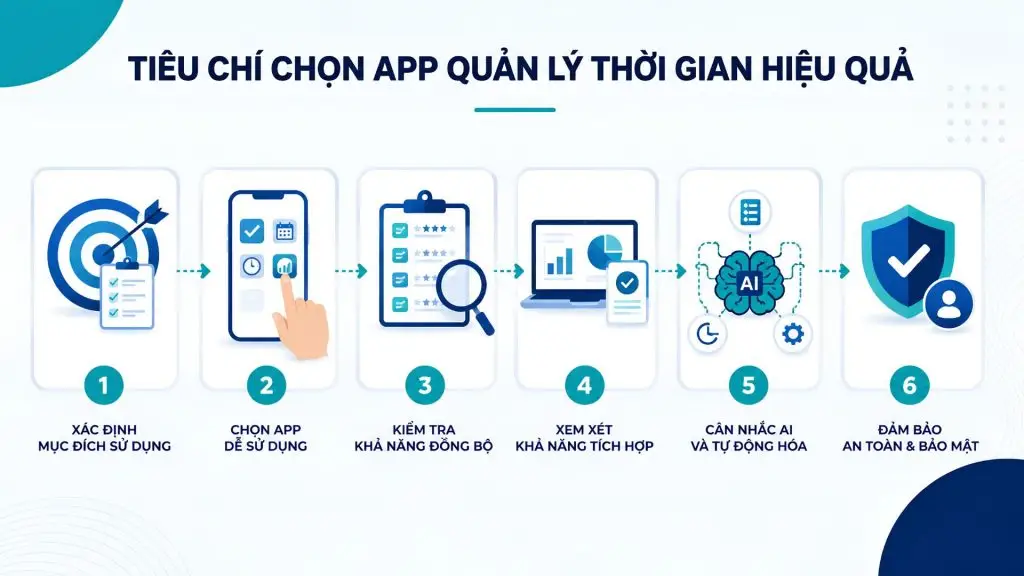
A time management app with lots of features isn’t necessarily right for everyone. An effective app needs to meet your real needs, fit your work habits and help you stick to your plan over the long term. Before you choose, consider the criteria below so you don’t end up downloading too many apps that you rarely actually use.
Define your purpose
First, be clear about what you need the app for. If you just need to remember daily tasks, Microsoft To Do, Google Tasks or Any.do may serve you well. If you need a timetable app or a way to manage your class schedule, Google Calendar, MyStudyLife and Structured are a better fit. Meanwhile, anyone who wants to track their working hours might consider Toggl Track or Clockify.
Identifying the right goal helps you avoid choosing software that’s too complex for your actual needs. Prioritize the features you’ll truly use rather than chasing feature count.
Choose an app that’s easy to use
A time management app only pays off when you can use it consistently. The interface should be intuitive, creating a task should be quick, and updating your schedule shouldn’t take too many steps.
If you’re just starting out, favor apps with a simple structure such as a to-do list or a daily calendar. Tools like Notion, ClickUp or OmniFocus are highly customizable but can take time to get used to. So choose an app that matches your skills and usage habits.
Check the syncing capability
Syncing is an important criterion if you frequently switch between your phone and computer. A mobile time management app should let you update a task on one device and see it right away on another.
Check whether the app supports Android, iOS, Windows, macOS or a web version. Stable data syncing helps you avoid missing deadlines or having to update the same information multiple times.
Consider the integrations
If your work uses many tools, favor an app that can integrate with the calendar, email or work platform you already use. For example, apps that can connect with Google Calendar, Microsoft 365, Slack or a project management tool help centralize information within your workflow more conveniently.
Good integration also reduces manual data entry and constant switching between apps.
Weigh up AI and automation
AI and automation are helping time management software handle many repetitive tasks more efficiently. Some apps can help automatically arrange tasks, suggest suitable times or adjust your schedule when your plans change.
That said, AI isn’t a must-have criterion for every user. If all you need is to create a to-do list or receive reminders, a simple app may already be enough. Prioritize AI and automation when they genuinely save you time, rather than making your work management system more complex.
>>> Learn more:
- A guide to designing a website with AI – free, paid and effective
- AI data labeling: trends, tools and workflows
How to use a time management app more effectively
Downloading a new time management app is only the first step. Real results depend on how you build your plan, set your priorities and keep up the habit of using it every day.
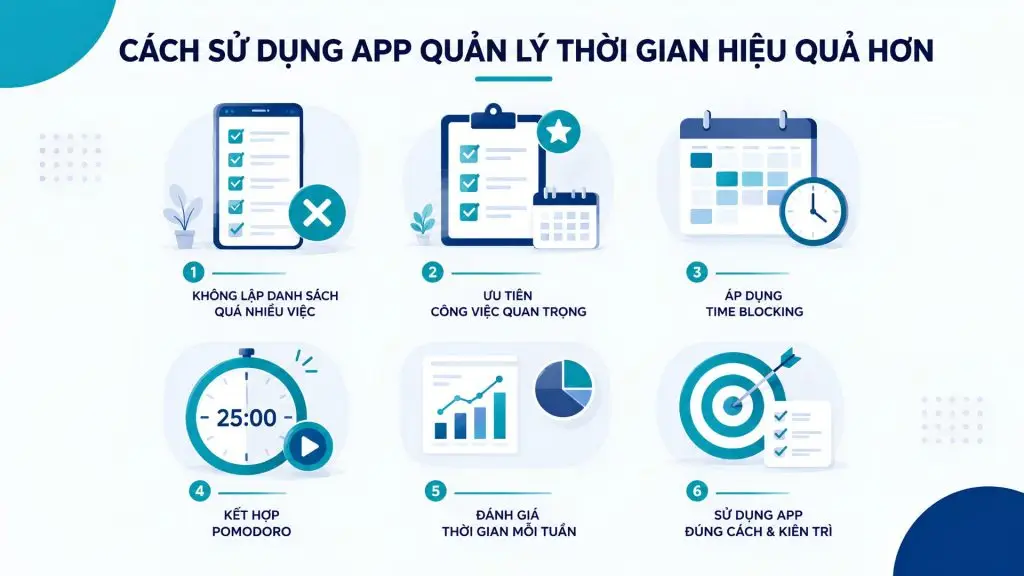
Don’t put too much on your list
A common mistake is writing down every task and trying to finish them all in a single day. An overly long list easily creates a feeling of overwhelm, sapping your motivation as you constantly see so many unfinished tasks.
Each day, pick a few tasks you can realistically handle within the time you have. You can keep all your tasks in the app but bring only the priority items into today’s plan. Scheduling apps like Todoist, TickTick or Microsoft To Do are more useful when you actively filter the work to do rather than trying to complete everything.
Prioritize important work
Not every task carries the same level of importance. Before you start your workday, identify the tasks that have the greatest impact on your goals or deadlines.
One simple approach is to sort tasks into groups: important and urgent, important but not yet urgent, can be done later, and can be dropped. Then handle the important tasks when you’re able to focus best. Assigning priority levels within your time management app also helps you avoid getting pulled into small tasks that add little value.
Apply Time Blocking
Time Blocking is a method of dividing your day into blocks dedicated to specific groups of work. Instead of just writing “write report,” you can schedule 9:00 to 10:30 to complete this task in Google Calendar or a suitable work calendar app for iPhone.
This method makes your plan more realistic because you have to weigh the time you actually have. Set aside separate blocks for important work, meetings, replying to email and rest. Even so, leave some buffer time to handle work that comes up, so your schedule doesn’t become too rigid.
Combine it with Pomodoro
Pomodoro works well when you often lose focus or procrastinate. You can work in a focused session, then take a short break before starting the next one. A common length is 25 minutes of work and a 5-minute break, but you can adjust it to suit the nature of your work.
Tools like Focus To-Do, Forest or Pomofocus make applying this method more convenient. When you combine Pomodoro with a task list, it’s easier to track how much time each type of work takes to complete.
Review your time each week
At the end of each week, spend about 15–30 minutes reviewing the plan you carried out. Check which tasks you frequently postpone, the times of day when you work most effectively and the activities taking up too much of your time.
You can use data from your time management software or your phone screen-time app to identify habits that need adjusting. A regular review helps you improve next week’s plan instead of repeating the same ineffective schedule.
>>> See also:
- A guide to integrating Zalo into WordPress – super easy, fast and effective
- What is PKI? Characteristics & applications of Public Key Infrastructure
Conclusion
Choosing the right time management app helps you take more control of your work and your life. Depending on your needs, you can pick an app for managing tasks, scheduling, tracking time or reducing distractions. Most importantly, prioritize a tool that’s easy to use and keep up a consistent planning habit to manage your time more effectively.
Frequently asked questions about time management apps
Which time management apps are free?
Many time management apps are free or offer a free plan with core features. Todoist, Microsoft To Do, Google Tasks and Google Calendar are suitable for managing tasks, schedules and deadlines. Clockify and Toggl Track have free plans that support time tracking. If you need to improve your focus, you can use Pomofocus or some of Focus To-Do’s free features.
Is there an app to help control phone screen time?
Yes. Digital Wellbeing on Android helps you track app usage time and set limits for each app. AppBlock and Flipd also help reduce distractions by limiting access to selected apps or content during focus time. These are suitable options if you need an app to limit phone screen time.
Is there an app to build a timetable on a computer?
There are many timetable apps and planning tools you can use on a computer. Google Calendar is well suited to creating class schedules, work calendars and events by day or week. MyStudyLife is a better fit for students who need to manage subjects, assignments and exams. Structured supports planning along a timeline on compatible devices. In addition, Notion can be customized to build a timetable and track your personal plans.
Is there a good work calendar app for iPhone?
Google Calendar, Apple Calendar, Structured and TimeTree are all worth considering if you need a work calendar app for iPhone. Apple Calendar suits people who regularly use the Apple ecosystem and need to sync their calendar across devices. Google Calendar is convenient for Google account users, while Structured suits anyone who likes viewing their plan along a visual timeline. TimeTree is more useful when you need to share your work calendar with family or a group.
Is there an app to remind me of my work schedule?
Yes. Microsoft To Do, Todoist, TickTick and Any.do all support creating tasks with deadlines and reminders. If you need to track meetings or events, Google Calendar and Apple Calendar are suitable choices. These phone reminder apps help you manage deadlines and reduce the risk of missing important work. Even so, set reminders sensibly and avoid creating too many notifications that distract you or that you’ll tend to ignore.
Which time management app is right for students?
MyStudyLife is a good fit for students who need to manage their class schedule, assignments and exams. If you want to apply Pomodoro, Focus To-Do and Pomofocus help break study time into focused sessions. Forest and Flipd can help reduce distractions while studying. In addition, Google Calendar is a simple timetable app for arranging your class schedule and personal activities. Prioritize an app that’s easy to use so you can keep up the habit over the long term.