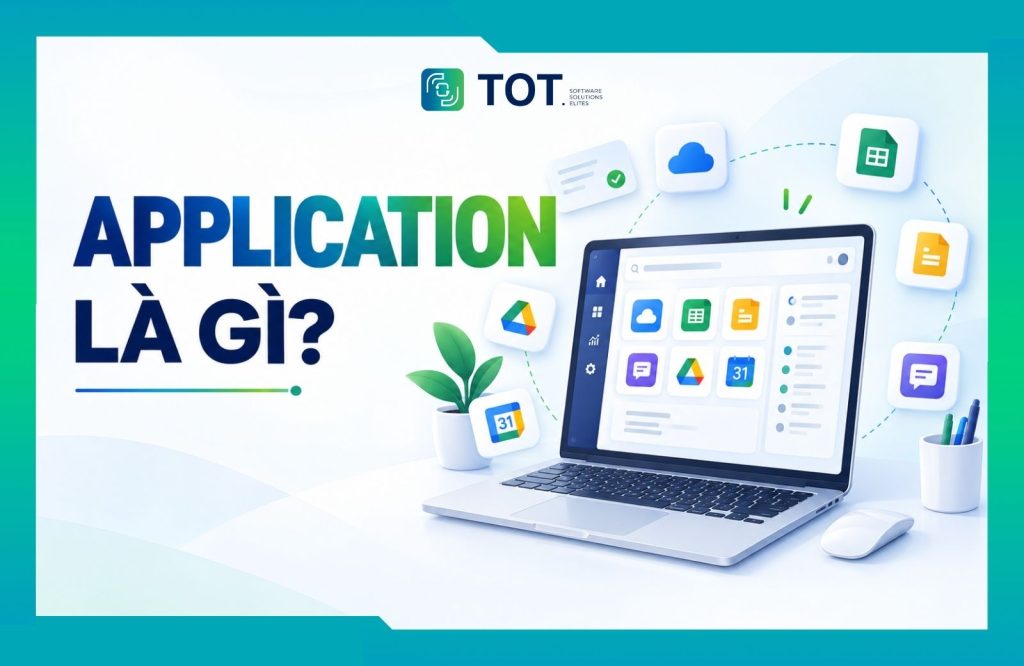
App is short for “application,” meaning a software program designed to perform specific functions for users. An app can take many forms, such as a mobile application, a desktop app, or a web app. So what exactly is an application, what is the full form of app, and what are the most common types of applications today? Let’s find out with TOT right now!
>>> See more:
- What is DNS over HTTPS? Understanding how DoH works
- Common website security certificates
- What is vulnerability assessment? Solutions for scanning and managing security vulnerabilities
- What is RSA? How RSA works and its use in digital signatures
What is an application? What is the full form of app, and what does app stand for?
An application is a piece of application software designed to perform one or more specific functions for users. An application can be developed for computers, phones, and tablets, or as a web application accessible through a browser.
App is short for “application.” That means the “app full form” is “application.” According to TechTarget, an application performs functions directly for the end user, such as word processing, image editing, communication, or entertainment.
For example:
- Microsoft Word is an application used for word processing.
- Excel is an application that supports calculations and data management.
- Zalo and WhatsApp are applications used for communication.
- Video games are also a type of application.
>> See more:
- Custom software development services 2026
- Custom software development in Ho Chi Minh City, professional design, multiple platforms
Common types of applications
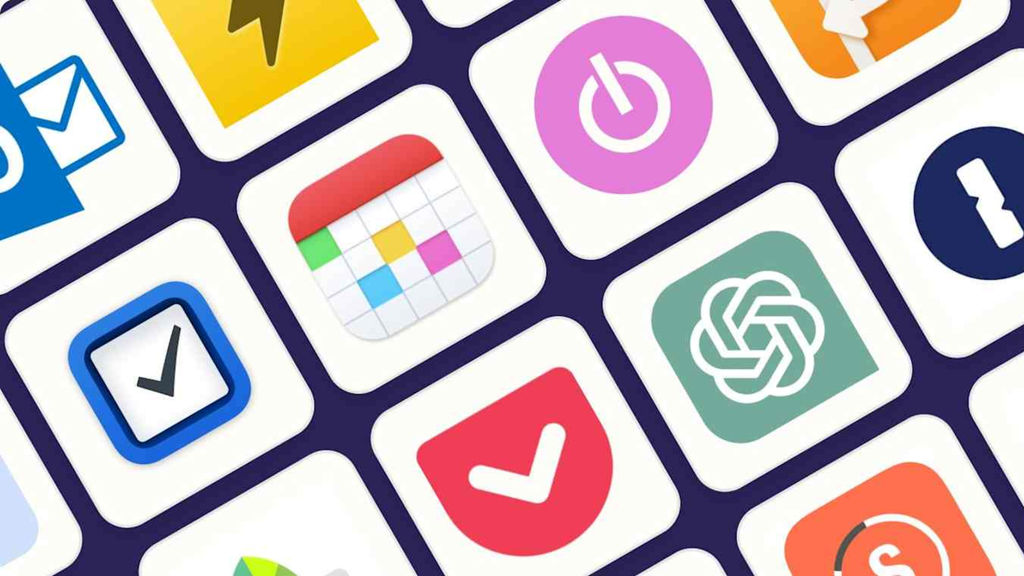
Depending on the platform they run on and how users access them, applications are divided into many different types. Among them, the three most common are desktop applications, mobile applications, and web applications.
1. Desktop application
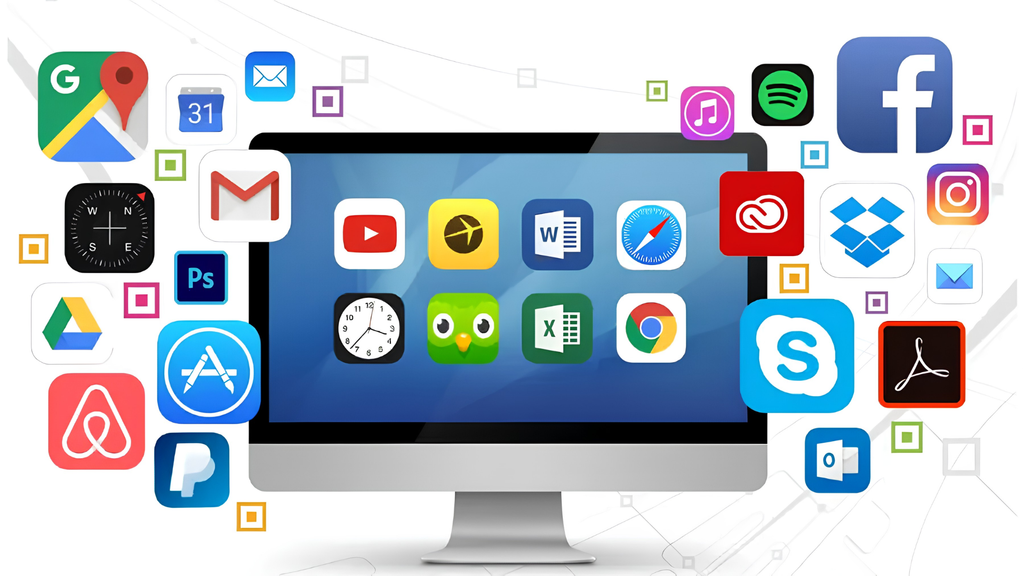
A desktop application is software that is installed and runs directly on a desktop computer or laptop. This type of application can serve many needs, such as work, content editing, entertainment, or data management.
Some common categories of desktop applications:
- Word processors: Microsoft Word, LibreOffice Writer.
- Spreadsheet applications: Microsoft Excel, LibreOffice Calc.
- Web browsers: Google Chrome, Mozilla Firefox, Safari, Microsoft Edge.
- Multimedia software: VLC Media Player.
- Graphics software: Adobe Photoshop.
- Games: The Sims 4, Candy Crush
2. Mobile application
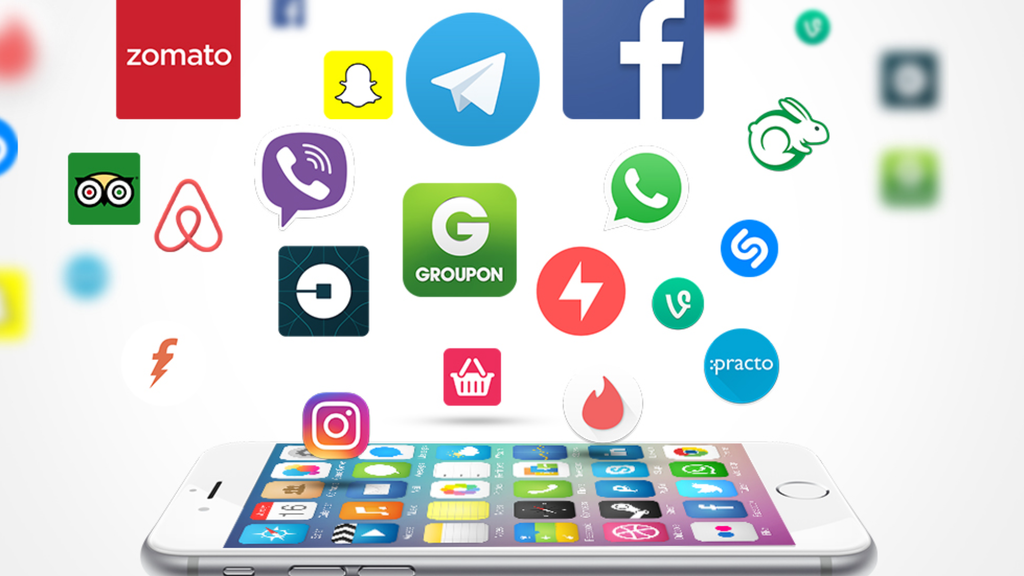
A mobile application (Mobile App) is software designed to run on mobile devices such as smartphones and tablets. Users typically download and install these apps through app stores or other distribution channels.
Some common mobile applications include:
- Gmail: lets you send and receive email on mobile devices.
- Facebook: a social media platform that lets users connect and share content.
- Duolingo: an app for learning foreign languages.
- Banking apps: help you manage your account and carry out transactions.
- Shopping apps: help you search for products, place orders, and track deliveries.
>> Learn more:
- Custom mobile app design, professional and trustworthy
- Top 16 free, easy-to-use sales management apps for mobile
- Top 35 best, most effective time management apps of 2026
3. Web application
A web application (web app) is software accessed through a web browser, typically using services or data provided by a server. Users usually do not need to install software in the traditional way to use a web app.
Examples include email platforms, online productivity tools, enterprise management systems, and e-commerce platforms.
Advantages of web applications:
- Access across multiple platforms: Users can access a web app on many devices and operating systems through a compatible browser.
- Centralized deployment and updates: Most of a web app’s logic and data is managed on the server side, allowing businesses to roll out changes centrally rather than updating each user’s device.
- No traditional installation required: Web apps can usually be used directly from a browser. However, some modern web apps, such as Progressive Web Apps (PWAs), also support installation on the device.
- Some offline support: Not every web app works offline. However, technologies such as service workers can allow some web apps to cache resources and provide partial functionality when the device has no network connection.
- Easy to expand reach: With just a compatible browser, users can access a web app on many types of devices without developing a separate installed version for each one.
>> See more:
- 19 task organization apps for effective planning and schedule management
- Top 20 most reputable app design companies in Vietnam for 2026
What are applications used for?
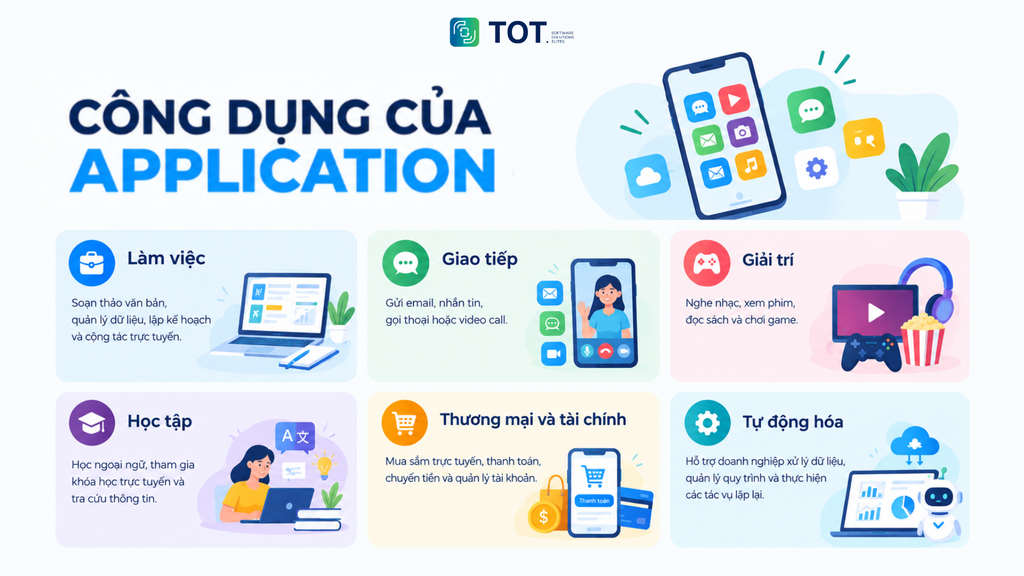
Applications are developed to meet many different needs in work and daily life. Some common uses include:
- Work: Word processing, data management, planning, and online collaboration.
- Communication: Sending email, messaging, voice calls, or video calls.
- Entertainment: Listening to music, watching movies, reading books, and playing games.
- Learning: Learning foreign languages, taking online courses, and looking up information.
- Commerce and finance: Shopping, online banking, payments, and account management.
- Automation: Helping businesses process data, manage workflows, and handle repetitive tasks.
>>> Learn more:
- Case Study: Mazda App – A comprehensive UX/UI solution from TOT
- What is API? Key characteristics and its use in website development
How does application software differ from system software?
Application software and system software are both software, but they serve different purposes and play different roles. Simply put, system software helps a device function and manages system resources, while application software helps users perform specific tasks on the device.
| Criteria | Application software | System software |
| Purpose | Meets user needs and performs user tasks | Operates and manages the system |
| Examples | Word, Excel, Chrome, Photoshop | Windows, macOS, Linux |
| Interaction with users | Users interact with it directly | Mainly operates on the system side |
| Role | Performs specific functions | Provides the platform for applications to run |
How do mobile apps and web applications differ?
Mobile apps and web applications both provide functionality to users, but they differ in how they are built, accessed, and how they interact with the device.
| Criteria | Mobile app | Web application |
| Access method | Usually downloaded and installed on the device | Usually accessed through a browser |
| Platform | Native or cross-platform | Runs through a browser |
| Hardware | Can access many hardware features depending on permissions and platform | Hardware access depends on the browser and APIs |
| Offline | May support offline use depending on the app | Some web apps/PWAs can support offline use |
| Updates | Usually distributed through the platform’s distribution mechanism | Usually updated centrally on the server side |
| Interface | Optimized for mobile devices | Can be designed to be responsive for many screen sizes |
| Installation | Usually requires installation | Usually does not require traditional installation |
>> See more:
- Top 10 free, online, professional logo design software
- Top 10 free 3D home design software for mobile and computer
- Top 10 free, online, high-quality poster design software
- How much does building an e-commerce website cost? A detailed price breakdown
Frequently asked questions about App and Application
What does app stand for?
App is short for “application.” In technology, the term is commonly used to refer to a software program that performs one or more specific functions for users.
What is the full form of app?
The full form of app is application. App is short for the English word application, meaning a software program that runs on a phone, tablet, or computer to serve a specific purpose for the user.
Is an application only an app on a phone?
No. Applications can include desktop applications, mobile applications, and web applications. However, in everyday conversation, “app” is often used to refer to a mobile application.
What is application software?
Application software is software developed to perform functions that directly serve users’ needs, such as word processing, image editing, communication, or data management.
What is a web application?
A web application is software accessed through a web browser. Users usually do not need to install software in the traditional way and can use it on many devices through a compatible browser.
Hopefully, after reading this article, you have a clearer understanding of what an application is and why it plays such an important role in the digital era. Whether it’s a web application, a mobile application, or desktop software, each type of application delivers its own experiences and benefits, helping to improve users’ quality of life and work productivity.
TOT is a pioneer in comprehensive digital transformation, providing app design, custom software development solutions, and building optimized management systems for businesses.
TOT stands out with flexible service packages, personalized to each specific need, helping businesses easily adopt technology, optimize operations, and enhance customer experience. Guided by its “Technology for people” philosophy, TOT delivers not only technical effectiveness but also an emotional connection between the brand and its users.
Customers interested in TOT’s digital solutions can learn more here.