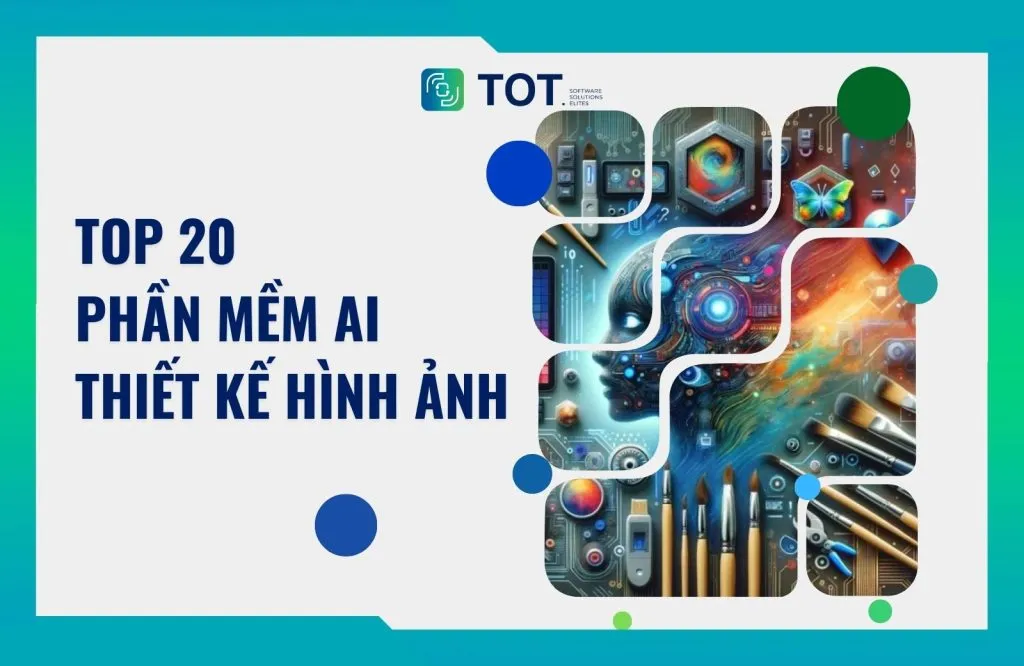
Over the past few years, AI image design software has become an essential tool for designers, marketers, and content creators. Thanks to the rise of AI image generators and AI design tools, users can produce high-quality images in just seconds by entering a description (prompt), even without professional design skills. In this article, TOT rounds up the best free AI image design software highly rated by the designer community.
What is AI image design software?
AI image design software refers to tools that apply artificial intelligence to automatically create, edit, or optimize images. Instead of drawing or designing manually from scratch, users simply enter a text prompt, choose a style, or upload a reference image for the AI to generate a suitable result.
AI design software typically relies on deep learning models (Deep Learning) and AI image generator technology to analyze image data and create new content.
Today, AI design tools are widely used across many fields, such as:
- Graphic design and branding
- Creating marketing and advertising images
- UI/UX design
- Content creation for social media
- Illustrations for books, games, and NFTs
Thanks to their high level of automation, AI is gradually becoming a powerful creative assistant for both professional designers and beginners.
>>> See also:
- What is AI image recognition? Algorithms & Applications
- AI image analysis: How it works & real-world applications
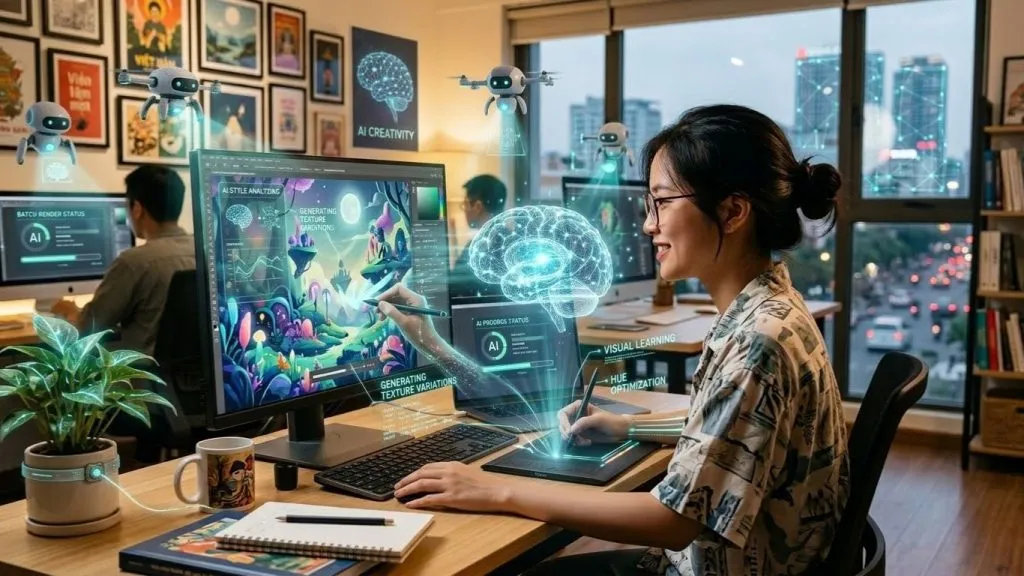
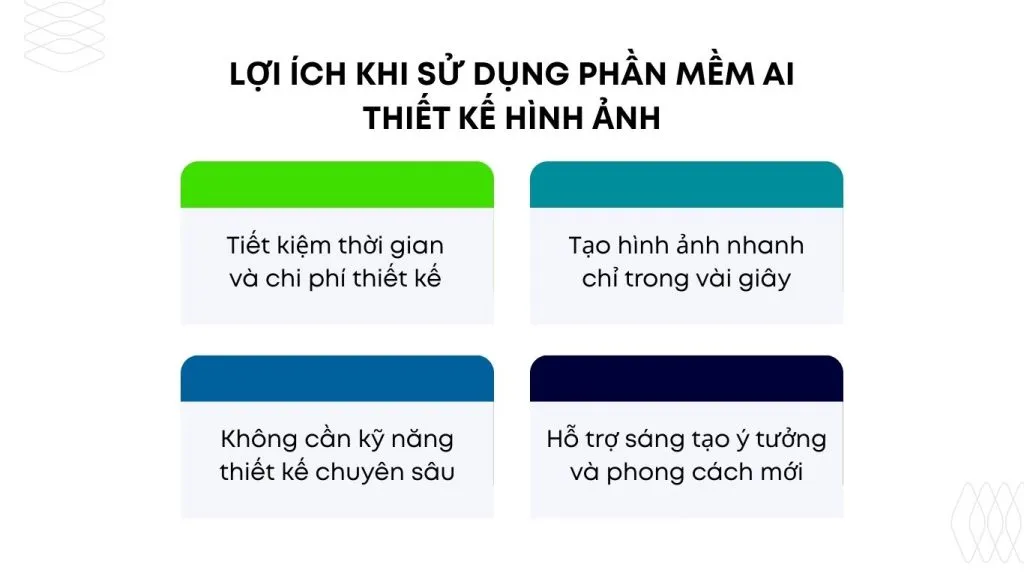
Benefits of using AI image design software
Below are some of the standout benefits of using AI image design software in the creative and content production process.
Saving design time and cost
One of the biggest benefits of AI image design software is that it significantly shortens design time. Instead of spending hours drawing or editing images, AI can produce a finished image in just seconds.
In addition, many free AI design tools allow businesses and individuals to create visual content without hiring a professional designer, resulting in considerable cost savings.
Generating images in just seconds
Modern AI image generators can create high-quality images from text descriptions. Users simply enter a prompt such as:
“A futuristic city at sunset, cyberpunk style, neon lights”
The AI analyzes it and generates a suitable image in just seconds. This makes the content production process faster and more efficient.
No advanced design skills required
In the past, designing images required complex software such as Photoshop or Illustrator. However, with AI design tools, even people with no design experience can create professional-looking images.
AI platforms usually offer an intuitive interface, simple operation, and many ready-made templates that make it easy for users to create.
Supporting new ideas and styles
AI not only creates images but can also suggest unique design styles, such as:
- Cyberpunk
- Minimalism
- Anime
- 3D render
- Photorealistic
As a result, AI image design software becomes an effective brainstorming tool for designers and marketers.
>>> See also:
- 7 ways to apply AI to optimize customer experience
- 18 ways to apply AI to ecommerce for high effectiveness
- TOP 15 Best Software Outsourcing Companies in Vietnam 2026
Top 20 best free AI image design software in 2026
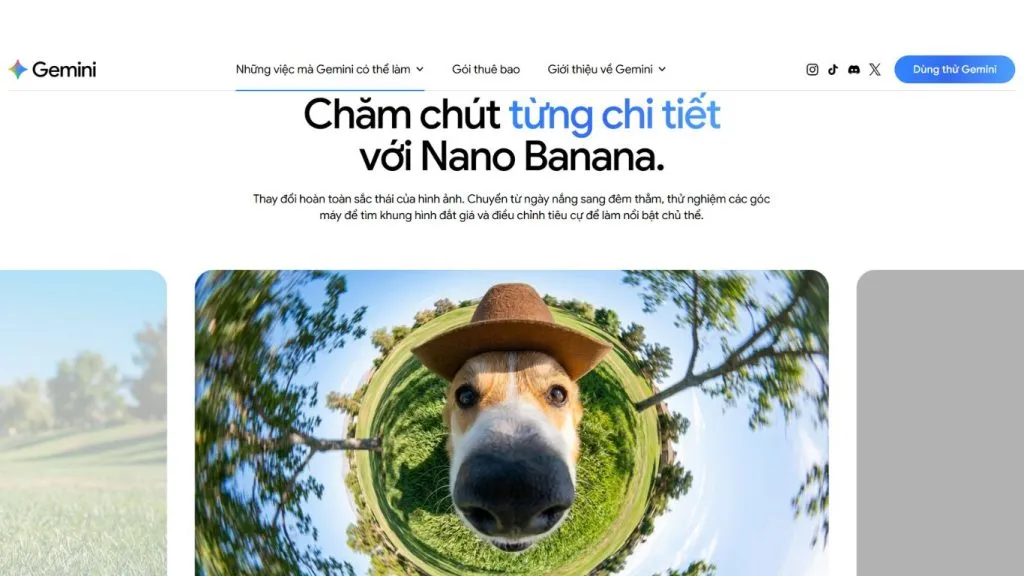
1. Google Nano Banana
Google Nano Banana, also known as Gemini 3 Flash Image, is a new AI image design tool developed by Google. It lets you create and edit high-quality images from text descriptions or visual data. Thanks to its natural language processing and fast image generation, Nano Banana makes it easy for users to create creative visual content without advanced design skills.
Beyond generating images from prompts, the tool also supports smart image editing, such as changing the background, adding or removing objects, and adjusting lighting through text descriptions. As a result, Google Nano Banana is becoming a useful AI design tool for designers, marketers, and content creators.
Key features
- Generating images from text descriptions (text prompts)
- Multi-image fusion: combining multiple images to create a new scene
- Editing images with prompts (changing the background, adding/removing objects)
- Keeping characters consistent when editing images
- Fast, near real-time processing
- Support for many styles and aspect ratios
2. Midjourney
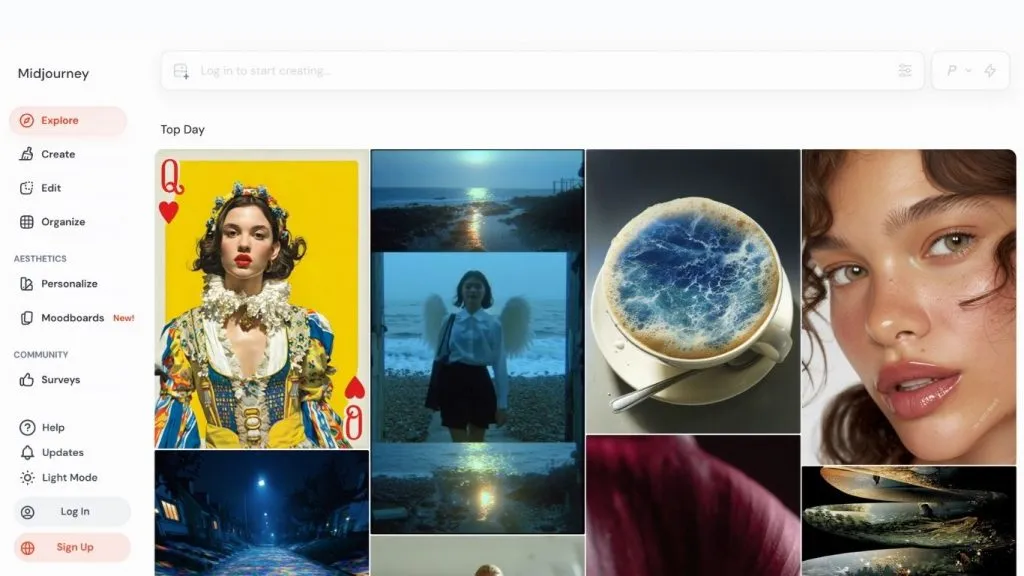
Midjourney is one of the most well-known AI image design tools today, widely used by the community of designers, digital artists, and content creators. It works mainly through Discord and stands out for its ability to create images with a unique artistic style.
Midjourney is often used to create concept art, book illustrations, advertising posters, and marketing images. Thanks to its strong prompt comprehension and highly detailed output, Midjourney has become a top choice among AI design tools for content creation.
Key features
- Generating images from text descriptions (text prompts)
- Support for many artistic styles such as anime, cinematic, and fantasy
- Generating multiple image variations to choose from
- Upscaling images to increase resolution
- A large user community that helps share effective prompts
>>> See also:
- How to create prompts for LLMs in computer vision to improve accuracy
- Gesture recognition with Vision AI in real-world applications
3. Google ImageFX
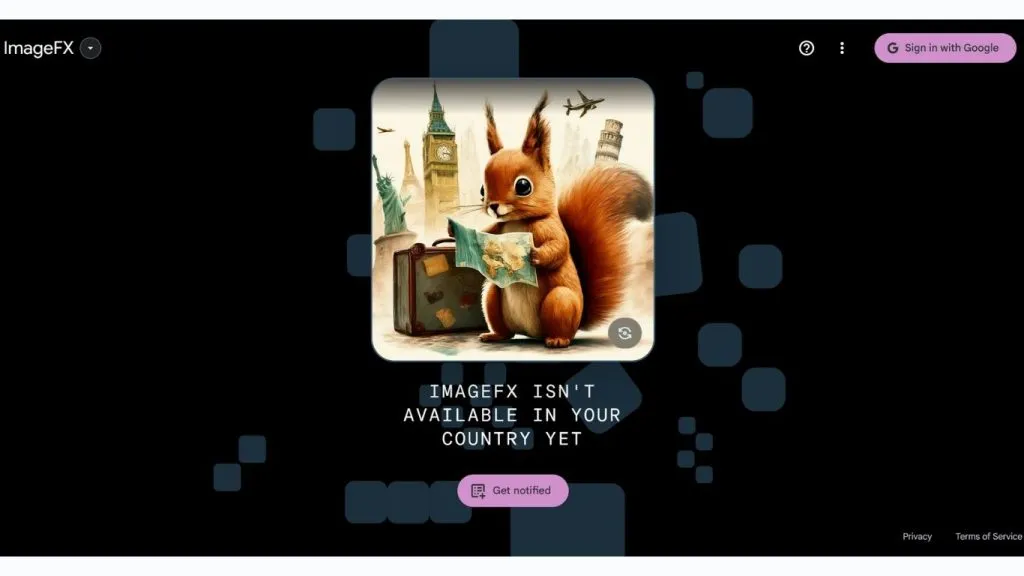
Google ImageFX is an AI design tool built on Google’s Imagen model. It lets users generate images from text descriptions with high detail and strong contextual understanding.
ImageFX is designed with an intuitive interface that makes it easy for users to experiment with many different creative styles. It is an AI image design tool well suited to marketers, designers, and content creators who want to quickly generate images for websites or social media.
Key features
- Generating images from text prompts
- Strong understanding of context and image detail
- Editing prompts directly
- Creating multiple different image versions
- Integration of Google’s advanced AI technology
>>> See also:
- How to build AI apps with vibe coding on Google AI Studio easily
- A guide to deploying AI in mobile apps made simple
4. DALL-E
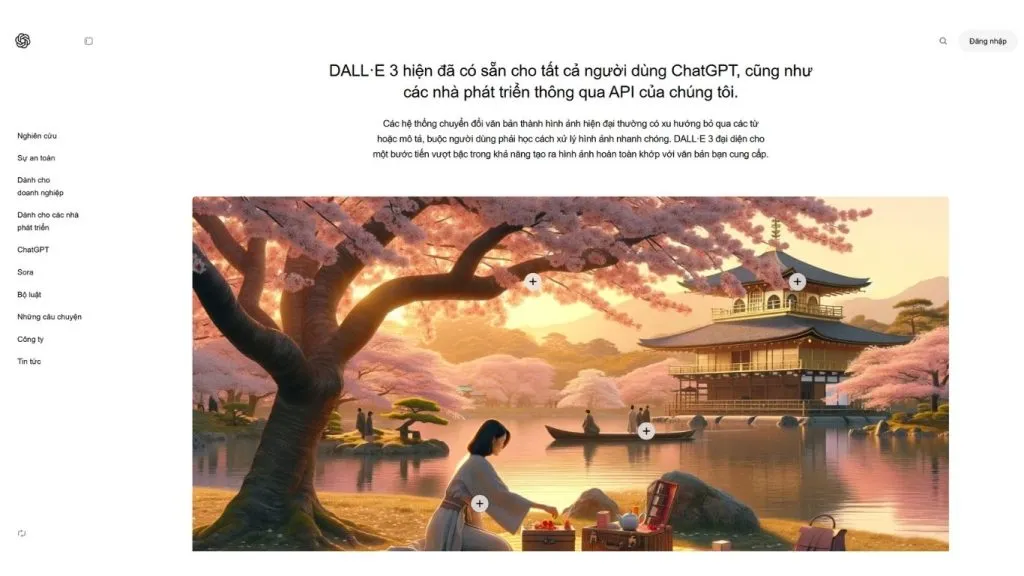
DALL-E is an AI image generator developed by OpenAI that lets you create images from text descriptions with high accuracy. It can understand complex prompts and produce images with well-balanced composition.
DALL-E is often used to create illustrations, product concepts, advertising visuals, and marketing content. Thanks to its AI-powered image editing, DALL-E has become one of the most widely used AI design tools in content creation.
Key features
- Generating images from text descriptions
- Editing images with AI (inpainting)
- Creating multiple image variations from an original image
- Support for many design styles
- Creating highly detailed images
>>> See also:
- A guide to building apps with Low Code, simple and highly effective
- Building an online store website with AI, free, SEO-friendly, and highly effective
5. Canva AI
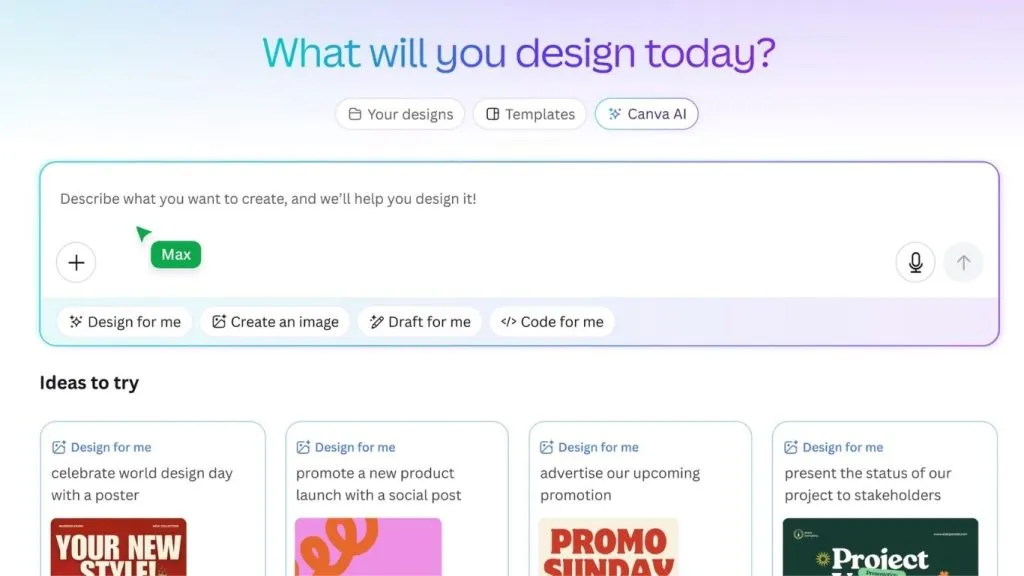
Canva AI is a popular AI image design tool for marketers, small businesses, and content creators. It integrates many AI features that help users create posters, banners, social media posts, and marketing images in just minutes.
Canva AI stands out for its user-friendly interface and rich template library, making it easy for users to create professional designs even without experience.
Key features
- Magic Design for automatic design creation
- A built-in AI image generator
- A rich library of design templates
- Creating images for social media
- Fast AI-powered image editing
>>> See also:
- A guide to using Google AI Studio effectively and quickly
- Designing websites with AI (artificial intelligence) for free
6. Leonardo AI
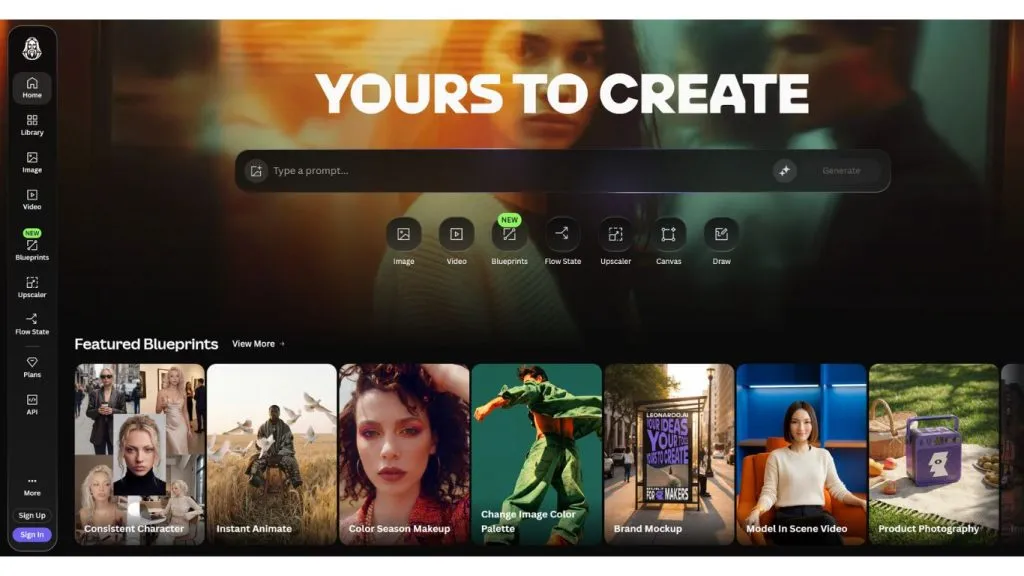
Leonardo AI is a powerful AI image design tool widely used in the gaming and concept art industries. It lets users create high-quality images and customize AI models for their own projects.
Leonardo AI is especially well suited to designers, game developers, and digital artists who want to create image assets quickly.
Key features
- Generating high-resolution images
- Training custom AI models
- Creating assets for games and 3D design
- Support for many image styles
- Exporting high-quality images
>>> See also:
- TOP 15+ tools for building apps with AI, effective and super easy
- TOP 10 AI website design tools, free and paid, and effective
7. Ideogram AI
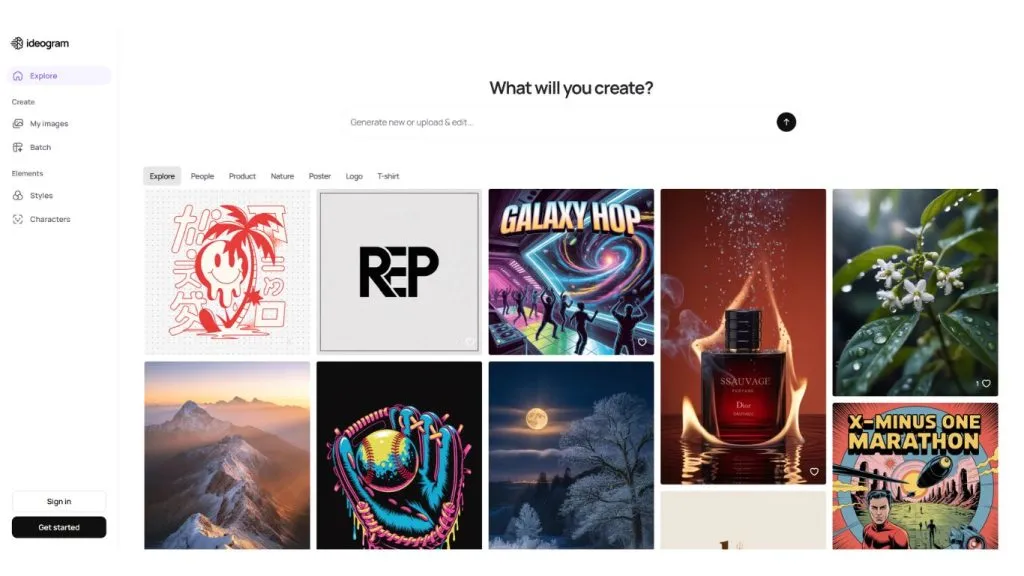
Ideogram AI is an AI image design tool that stands out for its ability to render text accurately within images – a feature that many other AI image generators still struggle with. It is often used to create posters, advertising banners, thumbnails, and marketing images that include typography.
Ideogram AI makes it easy for users to combine text and images in a single design, producing visual and professional communication materials. Thanks to its strong prompt comprehension and well-balanced layouts, it is a very useful AI design tool for marketers, designers, and content creators.
Key features
- Rendering text accurately within images
- Creating marketing posters, banners, and thumbnails
- Support for many different design styles
- Generating images from detailed text prompts
- Exporting multiple image versions to choose from
- Well suited to social media content design
>>> See also:
- What is AI website optimization? How to optimize SEO and the AI tools involved
- How to use chatbots for education at universities and in learning
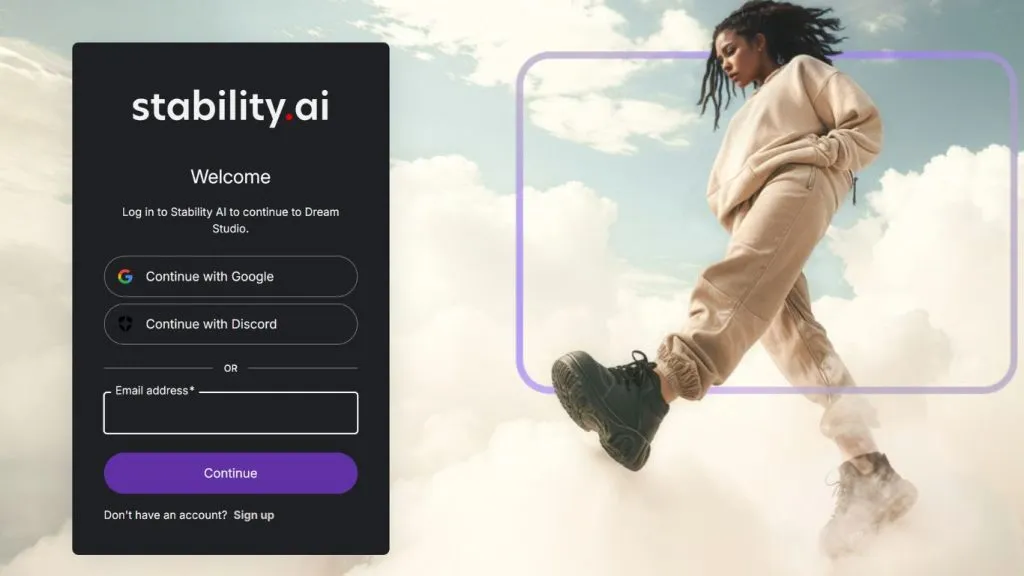
8. DreamStudio
DreamStudio is the official platform of Stable Diffusion, allowing users to create high-quality AI images directly on the web. It lets you control many parameters when generating images, such as level of detail, style, and how creative the AI is.
Thanks to its flexible customization, DreamStudio is used by many designers and developers to experiment with different image styles. It is an AI image design tool well suited to those who want deep control over the AI image generation process.
Key features
- Generating images with the Stable Diffusion model
- Adjusting detailed parameters when generating images
- Creating multiple image versions from a single prompt
- Support for many different design styles
- Exporting high-resolution images
- Well suited to designers and developers
>>> See also:
- TOP 15+ AI code-writing tools that are the fastest and most accurate
- How to create apps with AI, free, detailed, and simple
9. Adobe Photoshop
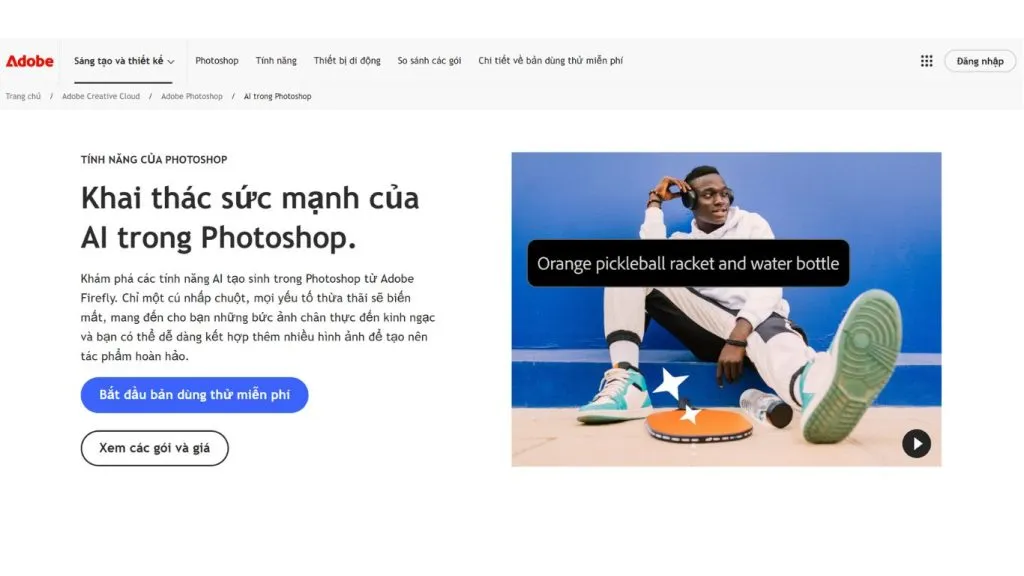
Adobe Photoshop is a renowned image editing tool in the graphic design industry, and it now integrates many advanced AI technologies. With features such as Generative Fill and AI Object Removal, Photoshop can create or edit images in just seconds.
As a result, Photoshop is no longer just a traditional image editor but has also become a powerful AI design tool for professional designers. It is widely used in advertising design, product photo editing, and marketing content creation.
Key features
- Generative Fill to create image content with AI
- Removing or changing objects automatically
- Professional image editing
- Creating advanced image effects
- Support for layers and detailed editing
- Integration with the Adobe Creative Cloud ecosystem
>>> See also:
- What is Low Code? A software development solution and future trends
- Comparing Low-Code and No-Code: Differences & real-world applications
10. Adobe Illustrator
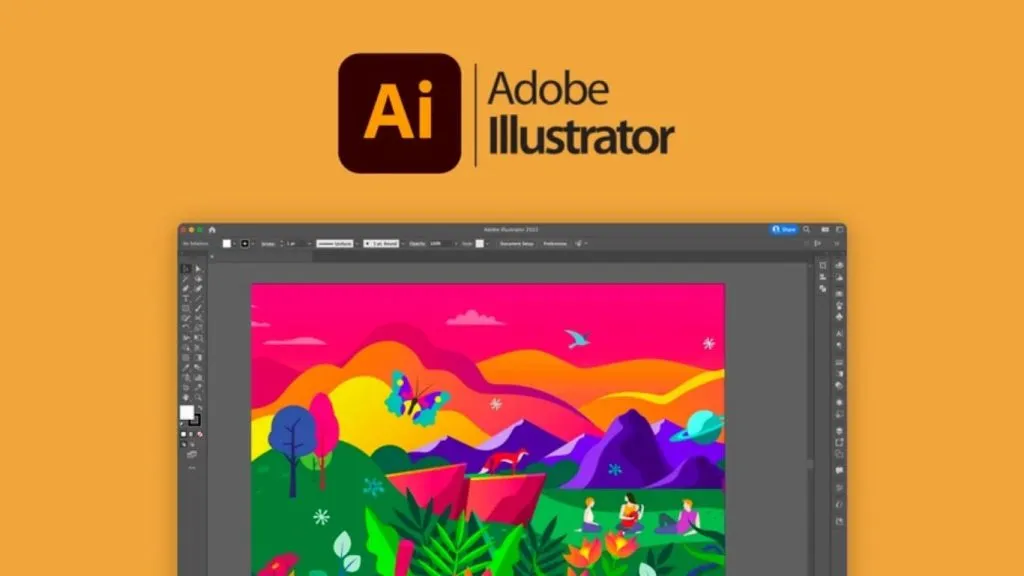
Adobe Illustrator is a leading vector design tool widely used for designing logos, icons, and digital graphics. Illustrator now integrates many AI features that help designers create shapes and layouts faster.
Thanks to its precise vector graphics processing, Illustrator is an important AI image design tool within the Adobe ecosystem. It is especially well suited to designers working in branding and interface design.
Key features
- Creating vector graphics with AI
- Smart color suggestions
- Professional logo and icon design
- Support for UI/UX design
- Creating and editing shapes quickly
- Exporting high-quality vector files
>>> See also:
- AI in UI/UX design: A tool or a rival to designers?
- TOP 20 AI tools for online selling, free and the best
11. Adobe Firefly
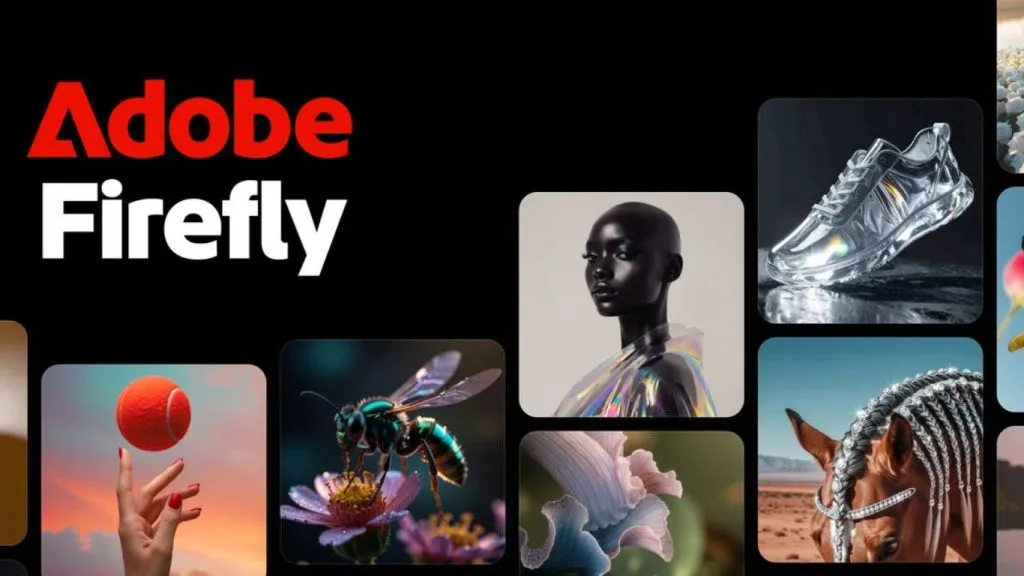
Adobe Firefly is an AI image generator platform developed by Adobe to help designers create images and text effects from text descriptions. It is integrated directly into software such as Photoshop and Illustrator, helping users create content quickly.
Firefly stands out for using licensed training data, which helps ensure legal compliance when using images for commercial purposes. It is a very useful AI design tool for designers and marketers.
Key features
- Generating images from text prompts
- Creating creative text effects
- Integration with Photoshop and Illustrator
- Images with clear licensing
- Support for many design styles
- Well suited to marketing design
>>> See also:
- The top 6 leading no-code computer vision tools
- The best computer vision tools
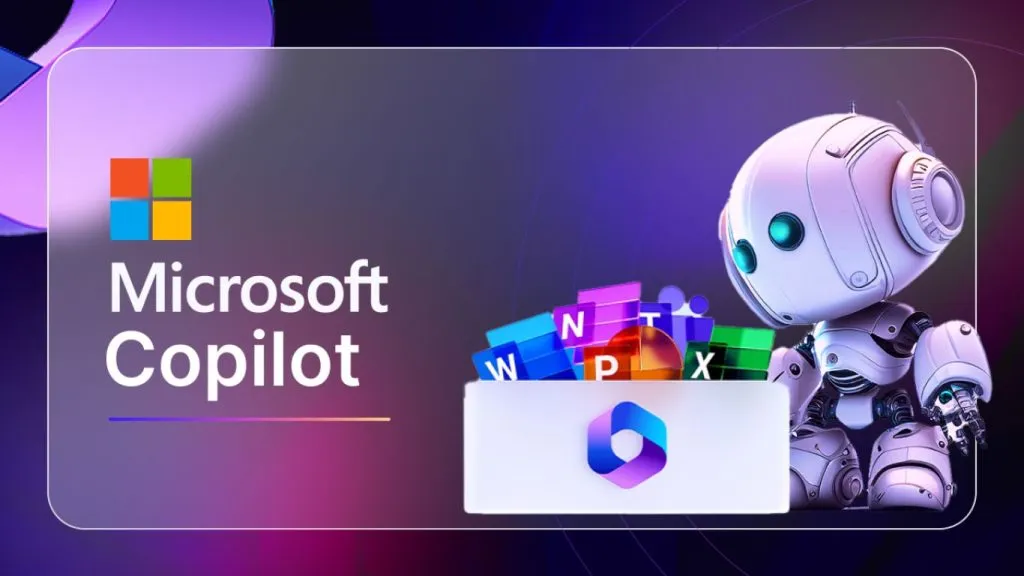
12. Microsoft Copilot
Microsoft Copilot is an AI assistant integrated into the Microsoft 365 and Bing ecosystem. In addition to helping write content, Copilot can also generate images from text descriptions.
The tool helps users quickly create illustrations for documents, presentation slides, or marketing content. Thanks to its deep integration with Microsoft products, Copilot is a convenient AI image design tool for office users and marketers.
Key features
- Generating images from text prompts
- Integration with Bing Image Creator
- Support for marketing content creation
- Creating illustrations for documents and slides
- An easy-to-use interface
- Integration with Microsoft 365
>>> See also:
- 17 best free graphic design apps
- 20 reputable, full-package website design companies in Ho Chi Minh City
13. Runway
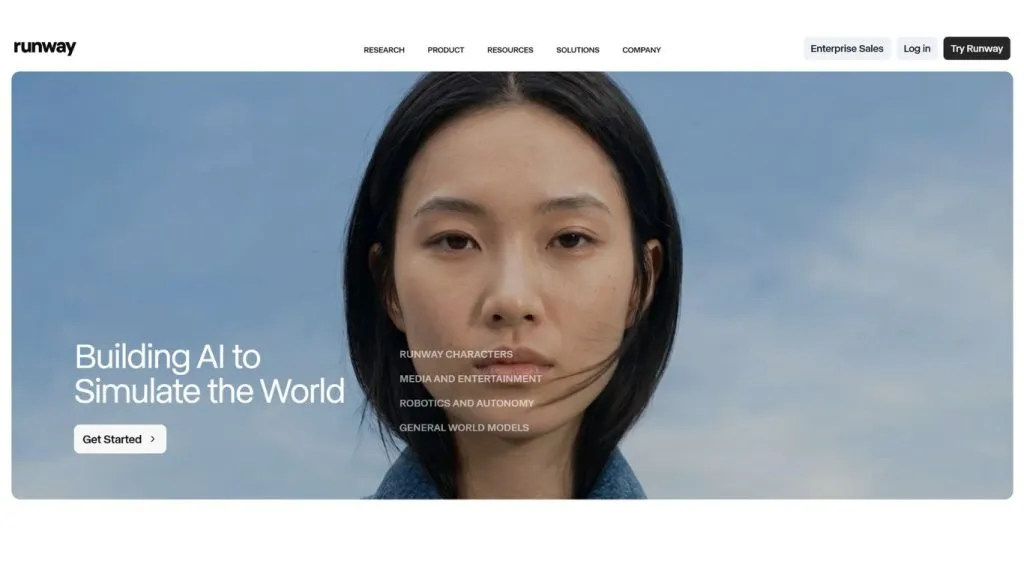
Runway is an AI platform for creating multimedia content, allowing you to generate images, videos, and digital effects with AI. It is used by many filmmakers and creators to produce creative content.
Runway offers many AI models that help users generate images or edit videos automatically. Thanks to its multimedia processing, Runway is considered a powerful AI design tool for creators and content producers.
Key features
- Generating images and creating videos with AI
- Editing videos automatically
- Creating advanced image effects
- Support for many AI models
- Well suited to creators and filmmakers
- Exporting high-quality videos and images
>>> See also:
- Top 10 free poster design software, online and for desktop
- Custom mobile app design services — professional and reputable
14. Flux (FLUX.1)
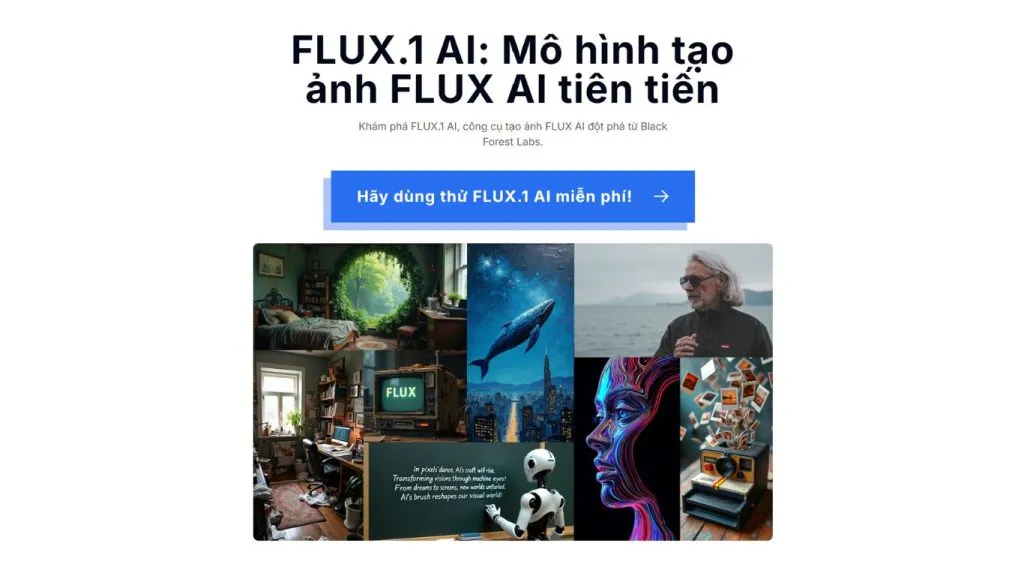
Flux is an AI image generator developed by Black Forest Labs that has quickly become one of the most powerful AI image generation tools available today. Flux stands out for its ability to create photorealistic images and handle complex prompts very well.
As a result, the tool is used by many designers and digital artists to create concept art, illustrations, and creative images. Thanks to its high image quality, Flux is becoming an AI image design tool that is drawing attention in the AI community.
Key features
- Creating photorealistic images
- Handling detailed prompts
- Generating high-resolution images
- Support for many image styles
- Fast rendering speed
- Well suited to concept art
>>> See also:
- 30 free website design platforms, the best ones
- 9+ free, easiest-to-use mobile app design tools
15. DeepAI
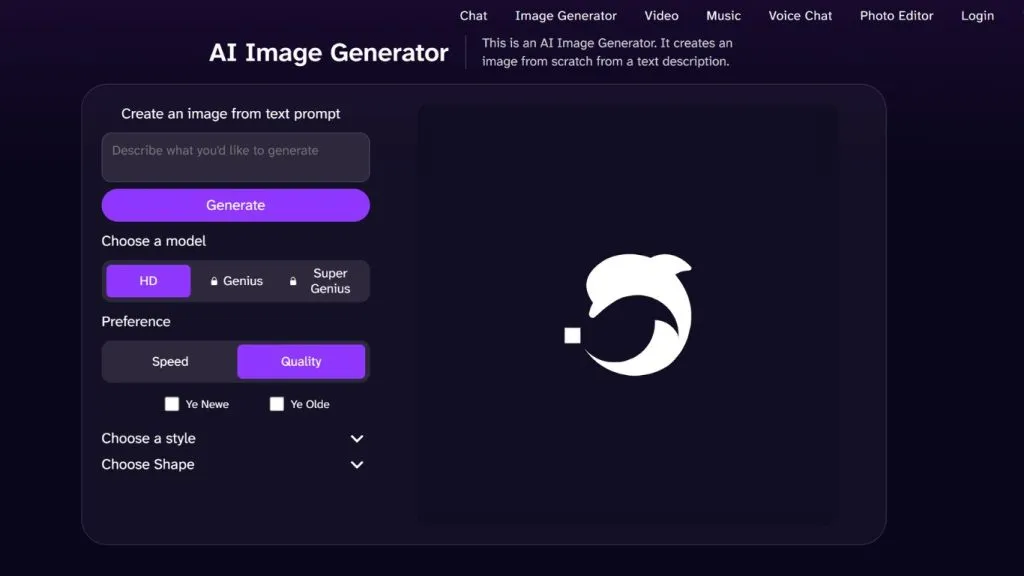
DeepAI is a platform that offers many AI tools for content creation, including AI image generation. It lets users create images from text descriptions quickly.
DeepAI is often used by developers and designers to experiment with AI models in creative projects. Thanks to its flexible API, DeepAI is a useful AI design tool for web and app projects.
Key features
- Generating images from text
- An API for developers
- Creating multiple image versions
- Support for many AI models
- Integration into websites or apps
- Free AI tools
>>> See also:
- Designing e-commerce websites professionally with 7 key details
- 10 free 3D home design software options for phones and computers
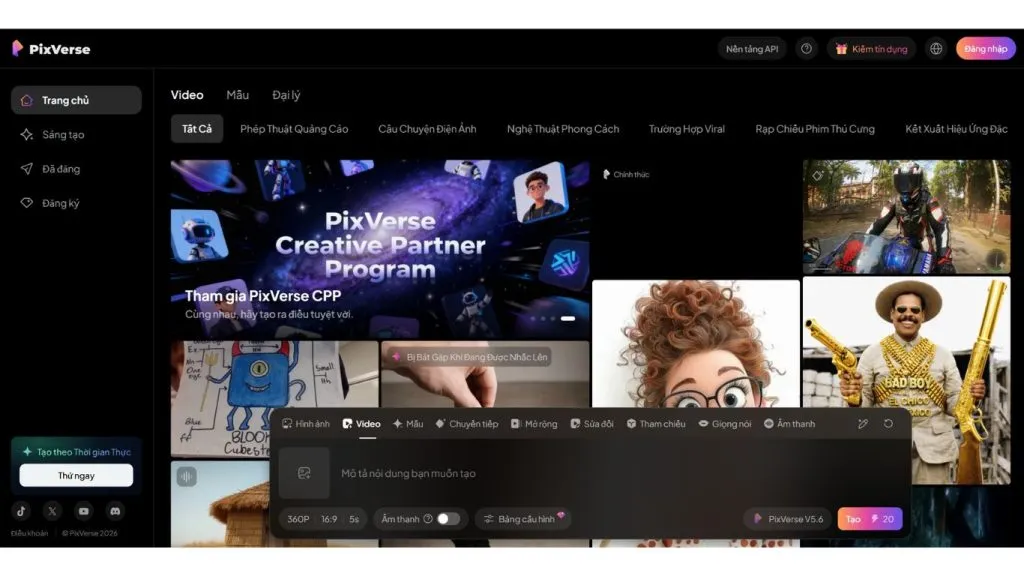
16. PixVerse AI
PixVerse AI is an AI platform that supports creating images and videos from text descriptions. It is being used by many creators and marketers to produce content for social media.
PixVerse AI lets you create short videos from images or text prompts, making the content creation process faster. It is an AI image design tool well suited to digital content creators.
Key features
- Creating videos from images
- Fast AI image generation
- Creating creative content for social media
- Editing videos with AI
- Creating simple animations
- Well suited to creators
>>> See also:
- 15+ free, easy-to-use Android app design software
- Top 10 free, most professional logo design software
17. Gravit Designer
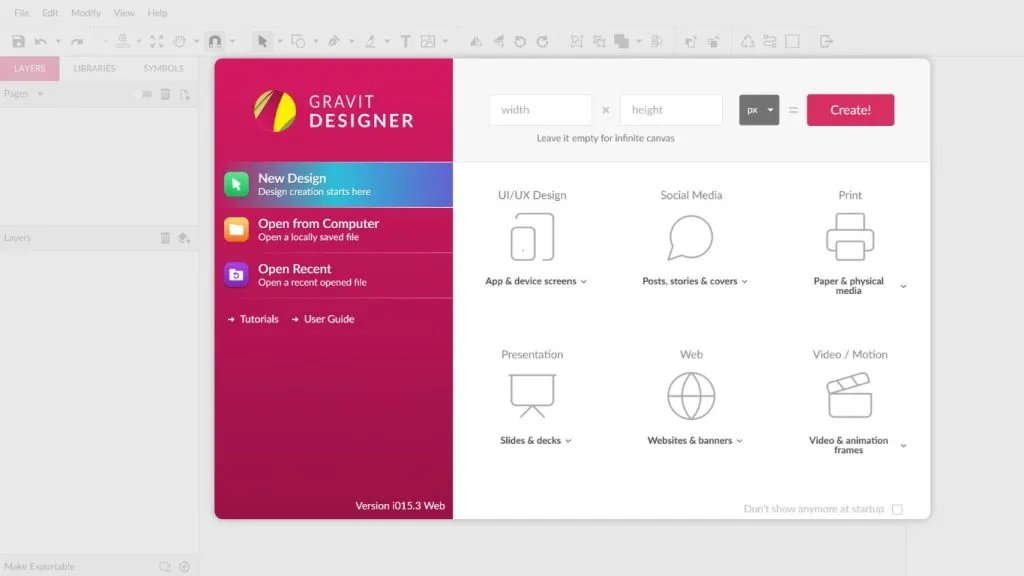
Gravit Designer is a vector graphic design tool that runs on the web, letting users create and edit designs directly in the browser. The software offers many professional features while also supporting flexible online work through cloud storage.
Thanks to its intuitive interface and powerful vector editing, Gravit Designer is widely used in logo, interface, and web graphic design.
Key features
- High-precision vector design
- Support for logo creation and UI/UX design
- Working online, synced via cloud
- Exporting files in many common formats (SVG, PNG, PDF, etc.)
- A friendly, easy-to-learn interface
- Well suited to web designers and beginners
>>> See also:
- Top 5 free, high-quality, best home design apps
- 13 best open-source chatbot platforms
18. Khroma
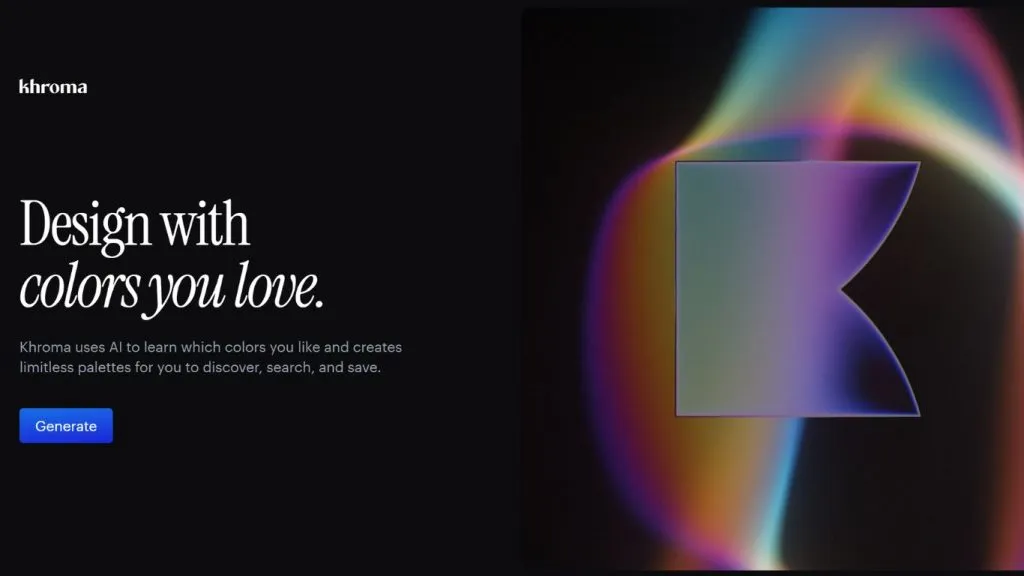
Khroma is an AI design tool that specializes in helping designers create color palettes. It uses AI to learn from a user’s color preferences and suggest suitable palettes. Khroma is especially useful in interface design, branding, and web design. Thanks to its smart color suggestions, Khroma helps designers save time when choosing colors.
Key features
- AI-powered automatic color palette creation
- Smart palette suggestions
- Support for UI/UX design
- Color customization
- Saving and managing palettes
- Well suited to designers and marketers
>>> See also:
- What is application software? Common types of application software
- Data labeling platforms for computer vision
19. Nero AI
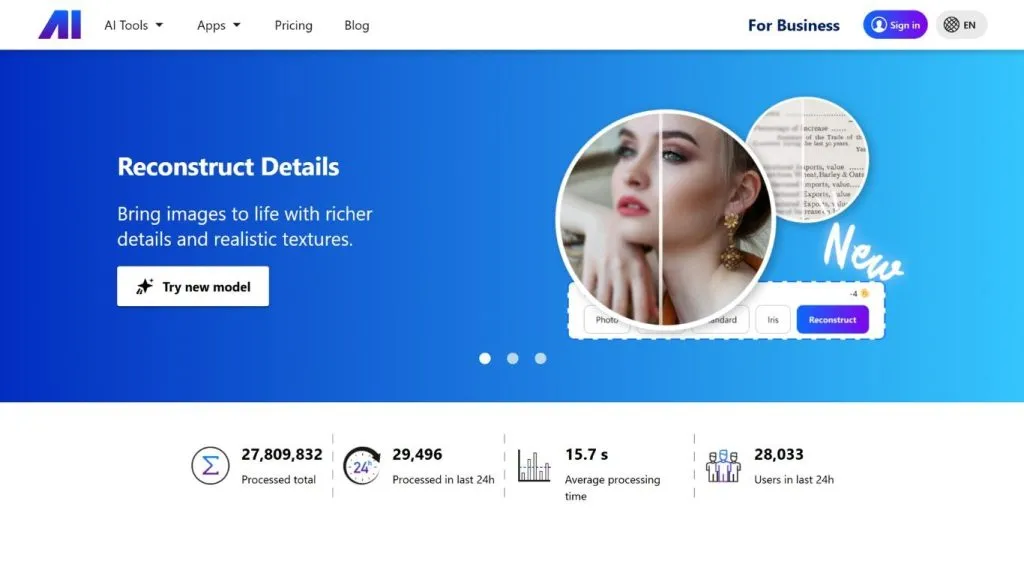
Nero AI is an AI image design tool that specializes in improving and enhancing image quality using artificial intelligence. It focuses on image processing features such as upscaling, sharpening, and restoring detail for low-resolution or old images.
By using advanced AI models, Nero AI can analyze image structure and recreate detail automatically. In addition, the tool is often used for product photo editing, improving images for websites, restoring old photos, or upscaling images for marketing content.
Key features
- Upscaling images to high resolution with AI
- Increasing image sharpness and detail
- Restoring old or blurry photos
- Optimizing image quality for websites and marketing
- Processing images quickly in just seconds
- An intuitive interface that is easy for beginners to use
20. Galileo AI
Galileo AI is an AI design tool that specializes in helping create UI/UX interfaces using artificial intelligence. It lets users create app or website layouts simply by entering a text description. The AI automatically analyzes the prompt and generates complete interface designs that follow modern app design principles, from layout and color to UI components.
Thanks to its ability to automatically generate mockups and prototypes, Galileo AI significantly shortens the initial design time. The tool is especially useful for designers, product managers, and startups during the product ideation phase.
Key features
- Creating UI interfaces from text descriptions
- Designing website and app layouts automatically
- Creating mockups and prototypes quickly
- Helping UI/UX designers brainstorm ideas
- Exporting design files for further editing
- Well suited to startups and product designers
21. Design.ai
Design.ai is an AI design tool platform that helps users automatically create design content such as logos, banners, videos, and marketing images. It uses artificial intelligence to analyze brand information and generate designs that match a business’s marketing goals.
Design.ai is especially well suited to small businesses, marketers, and content creators who want to create professional images without much design experience. Thanks to its rich template system and design workflow automation, Design.ai helps significantly reduce content production time.
Key features
- AI logo creation based on brand information
- Automatic marketing video creation
- Designing banners and advertising images
- A rich library of design templates
- Creating marketing content quickly
- Well suited to businesses and marketers
Some tips for creating beautiful images with AI
Using AI image design software is not simply a matter of entering a description and waiting for the AI to generate an image. To achieve high-quality results, users need to know how to write prompts, choose a suitable style, and combine AI with editing tools.
Below are some tips to help you make the most of AI design tools and create more beautiful, professional images.
Write detailed prompts
The prompt (text description) is a key factor that determines the quality of the generated image. When using AI design software, you should clearly describe elements such as the subject, setting, style, and lighting. The more specific the prompt, the easier it is for the AI to understand the request and create an image that closely matches what you want.
For example, instead of writing:
“a cat”
you should write something more detailed, such as:
“a fluffy orange tabby cat sitting on a rustic wooden table in a cozy kitchen, warm morning sunlight coming through the window, soft natural lighting, shallow depth of field, ultra realistic fur texture, DSLR photography, 50mm lens, cinematic composition, high detail, photorealistic, 4K resolution”
Adding details about the setting, colors, or style helps the AI image generator create images with better composition and more realism.
Use style keywords (style, lighting, camera)
An important tip when using AI image design software is to add style keywords to your prompt. These keywords help the AI clearly identify the image style and produce more professional results.
Some common keywords often used in AI design tools include:
- Style
- cinematic
- anime style
- watercolor painting
- cyberpunk
- minimalist design
- Lighting
- soft lighting
- dramatic lighting
- studio lighting
- golden hour
- Camera / image quality
- 4K render
- ultra realistic
- DSLR photography
- wide angle lens
Combining these keywords will help the generated image have more depth, better lighting, and a clearer style.
Combine AI with manual editing
Although AI image design software can create images very quickly, to achieve a highly polished result you should combine AI with traditional editing tools such as Photoshop or Canva.
The workflow many designers use includes:
- Using an AI image generator to create concept images.
- Choosing the best image version.
- Editing details such as colors, layout, or typography with design software.
This combination helps harness the power of AI for generating ideas while ensuring that the final image reaches professional quality.
Frequently asked questions
Which free AI design software is the best right now?
There are currently many highly rated free AI image design tools, such as Midjourney, DALL-E, Canva AI, Leonardo AI, Adobe Firefly, and more. These tools let you create images from text descriptions, support many design styles, and are suitable for both professional designers and beginners.
Can AI images be used for commercial purposes?
Using AI images for commercial purposes depends on each platform’s policy. Some AI design tools allow users to use images for commercial purposes, while some platforms require a paid plan or have separate copyright terms. Therefore, you should carefully review the terms of use before using AI images for advertising or commercial products.
Can AI create videos from images?
Yes. Today, many AI platforms already support AI video creation from images or from text descriptions. Tools such as Runway, PixVerse AI, or some AI video generator platforms let users turn static images into short videos with motion effects and sound.
How is an AI Image Generator different from traditional design software?
An AI Image Generator is a technology that lets you automatically create images from text descriptions using artificial intelligence. Traditional design software such as Photoshop or Illustrator, on the other hand, requires users to draw and edit every detail themselves. However, many designers still combine AI with AI design software or traditional editing tools to achieve the best results.
The rise of artificial intelligence is changing the way we create visual content. With the support of AI image design software, users can create impressive designs in just minutes without much specialized skill. We hope this list of the top AI design tools in this article will help you choose the right platform to optimize your design workflow and boost your content creation efficiency.
TOT is a pioneer on the digital transformation journey. We deliver website design, mobile app, custom software development, and artificial intelligence (AI) software solutions with flexible services tailored precisely to each business’s needs.
Inspired by the philosophy of “Technology for people,” TOT helps businesses operate more efficiently, elevate customer experience, and create a lasting mark for their brand.
TopOnTech (TOT) contact information:
📞 Hotline/WhatsApp/Zalo: 0906 712 137
✉️ Email: long.bui@toponseek.com
🏢 Address: 31 Duong Hoang Dieu, Xom Chieu Ward, Ho Chi Minh City, Vietnam