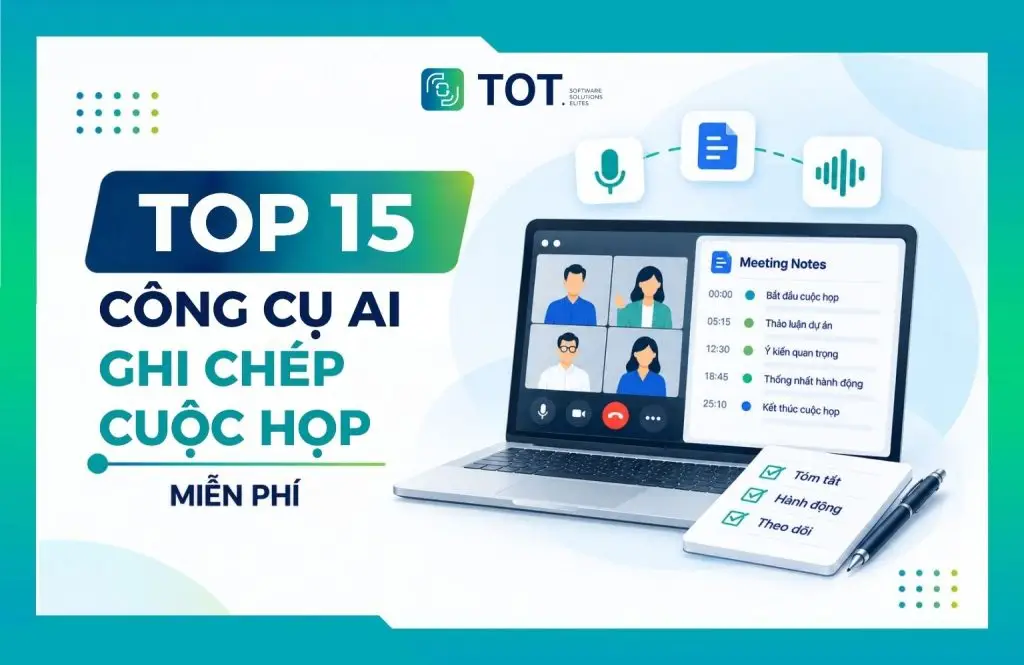
Free AI meeting-note tools help businesses and individuals automatically record audio, turn speech into text, summarize the discussion and identify key action items after every meeting. Instead of spending time taking notes by hand, you can use AI tools to create transcripts, meeting notes and recaps in just a few minutes. In this article, TOT rounds up the TOP 10 most popular free AI meeting-note tools, along with their features, pricing, pros and cons, and who they are best suited for.
>>> See more articles:
- TOP 18 architecture AI tools for architects
- TOP 15 best AI report-writing tools
- Top 20+ best free AI image design software
Quick summary
- Free AI meeting-note tools can automatically record audio, turn speech into text, summarize the content and identify the tasks that need to be done.
- Key benefits: saving time, reducing the risk of missing information, automatically creating minutes and making it easy to search and review meeting content.
- Standout features: audio recording, speech-to-text, summarization, speaker identification, and the ability to pinpoint decisions and action items.
- TOP 15 noteworthy tools: Otter.ai, Fireflies.ai, Google Meet AI Summary, Fathom, MeetGeek, Sembly AI, Supernormal, Avoma, Colibri.ai, Gemini, Jamie, Notion AI, Notta AI, NotebookLM and Read AI.
- When choosing a tool, consider its recording ability, summary quality, Vietnamese language support, free-plan limits, security and integration options.
- AI can help take meeting notes in Vietnamese, but accuracy depends on the tool, the audio quality, the speaking voice and the terminology used.
- Do not use an AI summary without reviewing it, especially when it comes to figures, proper names, decisions, deadlines and the people responsible.
What is AI meeting note-taking?
AI meeting note-taking is technology that uses artificial intelligence to automatically record audio, turn speech into text, and analyze and synthesize meeting content. According to Microsoft Research, AI systems that support meetings can recognize conversation content, distinguish between speakers, segment topics and generate summaries. As a result, participants no longer need to take notes manually throughout the meeting while still capturing all the important information.
The process usually begins when the AI records the meeting or receives a live audio stream from the meeting platform. Speech-to-text technology then converts spoken words into written text, after which the AI analyzes it to identify topics, main points and key information. With tools that support speaker identification, the system can also distinguish each participant and organize the transcript accordingly. From the captured content, the AI goes on to summarize the meeting, create notes and arrange everything in an easy-to-follow structure.
Beyond simply recording meeting content, today’s tools can also automatically create notes, minutes and summaries, consolidate decisions and list out the tasks that need to be done. Some platforms such as Google Meet and Microsoft Teams have already integrated AI to help synthesize content after a meeting. However, users should still double-check important information such as figures, proper names, decisions and deadlines before relying on the summary.
>>> Related reading:
- What is AI image recognition? Algorithms & applications
- How does AI coding assistance affect coding skills?

Benefits of using AI for meeting notes
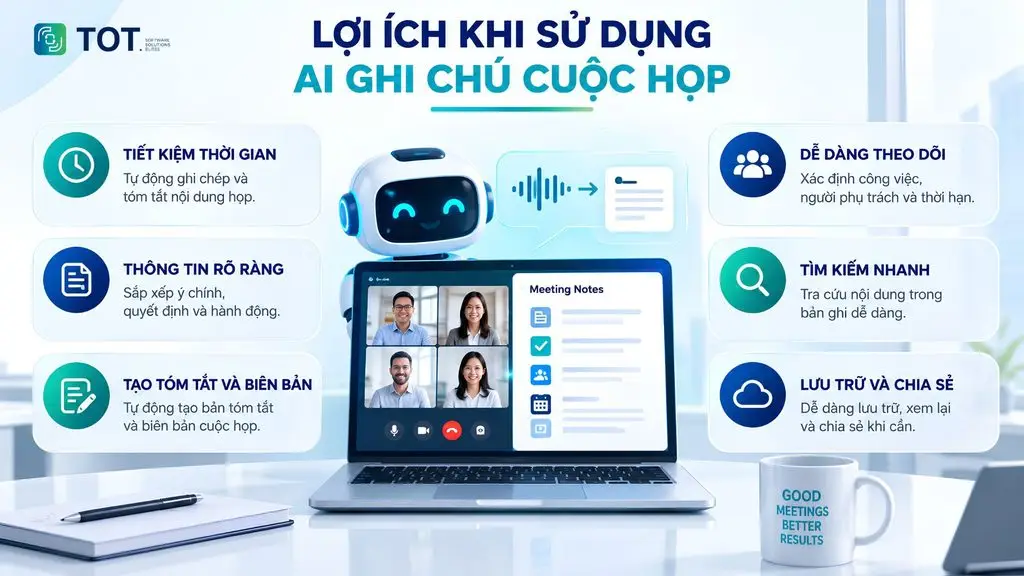
Using AI for meeting notes automates many tasks that used to be done by hand, from capturing content and summarizing the meeting to identifying tasks afterward. It is a good fit for individuals, teams and businesses that want to manage meeting information quickly and systematically while reducing the risk of missing important points.
Saving time on note-taking
Instead of joining the discussion and taking notes at the same time, users can let the AI automatically capture the meeting content. The tool turns speech into text and consolidates the key points, helping participants focus more on the conversation and on making decisions. For long meetings or meetings with many participants, meeting-note software also significantly reduces the time spent processing content afterward.
Clear information structure, fewer missed points
AI can organize content by topic, main point, decision and issue to be resolved. Instead of scattered notes, users receive clearly structured, easy-to-follow content. This is also an advantage of taking meeting notes with AI, especially when a meeting covers many topics discussed at the same time.
Automatically creating summaries and minutes
Once a meeting ends, AI can quickly generate a summary based on the transcript. Some tools even support AI-generated meeting minutes, consolidating decisions, discussion points and things to note. As a result, users no longer have to spend extra time rewriting the entire content by hand.
Easy follow-up on post-meeting tasks
AI can identify the tasks that need to be done, the people responsible and the deadlines if this information is mentioned during the meeting. Having action items broken out separately helps teams track progress and reduces the chance of forgetting tasks after the meeting ends. This is one of the practical values of AI that summarizes meeting content.
Searchable, reviewable content
Instead of listening to the entire recording again, users can search directly within the transcript or notes to quickly find the information they need. Meeting content can also be stored and revisited whenever you need to cross-check decisions, verify tasks or update people who could not attend.
>>> Learn more:
- How to build an app with AI for free, in detail and simply
- How is AI in software development applied?
- What is generative AI? How it works & real-world applications
Standout features of today’s AI note-taking tools
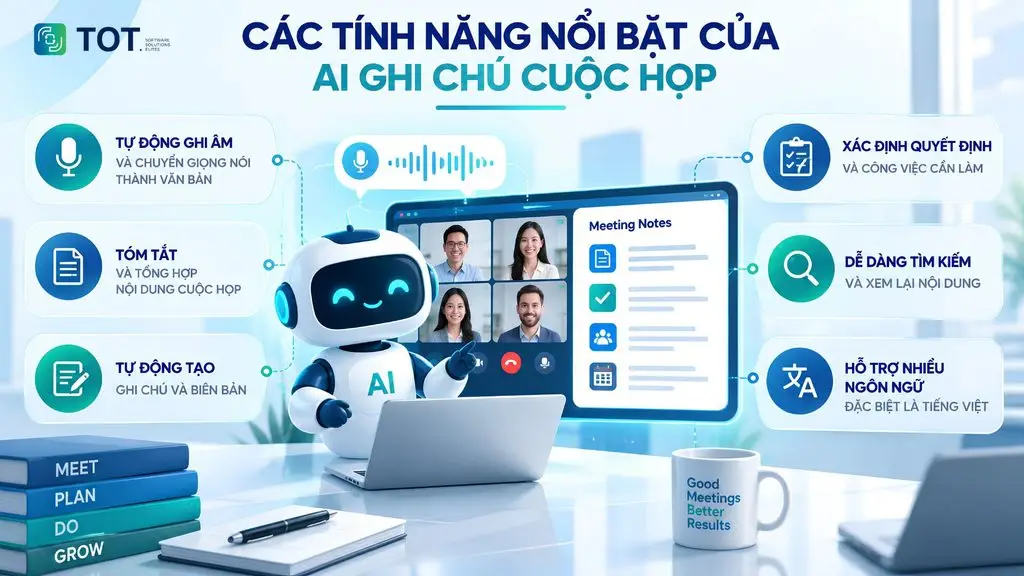
Today’s AI tools not only help capture content but can also analyze, summarize and organize information after a meeting. Depending on the platform, users can use AI to automatically create transcripts, notes, minutes and task lists.
Automatic recording and speech-to-text
AI meeting recorders can automatically capture content and turn speech into text. From there, the AI records the meeting content as a transcript so users can easily review it. Some tools process content in real time, while others carry out the conversion after the meeting ends. This is the foundational feature of AI meeting note-taking, helping reduce the need for manual note-taking.
Summarizing and synthesizing meeting content
Once there is a transcript, AI meeting summarization distills the main points and key information. AI tools can synthesize a meeting around content such as discussion topics, decisions and issues to be addressed. As a result, AI meeting summaries are usually presented as a short recap, helping participants quickly grasp the content without reading the entire transcript.
Automatically creating meeting notes and minutes
AI meeting note-takers can organize content into a clear structure and create post-meeting notes. Some meeting-note software also supports AI-generated meeting minutes, producing a draft of meeting notes or meeting minutes based on the captured content. Users can edit the draft before sharing it with the relevant members.
Identifying decisions and action items
AI can recognize the decisions agreed upon during the meeting and break out the tasks that need to be done. For content mentioned explicitly, the system can identify the person responsible and the completion deadline. This makes it easy for users to turn meeting content into a task list and track progress afterward.
Vietnamese language support and multiple meeting platforms
Many Vietnamese AI meeting-note tools can now recognize and process Vietnamese content, alongside other languages depending on the tool. Users can also use AI meeting notes live or through a meeting-summary app that integrates with Zoom, Google Meet, Microsoft Teams and other compatible online meeting platforms.
>>> See more:
- TOP 15 best AI code-writing tools
- How to create videos with AI: Top 15 free AI video-generation tools
- 18 highly effective ways to apply AI to ecommerce
TOP 15 best AI meeting-note tools today
Below are 15 noteworthy AI meeting-note tools, selected based on their recording ability, speech-to-text, summarization, minutes generation, multi-platform support and pricing. Information about pricing and free plans may change over time, so users should double-check the official website before signing up.
Quick comparison table of the TOP 15 AI meeting-note tools
| Tool | Free plan | Standout features | Best for |
|---|---|---|---|
| Otter.ai | Yes | Recording, speech-to-text, summarization, speaker identification | Individuals, small teams |
| Fireflies.ai | Yes | Recording, transcription, summarization, content search, task management | Businesses, teams |
| Google Meet AI Summary | Depends on Google Workspace plan | Automatic notes, summaries, decisions, action items | Google Meet users |
| Fathom | Yes | Recording, summarization, task creation, content search | Individuals, teams |
| MeetGeek | Yes | Recording, transcription, summarization, meeting analytics | Individuals, businesses |
| Sembly AI | Yes | Recording, speech-to-text, summarization, task tracking | Teams and businesses |
| Supernormal | Yes | Automatic notes, summarization, post-meeting content creation | Individuals, teams |
| Avoma | Trial | Recording, summarization, meeting analytics, task tracking | Sales teams |
| Colibri.ai | Yes | Live recording, transcription, notes, content search | Individuals, teams |
| Gemini | Yes | Summarization, note-taking support and AI features across the Google ecosystem | Google users |
| Jamie | Yes | Recording, transcription, summarization, post-meeting notes | Individuals, professionals |
| Notion AI | Limited trial | Meeting notes, summarization, task creation, storage within Notion | Teams, businesses |
| Notta AI | Yes | Recording, speech-to-text, summarization, multi-language support | Individuals, businesses |
| NotebookLM | Yes | Document summarization, content analysis, Q&A with your sources | Learning, research, teams |
| Read AI | Yes | Recording, summarization, meeting analytics, engagement tracking | Individuals, teams |
Note: The free tiers and usage limits of these tools may change over time and by region. When choosing a free AI meeting-note tool, you should also check its Vietnamese language support, recording duration and the number of summaries allowed in the free plan.
1. Otter.ai
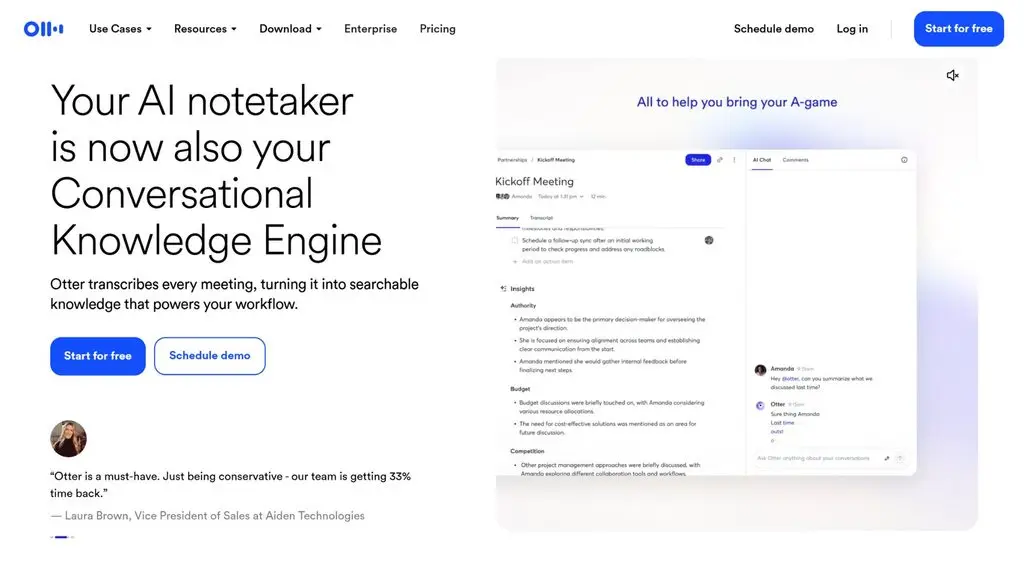
Otter.ai is one of the most popular tools for free AI meeting note-taking, standing out for its real-time speech-to-text and speaker identification. It supports Google Meet, Zoom and Microsoft Teams, and also offers iOS and Android apps. The free plan is a good way for individuals to try out the basic note-taking and summarization features.
Standout features:
- Real-time recording and speech-to-text.
- Speaker identification and meeting summary generation.
- Supports AI Chat to query content across meetings.
- Integrates with Zoom, Microsoft Teams and Google Meet.
- Mobile apps for iOS and Android.
- Supports multiple languages.
Pricing:
- Basic: Free.
- Pro: From 8.33 USD/user/month when billed annually.
- Business: From 19.99 USD/user/month.
Best for: individuals, students, freelancers and small teams that need meeting-note software to automatically create transcripts and summaries.
>>> Learn more:
- AI in UI/UX design: The power of Generative AI
- 7 ways to apply AI to optimize customer experience
2. Fireflies.ai
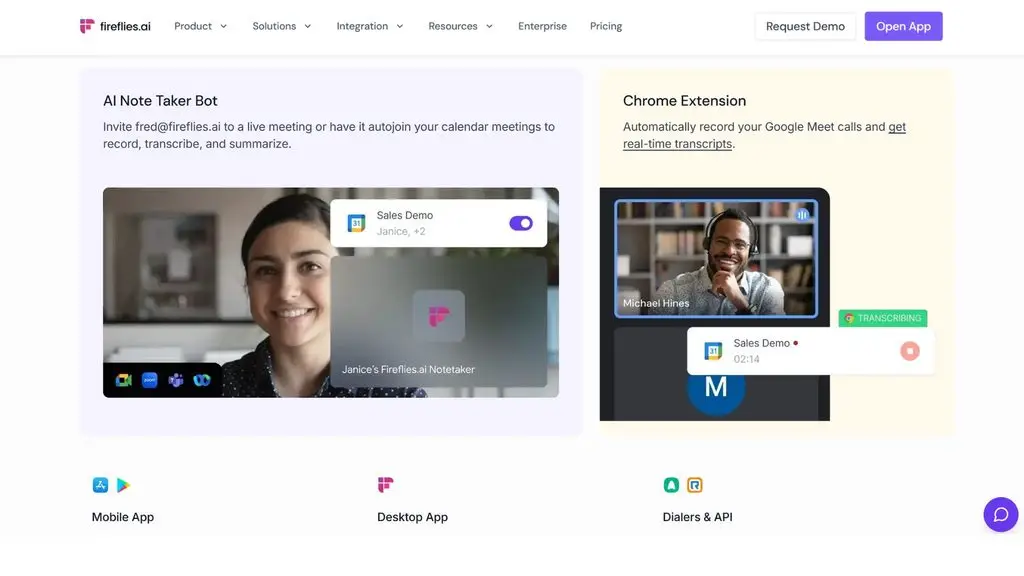
Fireflies.ai is an AI meeting recording and summarization platform focused on automatically capturing, transcribing and analyzing meeting content. It supports Zoom, Google Meet, Microsoft Teams and many other platforms, and can search content across saved meetings. Fireflies also supports more than 100 languages and offers desktop, mobile and Chrome extension apps.
Standout features:
- Automatic recording and speech-to-text.
- Creates summaries, decisions and action items.
- Searches for information within meeting content.
- Supports more than 100 languages.
- Integrates with Zoom, Google Meet, Microsoft Teams and other platforms.
- Supports the AskFred AI assistant for asking questions about meeting content.
- Mobile, desktop and Chrome extension apps.
Pricing:
- Free: Free.
- Pro: From 10 USD/user/month when billed annually.
- Business: From 19 USD/user/month when billed annually.
- Enterprise: Contact Fireflies.ai for a quote tailored to your business needs.
Best for: individuals, working teams and businesses that need AI meeting summaries, the ability to search back through content and to manage meeting information across multiple platforms.
>>> Related reading:
- A simple guide to deploying AI in mobile apps
- A guide to using Google AI Studio effectively and quickly
3. Google Meet AI Summary
Google Meet AI Summary is a note-taking and meeting-synthesis feature built directly into Google Meet through Gemini. It can automatically capture the main points, decisions and action items, then arrange them into a Google Docs document to share with attendees. Users can also quickly view the “Summary so far” if they join late.
Standout features:
- Automatically takes notes and synthesizes meeting content.
- Identifies decisions and action items.
- Creates a notes document directly in Google Docs.
- Supports viewing a summary while the meeting is in progress.
- Integrates with Google Calendar and Gmail.
- Can be used for both online meetings and some in-person meetings.
Pricing:
- Google Meet: The AI features require an eligible Google Workspace or Google AI plan.
- Google Workspace: Pricing depends on the Workspace plan and access to Gemini.
Best for: individuals, teams and businesses already using the Google Workspace ecosystem, especially when they need AI meeting notes without installing additional third-party software.
4. Fathom
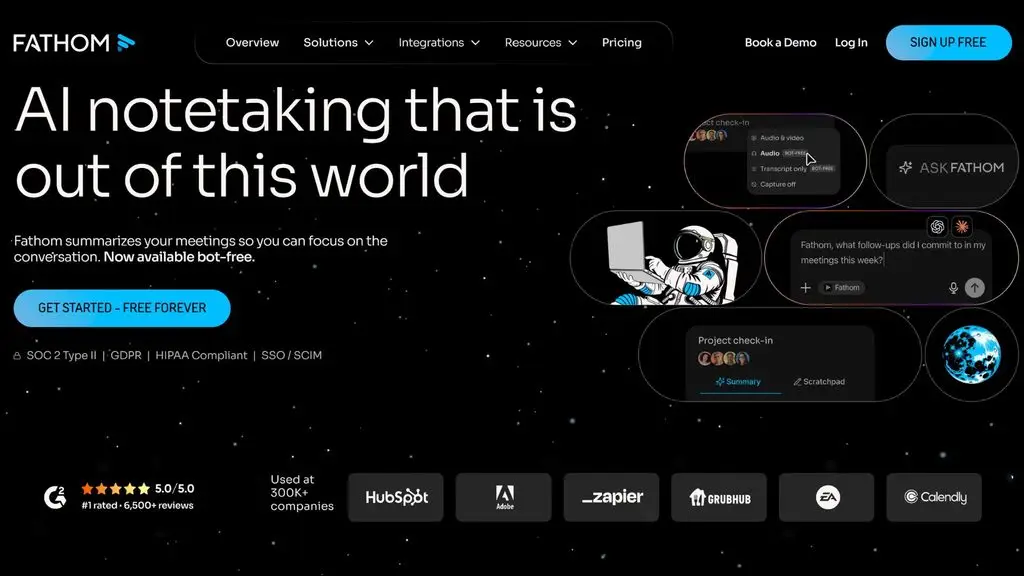
Fathom is an AI meeting recording and summarization tool designed to automatically record, transcribe and generate post-meeting summaries. Fathom supports Zoom, Google Meet and Microsoft Teams, and also offers content search, task-list creation and the ability to ask questions about the meeting through AI. Notably, the free plan currently supports an unlimited number of recordings and transcripts.
Standout features:
- Recording and speech-to-text.
- Automatically creates summaries and action items.
- Searches content across meetings.
- Supports Ask Fathom to query information.
- Integrates with Zoom, Google Meet and Microsoft Teams.
- Supports recording with or without a bot, depending on the situation.
Pricing:
- Free: 0 USD, free forever.
- Premium: From 16 USD/user/month when billed monthly.
- Team: From 15 USD/user/month when billed monthly.
- Business: From 25 USD/user/month when billed monthly.
- Enterprise: Contact for a quote.
Best for: individuals, business teams, sales teams and companies that need AI meeting summaries, action-item tracking and the ability to connect meeting data with their workflows.
>>> See more:
- TOP 20+ leading AI design software for designers today
- AI Agents for Startups: Benefits & real-world applications
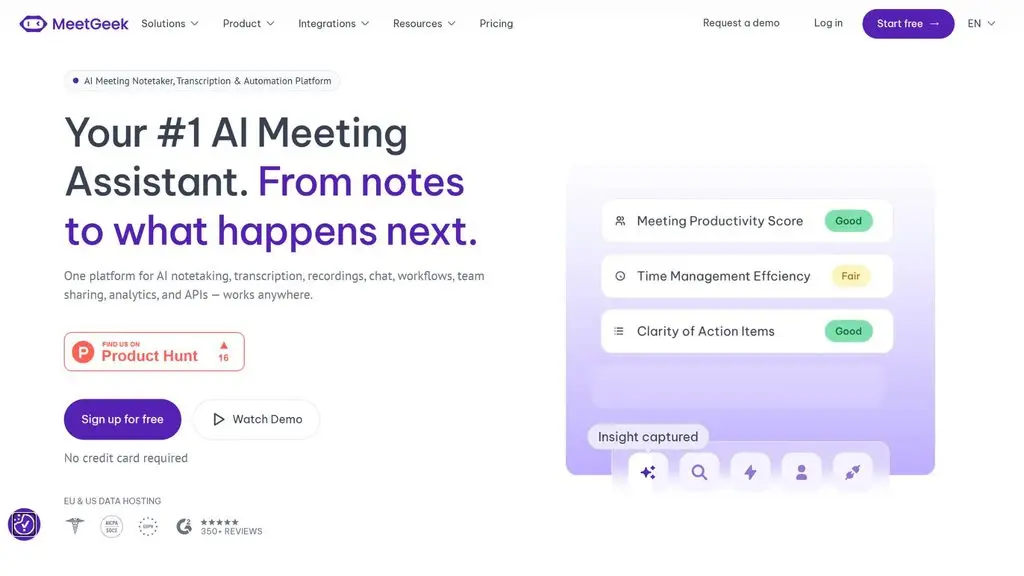
5. MeetGeek
MeetGeek is an AI meeting-assistant platform that can record audio, convert speech to text and automatically generate summaries. It supports Zoom, Google Meet, Microsoft Teams and many other platforms, and can process more than 100 languages. MeetGeek also offers search, chatting with meeting content and post-meeting workflow automation.
Standout features:
- Recording and speech-to-text.
- Automatically creates a summary for each meeting.
- Supports more than 100 languages.
- Search and chat about meeting content with AI.
- Integrates with Zoom, Google Meet and Microsoft Teams.
- Mobile, Chrome extension and desktop apps.
- Supports automation with Zapier, Make and n8n on paid plans.
Pricing:
- Basic: Free, 3 hours of transcription/month.
- Pro: 9.99 USD/user/month.
- Business: 17 USD/user/month.
- Enterprise: Contact for a quote.
Best for: individuals, working teams and businesses that need cross-platform meeting-summary software with multi-language support and the ability to automate post-meeting workflows.
>>> See more:
- 29 standout AI website templates for SaaS, e-commerce and multiple industries
- Will AI replace web development? How to adapt effectively
6. Sembly AI
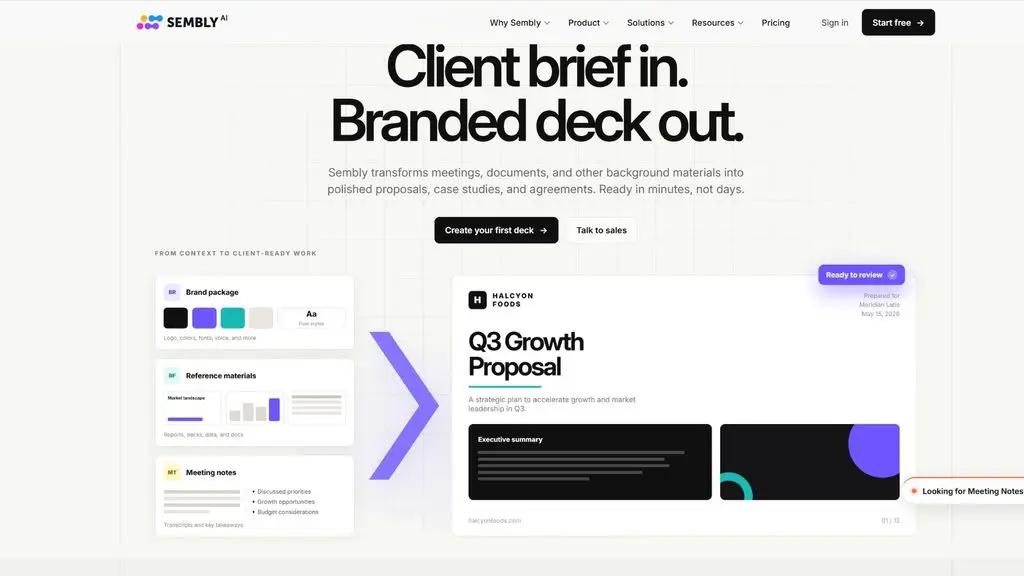
Sembly AI is an AI meeting-note tool that can automatically record audio, convert speech to text and create notes and summaries after a meeting. It supports Google Meet, Zoom, Microsoft Teams and Webex, and processes more than 45 languages. Sembly also lets you search transcripts, identify tasks and chat with meeting content using AI.
Standout features:
- Recording and speech-to-text.
- Automatically creates notes, summaries and tasks.
- Searches content within the transcript.
- Supports more than 45 languages.
- Integrates with Google Meet, Zoom, Microsoft Teams and Webex.
- Supports searching and chatting across multiple meetings.
Pricing:
- Free Trial: Free, 1 hour of recording.
- Basic: From 10 USD/user/month when billed annually.
- Pro: From 20 USD/user/month when billed annually.
- MAX: From 30 USD/user/month when billed annually.
- Enterprise: Contact for a quote.
Best for: individuals, consultants, working teams and businesses that need cross-platform meeting-summary software with multi-language support.
>>> See more:
- A quick guide to creating a landing page with AI for free and effectively
- How to build an AI app with vibe coding on Google AI Studio, made simple
7. Supernormal
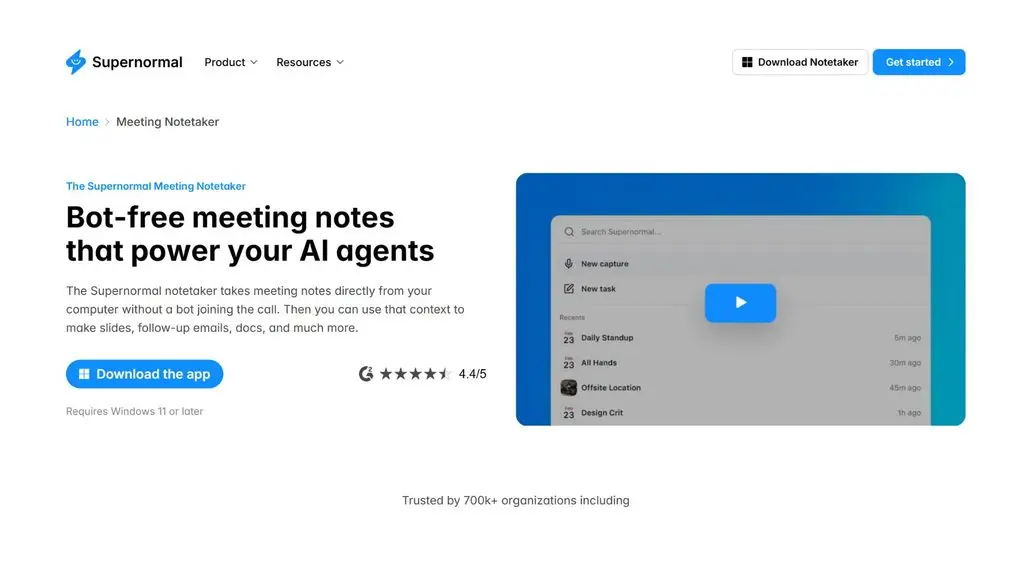
Supernormal is an AI meeting-note tool focused on automatically generating meeting notes without necessarily using a bot that joins the meeting. Beyond notes, the platform can also create documents, presentations and other content from meeting information. Supernormal uses a credit-based pricing model, a good fit for users who want to start with the free plan.
Standout features:
- Automatically creates meeting notes.
- Takes notes without a bot joining the meeting.
- Creates presentations, images and spreadsheets with AI.
- Supports unlimited projects.
- Connects with other tools through MCP.
- Offers administration and security features for businesses.
Pricing:
- Free: 0 USD/month, 15 credits/month and up to 5 credits per day.
- Team: 20 USD/month for 50 credits.
- Business: 40 USD/month for 50 credits, plus SSO, audit logs and data governance.
Best for: individuals, small teams and businesses that want quick AI meeting notes without deploying a recording bot.
>>> Learn more:
- Common workflows for AI Agents: Working processes
- AI agents in financial services: How they work & applications
8. Avoma
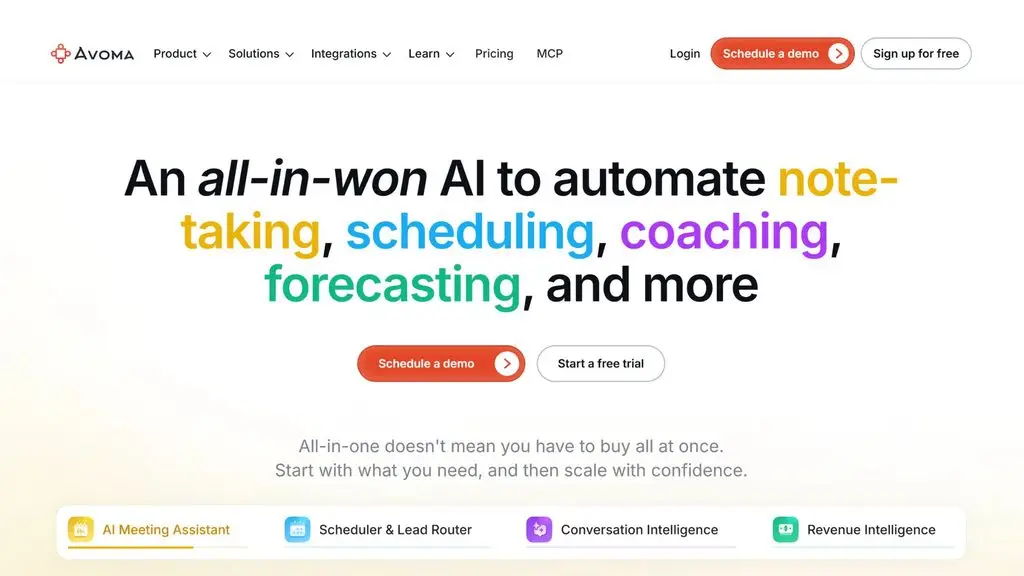
Avoma is an AI meeting-note platform that combines a meeting assistant, scheduling and conversation analytics. It supports recording, real-time speech-to-text, summary generation and the ability to ask questions about meeting content. Avoma can also automatically save notes to a CRM system, making it a good fit for sales and customer-support teams.
Standout features:
- Recording and speech-to-text.
- Creates notes and summaries with AI.
- Ask questions about meeting content with Ask Avoma.
- Automatically saves notes to a CRM.
- Supports post-meeting follow-up emails.
- Offers conversation and revenue analytics features.
Pricing:
- Startup: 19 USD/user/month, billed annually.
- Organization: 29 USD/user/month, billed annually.
- Enterprise: 39 USD/user/month, billed annually.
- Free Trial: A 14-day trial with all the features of the Organization plan.
Best for: businesses, sales teams, customer-support teams and managers that need AI meeting summaries combined with customer tracking and CRM data.
>>> Learn more:
- AI Data Labeling: A guide to labeling AI data
- What is website optimization with AI? How to optimize SEO content
9. Colibri.ai
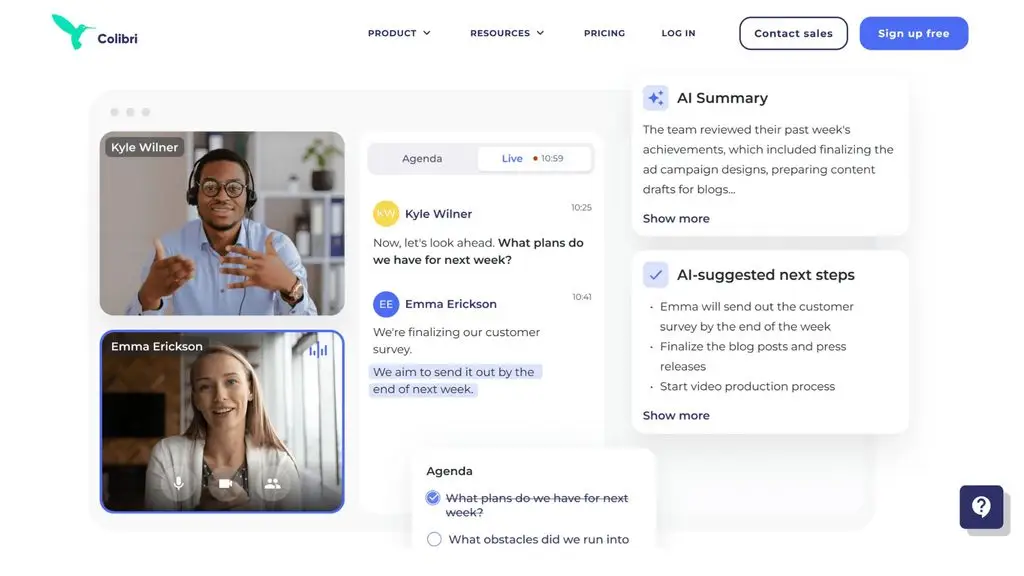
Colibri.ai is an AI meeting-note tool focused on recording, speech-to-text and real-time note creation. The platform supports speaker identification, highlighting important content and storing transcripts for searching after the meeting. Colibri also integrates with Zoom and offers advanced AI features such as meeting summaries, key-point identification and next-step suggestions on paid plans.
Standout features:
- Real-time recording and speech-to-text.
- Speaker identification and timestamped notes.
- Creates meeting summaries with AI.
- Automatically identifies key points and next steps.
- Searches content across the meeting library.
- Integrates with Zoom and Slack on the relevant plans.
Pricing:
- Free: Free, 5 hours of transcription/month.
- Starter: 16 USD/user/month when billed annually.
- Pro: 40 USD/user/month when billed annually.
- Growth: 50 USD/user/month when billed annually.
- Scale: 70 USD/user/month when billed annually.
Best for: individuals, sales teams and businesses that need meeting-note software with conversation analytics and the ability to track call content.
>>> See more:
- TOP 20 best free AI tools for online sales
- Build an online store with AI for free, SEO-friendly and effective
10. Gemini
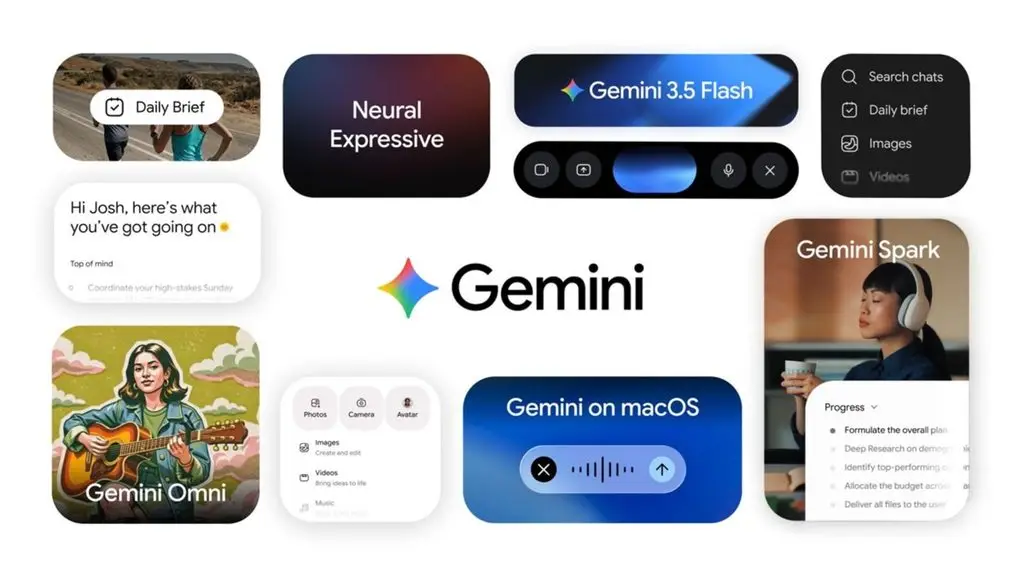
Gemini is Google’s AI assistant that can help process and synthesize meeting content, especially when combined with Google Meet. Within Meet, Gemini can summarize the ongoing discussion and identify main points, decisions and action items. The “Take notes for me” feature also automatically creates a notes document in Google Docs and sends a recap after the meeting.
Standout features:
- Summarizes meeting content.
- Identifies main points, decisions and action items.
- Creates automatic notes in Google Docs.
- Lets you ask Gemini about meeting content.
- Supports a quick view of what has already happened if you join late.
- Integrates directly with Google Meet and the Google Workspace ecosystem.
Pricing:
- Gemini: There is a free version with basic AI features.
- Google AI: Paid plans provide additional access and AI features.
- Google Workspace: AI features in Meet require an eligible Workspace or Google AI plan.
Best for: individuals and businesses already using Google Workspace, especially when they need AI meeting summaries without adding a separate standalone note-taking platform.
>>> See more:
- Gemini 3.5: Outstanding performance for AI Agents and Coding
- Figma Make integrates Gemini 3 Pro to speed up the design process
- Google I/O 2026: Everything about the Gemini AI ecosystem
11. Jamie
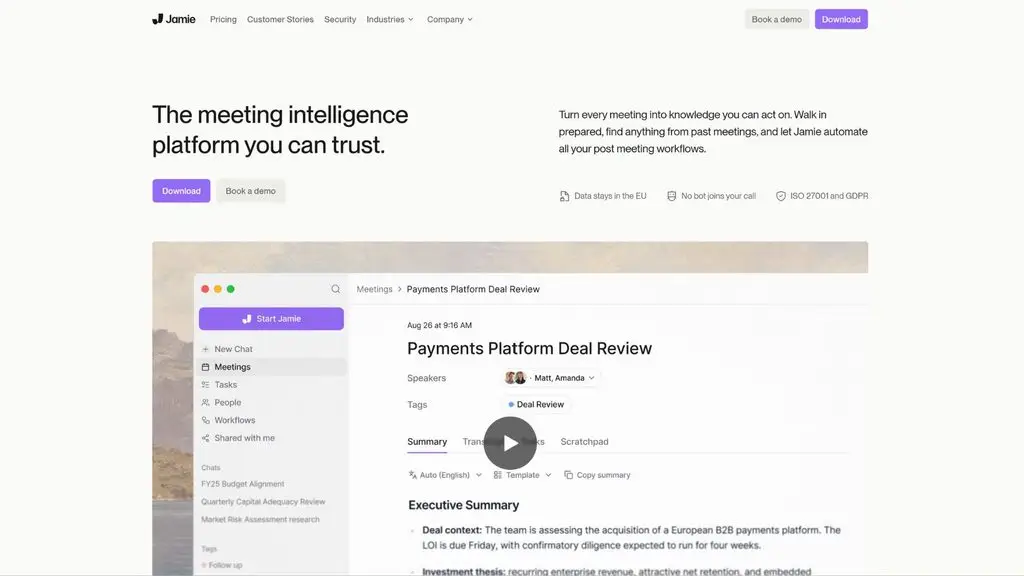
Jamie is an AI meeting-note tool that works across many online meeting platforms without requiring a bot to join the meeting. It can take notes, create transcripts, identify speakers and detect tasks that need to be done. Jamie also supports in-person meetings and processes notes in more than 99 languages, making it a good fit for individuals and businesses that need a flexible note-taking solution.
Standout features:
- Automatic note-taking and transcript creation.
- No bot needed to join the meeting.
- Speaker identification and detection of tasks to be done.
- Supports both online and in-person meetings.
- Supports notes and transcripts in more than 99 languages.
- Integrates with Google Docs, Notion, OneNote and many task-management tools.
Pricing:
- Free: Free, 10 meetings/month, up to 30 minutes each.
- Plus: 21 EUR/user/month when billed annually.
- Pro: 39 EUR/user/month when billed annually.
- Team: 33 EUR/user/month when billed annually.
- Enterprise: Contact for a quote.
Best for: individuals, professionals, small teams and businesses that need a meeting-summary app independent of bots, with support for multiple platforms and languages.
>>> Related reading:
- How to build a WordPress website with AI: A detailed guide from A to Z
- What is Character AI? How to download the Vietnamese AI app to your phone or PC
12. Notion AI
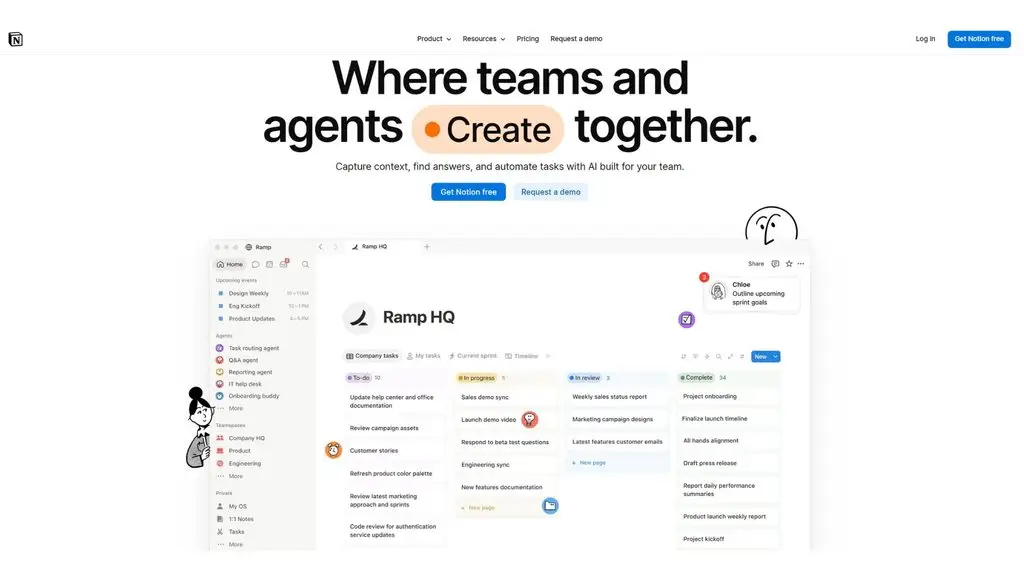
Notion AI integrates the AI Meeting Notes feature directly into the Notion workspace, helping users capture and synthesize meeting content without manual note-taking. It can turn speech into text, identify main points and action items, then save the results right on the Notion page for easy sharing and management. AI Meeting Notes is currently available to Business and Enterprise plan users.
Standout features:
- Automatically records and turns speech into text.
- Identifies main points and action items.
- Creates meeting notes directly in Notion.
- Can add agenda content before the meeting starts.
- Lets you share and manage notes with your team.
- Supports processing system audio during online meetings.
Pricing:
- Free: 0 USD/member/month, with limited trial access to Notion AI only.
- Plus: 10 USD/member/month, with AI at a limited trial level.
- Business: 20 USD/member/month, including Notion AI and AI Meeting Notes.
- Enterprise: Contact Notion for a custom quote, including the full AI Meeting Notes feature and advanced administration and security features.
Best for: individuals and businesses already using Notion to manage documents, projects and tasks who want to integrate AI meeting notes into the same platform.
>>> Learn more:
- How to build a sales AI chatbot across channels effectively and in detail
- Standout GitHub repos 2026: AI agents dominate every field
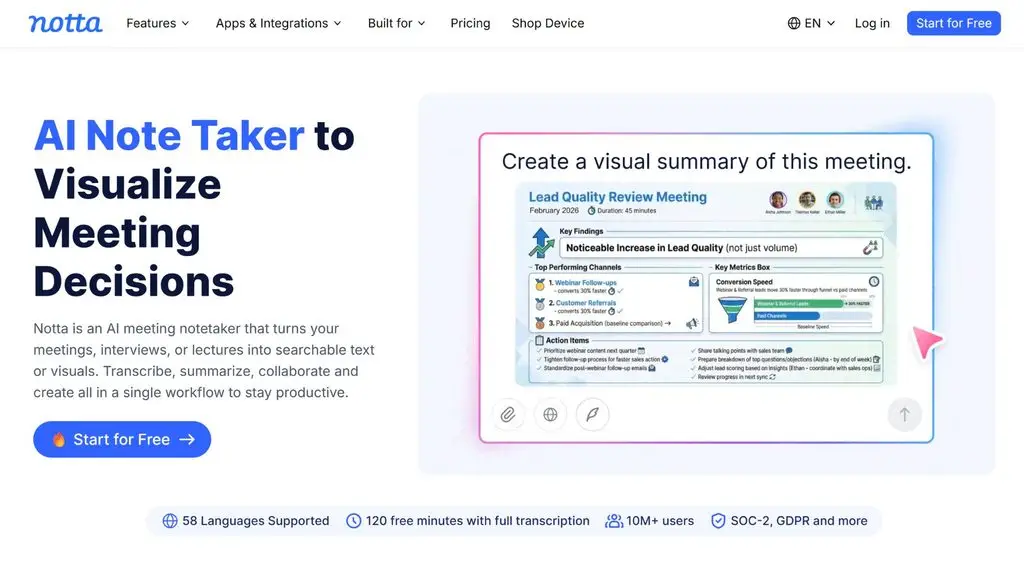
13. Notta AI
Notta AI is an AI meeting-note tool that supports recording, speech-to-text and automatic summary generation. The platform can record and convert content from Zoom, Google Meet, Microsoft Teams and Webex, and also supports speaker identification. Notta also offers the ability to create summaries, decisions and action items, suitable for both Vietnamese and multi-language meetings.
Standout features:
- Recording and speech-to-text.
- Automatically creates summaries and action items.
- Speaker identification.
- Records and converts meetings on Zoom, Google Meet, Microsoft Teams and Webex.
- Supports multiple languages and transcript translation.
- Web, desktop and mobile apps.
- Supports generating content from custom AI templates.
Pricing:
- Free: Free, 120 minutes of transcription/month and 10 AI summaries/month.
- Pro: From 8.17 USD/user/month when billed annually.
- Business: From 16.67 USD/user/month when billed annually.
- Enterprise: Custom quote.
Best for: individuals, working teams and businesses that need a meeting-summary app supporting multiple platforms and languages, especially when they regularly work with Vietnamese content.
14. NotebookLM
NotebookLM is a Google AI tool focused on researching and synthesizing information from documents you provide. For meeting content that has already been recorded or transcribed, users can feed the transcript into NotebookLM to ask the AI to summarize it, identify main points or search for specific information. The tool is better suited to summarizing meeting content once a transcript exists rather than automatically joining and recording the meeting.
Standout features:
- Summarizes and analyzes meeting documents.
- Asks questions directly about the uploaded content.
- Synthesizes information from multiple sources.
- Generates content based on source documents.
- Supports working with transcripts, documents and other information sources.
Pricing:
- NotebookLM: There is a free version.
- NotebookLM Plus: Offers higher limits and advanced features depending on the relevant Google plan.
Best for: users who need AI to summarize meetings from an existing transcript, minutes or documents and who want to keep analyzing the content after the meeting.
15. Read AI
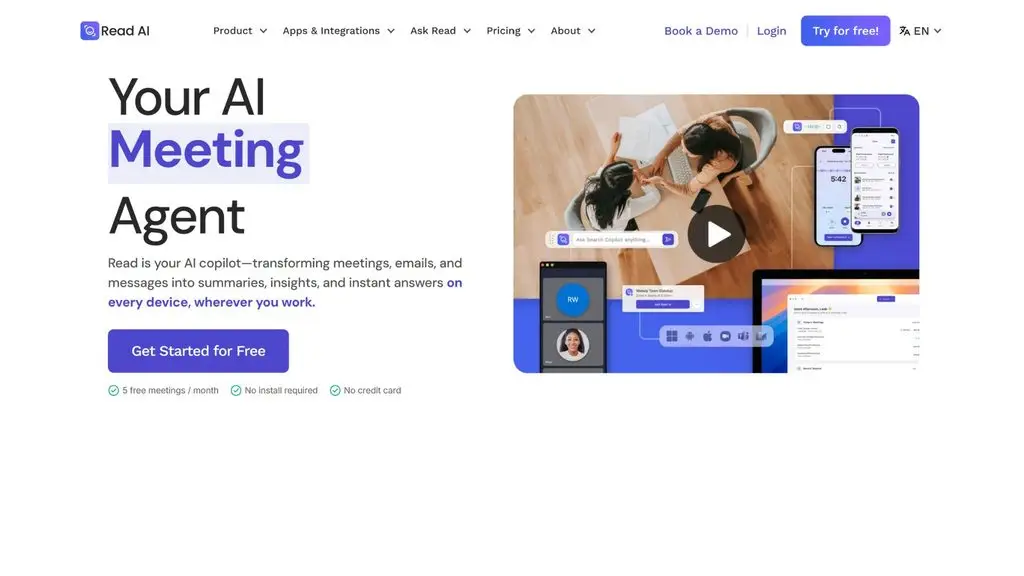
Read AI is an AI meeting-note platform that can automatically record audio, turn speech into text and generate post-meeting reports. It supports Zoom, Microsoft Teams and Google Meet, and can create summaries, discussion points, key questions and action items. Read AI also provides metrics on participants’ engagement and reactions.
Standout features:
- Automatically takes notes and converts meetings into text.
- Creates summaries, topics and action items.
- Supports Zoom, Microsoft Teams and Google Meet.
- Analyzes participants’ engagement and reactions.
- Supports more than 20 languages.
- Searches content across meetings.
- Apps for Windows, macOS, Android and iOS.
Pricing:
- Free: Free, up to 5 meetings/month.
- Pro: 15 USD/user/month when billed annually.
- Enterprise: 22.50 USD/user/month when billed annually.
- Enterprise+: 29.75 USD/user/month when billed annually.
Best for: individuals, small teams and businesses that want AI to record and summarize meetings while also needing extra data on participation and the effectiveness of their meetings.
>>> See more:
- 10 best AI website design tools in 2026 with a detailed comparison
- A guide to designing a website with AI for free and effectively
Criteria for choosing an AI meeting-note tool
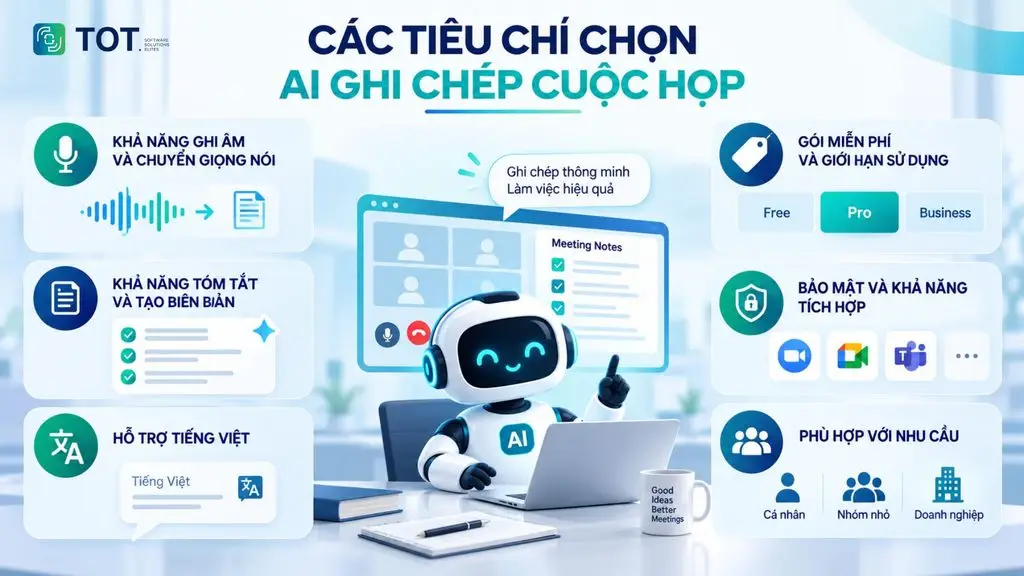
When choosing an AI meeting-note tool, you should not rely on recording ability or price alone. The right tool needs to handle summarization well, support Vietnamese, protect data and offer usage limits that match how often you meet.
Recording and speech-to-text capability
An AI meeting-note tool needs stable recording and highly accurate speech-to-text. You should prioritize tools that can recognize multiple speakers, handle audio in different conditions and produce transcripts quickly so you can easily review the meeting content.
Summarization and minutes generation
Summarization helps condense long content into main points, decisions and action items. A good tool should support automatically generating meeting summaries, minutes and task lists after a meeting. This is an important factor if a business wants to reduce the time spent consolidating information manually.
Vietnamese language support
If you frequently hold meetings in Vietnamese, the ability to recognize and process Vietnamese is a priority criterion. The AI needs to understand Vietnamese clearly, with fewer errors on proper names, specialized terminology and natural phrasing. In addition, multi-language support is also useful for businesses with international teams or customers.
Free plan and usage limits
For individual or small-business needs, you should check the free plan carefully before choosing. Limits usually relate to recording duration, the number of meetings, storage capacity or the number of summaries per month. If you meet frequently, compare the limits across plans to avoid unexpected costs.
Security and integration
Meeting content may contain internal information, customer data or business plans, so security is an important factor. Check the provider’s data storage and processing policies. At the same time, prioritize tools that can integrate with Zoom, Google Meet, Microsoft Teams and the task-management platforms you already use.
>>> See more:
- Top 19 free task-organizing apps for personal planning
- Top 35 best, most effective time-management apps
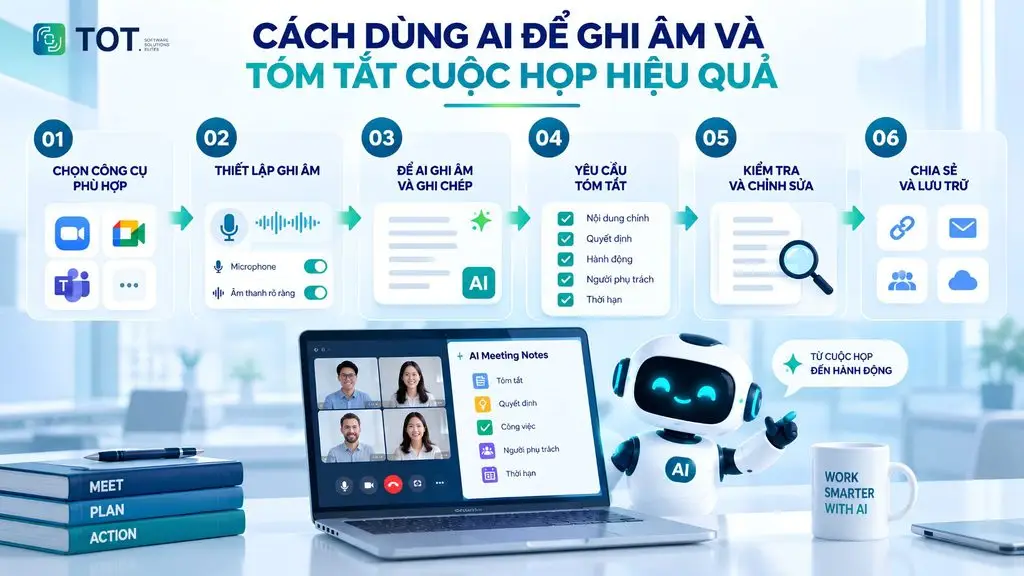
How to use AI to record and summarize meetings effectively
Using AI the right way makes recording, note-taking and summarizing meetings fast and reduces the risk of missing important information. For accurate results, you should choose the right tool, prepare good audio, set up how notes are taken and review the content before sharing it.
Step 1: Choose an AI tool that fits your needs
First, determine whether the meeting is online or in person so you can choose the right tool. For online meetings, prioritize AI that supports Zoom, Google Meet or Microsoft Teams. For in-person meetings, the tool needs to be able to record from a microphone or mobile device. In addition, check the supported languages, your recording, note-taking or summarization needs and the limits of the free plan before using it.
Step 2: Set up recording and check the audio quality
Before you start, check the microphone and do a few seconds of test recording to make sure voices are captured clearly. Minimize noise, echo and too much distance between the speaker and the recording device. If the meeting is being recorded, notify and ask participants for permission when necessary, and comply with internal policies and the laws related to recording.
Step 3: Let the AI record and take notes during the meeting
Once set up, the AI can automatically record audio and turn speech into text throughout the meeting. With tools that support speaker identification, the content can be separated by participant. The AI can also identify main points, decisions and key information, so users no longer have to continuously take notes by hand while talking.
Step 4: Ask the AI to summarize in a specific structure
To make the summary easy to use, ask the AI to organize the content in a clear structure rather than just producing a short paragraph. You can ask the AI to break it into sections such as: main content, key decisions, outstanding issues, action items, the person responsible and the completion deadline. This approach helps turn meeting content into a concrete task list.
Step 5: Review and finalize the summary
You should not use an AI-generated summary directly without reviewing it. Cross-check the figures, proper names, key decisions, deadlines and people responsible against the recording or transcript. If the AI misunderstood the context or missed information, you need to edit it before using the summary as minutes or to assign tasks.
Step 6: Share and store the content after the meeting
After reviewing, you can turn the AI’s results into meeting minutes, a summary to send to attendees or a task list for each member. The content should be stored in a suitable place so it is easy to find and track later. For businesses, you can combine the summary with a task-management system to track progress and responsibilities after the meeting.
>>> See more:
- 15 ways to apply AI in online sales to boost revenue
- A guide to building AI Agents in healthcare and life sciences
Conclusion
Free AI meeting-note tools help automatically record audio, turn speech into text, summarize content and identify the tasks that need to be done, saving significant time on manual note-taking. When choosing a tool, you should weigh its accuracy, Vietnamese language support, free-plan limits, security and integration platforms. TOT hopes these suggestions help you find the solution that fits your needs.
Frequently asked questions
What are free AI meeting-note tools?
Free AI meeting-note tools are tools that use artificial intelligence to automatically record audio, turn speech into text and synthesize meeting content. Depending on the tool, the AI can identify speakers, create summaries, pinpoint decisions and list out the tasks that need to be done. Some platforms offer a free plan with limits on recording duration, the number of meetings or the number of summaries per month. It is a good option for individuals, small teams or anyone who wants to try before paying.
Can AI record and summarize meetings?
Yes. Many AI tools today can automatically record a meeting, turn speech into text and generate a summary after the meeting ends. Some tools can also identify speakers, categorize content, recognize decisions and list out tasks to be done. For online meetings, the AI can integrate directly with platforms such as Google Meet, Zoom or Microsoft Teams. However, the features and usage limits will vary from tool to tool.
Can AI take meeting notes in Vietnamese?
Yes, but Vietnamese language support depends on each tool. Some platforms can turn Vietnamese speech into text and create summaries in Vietnamese. Accuracy is often affected by audio quality, regional accents, speaking speed and specialized terminology. If you frequently hold meetings in Vietnamese, prioritize tools with clear Vietnamese support and test them before using them for important meetings.
Is taking meeting notes with AI accurate?
The accuracy of AI meeting note-taking depends on audio quality, language, speaking voice, the number of participants and each tool’s processing ability. AI can misrecognize proper names, figures, terminology or content when multiple people speak at once. Therefore, AI-generated transcripts and summaries should be reviewed before official use, especially for decisions, figures, deadlines and the people responsible for tasks.