What is Runway? Runway is an AI creative platform that lets users generate and edit video with artificial intelligence, from producing video out of text or images to post-production tasks such as object removal, frame extension and camera-motion control. It is one of the tools that filmmakers and professional content creators embraced early.
Who makes Runway?
Runway is developed by Runway, a US-based technology company specializing in generative AI. The company focuses on building image and video generation models while providing a toolkit that supports the full digital content production workflow for individuals and professional teams alike.

Key features
Runway goes well beyond simple video generation, offering an ecosystem of tools that serve both pre- and post-production. Users can generate video from text or images, control camera motion, remove objects, extend frames and refine individual shots to keep a project visually consistent from start to finish.

- Text-to-video and image-to-video generation.
- Control over camera motion and the direction of subjects within the frame.
- Editing tools such as object removal, frame extension and background separation.
- Shot-level refinement options to maintain consistency across a project.
Pros
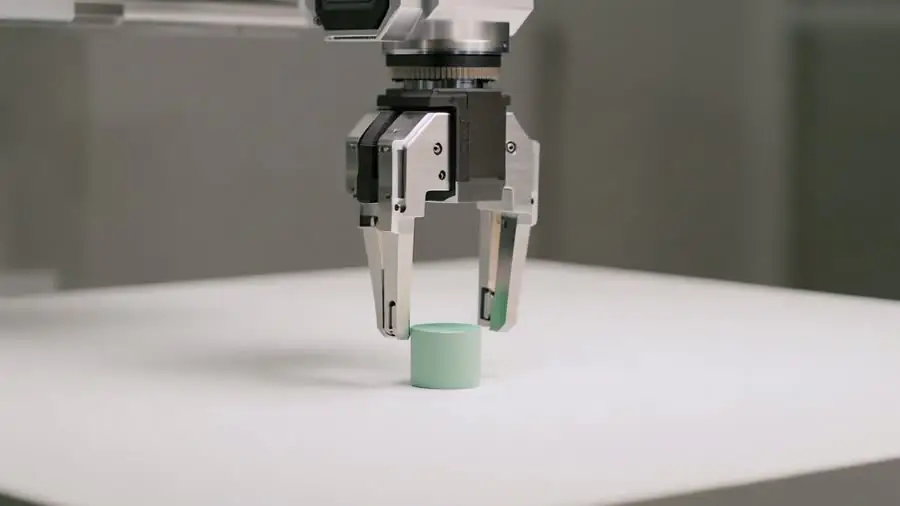
Runway’s biggest strengths are its level of control and an integrated toolkit that spans the whole production process. It suits filmmakers and professional teams that need to refine across many layers, and it is backed by a large community and rich documentation that help users get up to speed.
- A flexible production workflow suited to filmmakers and professional editors.
- Plenty of control options for better results than simpler tools.
- An integrated tool ecosystem that reduces the need to switch software.
- A large community and rich documentation.
Cons
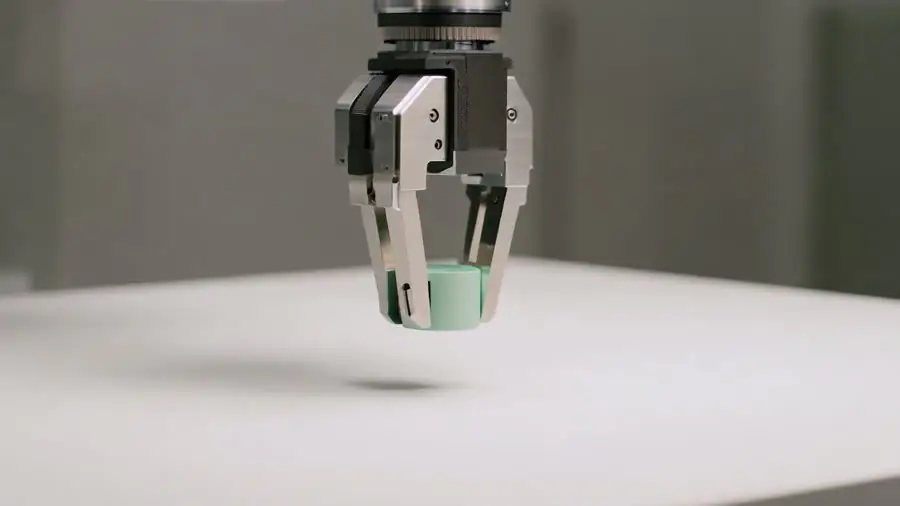
Runway’s main drawbacks are costs that can climb quickly at production scale and a fairly steep learning curve for newcomers. On top of that, AI-generated output still needs human review and further editing before it is ready for official release.
- Costs can rise quickly at production scale.
- Newcomers need time to learn the advanced tools.
- Output still needs human editing and review to reach release quality.
vs competitors
Compared with OpenAI’s Sora or Google Veo, which are praised for immediate realism, Runway stands out for control and its post-production toolkit. Where Sora and Veo lean toward producing striking shots straight from a prompt, Runway aims at a complete production workflow in which users refine across many layers. Compared with Pika, which is beginner-friendly and geared toward short content, Runway is more complex but offers deeper professional capability in return.

When to use it
Runway is a good fit if you are an agency, a production team or a filmmaker who needs end-to-end control and is willing to invest time learning the tool. If you only need to make a few short social clips quickly, a simpler platform may be more economical. On the other hand, for projects that demand multi-layer editing and high consistency, Runway is well worth considering.

Estimate the cost
The cost of using Runway varies by plan and over time. To estimate the AI video production cost for your project, try the cost calculator at TOT.
Frequently asked questions
Is Runway free?
Runway typically offers a trial tier with certain limits alongside paid plans for different needs. Pricing is for reference only, so check the official page for exact figures.
Who is Runway best for?
The platform is best suited to professional content creators, agencies and production teams that need detailed control and a post-production workflow.
How is Runway different from Sora and Pika?
Runway is strong on its editing toolkit and workflow control, whereas Sora stands out for realism and Pika leans toward ease of use for short content.
Does Runway export high-resolution video?
Export resolution and formats depend on the version and plan and may change over time. Check Runway’s official page for the current export options before relying on a specific resolution for your project.
Can beginners use Runway?
Beginners can start with the basic features, but making the most of the advanced post-production toolkit takes time to learn. If you only need simple short clips, an easier platform may save you time.
Is Runway suitable for team collaboration?
Runway targets both individuals and production teams, with a workflow that lets several people refine a project. The specific collaboration features depend on the plan, so verify them on the official page before rolling it out to a team.
This article is for reference and reflects information compiled at the time of writing. Features, pricing and availability may change; please verify details on the provider’s official page.
About TOT
TOT is a pioneer in end-to-end digital transformation, delivering website design, application development, and optimized management systems for businesses. Guided by the philosophy “Technology for people,” TOT combines technical excellence with meaningful connections between brands and their users.
Book a consultation and get a free website audit at topon.tech/en/contact/.
>>> See also:
- What is Google Veo? Google’s high-quality AI video model explained
- What is Kling? The AI video model with smooth human motion
- What is Pika? The easy AI short-video tool for beginners
- Best AI video generators in 2026: Runway vs Veo vs Kling vs Pika
- What Was Sora? OpenAI’s discontinued text-to-video model