What is Google Veo? Google Veo is Google’s family of video generation AI models, which produce clips from text descriptions or images. Veo is noted for high image quality, deep prompt understanding and a cinematic feel in its output.
Who makes Google Veo?
Google Veo is developed by Google through its AI research division. Veo is part of Google’s effort to extend its AI capabilities into video generation, benefiting from integration across Google’s ecosystem of tools and platforms.
Key features
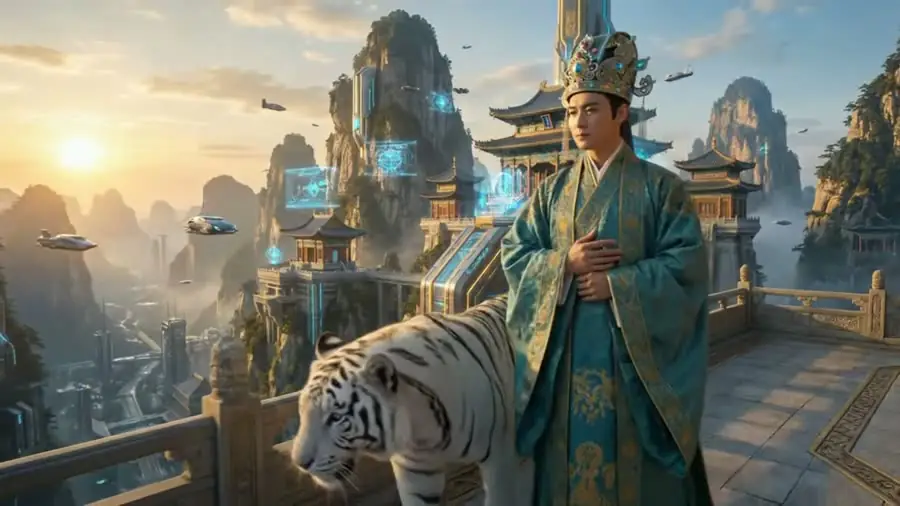
Veo focuses on image quality and close adherence to the user’s description. It generates video from text prompts or input images, delivering crisp results with strong lighting and a cinematic feel. It pairs deep prompt understanding with convenient integration across Google’s ecosystem of tools.
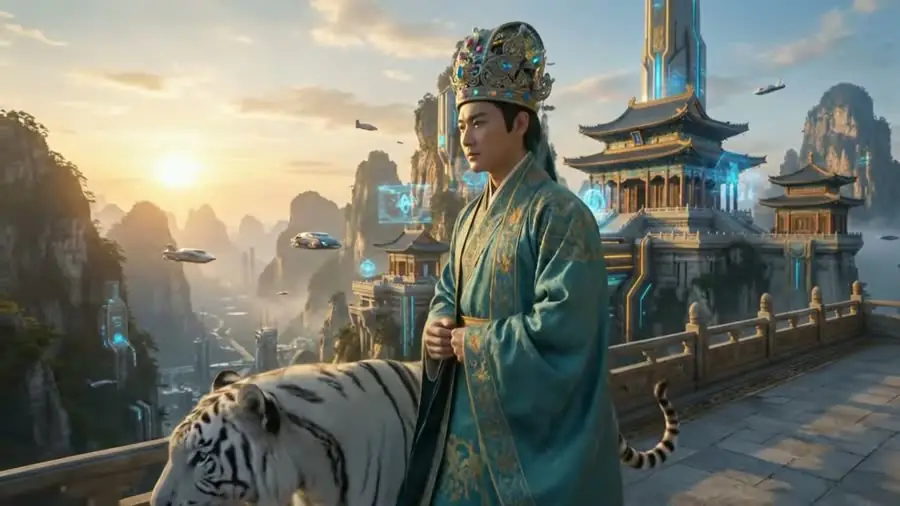
- Video generation from text prompts and from input images.
- Crisp image quality with strong lighting and cinematic handling.
- Deep prompt understanding that stays close to the intended brief.
- Integration with Google’s tool ecosystem, which is convenient for existing workflows.
Pros
Google Veo’s main strengths are high image quality and close adherence to the brief, which reduces the number of regenerations. It is especially well suited to marketing and advertising that needs polish, and it benefits from integration within the wider Google ecosystem.

- High image quality, well suited to marketing and advertising that needs polish.
- Close adherence to the brief, reducing the number of regenerations.
- The added advantage of integration within the Google ecosystem.
Cons
Veo’s drawbacks are its dependence on Google’s platform and access policy, with some features and access limited by tier. As with most AI tools, the output still needs human review and refinement before it is ready for public release and distribution.
- Dependence on Google’s platform and access policy.
- Some features and access limited by tier.
- Output still needs human review and refinement before release.
vs competitors
Both Google Veo and OpenAI’s Sora are rated highly for realism, and the choice often depends on the ecosystem you use and regional availability. Compared with Runway, which is strong on its post-production toolkit, Veo leans toward immediate image quality rather than layer-by-layer control. Compared with Kling and Pika, Veo typically leads on polish but may be limited by regional and tier-based access policies.

When to use it
Google Veo is a good fit when you need high-quality video content for marketing, advertising or presentations, especially if you already work within the Google ecosystem. If your workflow calls for multi-layer post-production, a platform like Runway may fit better. Check Veo’s availability by region and plan before you begin.

Estimate the cost
The cost of using Google Veo varies by plan and over time. To estimate the AI video production cost for your project, try the cost calculator at TOT.
Frequently asked questions
Is Google Veo free?
Veo’s availability and pricing depend on the plan and Google’s policy. This is for reference only, so check the official page.
What resolution does Google Veo produce?
Resolution and length depend on the version and plan. This changes often, so verify it on Google’s official page.
Should I choose Google Veo or Sora?
Both are strong on realism. The choice often depends on the ecosystem you use, regional availability and your project’s specific needs.
Does Google Veo support image-to-video?
Veo generates video from both text prompts and input images, though the exact feature scope can vary by version and plan. Check Google’s official page for the currently supported input formats.
Who should use Google Veo?
Veo is best suited to marketing teams, advertisers and users already comfortable in the Google ecosystem who need high-quality video for campaigns or presentations. For workflows that need multi-layer post-production, a platform like Runway may fit better.
Can content made with Google Veo be used commercially?
Commercial usage rights depend on Google’s terms and plan, which can change over time. Read the current terms on the official page carefully before using the content for business purposes.
This article is for reference and reflects information compiled at the time of writing. Features, pricing and availability may change; please verify details on the provider’s official page.
About TOT
TOT is a pioneer in end-to-end digital transformation, delivering website design, application development, and optimized management systems for businesses. Guided by the philosophy “Technology for people,” TOT combines technical excellence with meaningful connections between brands and their users.
Book a consultation and get a free website audit at topon.tech/en/contact/.
>>> See also:
- What is Runway? The AI video creation and editing platform for pros
- What is Kling? The AI video model with smooth human motion
- What is Pika? The easy AI short-video tool for beginners
- Best AI video generators in 2026: Runway vs Veo vs Kling vs Pika
- What Was Sora? OpenAI’s discontinued text-to-video model