
Quick summary: If you need cinematic quality and high realism, Google Veo leads the pack. Runway suits professional production workflows with a deep editing toolkit. Kling stands out for smooth, natural human motion. Pika is beginner-friendly, leaning toward short social clips and playful effects. The right pick depends on your budget, the video length you need and how much control you want.
A note on Sora: OpenAI shut down the Sora app and website on 26 April 2026, so there is no longer a way to generate new videos there. The Sora API is a separate matter: OpenAI set 24 September 2026 as its end date, leaving teams with an existing integration a window to migrate before then. Sora is therefore not part of this comparison — the four tools below are.
Quick comparison table
The table below summarizes each tool’s strengths, weaknesses and best-fit use case at a glance.

| Tool | Strengths | Weaknesses | Best for |
|---|---|---|---|
| Runway | Rich editing and control toolkit, professional workflow | Costs add up with heavy use, learning curve | Production teams, agencies, filmmakers |
| Google Veo | Crisp image quality, strong prompt understanding, Google ecosystem | Tied to Google platform, tiered access, no free option | Marketing, high-quality advertising, concepts and storyboards |
| Kling | Smooth human motion, natural expression | Limited English interface and docs | Character-driven content |
| Pika | Easy to use, fast, many creative effects | Free output is 480p and watermarked, limited fine detail in complex scenes | Beginners, social media content |
Runway
Runway is one of the earliest AI video platforms embraced by professionals. Its strength lies not only in generating video from text or images, but in an ecosystem of post-production tools such as object removal, frame extension, camera-motion control and shot-level refinement.

Pros: a flexible production workflow, plenty of control options, well suited to filmmakers and professional editors. Cons: costs can climb quickly at scale, and newcomers need time to master the advanced tools.
Google Veo
Google Veo is Google’s family of video generation models, focused on high image quality and deep prompt understanding. Veo is often praised for sharpness, lighting and a cinematic feel, and benefits from integration within Google’s tool ecosystem. It also handles plainly written prompts well, which makes it a practical choice for fast concept work and storyboards.

Pros: high image quality, close adherence to the brief, well suited to marketing and advertising that demands polish. Cons: dependence on Google’s platform and access policy, with some features limited by tier, and no free option at all.
Kling
Kling is a video generation model built by a Chinese technology company, notable for simulating smooth human motion and relatively natural expression. That focus makes it a frequent pick for content built around people rather than landscapes or abstract scenes.

Pros: natural character motion, well suited to people-centric content. Cons: English documentation and interface remain limited, so the experience for international users is not yet fully seamless.
Pika
Pika targets mainstream users with a friendly interface and fast generation speed. The platform is strong on creative effects, image transformations and short content suited to social media.
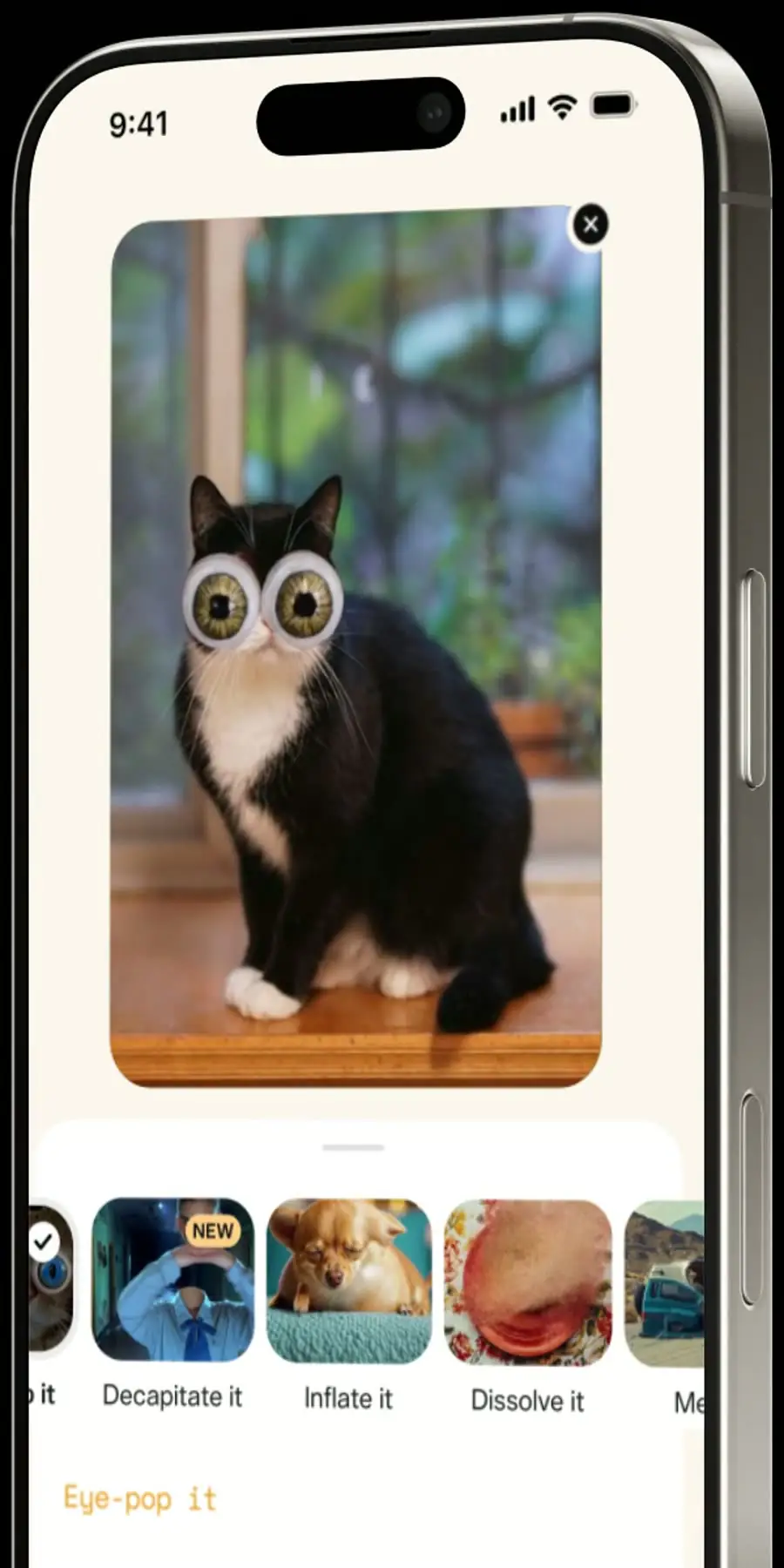
Pros: easy to use, quick to generate, plenty of fun effects, and a free credit allowance that renews every month. Cons: free output is watermarked and capped at 480p, and its handling of complex scenes and fine detail is still limited.
How far can you get for free?
Free access varies sharply across this group. Pika renews a credit allowance every month. Runway’s 125 credits are the biggest trap here: they are a one-time welcome grant, not a monthly refill. Google Veo has no free option at all. For Kling, see its official pricing page for the current free-tier terms.

| Tool | Free plan | Constraints to know |
|---|---|---|
| Runway | 125 credits, granted once at signup | A one-time welcome grant, not a monthly allowance. It does not renew: once the credits are spent, you must upgrade to keep generating. |
| Google Veo | None | No free tier. Generating video requires a paid Google AI plan. |
| Pika | 80 credits per month, renewing | Output carries a watermark, is capped at 480p, and commercial use is not permitted. |
In practice, the free tiers are enough while you are testing prompts, comparing tools on the same script, or producing internal drafts nobody publishes. You have to pay the moment the output goes out the door: Pika’s free clips are watermarked, 480p and barred from commercial use; Runway’s one-time credits eventually run out; and Veo requires a subscription before you generate anything at all.
Which tool should you choose?
No single tool is best for every need. If you are an agency or production team that needs end-to-end control, Runway is a sensible starting point. If realism and fast concepting matter most, Google Veo is the strongest of the four, provided you accept that it is paid-only. For character-driven content, Kling is worth a try. And if you are just starting out or making short social clips, Pika is the most approachable option. The practical advice is to test two or three tools with the same script and compare results before committing to a long-term paid plan.
AI video production cost
Pricing for AI video tools changes often with plans and provider policies. To estimate the AI video production cost for your project more realistically, try our cost calculator at TOT.
Frequently asked questions
Which AI video generator is best right now?
There is no single answer. For realism and image quality, Google Veo is often rated highly; for professional production workflow, Runway leads; for natural human motion, Kling is worth considering; and for a simple start, Pika is the easiest.
Can I still use Sora?
Not through the app or the website: OpenAI shut both down on 26 April 2026, so ordinary users can no longer generate new videos with Sora. The API is different — OpenAI set 24 September 2026 as its end date, so a system already built on Sora runs up to that date and should be moved to another provider before it. OpenAI has not named a successor to Sora, so the practical replacements are the tools compared here: Runway, Google Veo, Kling and Pika.
Which tool should beginners start with?
Pika is generally seen as the most beginner-friendly thanks to its simple interface and fast generation, making it a good place to learn before moving to more complex platforms.
How much do these tools cost?
Plan prices vary by provider and change over time, but the entry point differs sharply. Google Veo requires a paid Google AI plan before you can generate anything at all, while Runway grants 125 credits once at signup and Pika renews 80 credits every month at no cost. Check each provider’s official pricing page for current plan prices.
Which AI video generator makes the longest clips?
Maximum clip length depends on the platform, version and plan, and it changes frequently. Check each provider’s official page directly for the current duration limits before choosing a tool for a longer-form video project.
Are there AI video tools you can try for free?
Runway grants 125 credits once at signup, and Pika renews 80 credits per month, though Pika’s free output is watermarked, capped at 480p and not permitted for commercial use. Google Veo has no free option and requires a paid Google AI plan. For Kling, see its official pricing page for the current free-tier terms.
Should I use one tool or combine several?
Depending on your workflow, many creators combine tools: one platform for fast concepting and another for post-production. This plays to each tool’s strengths, but weigh the added cost and the time needed to learn each platform.
Features, pricing and free allowances change frequently; please verify the details on the provider’s official page before deciding.
About TOT
TOT is a pioneer in end-to-end digital transformation, delivering website design, application development, and optimized management systems for businesses. Guided by the philosophy “Technology for people,” TOT combines technical excellence with meaningful connections between brands and their users.
Book a consultation and get a free website audit at topon.tech/en/contact/.
>>> See also — in-depth guide for each tool:
- What is Runway? The AI video creation and editing platform for pros
- What is Google Veo? Google’s high-quality AI video model explained
- What is Kling? The AI video model with smooth human motion
- What is Pika? The easy AI short-video tool for beginners
- What Was Sora? OpenAI’s discontinued text-to-video model