DALL·E has been retired. OpenAI removed dall-e-2 and dall-e-3 from its API on 12 May 2026, and image generation inside ChatGPT had already moved to GPT Image in December 2025. The brand is gone, not the capability: OpenAI still generates images, and gpt-image-2 is DALL·E’s official successor.
Quick summary: No single AI image generator wins for every use case. Midjourney leads on aesthetics and artistic quality, gpt-image-2 takes plain natural-language prompts and plugs into the OpenAI ecosystem, Adobe Firefly stands out for licensed training data aimed at commercial use, Flux is prized for photorealism and open-weight availability, and Ideogram is the strongest choice when you need legible text inside images. The right pick follows your purpose, not the hype.
Quick comparison table
If you need to choose fast: pick Midjourney for artistic imagery, gpt-image-2 when you want to describe an image in everyday words, Adobe Firefly when licensed training data matters, Flux for photorealism and self-hosting, and Ideogram when your image needs legible text.
| Tool | Strengths | Weaknesses | Best for |
|---|---|---|---|
| Midjourney | High aesthetics, striking artistic styles | Less fine-grained control | Concept art, illustration, brand imagery |
| gpt-image-2 (OpenAI) | Natural-language prompts, OpenAI API and ecosystem | No signature artistic look; no open weights | Plain-language prompting, quick ideation |
| Adobe Firefly | Licensed training data aimed at commercial use; Photoshop integration | More conservative stylistic range | Businesses prioritizing copyright peace of mind |
| Flux | Photorealistic, open-weight option, customizable | Needs technical know-how to exploit fully | Developers and self-hosting teams |
| Ideogram | Accurate text rendering in images | Smaller ecosystem | Posters, logos, banners with text |
Midjourney
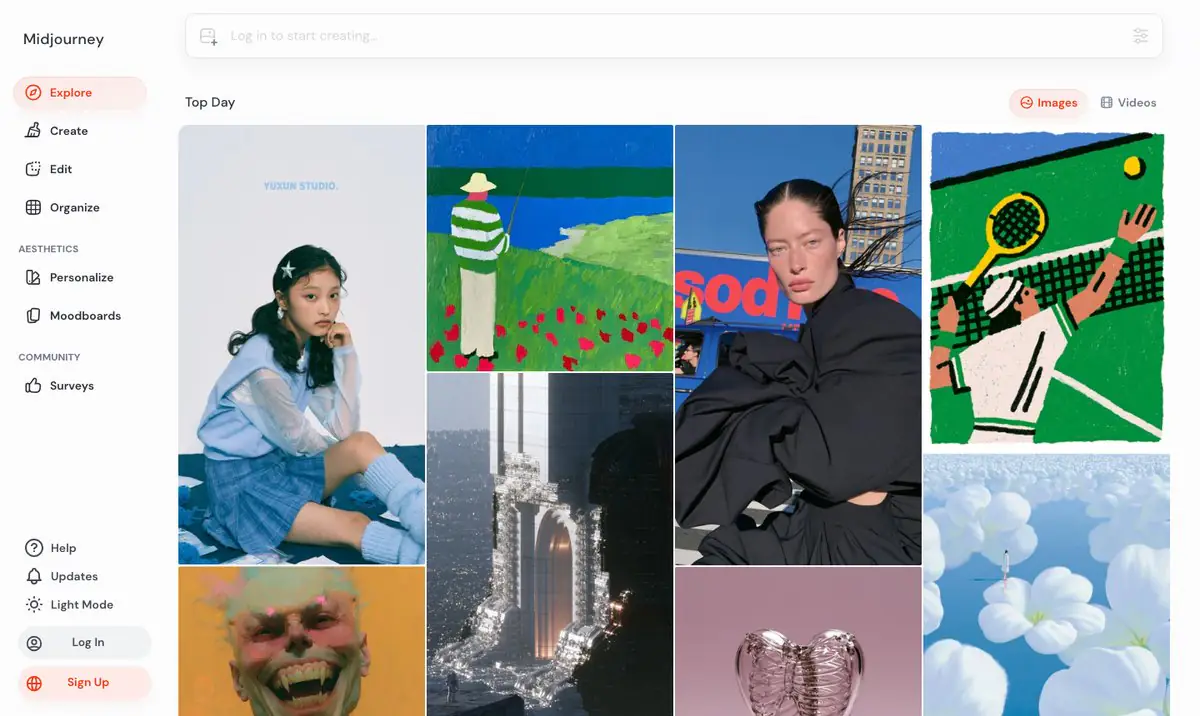
Midjourney is one of the best-known AI image generators, widely praised for its aesthetic quality and its ability to produce highly artistic imagery. It is particularly well suited to concept art, illustration and marketing visuals that need strong visual appeal.
- Pros: Beautiful, artistically rich output; a large and active user community; frequent model updates.
- Cons: Limited fine control over very specific requirements; its Discord-based workflow can feel unfamiliar to newcomers.
gpt-image-2 (OpenAI)
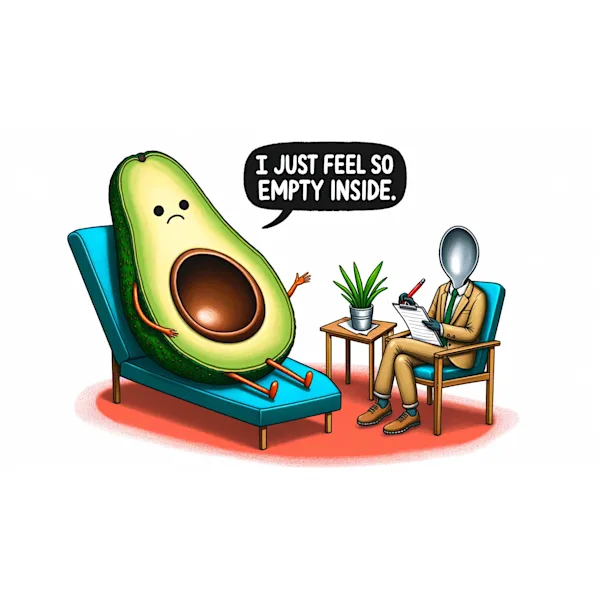
gpt-image-2 is OpenAI’s current image model line, available through the OpenAI API. It accepts prompts written in ordinary natural language, so you can describe what you want in everyday words rather than assembling a parameter string. OpenAI’s GPT Image models are also what power image generation inside ChatGPT, which makes the family a convenient way to produce an image in the middle of a conversation, without reaching for a separate tool.
- Pros: Understands everyday natural-language prompts; integrates seamlessly with the OpenAI ecosystem; a low-friction starting point if you already build on OpenAI’s API.
- Cons: It is not built around a signature artistic look the way Midjourney is, and OpenAI does not publish open weights, so you cannot self-host it as you can with some Flux versions.
Adobe Firefly
Adobe Firefly is Adobe’s image-generation model, trained largely on Adobe Stock and licensed content. Its biggest differentiator is a focus on copyright safety, making it a natural fit for enterprise environments and commercial advertising.

- Pros: Transparent training sources aimed at safe commercial use; deep integration with Photoshop and other Adobe software.
- Cons: Its creative range tends to be more cautious than tools built primarily around artistic expression.
Flux
Flux is a family of models developed by Black Forest Labs, notable for photorealistic output and for offering some versions as open weights. This lets developers self-host and customize the model to their own needs.
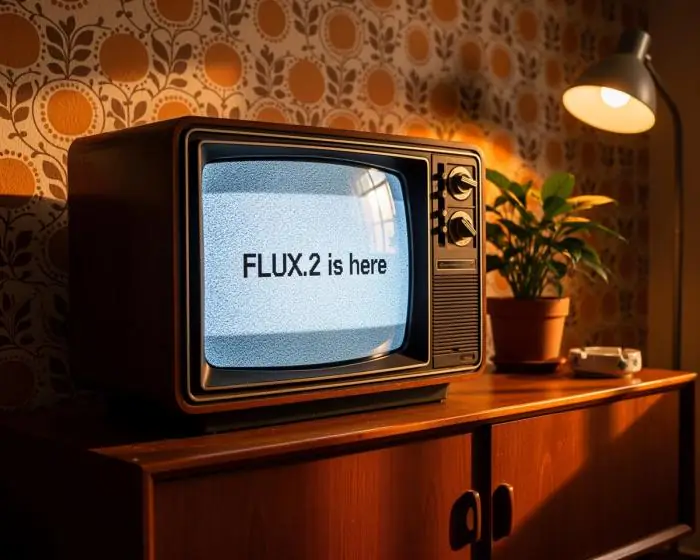
- Pros: High realism with strong detail reproduction; open versions for self-hosting; flexible for technical integration.
- Cons: Getting the most out of it often requires technical expertise; the experience for casual users is less polished than packaged tools.
Ideogram
Ideogram is widely recognized for rendering text inside images accurately, a long-standing weakness of most other image models. It is a strong pick when you need posters, logos, banners or any visual containing readable text.
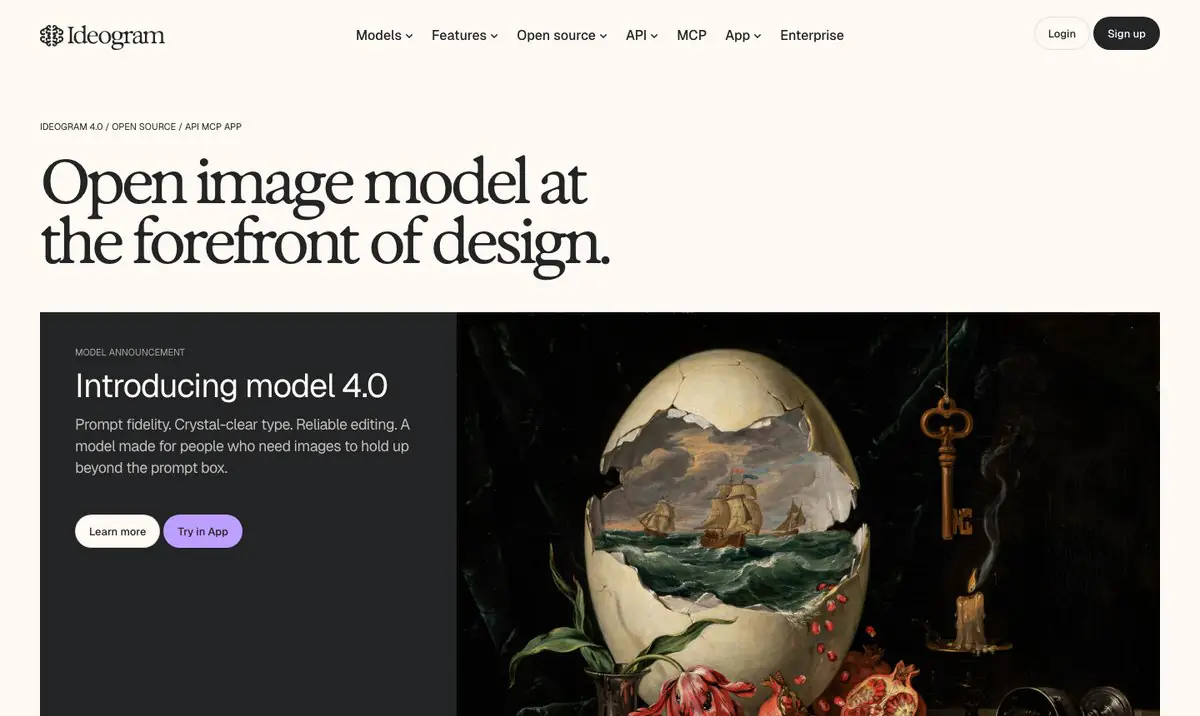
- Pros: Handles in-image text far better than most rivals; a friendly interface for text-driven design tasks.
- Cons: A smaller ecosystem and user community than Midjourney or OpenAI.
How far can you get for free?
The answer depends on how you reach each model, not only on which one you pick. Flux is the clearest case: the Flux API grants no free credits and bills every generation, but Black Forest Labs publishes some Flux versions as open weights, so the genuinely free route is running the model on hardware you already own — a cost paid in technical effort rather than money, and one that still means reading the licence attached to those weights. For Midjourney, gpt-image-2, Adobe Firefly and Ideogram, current plans and allowances are listed on each provider’s official pricing page.
Whichever route you take, three things push you onto a paid plan: client or confidential work that cannot be published openly, production volume through an API, and deadlines that leave no room for a slow queue.
Which tool should you choose?
Your choice should follow your specific goal. If aesthetics and artistic imagery matter most, Midjourney is the top pick. If you want to describe an image in plain language and iterate quickly inside the OpenAI ecosystem, gpt-image-2 fits better. Businesses that need images for commercial use and care about copyright should consider Adobe Firefly. Developers who want control and self-hosting will appreciate Flux. And when you need text inside images, Ideogram is the tool to try first. In practice, many professional teams combine several tools to play to each one’s strengths.
Before rolling out at scale, it is worth estimating your AI usage costs so you can budget properly. TOT offers an AI image generation cost calculator that helps you forecast spending based on your image volume and chosen model, making it easier to compare options.
Frequently asked questions
Which AI image generator is best for beginners?
gpt-image-2 accepts prompts written in plain, natural language, so you can describe an idea in everyday words instead of learning a parameter syntax — which makes it a low-friction place to start. Midjourney can produce more striking images, but it rewards prompt craft and a Discord-based workflow that takes longer to learn.
Which tool is safest for commercial use?
Adobe Firefly is the one most often cited when copyright peace of mind matters, because it is trained largely on Adobe Stock and licensed content. Firefly is built around that promise in a way the other four are not, which makes it a common default for advertising and enterprise work.
Which tool renders text in images best?
Ideogram is generally rated highest for accurate in-image text. This is a clear advantage when designing posters, banners or visuals that need legible wording, something many other models still get wrong.
Should you combine several AI image generators?
Yes. Many professional teams run several tools in parallel to play to each one’s strengths: Midjourney for artistic concepts, Ideogram to add text, and Firefly or Flux to finish commercial assets. This is more flexible than relying on a single tool for every task.
Do AI-generated images carry copyright risk?
The risk depends on each tool’s training data and terms. Models trained on licensed content, such as Adobe Firefly, tend to be safer for commercial use. Always read the terms of service and copyright policy before using generated images in advertising or client work.
How is the cost of AI image tools calculated?
Most tools bill by monthly subscription or by usage, such as the number of images, generations or compute credits. Your actual cost depends on your workload and the model you choose, so estimate it in advance before rolling out at scale to keep your budget under control.
Note: the features and pricing of the tools above may change over time. Please check each provider’s official website for the most up-to-date information before making a decision.
About TOT
TOT is a pioneer in end-to-end digital transformation, delivering website design, application development, and optimized management systems for businesses. Guided by the philosophy “Technology for people,” TOT combines technical excellence with meaningful connections between brands and their users.
Book a consultation and get a free website audit at topon.tech/en/contact/.
>>> See also — in-depth guides for several of the tools above:
- What Is Midjourney? The Leading AI Tool for Artistic Image Generation
- What Is Flux? Black Forest Labs’ Open-Weight AI Image Model Explained
- What Is Ideogram? The AI Image Generator That Renders Text Accurately
- What Is Adobe Firefly? Commercially Safe AI Image Generation for Business
- What Is DALL·E? Why OpenAI retired it and what to use instead