Recraft is an AI tool specialized in generating images, illustrations, and vector graphics, with a standout strength in maintaining consistent style across many pieces. Unlike general-purpose design tools, Recraft targets designers and creative teams that need a stylistically cohesive image set for brand identity, digital products, or content illustration.
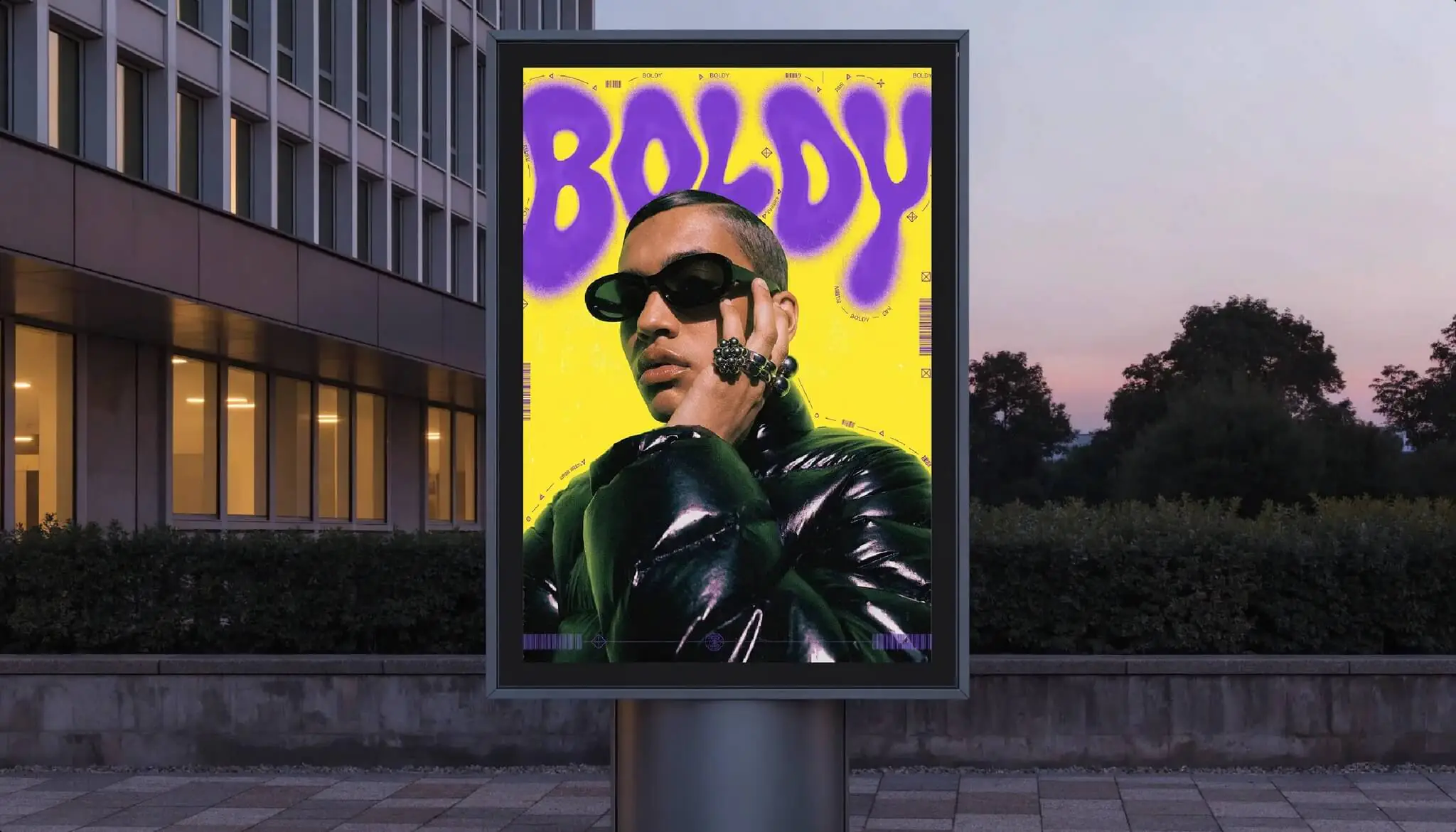
What sets Recraft apart is its ability to generate vector graphics from text descriptions and hold a consistent style throughout, rather than producing disjointed results with each generation. This matters for projects that need systematic visuals.
Who develops Recraft?
Recraft is developed by a technology company of the same name that focuses on generative AI tools for graphic design. The product is offered through a web platform aimed at professional creatives and product teams.
Features and versions
Recraft is available in both a free version and paid plans, delivered through a web platform aimed at professional creatives and product teams. Typical features include:
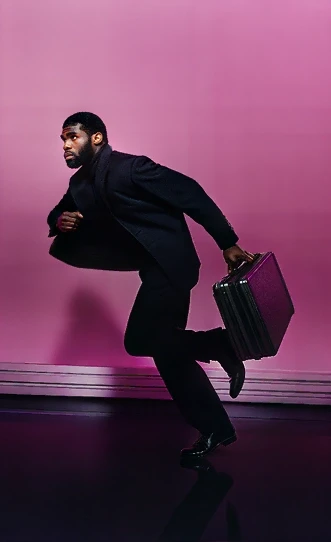
- Generating images and illustrations from text descriptions (text-to-image).
- Creating vector graphics, suitable for scalable icons and illustrations.
- Controlling and maintaining consistent style across many images.
- Editing tools for refining outputs.
Recraft updates its models and features over time. Names, generation quotas, and usage terms may vary by plan, so check Recraft’s official website for the latest details.
Pros
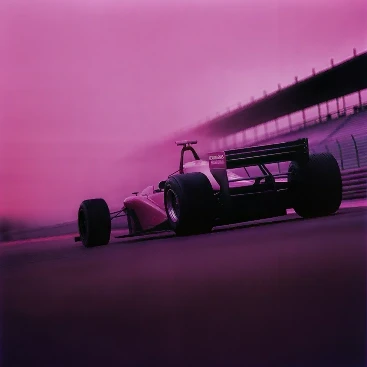
Recraft’s main strength is illustration and vector graphics, especially keeping style consistent across a whole image set. This makes it a good fit for creating icon sets and on-brand illustrations that need to feel cohesive, and a free version lets you experiment first. Key advantages include:
- Strong at illustration and vector graphics.
- The ability to keep style consistent across a whole image set.
- A good fit for creating icons and on-brand illustration sets.
- A free version for experimentation.
Cons
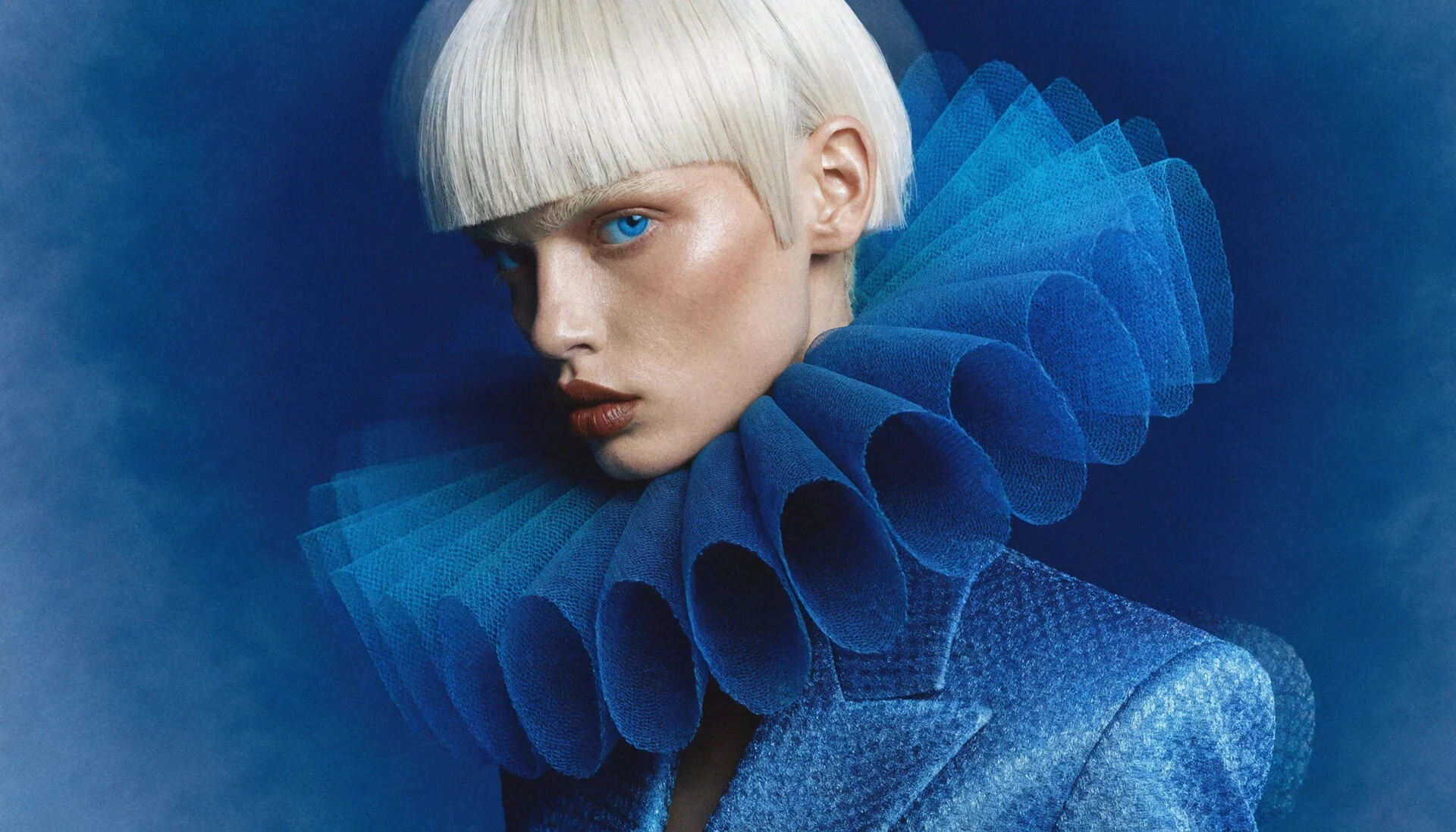
Recraft also has trade-offs. Its specialized focus can feel overcomplicated for simple needs, its community and tutorial resources are smaller than those of mainstream platforms, and some features and quotas require a paid plan. It is less convenient for fast, all-purpose assets. The main drawbacks include:
- Its specialized focus can feel overcomplicated for simple needs.
- Its community and tutorial resources are smaller than those of mainstream platforms.
- Some features and quotas require a paid plan.
Compared with competitors
Compared with Canva AI and Adobe Express, which are general-purpose design tools, Recraft is more specialized in illustration and vector graphics, especially in maintaining consistent style. In exchange, Recraft is less suited to quick, all-purpose assets such as social posts or templated posters. If you prioritize a stylistically cohesive image set, Recraft has the advantage; if you need versatility and ease of use, Canva or Adobe Express is the more sensible choice.
When should you use it?
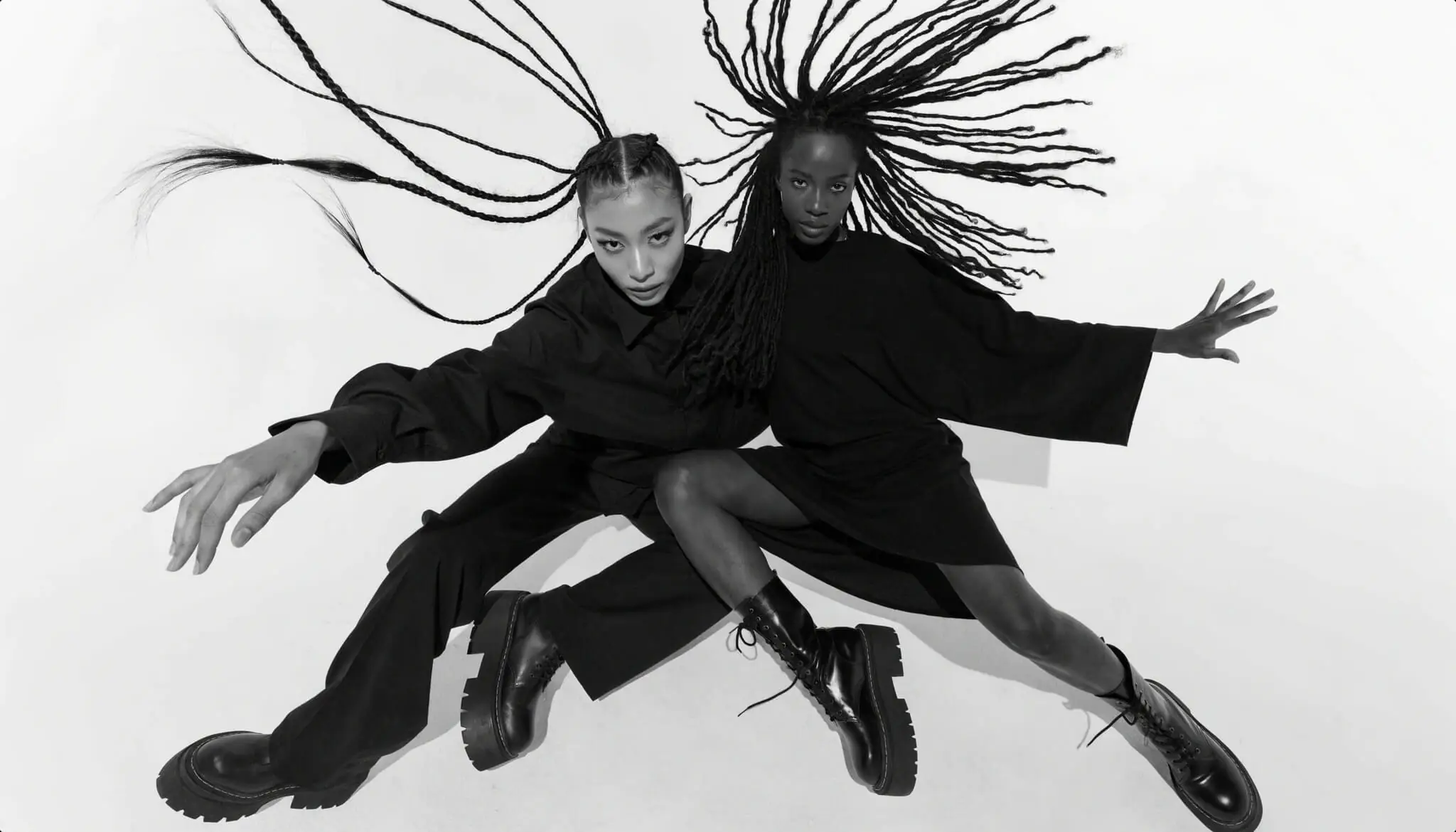
Recraft is a good fit when you need to create a stylistically consistent set of illustrations or vector graphics, such as an icon set or illustrations for a website or brand materials. It is worth considering for designers, product teams, and brands that emphasize systematic visuals. For quick, simple marketing assets, general-purpose tools are more convenient.
If you want to estimate the cost of using Recraft and other AI tools for 2D design work, try TOT’s AI 2D design cost calculator.
Frequently asked questions
Is Recraft free?
Recraft offers a free version with certain limits, along with paid plans that expand capabilities and generation quotas. Pricing details are for reference; check Recraft’s official website.
Can Recraft create vector graphics?
Yes. One of Recraft’s strengths is generating vector graphics, suitable for icons and illustrations that scale without losing quality. Results may need further refinement depending on the request.
Who is Recraft best for?
Recraft is best for designers, product teams, and brands that need a stylistically consistent illustration or vector set, rather than users who only need to create simple assets.
What can Recraft do?
Recraft can generate images and illustrations from text, create scalable vector graphics such as icons, control and maintain a consistent style across many images, and refine outputs with editing tools. Available features depend on your plan.
Can Recraft keep a consistent style across images?
Yes. Maintaining a consistent style across a whole image set is one of Recraft’s defining strengths, which is useful for icon systems and brand illustrations. Results may still need refinement depending on the request.
Is Recraft suitable for beginners?
Recraft is aimed at professional creatives and product teams, so its specialized focus can feel complex for simple needs. Beginners who mainly need quick, general assets may find general-purpose tools easier to start with.
Information in this article is for reference at the time of writing. Features, versions, and pricing may change; please check Recraft’s official website before deciding.
About TOT
TOT is a pioneer in end-to-end digital transformation, delivering website design, application development, and optimized management systems for businesses. Guided by the philosophy “Technology for people,” TOT combines technical excellence with meaningful connections between brands and their users.
Book a consultation and get a free website audit at topon.tech/en/contact/.
>>> See also: