Quick summary: If you need an easy tool for quickly producing social media and marketing assets, Canva AI is the most balanced choice. Adobe Express fits when you want to stay within the Adobe ecosystem and need professional quality. Recraft targets serious designers and is especially strong at generating illustrations and vector graphics in a consistent style.
AI 2D design tools are dramatically cutting the time needed to create images, banners, illustrations, and media assets. Each tool, however, targets a different type of user and purpose. The comparison below covers three representative tools to help you choose the right one.

Quick comparison table
The table below compares three representative AI 2D design tools across strengths, weaknesses, and best-fit users. Canva AI leans toward ease of use, Adobe Express toward professional output within the Adobe ecosystem, and Recraft toward consistent illustration and vector sets. Use it to shortlist quickly before reading the detailed reviews.
| Tool | Strengths | Weaknesses | Best for |
|---|---|---|---|
| Canva AI | Easy to use, huge template library, many built-in AI features | Designs can look similar if templates are overused | Marketers, small business owners, non-designers |
| Adobe Express | Professional quality, Adobe ecosystem integration | Steeper learning curve for complete beginners | Adobe users needing polished output |
| Recraft | Strong at illustration and vector, consistent style control | Specialized focus, less suited to simple needs | Designers and product teams needing cohesive sets |
Canva AI
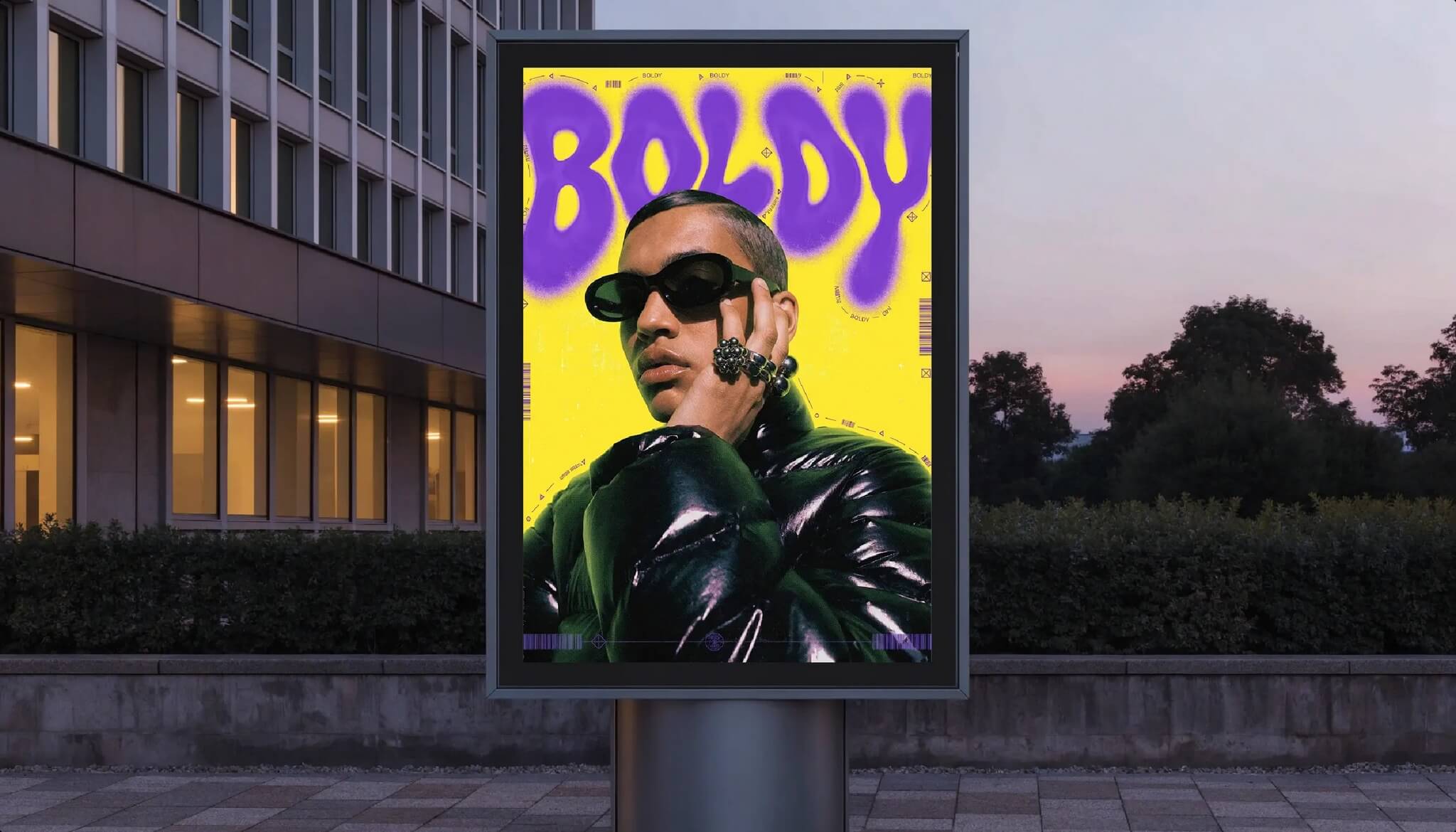
Canva AI is a set of artificial intelligence features built into the Canva design platform, including image generation, background removal, image expansion, layout suggestions, and content writing help. It is designed for ease of use by a broad audience.
Pros: an intuitive drag-and-drop interface; a very large template and asset library; many AI features bundled in one platform; and a good fit for non-designers creating assets quickly.
Cons: overusing built-in templates can make designs look repetitive and lacking in identity, and the breadth of the platform means it is not the most specialized option for any single task.
Adobe Express
Adobe Express is Adobe’s online design tool, combining generative AI features with the company’s fonts, stock library, and editing tools. It targets both general users and professionals who need polished output.
Pros: professional-quality output; strong integration with the Adobe ecosystem; many high-quality templates and assets; and a good fit for brands needing consistency.
Cons: a somewhat steeper learning curve for complete beginners, and the value is clearest when you already use other Adobe products.
Recraft
Recraft is an AI tool focused on generating images, illustrations, and vector graphics, with a strength in maintaining consistent style across many pieces. It targets designers and teams that need a stylistically cohesive image set.
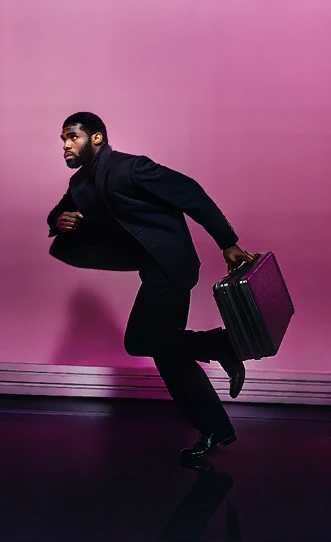
Pros: strong at illustration and vector work; the ability to keep style consistent; and a good fit for creating icon sets and on-brand illustrations.
Cons: its specialized focus can be overkill for simple needs, and it covers a narrower slice of the workflow than an all-in-one platform, so you may still reach for another tool for layout and everyday marketing assets.
How far does the free plan get you?
All three tools have a free plan, but the allowances work in fundamentally different ways — and the thing that matters most is not the number.
| Tool | Free plan | What to watch for |
|---|---|---|
| Canva | The Free plan draws on one shared monthly AI allowance: up to 200 uses of standard AI tools, or up to 20 uses of premium ones. Generating an image with Canva AI counts as premium, so in practice you get around 20 images a month. The allowance resets at 00:00 UTC on the first of each month. | The Free plan has no access to Ultra AI tools. |
| Adobe Express | Free users get a set number of generations that refresh daily rather than monthly. | Adobe does not publish the figure and states that the number of generations, features and models may change. The free plan runs on a curated subset of models. |
| Recraft | A free plan is available for trying the tool. | The heaviest restriction of the three: images generated on the free plan are owned by Recraft, are publicly visible in its community gallery, and are not licensed for commercial use — which also means they cannot be listed on stock platforms that require proof of ownership. |
In short: if you are producing images for a client or for advertising, Recraft’s free plan is unusable on licensing grounds no matter how good the output looks. Canva’s 20 images a month covers experimentation only, and Adobe Express refreshes daily, which suits a steady trickle of work better than one large batch. Read the plan terms before a tool enters your production pipeline.
Which tool should you choose?
If you are a marketer, small business owner, or non-designer who needs to create social media assets quickly, Canva AI is a sensible starting point thanks to its ease of use and versatility. If you already know the Adobe ecosystem and need professional output for a brand, Adobe Express is a better fit. And if you are a designer who needs to create illustrations and vector graphics with consistent style, Recraft will serve you better.

In practice, many teams combine all three: Canva for speed, Adobe Express for polished assets, and Recraft for distinctive illustration sets. The key is choosing the tool that matches your workflow and brand goals. Plans and limits change often, so check each tool’s official pricing page — and the licensing terms attached to whatever you generate — before you commit.

Want to estimate the cost of using AI for 2D design work? Try TOT’s AI 2D design cost calculator to budget more accurately.
Frequently asked questions
Which AI 2D design tool is easiest for beginners?
Canva AI is usually the most accessible thanks to its intuitive drag-and-drop interface and rich template library, suitable even for those with no design background.
Can AI tools fully replace designers?
No. These tools accelerate the creative process, but humans are still needed to direct aesthetics, ensure brand consistency, and refine final results.
Should I choose Recraft or Canva AI for creating illustrations?
If you need illustration and vector sets with consistent style, Recraft has a deeper specialized advantage. If you prioritize speed and versatility across many asset types, Canva AI is a better fit.
Which tool is best for professional brand assets?
Adobe Express is a strong fit for polished brand output, especially if you already use the Adobe ecosystem. Recraft suits cohesive illustration and icon sets, while Canva AI covers fast, everyday marketing assets.
Can I use more than one of these tools together?
Yes. Many teams combine them: Canva for speed, Adobe Express for polished assets, and Recraft for distinctive illustration sets. The right mix depends on your workflow and brand goals.
What happened to DALL·E?
OpenAI removed the DALL·E models from its API on 12 May 2026, so the brand is no longer something you can build a 2D design workflow on. OpenAI itself still generates images — that capability moved to its gpt-image-2 line, and ChatGPT switched over in December 2025. If you want a general-purpose image generator alongside the three design platforms above, gpt-image-2, Midjourney, Flux, Adobe Firefly and Ideogram are all still operating.
About TOT
TOT is a pioneer in end-to-end digital transformation, delivering website design, application development, and optimized management systems for businesses. Guided by the philosophy “Technology for people,” TOT combines technical excellence with meaningful connections between brands and their users.
Book a consultation and get a free website audit at topon.tech/en/contact/.
>>> See also — in-depth guide for each tool: