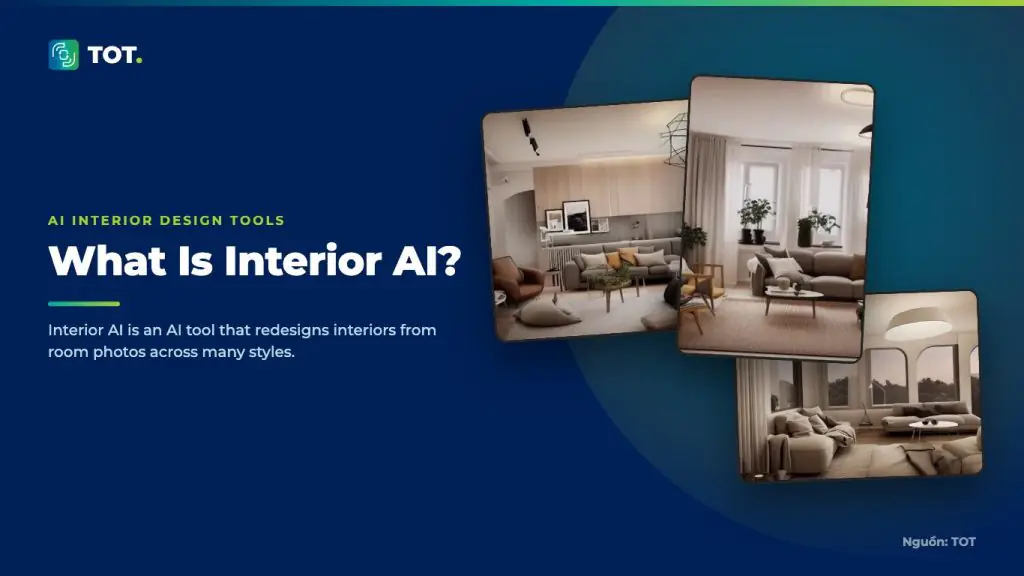
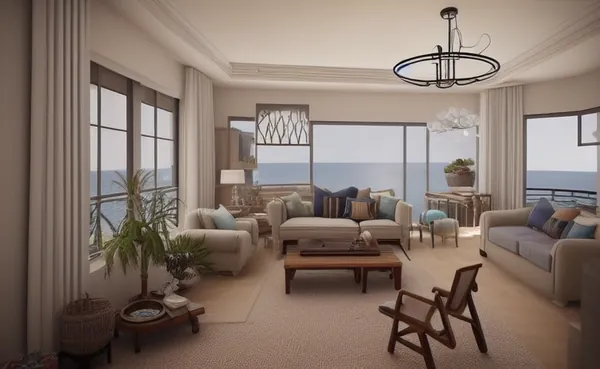
Interior AI is an AI tool that lets you upload a photo of a room and generate a new interior design in a style you choose. It targets homeowners, real estate agents and creatives who want to quickly visualize many decorating ideas without manual modeling.
Who develops Interior AI?
Interior AI is built as a web product that applies generative image AI to interior design. Users work directly in the browser, uploading a photo and selecting a style to receive results.
Key features
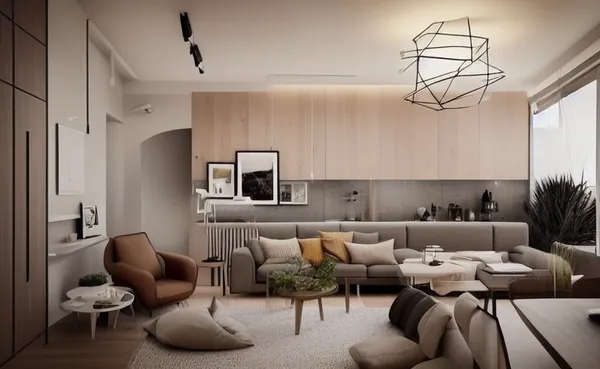
Interior AI focuses on transforming the space in a photo into different styles. Users can try many styles on the same room.
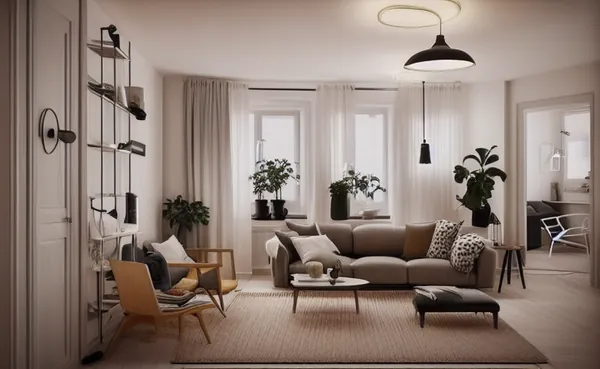
- Interior redesign from a room photo.
- A range of interior styles to choose from.
- Support for some exterior and outdoor-space scenarios.
- Multiple options per image for comparison.
Pros
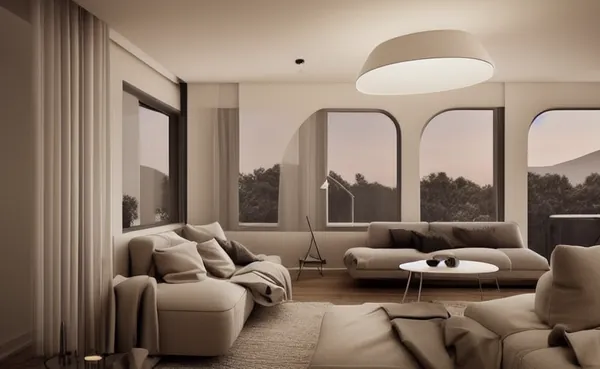
Interior AI’s strengths are a broad library of styles and a simple workflow: just upload a photo and pick a style to get a new design. It is useful for homeowners and agents who want to present many decorating ideas without any manual modeling.
- A wide choice of styles, convenient for testing ideas.
- Simple to use, suitable for non-professionals.
- Useful for homeowners and agents presenting ideas.
Cons
Interior AI’s limitations are that you sometimes need to regenerate several times for a satisfying result, and some architectural details may differ from the real room. The images are illustrative of style and layout, not precise scale drawings you can build from directly.

- Sometimes requires several regenerations to get a satisfying result.
- Some architectural details may differ from the real room.
- Images are illustrative, not precise scale drawings.
How it compares
Compared with RoomGPT, Interior AI offers more styles and scenarios, while RoomGPT is minimal and easy for a single room. Compared with REimagine Home, Interior AI is strong at quick style changes, while REimagine Home emphasizes virtual staging for real estate. Compared with Spacely AI and Collov, Interior AI leans toward general users rather than deep professional workflows.

When should you use it?
Interior AI is a good fit when you want to quickly try many styles for a room, create reference material before consulting a designer, or present ideas to clients. For accurate construction drawings, you still need an architect’s expertise.
Want to estimate the cost of using Interior AI and other AI tools in your interior design workflow? See TOT’s AI interior design cost guide.
Frequently asked questions
Is Interior AI free?
Interior AI typically offers a trial or limited free quota before moving to paid plans. Pricing is for reference only, so check the official site.
Can Interior AI images be used for construction?
Images illustrate style and layout and do not replace technical drawings. Check against real measurements and professional advice.
Does Interior AI keep the room’s structure?
Depending on the style and settings, some structural details may change. Review results carefully before using them for presentation.
Does Interior AI support exterior design?
Beyond interiors, Interior AI supports some exterior and outdoor-space scenarios. Results can vary by photo and style, so you should experiment to judge how well it fits your case.
What kind of room photo gives the best results?
A sharp, well-lit photo that captures the whole room tends to give more consistent results. Blurry or single-angle shots can cause the tool to misread the space and produce less accurate proposals.
How does Interior AI differ from RoomGPT?
Interior AI offers more styles and scenarios, including some exterior cases, while RoomGPT is minimal and fast for changing the style of a single room.
The information in this article is for reference at the time of writing. Interior AI’s features, versions and pricing may change; please verify on the official website before deciding.
About TOT
TOT is a pioneer in end-to-end digital transformation, delivering website design, application development, and optimized management systems for businesses. Guided by the philosophy “Technology for people,” TOT combines technical excellence with meaningful connections between brands and their users.
Book a consultation and get a free website audit at topon.tech/en/contact/.
>>> See also:
- Best AI Interior Design Tools 2026: Interior AI, REimagine, Spacely, Collov, RoomGPT
- What Is RoomGPT? A Simple, Easy AI Room Redesign Tool
- What Is Collov AI? Commercial-Focused AI Interior Design
- What Is REimagine Home? AI Space Refresh and Virtual Staging
- What Is Spacely AI? AI Interior Design for Professionals