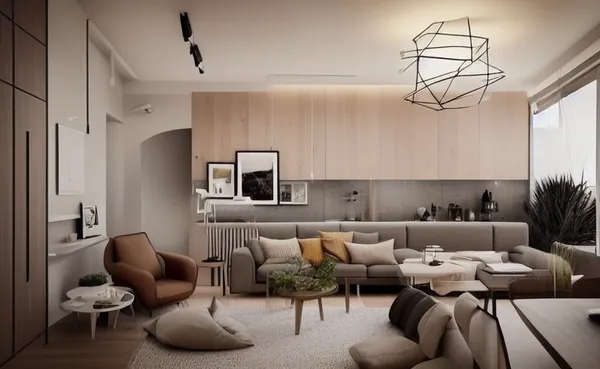
AI interior design tools can turn a photo of an empty or dated room into fresh layout, color and style options in just minutes. This article compares five popular platforms, Interior AI, REimagine Home, Spacely AI, Collov and RoomGPT, to help homeowners, real estate agents and designers pick the right one.
Quick summary
If you need a versatile tool for both interiors and exteriors, Interior AI and REimagine Home are frequently mentioned for their range of style options. Spacely AI and Collov target professional users and commercial workflows, while RoomGPT stands out for simplicity and accessibility for beginners. The right choice depends on your goal: quick reference visuals, or client consulting and real estate marketing.
Quick comparison table
The table below summarizes each tool’s strengths, weaknesses and best-fit users so you can shortlist options before the detailed breakdown. Interior AI and REimagine Home are flexible across needs, Spacely AI and Collov lean professional, and RoomGPT keeps things simple for beginners.
| Tool | Strengths | Weaknesses | Best for |
|---|---|---|---|
| Interior AI | Many styles, supports interiors and exteriors, fast room redesign | Results sometimes need several attempts | Homeowners, agents, idea testing |
| REimagine Home | Multi-feature: redesign, virtual staging, space refresh | Credit-based, some details need correction | Agents, real estate staging |
| Spacely AI | Professional focus, many style options and control | Slightly steeper learning curve | Designers, studios |
| Collov | Good render quality, commercial focus | Premium features are paid | Furniture businesses, showrooms |
| RoomGPT | Simple, easy to use, fast for a single room | Fewer detail controls | Beginners, quick style tests |
Interior AI
Interior AI lets you upload a room photo and select a style to receive a new design. It supports many interior styles as well as some exterior scenarios, making it well suited to quick idea testing.
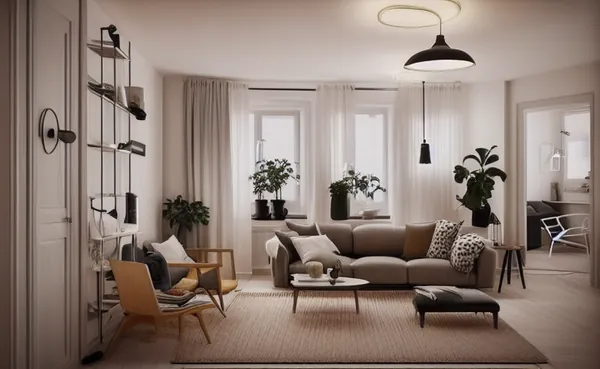
Pros: Many styles, simple to use, and useful for homeowners and agents. Cons: You may need to regenerate several times to get a satisfying result, and some architectural details can be altered.
REimagine Home
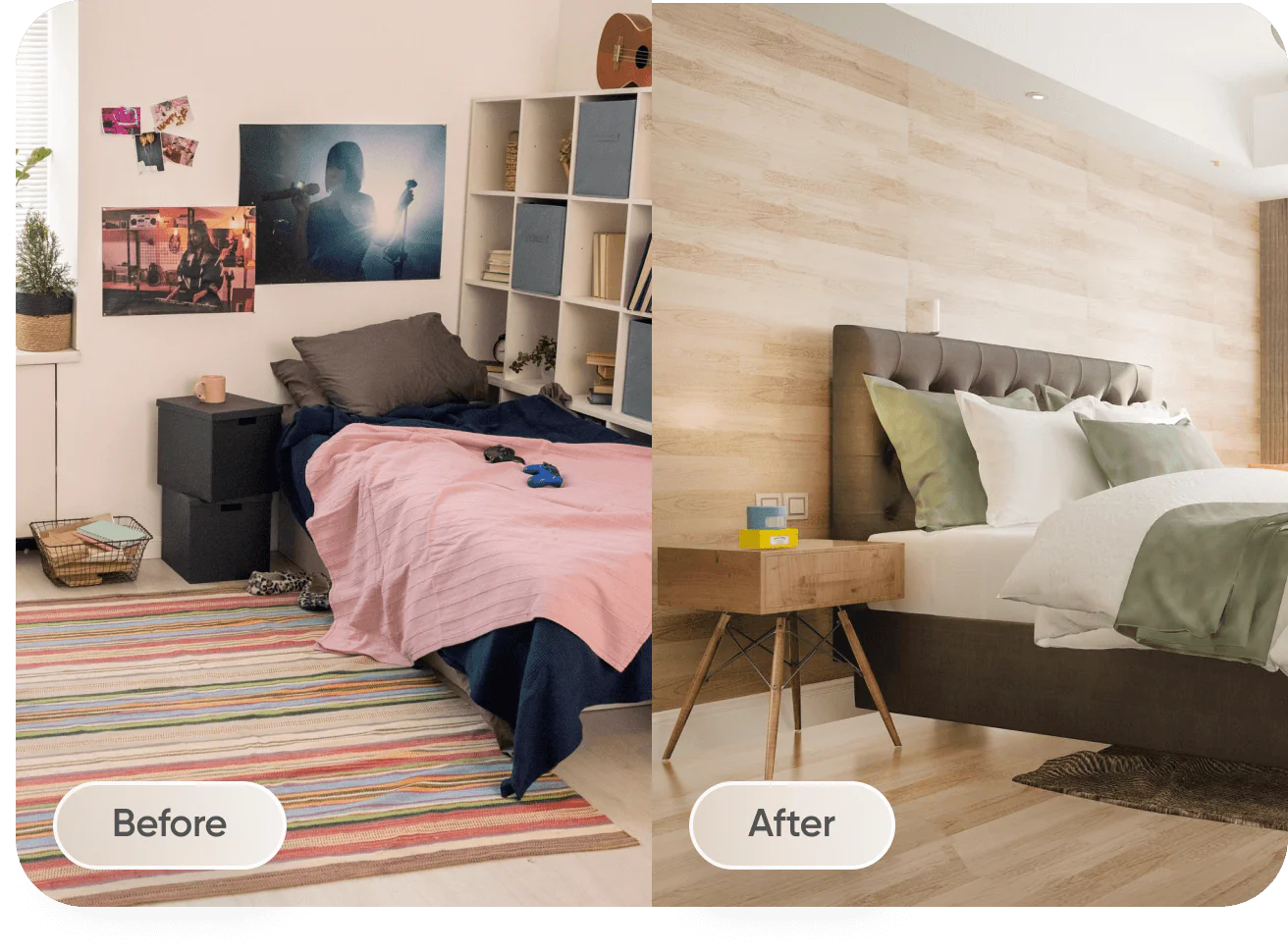
REimagine Home focuses on refreshing spaces, redesigning rooms and virtual staging for real estate. It lets you keep or change the layout as needed, which is useful for showcasing a home’s potential.
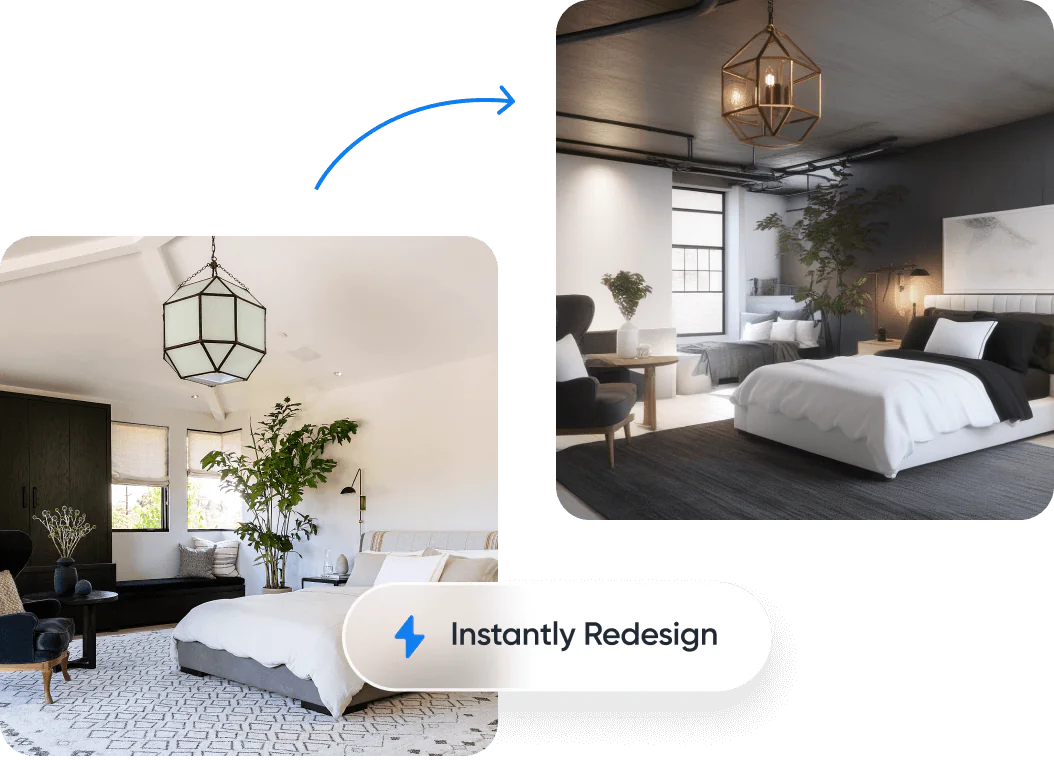
Pros: Multi-feature, well suited to real estate staging and marketing. Cons: Credit-based model, and some details need editing for accuracy.
Spacely AI
Spacely AI targets professional users with more style options and greater control over results. The platform suits designers and studios that need varied options for clients.

Pros: Many options, professional focus, consistent quality. Cons: A slightly steeper learning curve than simpler tools.
Collov
Collov (Collov AI) has a commercial focus, offering rendering and interior design for businesses, showrooms and client consulting. The tool emphasizes output image quality.

Pros: Good render quality, suitable for commercial purposes. Cons: Premium features usually carry a cost.
RoomGPT
RoomGPT is a simple tool that lets you upload a photo of a single room and choose a style to receive a new design. Its minimalist approach makes it accessible to everyday users.
Pros: Easy to use, fast and good for beginners who want to experiment. Cons: Fewer detail controls than professional tools.
How far can you get for free?
Not far, and not for long. Of the five tools here, only REimagine Home and Spacely AI grant a genuinely usable free allowance, and both are one-time gifts to new accounts rather than monthly quotas. Once spent, they do not refill — and mistaking them for monthly quotas is the biggest trap. Interior AI and RoomGPT publish no free allowance at all.
| Tool | Free tier | Constraints to know |
|---|---|---|
| Interior AI | None stated on the official site | The official pricing page was unreachable (404) when checked, so this could not be fully verified. The homepage lists paid plans only, from USD 49/month, and mentions no free renders. Check the official site before assuming a free option exists. |
| REimagine Home | 5 free designs, granted once to new accounts | This is a one-time gift, not a monthly quota — the 5 designs do not reset each month. They do run on the same AI as the Pro plan. |
| Spacely AI | 40 trial credits, granted once | The credits are a one-time grant and do not renew monthly. No watermark, but Realistic Render Pro is locked and 4K download is unavailable. |
| Collov AI | No recurring free plan; 5 trial runs only | The 5 trial outputs carry a watermark. Beyond them, paid plans start at USD 19/month. |
| RoomGPT | None stated on the official site | The official pricing page was unreachable (404) when checked, so this could not be fully verified. The site sells credit packs and states no free credits. Check the official site before relying on a free tier. |
The free route is enough when you only want to test two or three styles on a single room, or judge output quality before committing money. You are pushed into paying as soon as you need repeat runs beyond that one-time grant, watermark-free output from Collov, 4K files or Realistic Render Pro from Spacely AI, or a tool whose official pages list no free option at all — as is the case with Interior AI and RoomGPT.
Free allowances above were checked against official pricing pages on 16 July 2026 and may change at any time; verify on each tool’s official site before you plan around them.
Which tool should you choose?
If you are a homeowner who wants to try a few styles quickly, RoomGPT and Interior AI are simple starting points. Agents and real estate marketers may prefer REimagine Home for its virtual staging. Designers and studios needing more options and control should consider Spacely AI, while furniture businesses focused on render quality may choose Collov. Testing a few tools on the same room photo will help you judge which fits your taste best.
Need advice on the cost of applying AI to interior design for a project or business? See TOT’s AI interior design cost guide for a clear budget plan.
Frequently asked questions
Can AI interior design tools replace an architect?
Not entirely. These tools are useful for generating ideas and visualizing styles, but technical drawings, measurements and construction still require the expertise of architects and designers.
Are AI-generated images dimensionally accurate?
Usually not. Results illustrate style and layout, not precise scale drawings, so they should be checked against real measurements.
Are these tools free?
Most offer a trial or limited free credits before moving to paid plans. Prices and quotas are for reference only, so check each tool’s official site.
Do I need a high-quality room photo?
A sharp, well-lit photo that captures the whole room usually gives better, more consistent results. Blurry, backlit or single-angle shots can cause the AI to misread the space and produce less accurate proposals.
Can these tools keep the room’s existing layout and structure?
Some tools offer an option to preserve the layout or change only surfaces and furniture. Even so, depending on the settings, a few structural details may still be altered, so review results carefully before using them.
Are AI interior design tools useful for real estate agents?
Very much so. Virtual staging and space-refresh features help agents showcase a property’s potential. Just be sure to clearly note that an image was edited with AI, to stay transparent and compliant with local rules.
The information in this article is for reference at the time of writing. Each tool’s features, versions and pricing may change; please verify on the official website before deciding.
About TOT
TOT is a pioneer in end-to-end digital transformation, delivering website design, application development, and optimized management systems for businesses. Guided by the philosophy “Technology for people,” TOT combines technical excellence with meaningful connections between brands and their users.
Book a consultation and get a free website audit at topon.tech/en/contact/.
>>> See also — in-depth guide for each tool: