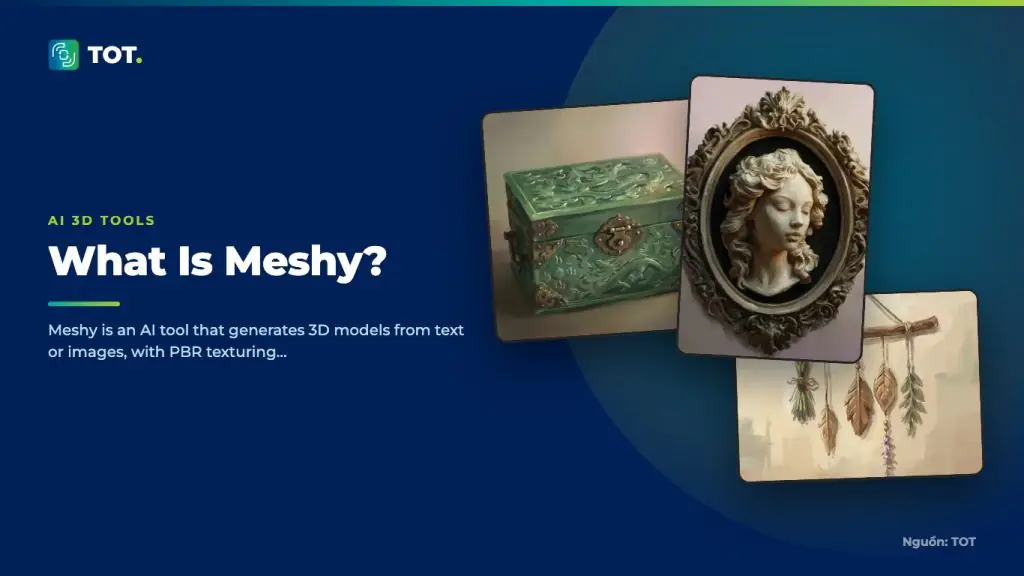
Meshy is an AI tool that generates 3D models from a text prompt (text-to-3D) or from a 2D image (image-to-3D), complete with PBR materials and automatic rigging. Meshy aims to shorten the 3D modeling process for game artists, designers and content creators.
Who develops Meshy?
Meshy is developed by the technology company of the same name, focused on generative AI for 3D content. The platform runs primarily on the web, letting users create and manage models directly in the browser without a complex hardware setup.
Key features
Meshy offers several features for a 3D production workflow. Users can enter a text description to generate a model, upload an image to convert it into a 3D model, or generate textures for an existing model.

- Text-to-3D model generation.
- Image-to-3D conversion from 2D images.
- PBR texturing for material surfaces.
- Automatic rigging for character models.
- Export to common formats such as GLB, FBX and OBJ for Unity, Unreal or Blender.
Pros
Meshy’s biggest strength is its balance of speed and ease of use: an intuitive workflow, fast mesh generation and support for multiple export formats let assets drop straight into game pipelines. Its rich community and documentation also help newcomers get productive quickly.

- Intuitive workflow that is approachable for beginners.
- Fast mesh generation, well suited to prototyping.
- Multiple export formats with good integration into game pipelines.
- A rich community and helpful documentation.
Cons
Meshy’s main limitations show at the finishing stage: complex detail usually needs mesh cleanup and further optimization, and credit-based pricing makes costs grow with large-scale production. Image-to-3D results also depend heavily on the quality of the input image.

- Complex detail usually needs mesh cleanup and further optimization.
- Credit-based pricing means costs grow with large-scale production.
- Image-to-3D results depend on the quality of the input image.
How it compares
Compared with Tripo, Meshy has a more mature ecosystem and documentation, which suits users who need a stable workflow. Compared with Rodin, Meshy is easier to use, but Rodin is often rated higher for surface detail in final products.

When should you use it?
Meshy is a good fit when you need to quickly create 3D models for games, prototype ideas or build basic assets without spending long hours modeling by hand. If your project demands very high detail for cinematic rendering, consider pairing Meshy with a dedicated refinement tool.

Want to estimate the cost of using Meshy and other AI tools in your 3D design workflow? See TOT’s AI 3D design cost guide to plan your budget.
Frequently asked questions
Is Meshy free?
Meshy typically offers a trial or limited free credits before moving to paid plans. Pricing is for reference only, so check the official site.
Can Meshy models be used commercially?
Commercial usage rights depend on your plan and Meshy’s terms. Read the terms on the official site carefully before using models in commercial projects.
Can Meshy export files for Blender?
Yes. Meshy supports common formats such as GLB, FBX and OBJ, which import into Blender and other 3D software.
Does Meshy generate models from text or images?
Meshy supports both: you can enter a text description (text-to-3D) or upload a 2D image to convert it into a 3D model (image-to-3D), depending on the input you already have.
Does Meshy support automatic rigging?
Yes. Meshy offers auto-rigging for character models, which shortens preparation before animation. For complex cases, the rig may still need manual adjustment afterward.
Should I choose Meshy or Tripo?
Meshy has a more mature ecosystem and documentation, which suits a stable workflow. Tripo is often noted for mesh compactness and cost. The right pick depends on your project’s style and how much post-processing you accept.
The information in this article is for reference at the time of writing. Meshy’s features, versions and pricing may change; please verify on the official website before deciding.
About TOT
TOT is a pioneer in end-to-end digital transformation, delivering website design, application development, and optimized management systems for businesses. Guided by the philosophy “Technology for people,” TOT combines technical excellence with meaningful connections between brands and their users.
Book a consultation and get a free website audit at topon.tech/en/contact/.
>>> See also: